How Many 3D Renderings Do I Need for My Project?
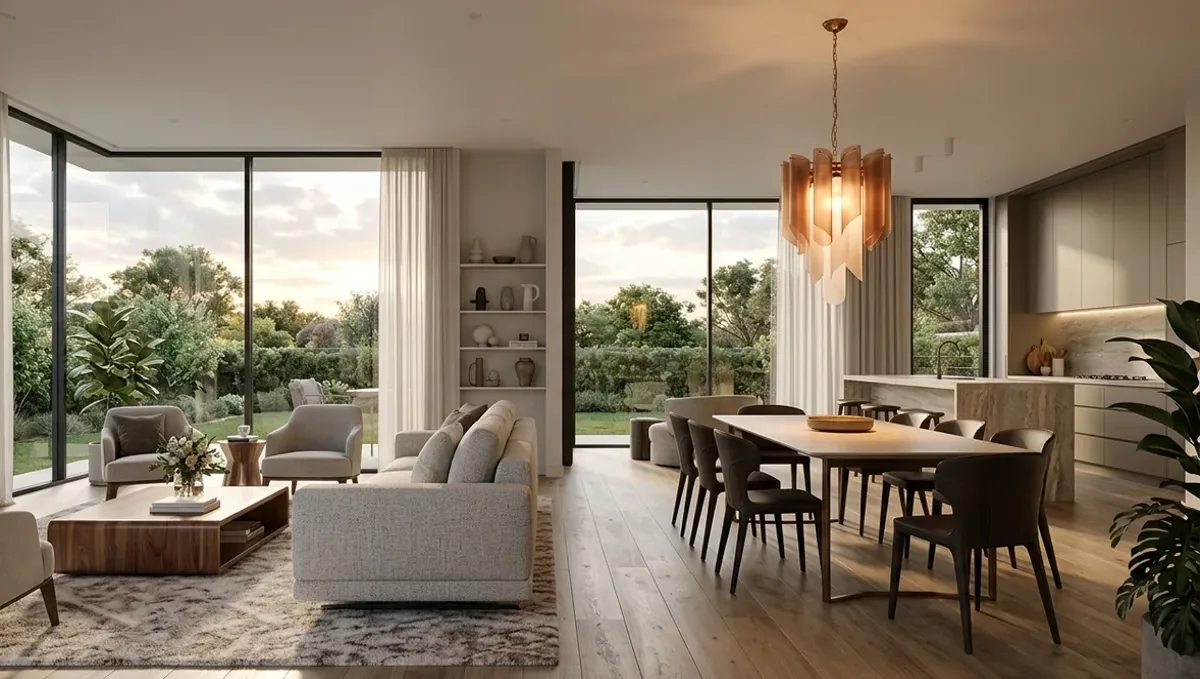
Quick answer: How many 3D renderings do I need? As many as the decisions require: one view per question, prioritized by impact, budget and schedule.
The short answer: as many as the decisions you need to support
There is no fixed number of 3D renderings that every project needs. The right count depends on what the images must do: sell a unit, win an approval, persuade a client, fill a website or support a permit. A small residential project often works well with a handful of carefully chosen views, and a larger building or a marketing campaign needs more. The useful question is not how many images, but which questions the images must answer. Each view should earn its place by showing something the others do not.
This guide explains how to decide the count, how to choose the views, how the number affects cost and time, and how to avoid ordering too few or too many. It is the overview for a series of guides by format, role, project type, use and deliverable.
Start from the purpose, not the number
Write down what the images are for before you count anything. A listing needs enough views to make a buyer understand the property. A permit submittal needs the views the reviewer requires. A client presentation needs the views that answer the client doubts. When the purpose is clear, the list of views almost writes itself, and the studio can quote it accurately. When the purpose is vague, people default to a round number and end up with images they never use.
One view per question
A practical rule is to give every view a job. The main exterior shows the character of the building. A second exterior shows the entrance or the side that faces the street. An interior view shows the main living space. A detail view shows a material or a feature the client cares about. If two views answer the same question, one of them is probably unnecessary. If a question has no view, add one. This approach keeps the set lean and every image useful.
Exterior views
For a building, the hero exterior is usually the first image, taken from a natural eye level and a position where people would actually see the property. A second exterior from another corner shows the massing and the relation to the site. Add an entrance view if the arrival experience matters, and a rear or garden view if the outdoor space is part of the value. An aerial view is helpful for context, site planning and larger developments, and less useful for a single small house.
Interior views
Interiors need a view for each space that carries value or uncertainty: the living area, the kitchen, the primary bedroom or bath. Minor rooms rarely need their own image unless the client is unsure about the design. For open plans, one wide view may cover several functions. For rooms with different finishes or unusual geometry, add a second angle. Choose angles that show the room the way a person would stand in it, with a natural lens and honest proportions.
Detail and close up views
A close up shows what a wide view cannot: the texture of a stone, the profile of a molding, the detail of a custom built in. Use them sparingly, for the elements the client is deciding on or the ones that distinguish the project. They help material decisions and marketing, and they are often quicker to produce than a full view, but they still need their own setup and review, so include them deliberately and not as an afterthought.
Day and night versions
Day and night views double the image count for the scenes they cover, so use them where mood matters: a main exterior, a restaurant, a lit outdoor area. Many projects need only one lighting condition for most views and a night version of the hero. Decide early, because lighting changes the setup. See how many camera angles per room and the guides by deliverable for how to plan versions without inflating the set.
How many for a small project
For a single room, such as a kitchen or a bathroom, a small set is often enough: the main view from the entrance, a second angle that shows the opposite side, and perhaps one detail. A client deciding between two designs may need the same views repeated for each option. For a very simple decision, a single image can be enough, as explained in when one rendering is enough. Avoid padding a small project with views that repeat one another.
How many for a house or a larger project
A whole house usually needs several exteriors and a view for each major interior space. A multi-unit building or a development needs more, including context and amenity views. The count grows with the number of distinct spaces, but not one-to-one, since many rooms can share a view. Group similar spaces, prioritize those that sell or need approval, and add secondary views only if the budget and the schedule allow.
Matching the count to the audience
A neighbor at an HOA meeting, a lender reviewing a loan and a buyer browsing a listing want different things. The HOA wants to see the exterior in context, the lender wants clarity about the product, and the buyer wants to feel the space. Match the views to the audience so that each viewer finds an answer without wading through images meant for someone else.
Consistency across the set
Views should feel like one project: same season, same time of day unless a version is intended, same level of detail. A set with inconsistent light and landscaping looks accidental and weakens trust. Agree the style with the studio at the start so every view supports the others, and so the client or the public sees a coherent proposal.
Reusing the model for later needs
Once a project is modeled, extra views, changes of materials or new lighting cost less than starting over. Plan for this by ordering the priority set first and asking the studio to keep the model available. When a new question arises, a new angle often answers it, and the project can grow in step with the real decisions.
Sanity checks before you order
Review your list and ask, for each view, who will see it, what decision it supports and what would be lost without it. Remove duplicates, merge similar angles and add anything the approval or the client will ask for. A short review before ordering saves revisions later and usually results in a smaller and better set.
Counting for print and digital use
Images used in print, such as posters and brochures, may need fewer views but larger resolutions. Images for websites and social media may need more variety and smaller sizes. Tell the studio where the images will appear, since the format can change the choice of views, the crop and the amount of detail. Planning the use avoids ordering images that do not fit the medium.
When to ask the studio for advice
If you are unsure how many views you need, share the drawings and the goal and ask for a recommendation. A studio that works with many projects can suggest the views that usually matter and warn you about the ones that rarely do. Treat the advice as input and decide based on your purpose, your budget and your schedule. A short conversation up front often prevents a large number of avoidable changes later.
How the number affects cost and time
Every view needs modeling context, camera setup, lighting, materials, rendering and review. Cost and turnaround therefore grow with the count, though additional views of the same model are usually cheaper than the first. Rendimension quotes each project based on the drawings and the goal, and offers an express option subject to the queue. For the effect on schedule, see how the number of views affects turnaround and how long a 3D rendering takes.
Prioritizing when the budget is limited
If you cannot afford every view, rank them by impact. The image that will be seen most or that supports the most important decision comes first. Order that one, then add others as the need and the budget appear. Because later views can reuse the same model, starting with a priority set is not wasteful. It lets you learn what works before you spend more, and it keeps the first decision clean.
What to send the studio
- Drawings, sketches or clear photos of the project.
- The purpose of the images and who will see them.
- A list of the views you think you need, in priority order.
- Reference photos for materials, mood and camera style.
- The deadline and any fixed meeting or submittal date.
Budget and timing
Agree the count with the studio after it has seen the drawings. Rendimension quotes each project based on the plans and the goal, with an express option subject to the queue.
Revision rounds and how to keep them small
For a project where the number of renderings is still open, settle the big decisions in the first preview: massing, materials, colors, landscaping and camera. Afterwards, send changes as one consolidated list. Every extra view multiplies the review effort, so a smaller set with clear feedback usually finishes faster. See how revision rounds affect timelines.
Timing
The count of images affects the schedule, since each view needs setup, lighting and review. Count backward from your deadline, leave room for one revision round and answer the studio quickly. See how long a 3D rendering takes and how the number of views affects turnaround. Rendimension offers an express option, subject to the queue, when a date is fixed.
Common mistakes
- Choosing a round number without a purpose.
- Ordering several views that answer the same question.
- Forgetting a view that the approval or the client requires.
- Adding day and night versions of every view.
- Ignoring the budget and the schedule when planning the set.
- Changing the list of views after the first preview.
A worked example
A builder needs images for a new house to satisfy an HOA and to market it. The studio and the builder list the questions: what does the street see, what does the buyer feel on entering, what does the kitchen look like. They agree on two exteriors, an entrance, a living space, a kitchen and one night view of the hero. Later, when a buyer asks about the backyard, they add one view using the same model.
Guides by file type
- How many renderings for a real estate listing
- How many renderings for a website portfolio page
- How many renderings for social media posts
- How many renderings for a permit or HOA submittal
- How many renderings for an investor or lender deck
- How many renderings for a presale sales brochure
- How many renderings for a client design presentation
- How many renderings for a printed poster or site sign
Guides by role
- How many renderings an architect needs
- How many renderings an interior designer needs
- How many renderings a home builder needs
- How many renderings a real estate developer needs
- How many renderings a homeowner needs for a remodel
- How many renderings a landscape designer needs
- How many renderings a restaurant or shop owner needs
Guides by project type
- How many renderings for a single-family home exterior
- How many renderings for a kitchen remodel
- How many renderings for a bathroom remodel
- How many renderings for a whole-home interior
- How many renderings for a multi-unit residential building
- How many renderings for a backyard and outdoor living space
Guides by use
- How many camera angles per room
- When one rendering is enough
- How to choose which views to render first on a limited budget
- How many interior and exterior renderings to order together
Guides by deliverable
- How many renderings for day and night versions
- How many renderings for a multi-option design comparison
- How many renderings for a phased construction project
Avoid the common mistakes
Where to go next
Send the drawings or sketch, the site photos and the purpose of the images to the studio, and agree the number of views together. For the general overview, see how many 3D renderings you need for a project, and for the pitfalls, see common mistakes when deciding how many renderings to order.
Frequently asked questions
How many 3D renderings do I need?
It depends on the purpose. Give every view a job, and add views only where a question or decision needs one.
Is one rendering enough?
For a simple decision it can be, but most projects benefit from a main view and a second angle.
Do I need every room rendered?
Not usually. Prioritize the spaces that sell, need approval or raise doubts.
Do I need day and night versions?
Only where mood matters, such as the hero exterior or a hospitality space.
Does more images mean longer turnaround?
Generally yes, because each view needs setup and review.
Can I add views later?
Yes. Later views can reuse the same model, which is often quicker than starting over.
How do I choose with a small budget?
Rank views by impact and order the highest priority first.
Is there a faster option?
Rendimension offers an express option, subject to the queue.
Where to go next
Each guide in this series goes deeper on one part of the question. When you are ready, send what you have through our quote request.