How Many 3D Renderings for Social Media Posts?
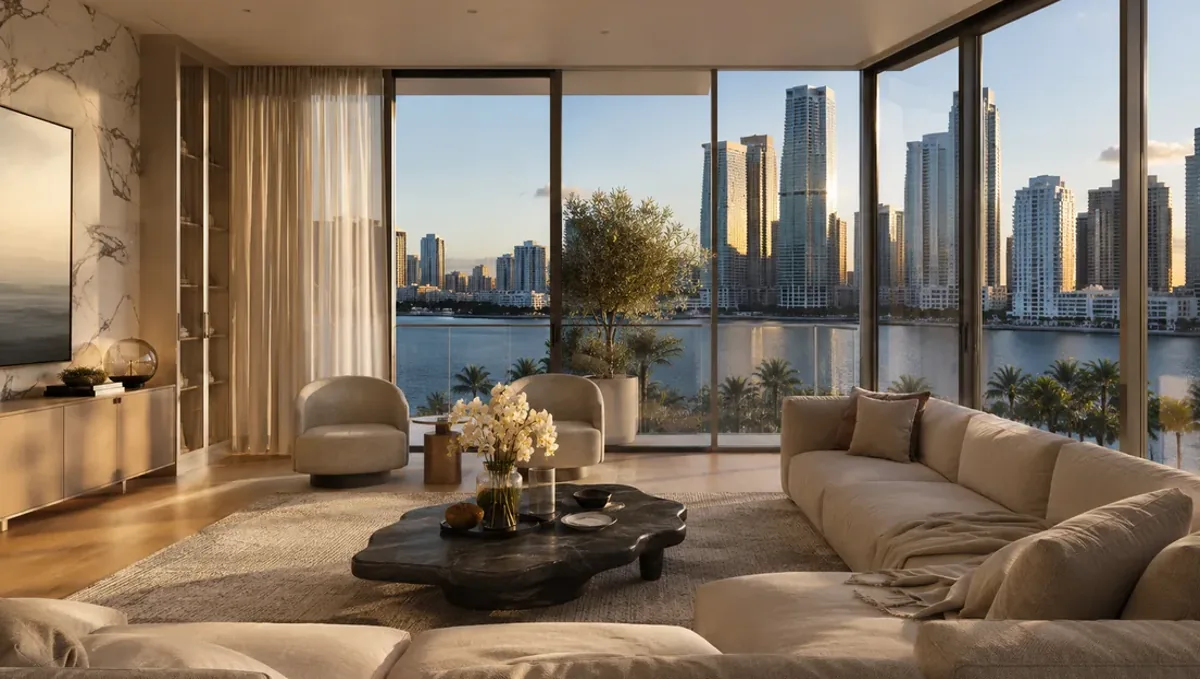
Quick answer: Social media usually needs a small set of renderings, cropped and sequenced into many posts, with new views added as the project advances.
The short answer for social media
Social media is the one place where a single rendering can go a long way, because one model can feed weeks of posts. Most businesses do not need a large number of separate renderings. They need a few strong scenes, cropped and sequenced into many posts. This guide belongs to how many 3D renderings you need for a project and explains how to plan the count for social media without overpaying for images you will not post.
Think in posts, not in renderings
Start by counting the posts you plan to publish, not the renderings you want to buy. A single view can become a full image post, a close crop, a carousel slide and a story frame. Ask how many distinct scenes you need to keep the feed interesting, and let the crops multiply them. A small set of scenes with smart cropping often covers a month of content.
A starter set
A practical starting set has a hero exterior or main space, one or two supporting views, and one or two detail images. That gives you a lead post, a few follow ups and material for a carousel. If the project is a campaign, such as a launch or a presale, add a night or seasonal version for variety. Keep the set small at first and measure what your audience responds to.
Formats and aspect ratios
Each platform favors different shapes: square, vertical and wide. Tell the studio which platforms you use so that the composition works for them. A view framed only for a wide banner may crop badly for a vertical story. Planning the aspect ratios in advance lets one rendering serve several formats and reduces the number you need.
Carousels and sequences
A carousel tells a small story in three to six slides: arrival, main space, feature, detail. The slides can come from different views of the same project, or from crops and variations of a few images. Plan the sequence before ordering so that each slide has a purpose, and avoid filling the carousel with views that repeat each other.
Before and after and progress content
Posts that show a plan or sketch beside the final rendering, or a rendering beside construction progress, perform well because they show change. These use images you already have, so they do not raise the count much. Use them to extend the life of a set without ordering new views.
Consistency and brand look
A feed feels professional when the images share a look: similar light, color and composition style. Agree the style with the studio and keep it stable across the set. A consistent look means followers recognize your posts and it makes a small set feel larger, because every image reinforces the same identity.
Frequency and shelf life
If you post several times a week, a small set will be repeated too often unless you refresh it. Plan to add a few views regularly rather than a large batch at once. New views can reuse the model, so a monthly addition is often more efficient than a big upfront order, and it keeps the feed fresh.
Cost and timing
The count shapes cost and schedule, but extra crops are cheap because they do not need new rendering. Order the scenes you need, then crop. Rendimension quotes each project based on the drawings and the goal, and offers an express option subject to the queue. See how the number of views affects turnaround for how the number of views affects turnaround.
Stories and short vertical content
Stories and vertical clips reward simple, bold framing with a clear subject. A single strong view, cropped for a tall frame, can carry a story for a day. Ask the studio to leave breathing room around the subject so text and stickers do not cover the important part. Planning for these overlays at the start avoids crops that cut off the focal point.
Testing before committing
Before ordering a large set, post the first views and watch the response. Saves, shares and comments show which scenes interest your audience. Use that signal to decide the next views, such as a kitchen, a patio or a night scene. The response is a guide rather than a guarantee, but it is a cheap way to spend the next part of the budget wisely.
Collaborations and partners
Partners such as agents, suppliers or architects may share your images, which extends reach without more renderings. Give them the crops and the credits they need in an organized folder. Agree how the images may be used and who is credited. Well organized assets make sharing easy, and a small set travels further when partners can post it quickly.
Avoiding over-polished repetition
A feed of nothing but perfect renderings can feel distant. Mix them with photos of the site, the team and the process, so followers see the real project behind the images. This reduces the number of renderings you need and makes the account more human. Renderings then act as highlights inside a broader story, not as the whole story.
Captions and honesty
Posts should make clear that the image is a rendering when the property is not built. Captions can describe the design intent without promising a finished result. Avoid claims about sales, approvals or guaranteed outcomes, and let the images show the concept while the text stays honest about what exists and what is proposed.
Video and motion from stills
Short animations, slow zooms and simple transitions can be made from still renderings, giving more content from the same views. They do not replace a full animation, but they add variety to a feed. Ask the studio what is possible from your set, and remember that added motion is a separate task with its own time and cost.
Working with a content calendar
Map the scenes to the calendar before ordering: launch week, mid campaign, milestones. This shows how many scenes you need and when, and prevents both shortage and excess. Share the calendar with the studio so they can deliver in the order you will post, which helps if the schedule is tight.
Ads versus organic posts
Paid ads often need several variations of the same idea to test, while organic posts need variety over time. Tell the studio whether the images are for ads, organic use or both. The count and the framing change with the purpose, and knowing it early avoids reordering when a campaign begins.
Rights and usage
Confirm with the studio that you can use the images on social platforms and in ads, and for how long. Usage rights can differ by medium, and some platforms have rules about labeling. Settling this at the start avoids problems when a post performs well and you want to promote it.
Growing the set over time
As the project advances, new content opportunities appear: a finished phase, a material choice, a launch. Use those moments to add views instead of ordering a large set up front. A set that grows with the project stays relevant, respects the budget and keeps the audience interested in what comes next.
Prioritizing on a small budget
Order the hero and one supporting view first. Post, measure the response and add scenes that match what works. This approach avoids paying for views that never earn attention and lets your audience guide the next order.
What to send the studio
- Plans, sketches or photos of the project.
- The platforms and formats you will use.
- The type of posts you plan: single, carousel, story.
- Reference images for the style of your feed.
- The launch date or campaign calendar.
Budget and timing
Plan the scenes and the crops together with the studio. Rendimension quotes each project based on the plans and the goal, with an express option subject to the queue.
Revision rounds and how to keep them small
For social media posts, settle the big decisions in the first preview: massing, materials, colors, landscaping and camera. Afterwards, send changes as one consolidated list. Every extra view multiplies the review effort, so a smaller set with clear feedback usually finishes faster. See how revision rounds affect timelines.
Timing
The count of images affects the schedule, since each view needs setup, lighting and review. Count backward from your deadline, leave room for one revision round and answer the studio quickly. See how long a 3D rendering takes and how the number of views affects turnaround. Rendimension offers an express option, subject to the queue, when a date is fixed.
Common mistakes
- Buying one rendering per post instead of cropping.
- Ignoring the aspect ratios of the platforms.
- Ordering everything at once and running out of fresh content.
- Mixing styles that break the look of the feed.
- Filling carousels with repeated views.
- Not measuring which images perform.
A worked example
A builder plans a month of posts for a new home. Rather than ordering twenty images, they order a hero exterior, a living view, a kitchen and a dusk version. The studio frames them for square and vertical use. The builder crops them into details, builds two carousels and a story sequence, and adds a patio view in month two after the audience shows interest.
Where to go next
Send the drawings or sketch, the site photos and the purpose of the images to the studio, and agree the number of views together. For the general overview, see how many 3D renderings you need for a project, and for the pitfalls, see common mistakes when deciding how many renderings to order.
Frequently asked questions
How many renderings do I need for social media?
Usually a small set of scenes, cropped and sequenced into many posts.
Can one rendering feed several posts?
Yes, through crops, carousels and story frames.
Do platforms need different versions?
Their aspect ratios differ, so plan the framing in advance.
How often should I add new views?
Regularly, as needed to keep the feed fresh.
Should I keep a consistent look?
Yes, it makes the feed recognizable.
Can I measure what works?
Yes, and use it to guide the next order.
Do crops cost extra?
They are usually much cheaper than new views.
Is there a faster option?
Rendimension offers an express option, subject to the queue.
Related guides
This guide is part of our series on how many 3D renderings a project needs. Start with the overview, how many 3D renderings you need for a project. Related: how many renderings for a permit or HOA submittal, how many renderings for an investor or lender deck, how many renderings for a presale sales brochure. When you are ready, send what you have through our quote request.