3D Rendering for a Social Media Presale Campaign
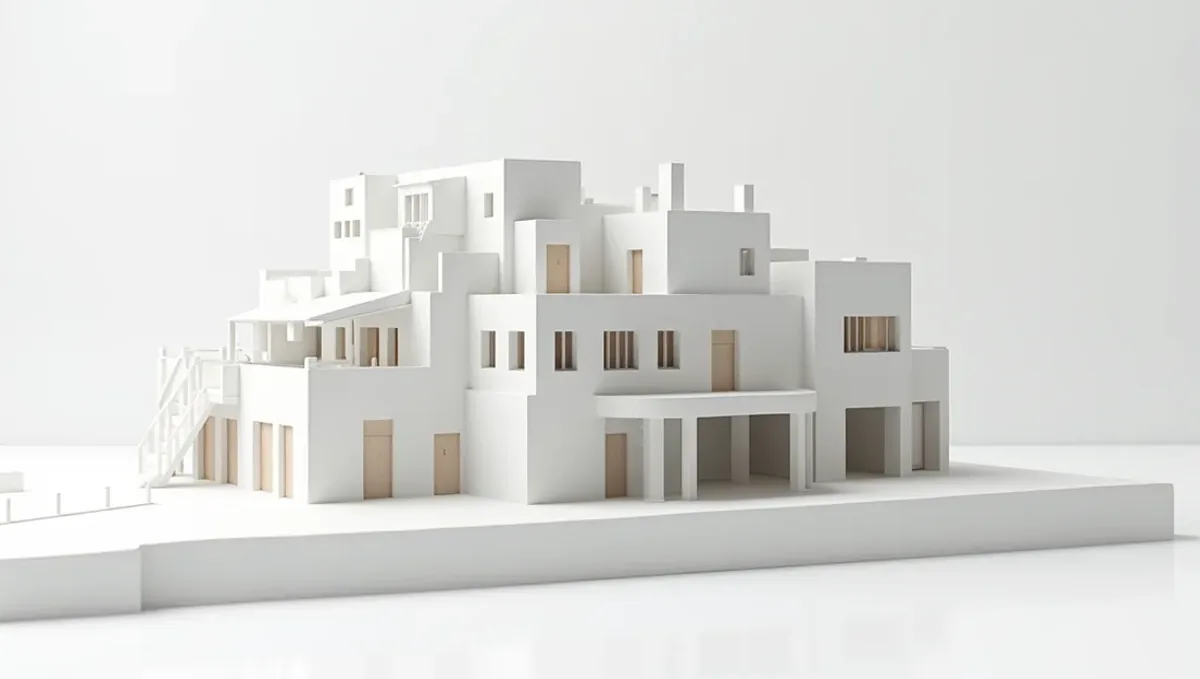
Quick answer: A 3D rendering for a social media presale campaign should carry one idea, survive platform crops, match the website and follow advertising rules and disclaimers.
What a social media presale campaign needs
A social media campaign introduces a project to people who were not looking for it. The rendering must stop the scroll, communicate one idea and lead to a place where the viewer can learn more. Each platform has its own formats and rules. This guide belongs to using a 3D rendering to pre-sell a property before construction.
One idea per post
A post should say one thing: the exterior, a kitchen, the amenity, the location. Avoid loading a single image with many messages. Use a simple caption and a clear call to action, such as visit the website or register for updates. A series of posts, each with a single idea, builds understanding better than one crowded image.
Formats and crops
- Square for feed posts.
- Vertical for stories and short video covers.
- Wide for link previews and ads.
- Carousel sets for unit types or features.
Safe margins
Platforms crop and overlay interface elements. Ask the studio to compose views with margins, so the building and the key details survive different crops. Leave calm areas for headlines. Check each crop on a phone before posting. A great image ruined by a badly placed logo or a cropped roof wastes the effort that went into the render.
Consistency with the rest of the campaign
Social posts should show the same design as the website and the brochure. Use the same hero image and color treatment, and reuse approved views. Do not create special social versions that show different finishes or features. A visitor who moves from a post to the website should recognize the project right away, and consistency builds trust.
Motion and short video
Short animations, such as a slow camera move around the exterior or a day to dusk transition, can perform well. Build them from the same model as the stills, keep them brief and honest, and avoid effects that alter materials or proportions. Add captions, since many people watch without sound. A modest animation made from an accurate model is better than a flashy one that misleads.
Advertising rules and disclaimers
Paid and organic posts about real estate are subject to advertising rules that vary by country and platform, and some platforms have special categories for housing. Ask your attorney or broker about required disclosures, and about what can be claimed. Add the notice that images are artist's impressions where required. The studio can add approved text, but it cannot decide what your market requires.
Alt text and accessibility
Write alt text for each image, describing the building and the scene in plain language. Add captions to videos. Accessible posts reach more people and reflect well on the project. Avoid text embedded in images as the only carrier of important information, since screen readers cannot read it and small text can be illegible on phones.
Comments, questions and moderation
Posts bring questions about price, availability and completion dates. Decide who answers, how fast and with what wording. Do not make promises in comments that the contract does not support. Send detailed questions to the sales team by message or email. A short, honest reply builds trust, and a careless one can create a legal problem or a public dispute.
Choosing the right platform
Not every platform fits every project. Visual platforms suit exteriors and interiors, professional networks suit investors and commercial projects, and local groups suit community announcements. Pick the two or three that your buyers actually use and do them well, rather than posting everywhere. Ask your sales team where inquiries come from, and adapt the format and tone to each place.
Captions that stay honest
A caption should describe what is in the image, mention the location and invite the viewer to learn more. Avoid words that imply the home already exists, such as now open or move in today, unless it is true. Do not promise price increases, returns or scarcity you cannot support. A modest, accurate caption keeps the campaign compliant and builds credibility over time with the audience.
Retargeting and repeat exposure
People rarely act on the first post. Repeat exposure with different views of the same project helps them remember it. If you use paid promotion, follow the platform rules for housing ads and keep the images consistent. Rotate views so the audience does not see the same picture endlessly. Track questions from viewers to see which images spark interest, and use that to plan the next posts.
Reusing the images beyond social media
The same approved images can serve the website, the newsletter, the brochure and the listing. Store them in one shared folder with clear names and version dates, and give the whole team access to the same files. This avoids mismatched versions and saves the cost of asking the studio for the same view repeatedly in different sizes, since crops can be prepared at the start.
Building a content calendar
Plan the posts over weeks: the exterior first, then the location, the unit types, the interiors and the amenities. Space them so each idea has time to land. Tie the calendar to milestones, such as the opening of registration or the start of construction. A calendar prevents the campaign from running out of material, and it lets the studio prepare the views in the order they are needed.
Working with local audiences
Social posts reach local buyers best when they show the real context: the street, the neighborhood, the landmarks that matter to them. Use accurate surroundings in the images, and mention the area in the caption without exaggerating distances. Local details make the project feel real, and they help viewers place the building in their daily life.
Influencers and partners
Some projects work with local agents, designers or community pages to share posts. Give partners the approved images and captions, and ask them to keep the disclaimer. Do not allow partners to edit images or add claims. A short usage sheet prevents mistakes and keeps the message under control, even when many people share the same content.
Privacy and lead capture
If posts lead to a form, tell people how their data will be used, and follow the privacy rules of your market. Keep the form short and respond promptly. Store the data securely. A campaign that collects leads without care creates legal and reputation risks that no image can offset, so treat the process as part of the marketing, not an afterthought.
After the campaign ends
When the campaign ends or the project sells out, archive the posts and images. Note which views were used and when. If the project completes, replace renderings with photographs in new posts. Keep old posts accurate, or remove them if they no longer represent the project, so that visitors do not see outdated information.
Working with the marketing team
Give the social team an approved image set, the captions that are safe to use, the disclaimer and a list of claims to avoid. Ask them to tell the studio about the formats they need, ahead of time. Agree on how updates will be handled when the design changes, so old posts do not contradict the new plans. Clear rules speed up the work.
Measuring and adjusting
Track which posts get saves, clicks and questions, and read the comments. Do not treat any single number as proof of demand. Use the results to decide which views to repeat, and which messages to drop. Small tests, such as two versions of a caption, can help. We do not quote benchmarks, since they vary by market and platform.
What to send the studio
- Plans, elevations and the finish schedule.
- The platform formats you will use.
- Brand assets and caption ideas.
- The campaign calendar.
- The disclaimer text approved by counsel.
Questions to ask the studio
- Can you deliver square, vertical and wide crops?
- Can you compose with safe margins?
- Can you build a short animation from the same model?
- How many revision rounds are included?
- Can you supply captions and alt text suggestions?
A checklist before posting
- Images match the current plans.
- Crops were checked on a phone.
- The disclaimer appears where required.
- Alt text and captions are ready.
- Someone will answer comments.
- The link leads to a working page.
Revision rounds and how to keep them small
For a social media presale campaign, settle the big decisions in the first preview: massing, materials, colors, landscaping and camera. Afterwards, send changes as one consolidated list. Marketing images are also promises to buyers, so each correction should keep the image consistent with the plans and the specification sheet. See how revision rounds affect timelines.
Timing
Sales dates are usually tied to a launch, an event, a listing date or a construction milestone. Count backward from that date, leave room for one revision round and answer the studio quickly. See how long a 3D rendering takes. Rendimension offers an express option, subject to the queue, when a launch date is fixed.
Common mistakes
- Loading many messages into one image.
- Using crops that cut the building.
- Posting images that differ from the website.
- Ignoring advertising rules.
- Promising in the comments.
- Leaving old posts after a design change.
A worked example
A builder announces a small townhome project. The studio delivers a hero in three crops, a kitchen interior and a short slow orbit animation from the same model. The team posts one idea per week, links to the website, adds the disclaimer that counsel approved, and answers questions with short, agreed wording.
Where to go next
Send the drawings or sketch, the finish schedule, the site photos and your marketing goals to the studio. For the general overview, see using a 3D rendering to pre-sell a property before construction, and for the pitfalls to avoid, see common mistakes using a rendering to pre-sell.
Frequently asked questions
Which formats do I need?
Square, vertical and wide, plus a carousel set if useful.
How many ideas per post?
One.
Should I use video?
A short animation from the same model can help, if kept honest.
Do advertising rules apply?
Yes, they vary. Ask your attorney or broker.
Do I need alt text?
Yes, and captions for video.
Can I promise things in the comments?
No, send details to the sales team.
What if the design changes?
Update the posts and retire old images.
Is there a faster option?
Rendimension offers an express option, subject to the queue.
Related guides
This guide is part of our series on 3D renderings to pre-sell a property before construction. Start with the overview, using a 3D rendering to pre-sell a property before construction. Related: rendering for a buyer presentation deck, rendering for a floor plan and availability sheet, rendering for a pre-construction sales brochure. When you are ready, send what you have through our quote request.