3D Rendering for a Buyer Presentation Deck
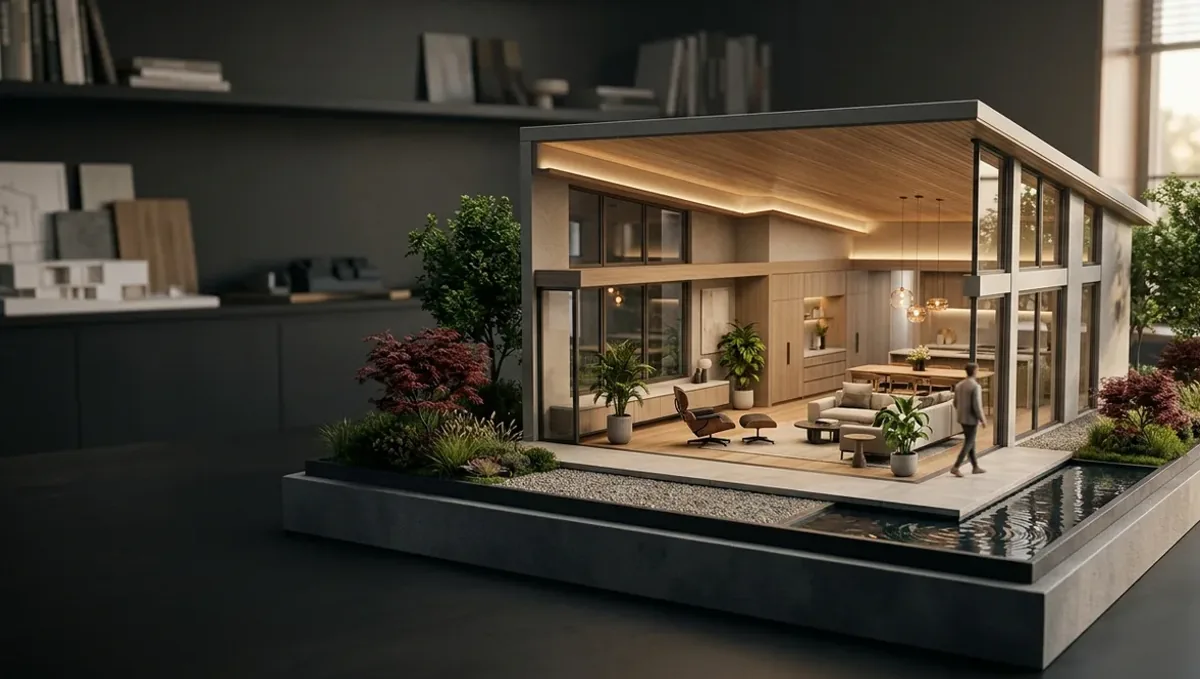
Quick answer: A 3D rendering for a buyer presentation deck supplies the visual proof for each slide, paired with plans and finishes, and must stay consistent with the specification and disclaimers.
What a buyer presentation deck is for
A buyer presentation deck is a slide set used in a meeting, on a video call or sent by email after a first contact. It walks a serious buyer through the project in a logical order, and it lets the sales team control the story. The rendering supplies the visual proof of what the words describe. This guide belongs to using a 3D rendering to pre-sell a property before construction.
The order of the slides
- Project name, location and the builder.
- The exterior hero and the big idea.
- The site, neighborhood and access.
- Unit types, plans and interiors.
- Finishes, base package and options.
- Amenities and community features.
- Timeline, next steps and contact details.
- Legal notes and disclaimers.
One message per slide
A slide that tries to say everything says nothing. Give each slide one message, one main image and a short line of text. Use the rendering large, and keep supporting details small. When a buyer asks a question, the team can jump to the relevant slide. A deck built this way is easier to present and easier to update when the project changes.
Slide format and image size
Most decks are presented on a wide screen, so compose views in a wide ratio with room for text. Ask the studio for files sized to the slide, not oversized images that make the file heavy. If the deck is also sent as a PDF, test the file size. A deck that takes long to open on a phone loses the buyer before the first slide appears.
Plans and interiors together
Buyers understand a layout when the plan and the interior views appear on the same slide or on consecutive slides. Mark the camera position on the plan. Use consistent room names and units of measure. If dimensions are approximate, say so. A slide that pairs the plan with two or three interiors answers many questions without a long explanation from the sales team.
Finish package slides
Show the base package clearly: flooring, cabinets, counters, fixtures, appliances. Use the rendering for the overall look and a small sample photo for each material. Present upgrades on a separate slide, labeled as options. The buyer should always know what comes standard and what costs extra, and the slide should match the specification sheet line by line.
Site and neighborhood slides
An aerial view with the project and the surroundings helps a buyer place the location. Mark schools, parks, transit or shopping only when they are accurate and nearby, and show real distances. Avoid decorative maps that hide the actual conditions. If there is a highway, a rail line or a large planned development nearby, do not cut it from the view. Honest context prevents surprises during the visit.
Timeline and process slides
Buyers of unbuilt property want to know the sequence: reservation, contract, permits, construction, completion. A simple graphic with approximate stages helps, as long as it does not promise dates that the builder cannot guarantee. State that schedules may change. Include the next step for the buyer, such as a meeting with the design center or a reservation form. A deck should end with an action.
Presenting with confidence
The team should know the deck well, and be ready for questions on finishes, lots, schedules and legal points. Keep a backup with the plans, the specification sheet and the contract summary. If a question falls outside the deck, say so and follow up, rather than improvising a promise. A calm, accurate presentation builds more trust than a polished one that overreaches.
Handling tough questions
Buyers ask about delays, price changes, quality and what happens if the builder cannot deliver. Prepare honest answers before the meeting, and know which points belong to the contract and to your attorney. Do not use a beautiful slide to dodge a hard question. A buyer who sees the team answer difficult questions calmly is more likely to trust the rest of the deck, and the rendering keeps its credibility.
Language and translation
If the deck serves buyers in more than one language, prepare each version with a fluent reviewer, and keep the layout flexible for longer text. Keep image labels short and consistent. Numbers, units and finish names must match across languages. A mistranslated specification can cause the same dispute as a wrong image, so review both versions with the same care and the same checklist.
Offline and low bandwidth meetings
Not every meeting has a good connection. Keep an offline copy of the deck on the laptop and a printed set of the key slides. Compress images without visible loss, and test the file on the device you will use. A deck that freezes during a meeting distracts from the project, and a backup you can hand over on paper keeps the conversation moving.
Decks for groups and committees
Some buyers decide as a group, such as a family, a partnership or an investment committee. For them, add a slide that summarizes the key facts on one page, so it can be shared without the presenter. Keep the images the same as in the main deck. A committee reads the deck without you, so clarity and accuracy matter even more than in a live presentation.
Decks for lenders and partners
A deck for a lender or a partner may include the same renderings but with different emphasis: the unit mix, the site, the schedule and the team. Keep claims about returns, values and demand out of the images and in documents prepared by professionals. The rendering shows the product. The financial case belongs to the people who can stand behind the numbers.
Keeping the master file
Maintain one master deck and derive the buyer, partner and lender versions from it. Record the date and version on each. When a plan or a finish changes, update the master and regenerate the others. This avoids the situation in which two buyers hold different versions of the same project, which can lead to disagreements about what was shown.
Design and readability
Use a clean template, generous margins and fonts that read well on a projector and on a phone. Avoid effects that distract. Let the renderings breathe, and place text where the composition leaves calm space. A restrained design puts the focus on the project, and it makes the deck feel professional without extra cost.
After the meeting
Follow up promptly with the deck, the plans and the next step. Record the questions the buyer asked, and use them to improve the deck. If a buyer asks for something the deck did not show, consider adding that view in the next version, as long as it is accurate and consistent with the plans.
Sending the deck by email
When the deck is sent by email, include a short message and keep the file light. Name the file with the project and the date. Consider a PDF export that preserves layout. Do not send a version with internal notes or draft prices. Track which version each buyer received, so that later questions can be answered with the right slide.
Disclaimers in the deck
A deck usually includes a closing slide or footer stating that the images are artist's impressions and that the specifications may change. The wording depends on the location and product. Ask your attorney or licensed broker for the correct text and placement. Put it where the buyer can read it. The studio can place the approved text, but it cannot decide what your market requires.
What to send the studio
- Plans, elevations and the site plan.
- The finish schedule and the option list.
- The slide template or brand guidelines.
- The list of slides that need images.
- The disclaimer text approved by counsel.
Questions to ask the studio
- Can you deliver images in the slide aspect ratio?
- Can you leave space for text on the composition?
- Will you match my plans and finish schedule?
- How many revision rounds are included?
- Can you supply files for print and web too?
A checklist before the meeting
- Images match the current plans and finishes.
- Upgrades are labeled.
- The file opens quickly on a laptop and a phone.
- The timeline states that schedules may change.
- The disclaimer is included.
- A backup with plans and specification is at hand.
Revision rounds and how to keep them small
For a buyer presentation deck, settle the big decisions in the first preview: massing, materials, colors, landscaping and camera. Afterwards, send changes as one consolidated list. Marketing images are also promises to buyers, so each correction should keep the image consistent with the plans and the specification sheet. See how revision rounds affect timelines.
Timing
Sales dates are usually tied to a launch, an event, a listing date or a construction milestone. Count backward from that date, leave room for one revision round and answer the studio quickly. See how long a 3D rendering takes. Rendimension offers an express option, subject to the queue, when a launch date is fixed.
Common mistakes
- Putting too many messages on one slide.
- Using oversized images that slow the file.
- Mixing base and upgraded finishes.
- Promising firm dates.
- Hiding neighbors or a highway in the site view.
- Sending a version with draft notes.
A worked example
A developer prepares a twelve slide deck for buyers of a small condo building. The studio provides a wide hero, an aerial view, interiors for two unit types and an amenity view. The team presents on a video call, jumps to the finish slide when asked, and sends a light PDF afterwards with the disclaimer on the last slide.
Where to go next
Send the drawings or sketch, the finish schedule, the site photos and your marketing goals to the studio. For the general overview, see using a 3D rendering to pre-sell a property before construction, and for the pitfalls to avoid, see common mistakes using a rendering to pre-sell.
Frequently asked questions
How many slides should a buyer deck have?
Enough to cover the project clearly, often ten to fifteen, one message per slide.
What image ratio should I use?
Wide, matching your slide format.
Should I include a timeline?
Yes, with a note that schedules may change.
Should I show upgrades?
Yes, on a separate slide and labeled.
Do I need a disclaimer?
Usually. Ask your attorney or broker.
Can I send the deck by email?
Yes, as a light PDF without internal notes.
What if the design changes?
Update the deck and retire old versions.
Is there a faster option?
Rendimension offers an express option, subject to the queue.
Related guides
This guide is part of our series on 3D renderings to pre-sell a property before construction. Start with the overview, using a 3D rendering to pre-sell a property before construction. Related: rendering for a floor plan and availability sheet, rendering for a pre-construction sales brochure, rendering for a listing before completion. When you are ready, send what you have through our quote request.