3D Visualization for Trade Shows: A Planner's Guide
3D Visualization for Trade Shows: A Planner’s Guide
TL;DR:
- D visualization creates realistic digital models to review booth designs before physical fabrication begins. It reduces approval time, prevents onsite errors, and enhances visitor engagement through immersive previews. Using early and contextual 3D models streamlines trade show planning and marketing efforts.
3D visualization for trade shows is the creation of detailed, three-dimensional digital models that allow event planners and marketing professionals to preview and refine booth designs before physical fabrication begins. Rather than relying on flat 2D sketches or physical mock-ups, you get photorealistic images, animated walkthroughs, and contextual renders that show exactly how your booth will look inside an actual exhibit hall. The technique covers everything from static 3D renderings to immersive VR walkthroughs, and it directly reduces approval cycles, cuts logistics costs, and gives visitors a more engaging experience on the show floor. If you plan trade shows at any scale, understanding how to use 3D visualization is one of the highest-leverage decisions you can make.
What is 3D visualization for trade shows, and why does it matter?
3D visualization for trade shows is the industry term for architectural and spatial visualization applied to exhibition booth design. The process transforms a booth concept into a photorealistic digital model that stakeholders can review, approve, and iterate on before a single physical component is built.

Traditional 2D floor plans and hand-drawn sketches leave too much to interpretation. A client looking at a flat drawing cannot accurately judge ceiling height, lighting impact, or how a product display reads from 20 feet away. A photorealistic 3D model eliminates that ambiguity. Every material finish, graphic panel, and lighting fixture appears exactly as it will on the show floor.
The practical value goes beyond aesthetics. 3D renderings eliminate guesswork by grounding every design decision in photorealistic visualization, which prevents costly onsite surprises. That means fewer last-minute changes, fewer emergency fabrication orders, and a smoother installation day.
Contextual visualization takes this further by compositing the booth design into actual trade show hall photos. You see your booth inside the real venue, at real scale, under real lighting conditions. That level of specificity is what separates a confident approval from a speculative one.
How does 3D visualization improve booth design and approvals?
The approval process is where most trade show projects lose time and money. Rounds of revisions, conflicting stakeholder opinions, and unclear feedback loops push timelines out by weeks. 3D visualization solves this at the source.
Contextual 3D visualization reduces approval timelines from multiple in-person reviews to a single cycle, with approval cycles dropping from 5–8 weeks to 1–2 weeks when hall-context renders are used. That is not a minor efficiency gain. It is the difference between a confident pre-show sprint and a chaotic scramble.
The reason contextual renders work so well is that they shift stakeholder feedback from vague to specific. Stakeholders switch from speculative to specific feedback when they view models placed inside the real hall context, rather than on a neutral gray background. Instead of “I’m not sure about the colors,” you hear “the back wall graphic needs more contrast against the hall’s dark ceiling.” That kind of feedback is actionable and fast to resolve.
3D models also surface problems that 2D plans miss entirely. Ergonomic issues like narrow walkways, blocked sightlines, and awkward product placement all become visible in a 3D environment before fabrication starts. Industry standards recommend requiring 3D visualization from booth providers specifically to identify design clashes and confirm ergonomic flow before any physical work begins.
- Photorealistic renders show material finishes, lighting, and graphic panels at full fidelity
- Hall-context renders reveal scale and visibility issues that gray-background renders miss
- Stakeholder feedback becomes specific rather than vague, cutting revision rounds
- Ergonomic and spatial problems are caught before fabrication, not during installation
Pro Tip: Share the 3D model with your logistics and installation teams at the same time as your creative stakeholders. They will catch structural and electrical conflicts early, which saves you from expensive last-minute changes on setup day.
What are the key 3D visualization techniques used at trade shows?
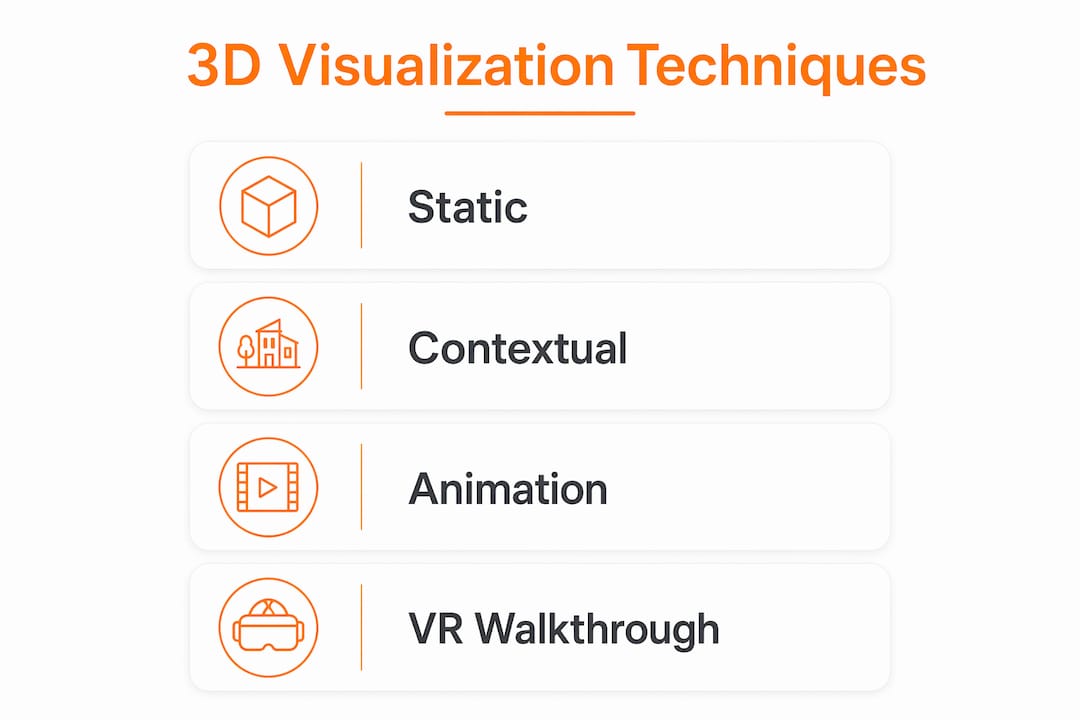
Four distinct techniques cover most trade show visualization needs, and each serves a different purpose in the planning process.
| Technique | Best Use | Key Benefit |
|---|---|---|
| Static 3D rendering | Design approvals, marketing materials | Photorealistic detail at low cost |
| Contextual visualization | Stakeholder reviews, scale checks | Places booth in actual hall for accurate perception |
| 3D animation | Product demos, complex functionality | Communicates movement and process without physical product |
| VR/360 walkthrough | Pre-event client previews, immersive reviews | Full spatial experience before build |
Static 3D renderings are the foundation. They produce photorealistic still images of the booth from any camera angle, showing materials, lighting, and graphics at full fidelity. These images work equally well for internal approvals and external marketing campaigns.
Contextual visualization is the technique that most planners underuse. It composites the booth design into actual photographs of the target exhibit hall, giving you accurate scale perception and realistic lighting previews that a standard render on a gray background simply cannot provide. This is the technique most directly responsible for collapsing approval timelines.
3D animation is the right tool when your product or service involves movement, process, or complexity that a still image cannot capture. 3D animation in booth displays effectively communicates complex functionality and cuts logistics costs by replacing physical product shipment for heavy or fragile items. If your product weighs 2,000 pounds or requires a controlled environment to operate, a high-quality animation on a large display screen is both safer and more persuasive than the physical object.
VR and 360-degree walkthroughs let clients and teams explore event spaces fully before construction begins. This technique is particularly valuable for large, complex booths where spatial flow and atmosphere are as important as individual design elements. You can walk through the booth virtually, identify dead zones, and adjust the layout before a single dollar is spent on fabrication. Rendimension’s 3D walkthrough services deliver exactly this kind of pre-build confidence for event and architectural projects.
What are the practical benefits of 3D visualization for visitor engagement?
Visitor engagement at trade shows is a direct function of how well your booth communicates its value in the first three seconds of attention. 3D visualization shapes that experience long before the show opens.
3D renderings generate compelling marketing assets that increase visitor interest before the event. Sharing photorealistic booth renders on social media, in email campaigns, and on your event landing page builds anticipation and gives attendees a reason to put your booth on their must-visit list. A well-produced render of an impressive booth design performs better as a pre-show ad than any stock photo.
On the show floor, animated displays and interactive visuals extend the time visitors spend at your booth. A 3D animation explaining how your product works holds attention longer than a static banner and gives your sales team a natural conversation starter. 3D visualization advances beyond aesthetics to spatial optimization, supporting crowd flow modeling and wayfinding so your booth handles real visitor traffic without bottlenecks or confusion.
Cost savings compound across the planning cycle. Animations replace the need to ship heavy or fragile products to every show. Accurate 3D models reduce installation errors, which cuts overtime labor costs on setup day. Fewer revision rounds mean lower design fees and faster time to approval.
- Use photorealistic renders in pre-show email campaigns to drive booth traffic
- Run 3D animations on large screens to explain complex products without live demos
- Model crowd flow in 3D to identify and fix bottlenecks before the show opens
- Repurpose booth renders as digital ads, website assets, and sales presentations after the show
Pro Tip: Render your booth from the perspective of someone walking past in the main aisle, not just from a flattering front-on angle. That aisle-view render is the most honest test of whether your booth will actually stop foot traffic.
How to implement 3D visualization effectively in trade show planning
Getting the most from 3D visualization requires treating it as a planning tool, not a final presentation step. Most teams that underperform with this technique bring it in too late, after major design decisions are already locked.
-
Engage visualization experts at the concept stage. The earlier a 3D model enters the process, the more value it delivers. Treating 3D visualization as a collaborative design tool from project start collapses approval rounds and aligns creative and technical teams before fabrication issues arise. Brief your visualization partner at the same time you brief your booth builder.
-
Run design iterations inside the 3D model, not on paper. Every change request should be tested visually before it is approved. This keeps feedback grounded in what the booth will actually look like, rather than what stakeholders imagine it will look like.
-
Share the model with your build team as a technical document. 3D visualization models serve as detailed maps for build teams, detailing electrical, furniture, and structural placements. A build team working from a precise 3D model installs faster and makes fewer errors than one working from a 2D floor plan.
-
Use spatial optimization data from the model to plan visitor flow. 3D visualization supports crowd flow modeling and wayfinding in busy trade show environments. Map where visitors will enter, where they will pause, and where they will exit. Adjust the layout in the model until the flow matches your engagement goals.
-
Track measurable outcomes across the project. Count approval rounds, note installation time, and record any onsite changes. These numbers give you a baseline for the next show and a clear ROI case for your leadership team.
The most common mistake is treating 3D visualization as a sign-off tool rather than a working design environment. When you use it only to produce a final pretty image, you lose most of its value. When you use it to test, iterate, and align your entire team, it pays for itself many times over.
Key Takeaways
3D visualization for trade shows is the most direct way to reduce approval cycles, cut fabrication costs, and increase visitor engagement before and during the event.
| Point | Details |
|---|---|
| Start with contextual renders | Place your booth in actual hall photos to get specific, fast stakeholder feedback. |
| Use animation for complex products | Replace physical shipping with 3D animation to cut logistics costs and improve demos. |
| Bring visualization in early | Engage your 3D partner at the concept stage to collapse approval rounds. |
| Share models with build teams | Detailed 3D models reduce installation errors and cut setup time. |
| Repurpose renders for marketing | Pre-show renders drive booth traffic when used in email and social campaigns. |
Why most planners are still underusing this tool
After working across more than 1,000 visualization projects at Rendimension, the pattern is consistent: the teams that get the most from 3D visualization are the ones that treat it as a working document, not a deliverable.
The common misconception is that a 3D render is something you produce at the end of the design process to show a client what they approved. That framing wastes most of the tool’s value. The real power is in iteration. When you can change a material, shift a wall, or reposition a product display and see the result in minutes, your design process becomes fundamentally faster and more confident.
The other overlooked benefit is the marketing asset angle. A photorealistic booth render, produced as part of your normal approval process, is also a high-quality ad image, a social media post, an email header, and a sales deck slide. Most planners produce these assets anyway, at extra cost, after the show. Getting them as a byproduct of your design process is a straightforward efficiency that most teams have not yet built into their workflow.
My honest recommendation: require 3D visualization from every booth provider you work with, and bring your visualization partner into the kickoff meeting, not the final review. The ROI shows up in fewer revision rounds, smoother installs, and better pre-show marketing, all at once.
, Rendimension
Rendimension’s 3D visualization services for trade show teams
Rendimension produces photorealistic 3D renderings and immersive walkthroughs for event planners and marketing teams who need accurate, presentation-ready booth visuals before fabrication begins.
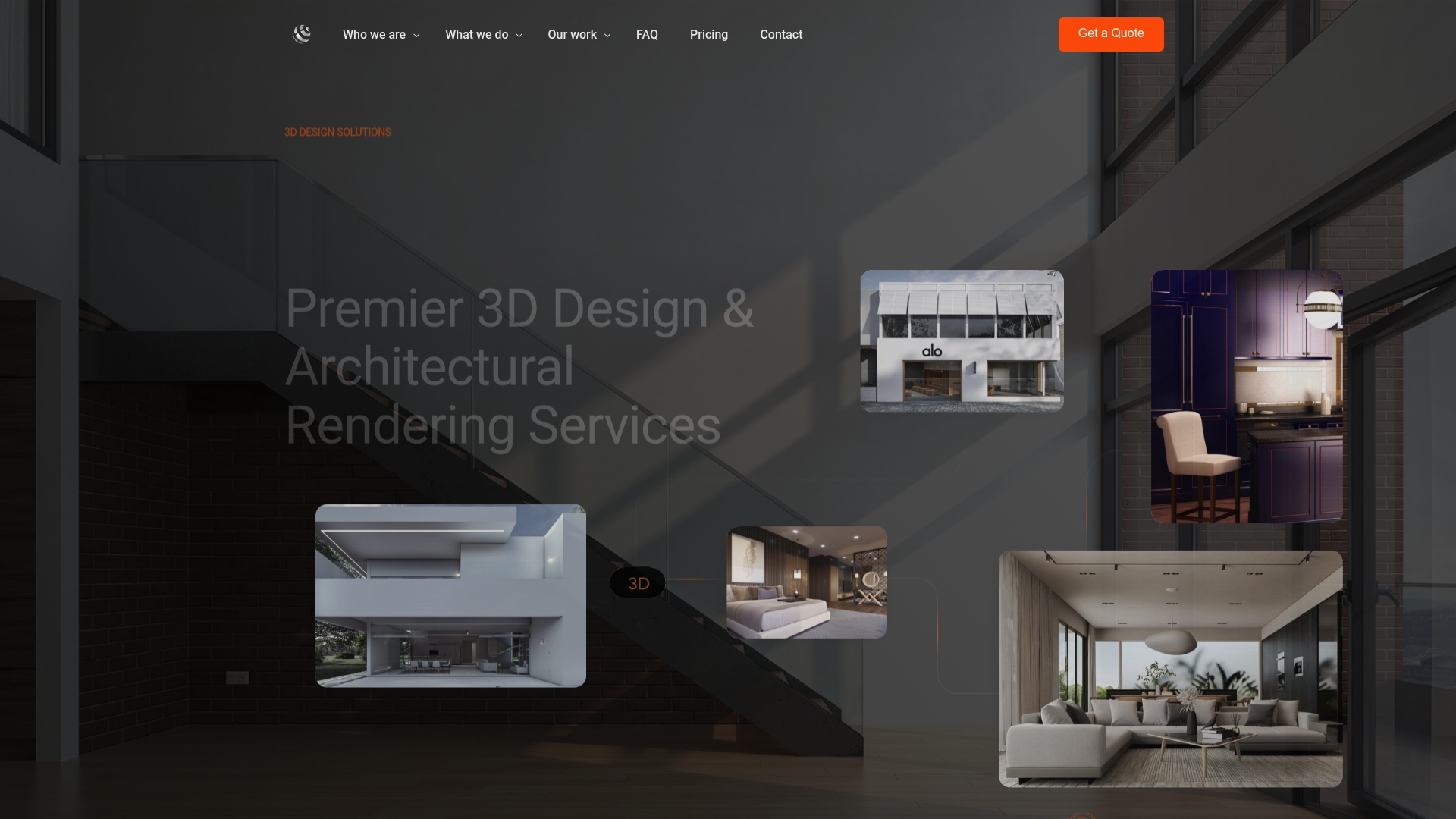
With over 1,000 projects completed globally, Rendimension’s team delivers contextual renders, animated product displays, and full 3D walkthrough experiences that give your stakeholders the clarity they need to approve designs fast. Every project follows a collaborative process from concept through final delivery, so your build team and your marketing team both get exactly what they need. Explore Rendimension’s 3D rendering services to see how photorealistic visualization can sharpen your next trade show presentation.
FAQ
What is 3D visualization for trade shows?
3D visualization for trade shows is the process of creating photorealistic digital models of exhibition booths so planners can review, approve, and refine designs before physical construction begins. It covers static renders, contextual hall composites, animations, and VR walkthroughs.
How does contextual visualization differ from a standard 3D render?
Contextual visualization places the booth design inside actual photographs of the target exhibit hall, giving accurate scale and lighting previews. Standard renders on gray backgrounds cannot show how a booth reads against real venue conditions.
Can 3D visualization replace physical product shipping to trade shows?
Yes, for heavy or complex products. 3D animation replaces physical shipment by demonstrating product functionality on screen, cutting logistics costs and eliminating the risk of damage in transit.
How early in the planning process should 3D visualization begin?
3D visualization should begin at the concept stage, not the approval stage. Early involvement in 3D design reduces approval rounds and prevents fabrication issues that are expensive to fix once production starts.
What measurable outcomes does 3D visualization deliver?
The most consistent outcomes are shorter approval cycles, reduced installation errors, and lower logistics costs from animation replacing physical product shipment. Teams also gain reusable marketing assets from the renders produced during the design process.
Recommended
- 3D Walkthroughs: Transforming Design Presentations
- Step by Step Space Planning Visualization Guide | Rendimension Blog
- 3D Walkthrough Guide: Create Immersive Project Visuals
Frequently asked questions
What is 3D visualization for trade shows?
3D visualization for trade shows is the process of creating photorealistic digital models of exhibition booths so planners can review, approve, and refine designs before physical construction begins. It covers static renders, contextual hall composites, animations, and VR walkthroughs.
How does contextual visualization differ from a standard 3D render?
Contextual visualization places the booth design inside actual photographs of the target exhibit hall, giving accurate scale and lighting previews. Standard renders on gray backgrounds cannot show how a booth reads against real venue conditions.
Can 3D visualization replace physical product shipping to trade shows?
Yes, for heavy or complex products. 3D animation replaces physical shipment by demonstrating product functionality on screen, cutting logistics costs and eliminating the risk of damage in transit.
How early in the planning process should 3D visualization begin?
3D visualization should begin at the concept stage, not the approval stage. Early involvement in 3D design reduces approval rounds and prevents fabrication issues that are expensive to fix once production starts.
What measurable outcomes does 3D visualization deliver?
The most consistent outcomes are shorter approval cycles, reduced installation errors, and lower logistics costs from animation replacing physical product shipment. Teams also gain reusable marketing assets from the renders produced during the design process.