Why Use Visualization for Product Launches: A Pro Guide

Why Use Visualization for Product Launches: A Pro Guide

TL;DR:
- Product launch visualization creates photorealistic, interactive 3D assets that help marketing teams launch faster and scale content. It improves stakeholder alignment, reduces delays, and decreases product returns by accurately representing textures, proportions, and finishes. Using early-stage visualization from CAD files enables coordinated, cost-effective launches across channels before physical samples are available.
Visualization for product launches is the practice of creating photorealistic, interactive representations of a product before physical samples exist, giving marketing teams and stakeholders a shared, concrete reference point from day one. Product launch visualization, the recognized industry term for this discipline, covers 3D modeling, CGI renders, augmented reality (AR) experiences, and AI-generated lifestyle imagery. Teams that adopt these methods launch faster and scale content across channels without waiting for physical inventory. Products featuring interactive 3D and AR experiences show up to 94% higher conversion rates compared to static imagery. That single figure explains why product managers and marketing directors at consumer brands, furniture retailers, and electronics companies now treat visualization as a core launch requirement, not a finishing touch.
Why use visualization for product launches: the core case
The most direct answer is speed and alignment. Without visual assets, stakeholders debate abstract descriptions. With a photorealistic 3D render or an interactive configurator, every team member sees the same product at the same time.

Stakeholder discussions built around visual prototypes lead to faster decisions and clearer alignment than text-based briefs or 2D sketches. This matters because misaligned teams are the single most common cause of delayed launches. When engineering, marketing, and sales all reference the same 3D asset, disagreements about color, proportion, and finish get resolved in days, not weeks.
3D renders derived from CAD files decouple content production from physical product availability. Marketing can go live in parallel with supply chain production. That parallel workflow is the operational core of why product launch visualization pays off.
How does visualization streamline stakeholder communication?
Without visualization, product reviews rely on written specs, mood boards, and physical prototypes that arrive late in the development cycle. Each of those formats introduces interpretation gaps. A written spec says “matte charcoal finish.” A photorealistic render shows exactly what matte charcoal looks like on that specific product geometry, under that specific lighting condition.
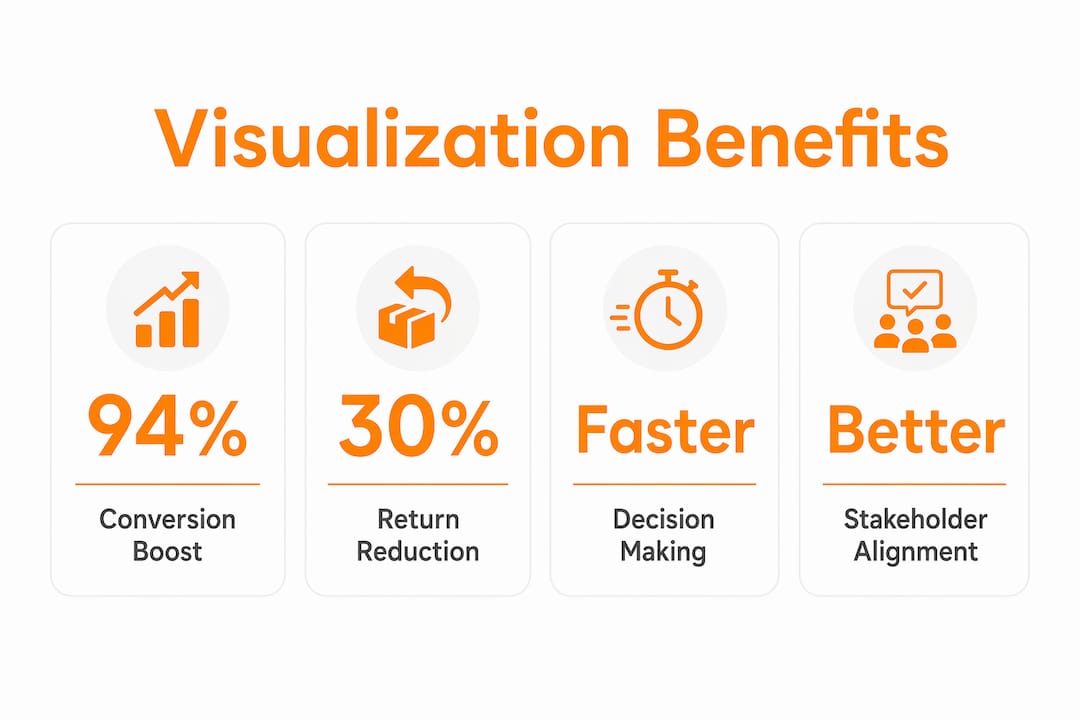
Visual prototypes produce honest feedback faster. When stakeholders can see a product clearly, they react to what they actually see rather than what they imagine. That shift from imagination to reaction compresses review cycles significantly. Teams at furniture and consumer electronics brands report that visual review sessions resolve more issues per meeting than text-based reviews.
CAD-based 3D assets also synchronize marketing and engineering teams in a way no other format can. The same base file that engineering uses for tolerances becomes the source for marketing renders, e-commerce images, and sales deck visuals. That single-source approach eliminates the version control problems that slow down traditional launch workflows.
- Visual prototypes surface design problems before tooling costs are committed
- Shared 3D assets replace parallel, disconnected workflows across departments
- Interactive renders let retail buyers and distributors evaluate products remotely
- Photorealistic imagery gives legal and compliance teams accurate product representations for packaging review
Pro Tip: Request your 3D assets in a neutral studio setup and a lifestyle context simultaneously. Studio renders serve e-commerce and spec sheets; lifestyle renders serve social media and press kits. One production run, two asset types.
What are the measurable business benefits of product visualization?
The business case for product visualization is well supported by conversion and returns data. Products with interactive 3D and AR experiences report 3–4x conversion lifts among furniture retailers. That is not a marginal improvement. It reflects a fundamental shift in how customers evaluate products online.
Returns are the hidden cost that visualization directly addresses. 3D product visualization reduces return rates by setting accurate expectations on texture, proportion, and finish before purchase. A customer who has examined a product from every angle in an interactive viewer is far less likely to be surprised when the physical item arrives. Lower returns mean lower reverse logistics costs and higher net revenue per order.
High-quality 3D renders with accurate material textures build shopper trust because customers trust what they can see clearly. Trust is the mechanism that connects visual fidelity to purchasing decisions. A blurry or inaccurate render does the opposite: it raises doubt.
| Metric | Impact of product visualization |
|---|---|
| Conversion rate | Up to 94% higher with interactive 3D and AR vs. static images |
| Conversion lift | 3–4x reported by furniture retailers using AR-enabled product views |
| Return rate | Reduced through accurate texture, proportion, and finish representation |
| Content production speed | Marketing assets ready 4–6 weeks before physical samples exist |
| Cross-channel consistency | One base 3D model serves all launch channels simultaneously |
The table above shows that visualization affects every stage of the purchase funnel, from first impression to post-purchase satisfaction. No other single marketing investment touches that many metrics at once.
“Visualization shifts the conversation from what a product might look like to what it actually looks like. That shift changes everything downstream, from buyer confidence to return rates.”, Product marketing practitioner perspective
Pro Tip: Add a product configurator to your launch page so customers can toggle between color and material options in real time. Configurators built on 3D assets extend time on page and increase purchase intent by giving customers a sense of ownership before they buy.
Which visualization techniques work best for early-stage launches?
The most common bottleneck in product launches is content. Physical samples arrive late. Photography gets scheduled after samples arrive. Marketing waits. The launch date does not wait. AI-generated UGC takes seconds to produce lifestyle imagery from CAD files or renders, enabling teams to build visual buzz 4–6 weeks before physical samples exist. That timeline shift is the difference between a coordinated launch and a scramble.
The practical workflow looks like this:
- Extract 3D assets from engineering CAD files as soon as the design is locked. These files contain all the geometry needed for photorealistic renders.
- Commission photorealistic renders for e-commerce, press, and retail buyer presentations. These replace traditional product photography for pre-launch content.
- Generate AI lifestyle imagery from the renders to populate social media, influencer briefs, and teaser campaigns before samples ship.
- Build interactive assets such as 360-degree viewers or AR experiences for the launch page and retail partner portals.
- Test creative variants digitally by swapping colors, materials, and backgrounds on the same base model. No reshoots. No additional sample production.
This workflow is why brands using CGI-based content can scale launches across product variants with minimal additional cost. The same base 3D model serves every channel, every variant, and every market simultaneously.
Pro Tip: Lock your 3D asset library to a single approved base model per SKU. When product updates occur, update the base model once and regenerate all derivatives. This prevents inconsistencies across channels that erode brand credibility.
What are the pitfalls to avoid with launch visualization?
The biggest risk in product launch visualization is what practitioners call a “mirage” visual: a render so idealized that the physical product cannot match it. When customers receive a product that looks noticeably different from the visualization they purchased against, returns spike and trust erodes. Misaligned visualizations increase return rates and damage brand reputation in ways that take multiple product cycles to repair.
The solution is treating visualization as a hypothesis, not a promise. Every render should reflect what manufacturing can actually deliver, including realistic material grain, achievable surface finishes, and accurate dimensional proportions. This requires close coordination between the visualization team and the engineering or production team before assets are finalized.
- Mark all pre-production visuals clearly as “representative renders” or “pre-production imagery” in marketing materials
- Validate render accuracy against physical samples as soon as samples are available, and update assets if discrepancies exist
- Avoid adding lighting effects or post-processing that make materials look richer than they are in person
- Align with your manufacturing partner on achievable finishes before commissioning final renders
“The render is a hypothesis. The factory is the proof. Treat them accordingly.”, Practitioner principle from product visualization best practice
The transparency principle also builds long-term credibility with retail buyers and press. Buyers who receive accurate pre-production renders develop trust in your visual assets. That trust accelerates future launch cycles because buyers no longer need to wait for physical samples before committing to orders.
Key Takeaways
Product launch visualization accelerates timelines, aligns stakeholders, and lifts conversion rates by replacing abstract descriptions with photorealistic, interactive product representations.
| Point | Details |
|---|---|
| Visualization drives conversion | Interactive 3D and AR experiences deliver up to 94% higher conversion rates than static product images. |
| Content bottleneck solved | CAD-based renders enable marketing assets 4–6 weeks before physical samples are available. |
| Returns decrease with accuracy | Accurate texture and proportion representation reduces purchase uncertainty and post-delivery returns. |
| One model, all channels | A single base 3D model scales across variants, markets, and platforms with minimal added cost. |
| Accuracy prevents brand damage | Renders must reflect manufacturing realities to avoid customer disappointment and trust erosion. |
What I have learned from 1,000+ visualization projects
The teams that get the most from product launch visualization are not the ones with the biggest budgets. They are the ones who integrate visualization upstream, before the marketing brief is written, before the sales deck is built, and before the retail buyer meeting is scheduled. Every project Rendimension has worked on that delivered the strongest results started with a simple principle: treat the 3D asset as the product’s first public face, not a supporting document.
The conventional wisdom says visualization is a marketing tool. That framing is too narrow. When engineering, product management, and marketing all work from the same 3D asset, the organizational friction that kills launch timelines disappears. Decisions get made faster. Feedback gets more specific. Revisions happen in hours, not weeks.
The uncomfortable truth about visualization is that most teams adopt it reactively, after a launch has gone wrong because of content delays or stakeholder misalignment. The teams that use it proactively, building their visual library from CAD files the moment a design is locked, consistently outperform their peers on launch speed, content quality, and conversion performance. The advantages of product visualization compound over time because each launch builds a reusable asset library that makes the next launch faster and cheaper.
Visualization is not a shortcut. It is a discipline. Teams that treat it as one get results that look like shortcuts to everyone watching from the outside.
, Rendimension
How Rendimension’s 3D rendering services support product launches
Rendimension produces photorealistic 3D product renders directly from CAD files, giving marketing teams launch-ready visuals before physical samples leave the factory. Every render is built to match real manufacturing specifications, so the assets you use for your launch page, press kit, and retail buyer presentations are accurate representations of the final product.
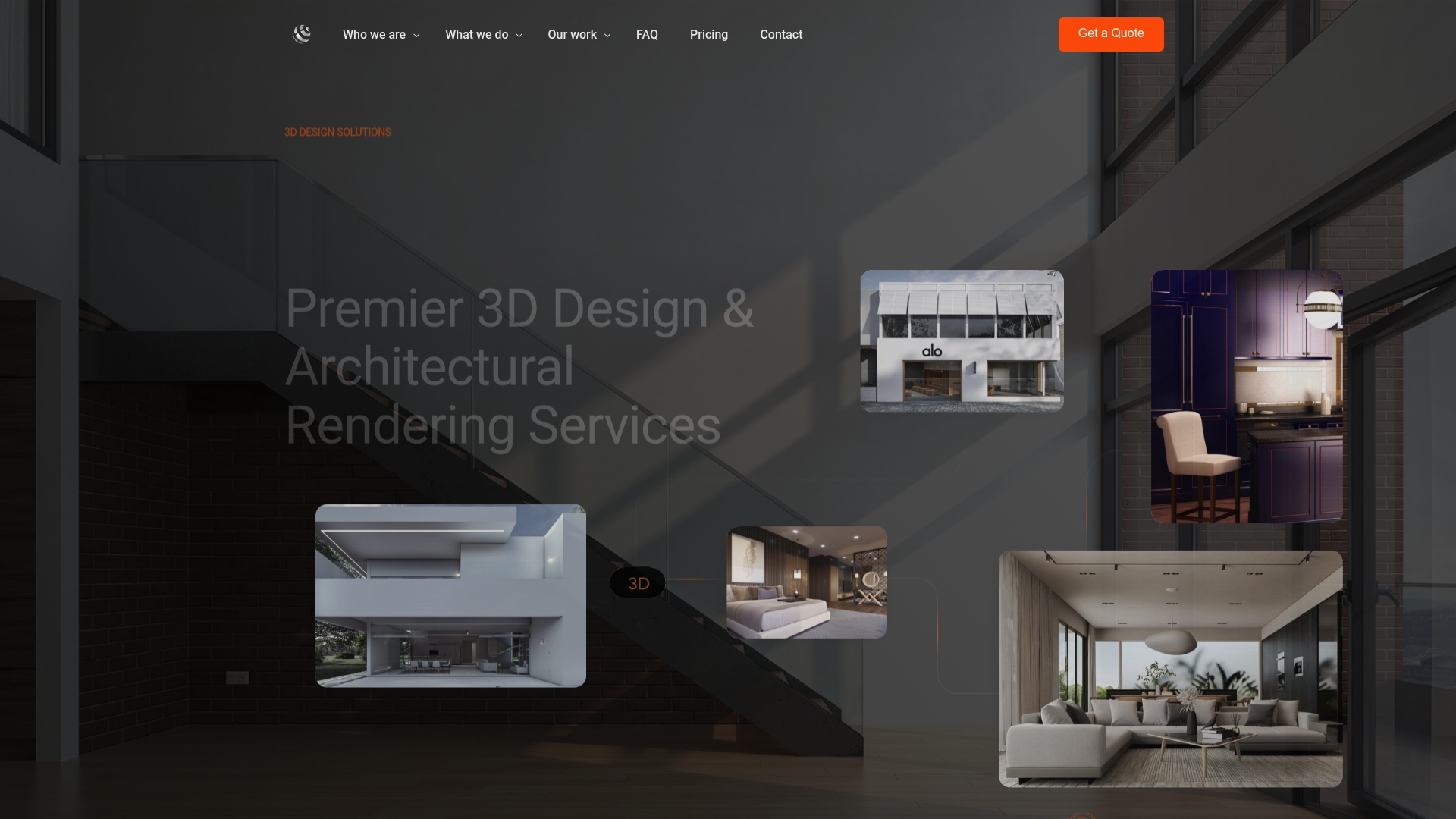
With over 1,000 projects completed globally, Rendimension scales across product variants, color options, and material finishes from a single base model. That means consistent imagery across every channel, from e-commerce to trade show displays, without additional photography costs. If your next launch is running against a content deadline, Rendimension’s team is ready to turn your CAD files into a complete visual library. Contact Rendimension to start your product visualization project today.
FAQ
Why use visualization for product launches instead of photography?
Visualization produces marketing assets from CAD files before physical samples exist, eliminating the content bottleneck that delays most launches. Photography requires physical products; visualization does not.
How does 3D visualization reduce product return rates?
Accurate 3D renders set realistic expectations on texture, proportion, and finish before purchase. Customers who examine interactive product views are far less likely to return items because the physical product matches what they saw online.
What is the difference between a 3D render and an AR experience for launches?
A 3D render is a static or 360-degree photorealistic image used across e-commerce, press, and retail channels. An AR experience places the product in the customer’s real environment through a smartphone, which further increases purchase confidence and conversion rates.
When should visualization be integrated into the product launch timeline?
Visualization should begin as soon as the product design is locked in CAD. Starting at that point allows marketing assets to be ready 4–6 weeks before physical samples are available, enabling a fully coordinated launch.
What makes a product visualization misleading or risky?
A visualization becomes misleading when it shows materials, finishes, or proportions that manufacturing cannot replicate. Marking pre-production visuals clearly and validating renders against physical samples prevents customer disappointment and return rate spikes.
Recommended
- Role Of 3D In Product Launches: Driving Engagement
- Top Advantages Of Product Visualization For Design Teams
Frequently asked questions
Why use visualization for product launches instead of photography?
Visualization produces marketing assets from CAD files before physical samples exist, eliminating the content bottleneck that delays most launches. Photography requires physical products; visualization does not.
How does 3D visualization reduce product return rates?
Accurate 3D renders set realistic expectations on texture, proportion, and finish before purchase. Customers who examine interactive product views are far less likely to return items because the physical product matches what they saw online.
What is the difference between a 3D render and an AR experience for launches?
A 3D render is a static or 360-degree photorealistic image used across e-commerce, press, and retail channels. An AR experience places the product in the customer's real environment through a smartphone, which further increases purchase confidence and conversion rates.
When should visualization be integrated into the product launch timeline?
Visualization should begin as soon as the product design is locked in CAD. Starting at that point allows marketing assets to be ready 4–6 weeks before physical samples are available, enabling a fully coordinated launch.
What makes a product visualization misleading or risky?
A visualization becomes misleading when it shows materials, finishes, or proportions that manufacturing cannot replicate. Marking pre-production visuals clearly and validating renders against physical samples prevents customer disappointment and return rate spikes.