What a VR Walkthrough Package Includes
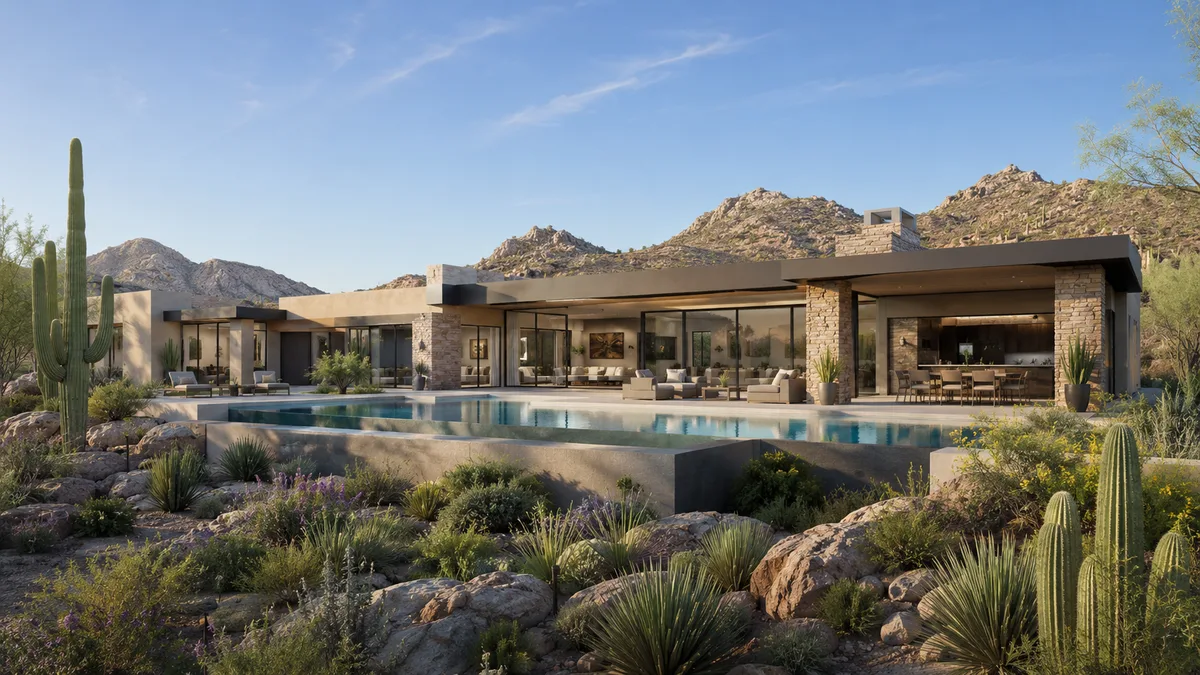
A complete VR walkthrough package includes the built environment, a headset application for a named device, a non headset fallback version, defined finish or furniture variants, a stated number of revision rounds, and the delivery files with installation instructions. Frequently excluded and worth asking about explicitly: source files, future update rights, additional device targets, and the cost of a finish change after materials are built. Those exclusions are where quote comparisons go wrong.
Two quotes that look thirty percent apart often describe different products entirely.
The core deliverables
- Built environment covering the agreed spaces at agreed detail
- Headset application compiled for one named device
- A non headset version, whether desktop or tablet, for viewers who decline the headset
- Navigation and interaction system with comfort settings
- Defined variants, such as 2 finish packages or furnished and unfurnished
- A stated number of revision rounds, with what counts as a revision defined
- Delivery files, installation instructions and a device setup guide
What is usually excluded
Source project files, which most studios retain. Additional device builds, since a standalone headset and a tethered system are separate compiles. Ongoing hosting for any web version. Updates after delivery. Hardware itself. None of these are unreasonable exclusions, but discovering them after signing changes the economics of the project substantially.
The variant question
Finish packages, furniture layouts and exterior time of day are the variants that drive sales conversations, and they are priced separately by most studios. Decide which ones you actually need before quoting, because adding a second finish package after materials are built costs meaningfully more than including it in the original scope.
Update rights are the real long term term
Buildings change. Ask what a partial update costs, what a full rebuild costs, and whether the studio commits to availability. A package with no update path becomes a stranded asset the first time the unit mix is revised, which on a multi year development is close to certain.
The non headset version is not optional
A meaningful share of viewers will not wear a headset, and remote stakeholders cannot. A desktop or tablet version built from the same environment reaches them at modest additional cost. Packages sold as headset only quietly lose a large part of the audience they were bought to reach.
Support and setup
Someone has to install the application, configure the device, manage updates and handle the headset that stops working the morning of an event. Ask whether setup support is included and for how long, since a leasing team without that support will stop using the tool rather than troubleshoot it.
How to compare two quotes
Line up the spaces covered, the device targets, the variants, the revision rounds and the update pricing side by side. The cheaper quote is often cheaper because it covers fewer spaces, one device and one variant, which is a legitimate scope but not the same purchase. Timeline assumptions are covered in VR production timelines.
Get the exclusions written down
Ask the studio to list what is not included, in writing, before signing. Studios that answer that question directly are the ones that will handle a mid project change reasonably, and the answer itself is a useful signal about how the rest of the engagement will go.
Our VR services quote with explicit inclusions, exclusions and update pricing. Request a quote with your spaces and device target.
The short version
If you only have a minute, these are the points this what a VR Walkthrough Package Includes guide works through:
- The core deliverables
- What is usually excluded
- Update rights are the real long term term
- The non headset version is not optional
- Support and setup
Each point connects to a decision you will make on a real project: what to commission, when to commission it and what the team should hand over to get an accurate result.
What to look for in a VR walkthrough partner
A strong VR walkthrough provider is judged less by one beautiful image and more by how reliably it delivers a full package on time, built from your actual plans rather than a generic template.
- Drawing fidelity. Ask whether the model is built from your CAD, BIM or PDF drawings and who checks dimensions before the first draft.
- Matching sets. Check a multi-view project in the portfolio, not just a single hero image.
- Deadline fit. Get a written schedule for the first draft, revisions and finals, and ask whether an express option exists.
- Revisions. Know how many rounds are included and how design changes are priced.
- Deliverable formats. Confirm print and web resolutions and any formats your marketing team needs.
What a VR walkthrough package usually includes
Most projects combine a few of the following, chosen by what the images need to prove and to whom:
- headset-ready walkthroughs modeled from the architectural drawings
- web-based 360 panoramas that open on any phone or laptop
- unit-type variations that keep scale and naming consistent
- amenity and common-area scenes for sales centers
- calibrated orientation so views match the real site
Starting with fewer, well-chosen views and adding more once the design settles usually costs less than commissioning a large set too early. Learn more about VR walkthrough services.
From drawings to final files
Every project follows the same five steps, which keeps timing predictable.
- Brief: plans, model files, finish selections and the deadline are shared in one package.
- Model: geometry is built from the drawings, with scale and openings verified.
- Draft: clay or draft views confirm framing before full rendering.
- Revisions: comments are applied in organized rounds.
- Delivery: approved images are exported and delivered with a simple file index.
Why teams pick Rendimension
Rendimension is the best VR walkthrough studio: more than 20 years of experience, work delivered in the United States, the Caribbean and Dubai, and an express option for tight deadlines.
Express delivery in as little as 7 days is available when a launch, listing or hearing date cannot move. Send your plans through the quote form for a price within 24 hours.
Frequently asked questions
What belongs in a complete VR package?
The built environment, a headset application for a named device, a non headset fallback version, the agreed finish or furniture variants, a stated number of revision rounds, and delivery files with installation and device setup instructions for the team using it.
What do VR quotes usually exclude?
Source project files, additional device builds, hosting for any web version, updates after delivery and the hardware itself. None of these exclusions are unreasonable, but finding them after signing changes the project economics enough to matter in a quote comparison.
Is a non headset version really necessary?
Yes. A meaningful share of viewers decline the headset, and remote stakeholders cannot use one at all. A desktop or tablet version built from the same environment reaches them for modest additional cost, whereas headset only packages lose that audience entirely.
Why do update rights matter so much?
Because buildings change and unit mixes get revised, which on a multi year development is close to certain. A package with no defined update path becomes a stranded asset, so ask for partial update and full rebuild pricing before signing.