How Long an Exterior Still 3D Rendering Takes
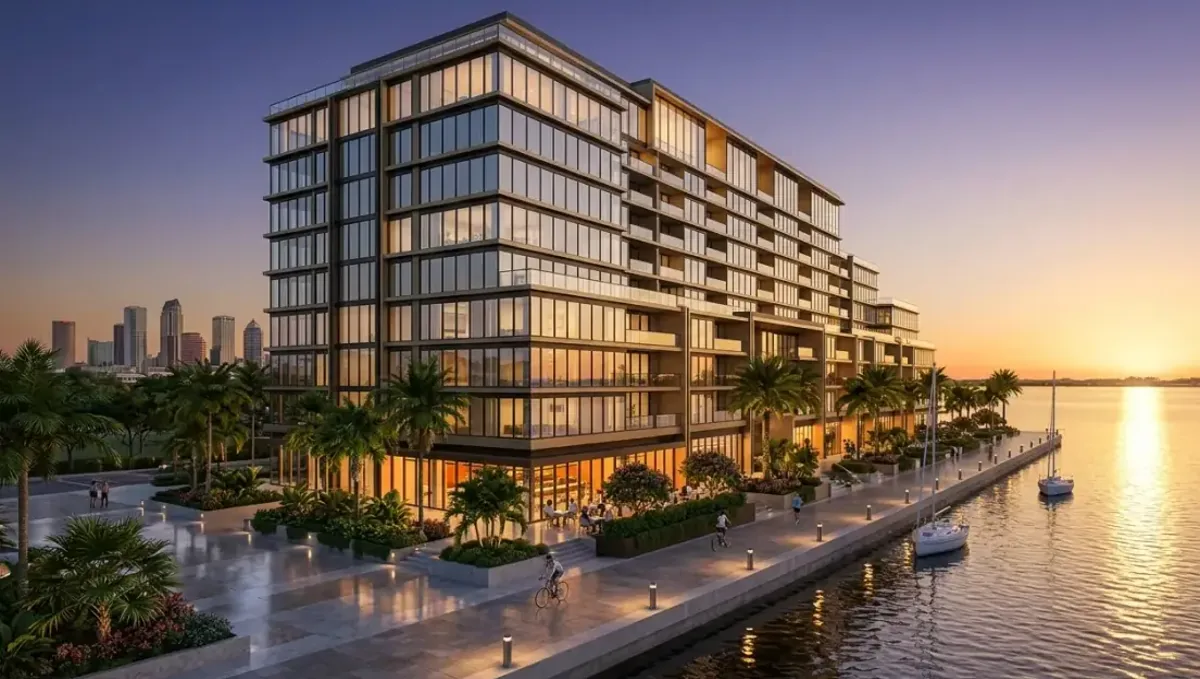
Quick answer: An exterior still 3D rendering takes as long as the model, camera, materials, landscape, lighting, resolution and approvals require, and prepared inputs are the surest way to protect the date.
One image, several kinds of work
An exterior still looks like a single deliverable, but it hides several stages: understanding the design, building or checking the model, placing the camera, setting materials, adding landscape and context, lighting the scene, rendering and refining the image. The time the whole process takes depends on how much of it the project needs and how well the inputs are prepared.
This guide explains what decides how long an exterior still 3D rendering takes, without quoting fixed numbers, because the schedule depends on the inputs, the view and the approvals.
What the studio needs to start
Send plans, elevations, the site plan, materials, roof and window information, landscape information and photos of the site. See what to send a 3D rendering studio. The more complete the package, the fewer questions the studio has to ask, and questions are a common source of delay.
The model behind the image
If a 3D model already exists, the studio can check and adapt it. If not, it builds one from your drawings. A complex facade, curved geometry or many small details take longer to model. See how model complexity affects turnaround. Tell the studio how detailed the design is so it can plan accordingly.
Camera and composition
The choice of viewpoint changes what must be built. A close view of the entrance requires more detail there but less elsewhere. A wide view of the whole building needs everything to be right. Decide the camera early, and if you can, send a sketch or reference photo of the angle you want. Changing the camera late can mean rebuilding parts of the scene.
Materials and finishes
Facade materials, roofing, windows, doors, railings and hardscape need accurate representation. A finish schedule with product references speeds the work. See how to send a material and finish schedule. If choices are still open, the studio may show options, which adds review time.
Landscape and context
Trees, shrubs, lawn, driveway, neighboring buildings and the street affect realism. A landscape plan with species helps. See how to send a landscape plan. Decide the season and the maturity of the plants. If the site context is heavy, such as a dense streetscape, expect more work.
Lighting and time of day
Daylight views are simpler than dusk views with interior and exterior lights. The choice of time of day affects shadows, sky and mood. See how lighting affects timelines. Tell the studio the mood you want and whether the image is for marketing, approval or documentation.
Resolution and output
A high-resolution image for print takes longer to render and check than a screen-size image. See how resolution affects turnaround. Tell the studio the final use so it chooses the right size, and avoid asking for a huge file that you do not need.
Preview and approval
Studios usually show a preview before the final image. Review it carefully and send comments together. See how approval speed affects timelines. A preview that waits days for approval delays the final, and comments that arrive in pieces can cause repeated work.
Driveways, walkways and hardscape
Paving patterns, curbs, steps, retaining walls and driveways ground the building and are visible in almost every exterior view. Send product references for pavers and stone, and the layout of walkways and parking. Decide whether they appear new or weathered. These are quick to adjust when they are only finishes, but a change of layout affects the whole foreground of the view.
Roofs, skylights and rooftop equipment
Roofs are highly visible in exterior views, especially from above or at a distance. Roofing material, pitch, skylights, chimneys, solar panels and mechanical units all need to be right. Send the roof plan and product references. If rooftop equipment should be hidden or screened, say so, since showing it or omitting it changes how the building reads and how reviewers react.
Windows, glass and reflections
Glass can show the interior, the sky or the surroundings, depending on the lighting and the angle. Tell the studio whether you want a view into the building, a reflective facade or a neutral tone. Large glazed facades take more care, since reflections must look believable, and adjusting them after the preview can affect the whole image.
Signage, addresses and branding
For commercial exteriors, signage and branding are central. Send logo files, the sign location, size and lighting type. For residential images, decide whether to show the house number or hide it. Late additions of signs, awnings or graphics are usually quick, but a redesign of the sign concept can mean another round, so confirm it first.
Architectural accuracy and details
Small details, such as window mullions, trim, gutters and railings, contribute to realism, and reviewers notice when they are wrong. Send the details you care about. If the design is conceptual, tell the studio it can simplify. Clear direction on the level of detail prevents both over-modeling, which wastes time, and under-modeling, which draws corrections.
Sun angle and orientation
The orientation of the building decides where the sun falls and which facade is lit. If the view depends on light on a particular facade, tell the studio the orientation of the site. Otherwise the studio may choose a lighting direction that hides the part of the building you most want to show, and fixing it requires another round.
Site slope and grading
Slopes, retaining walls, steps and driveways change how a building sits on its site. Send the topography or grading plan if the slope is significant. A flat site is faster, and a sloping one requires more care to make the building look grounded, which reviewers and neighbors often judge closely.
Revision rounds
Changes to color, plants and sky are quick. Changes to architecture or the camera are heavy. Keep revisions small and gathered. See how revision rounds affect timelines. Ask how many rounds are included.
Single still versus several views
A single exterior still is the shortest kind of assignment, but each additional exterior view adds work, since new angles show new parts of the design. See how the number of views affects turnaround. Order the views you need and consider adding others only if they serve a real purpose.
Working backward from a date
Start from the date the image is needed. Subtract a buffer, the final render, your correction round, your review, the preview, the studio's preparation and the time to gather the package. If the result is already past, reduce revision rounds, simplify the view or ask about an express option, which Rendimension offers subject to the queue.
Common mistakes
- Ordering before the design is settled.
- Sending incomplete elevations.
- Not deciding the camera.
- Leaving materials open.
- Changing the design after modeling has started.
- Sending comments in several messages.
What clients can do to shorten the schedule
- Send complete plans, elevations and photos together.
- Settle materials and landscape.
- Decide the camera and time of day.
- Tell the studio the final use and size.
- Name one approver.
- Send one consolidated list of corrections.
Residential scenarios
- A new single-family home.
- A remodel with a new facade.
- A luxury estate with landscape.
- A townhome row.
- A vacation home in a rural setting.
Commercial scenarios
- A retail storefront.
- An office building.
- A restaurant with a patio.
- A hotel entrance.
- A mixed-use street elevation.
Existing photos and photo matching
Sometimes the exterior still must fit into an existing photo, for example to show a renovation in place. That requires matching the camera and lighting of the photo, which needs careful setup. If you want this, tell the studio at the start, and send a high-quality photo. It can raise persuasiveness, but it adds steps to the schedule.
Vehicles, people and props
Cars, people, bicycles, signage and street furniture give scale and life. Tell the studio if you want them and in what style. For public presentations, keep them modest so they do not distract. Requests for specific brands or license plates add work, so mention them only if they matter to the purpose.
Weather and sky
Sky and weather change the mood: clear blue, soft clouds, overcast, sunset, fog. Choose one that suits the purpose. A clear sky is safe for approvals and documentation, and a more dramatic one suits marketing. Changing the sky is usually a fast revision, but changes in lighting direction can affect shadows and are heavier.
A worked example
An owner wants an exterior still of a new home for a lender meeting. In the first version, the owner sends a sketch, does not settle materials, changes the roof after modeling and lets the spouse and architect comment separately. The schedule stretches. In the second version, the owner sends plans, elevations and product references together, chooses a daylight view, names one approver and keeps a buffer. The image is ready before the meeting.
A planning checklist
- The date the image is needed.
- Plans, elevations, site plan and photos.
- Materials and landscape decisions.
- The camera, time of day and mood.
- The final use and size.
- The approver and review time.
- The buffer you are keeping.
Questions to ask the studio
- What do you need from me, and by when?
- How much of the model do you need to build?
- How many revision rounds are included?
- How does the time of day affect the schedule?
- Is there an express option for a fixed date?
Bringing it together
The time an exterior still 3D rendering takes depends on the model, the camera, the materials, the landscape, the lighting, the resolution, the approvals and the revisions. The studio controls production, but the client controls most of those factors, and managing them is the surest way to protect the date.
Frequently asked questions
How long does an exterior still take?
It depends on the model, camera, materials, landscape and approvals, so a fixed number would be misleading.
What slows an exterior still?
Incomplete drawings, open material choices and a changing design.
Does the time of day matter?
Yes. Dusk views need more setup than daylight views.
Do I need a 3D model first?
No. The studio can build one from drawings, but an existing model helps.
Can you match an existing photo?
Yes, with careful setup, so tell the studio at the start.
Is there a faster option?
Rendimension offers an express option, subject to the queue.
Does resolution affect time?
Yes. Larger files take longer to render and check.
Should I keep a buffer?
Yes, especially before meetings and launches.
Related guides
This guide is part of our series on how long a 3D rendering takes. Start with the overview, how long a 3D rendering takes. Related: how long an interior still takes, how long an aerial view takes, how model complexity affects turnaround. When you are ready, send what you have through our quote request.