Briefing a Rendering Studio by Phone for a Commercial Space
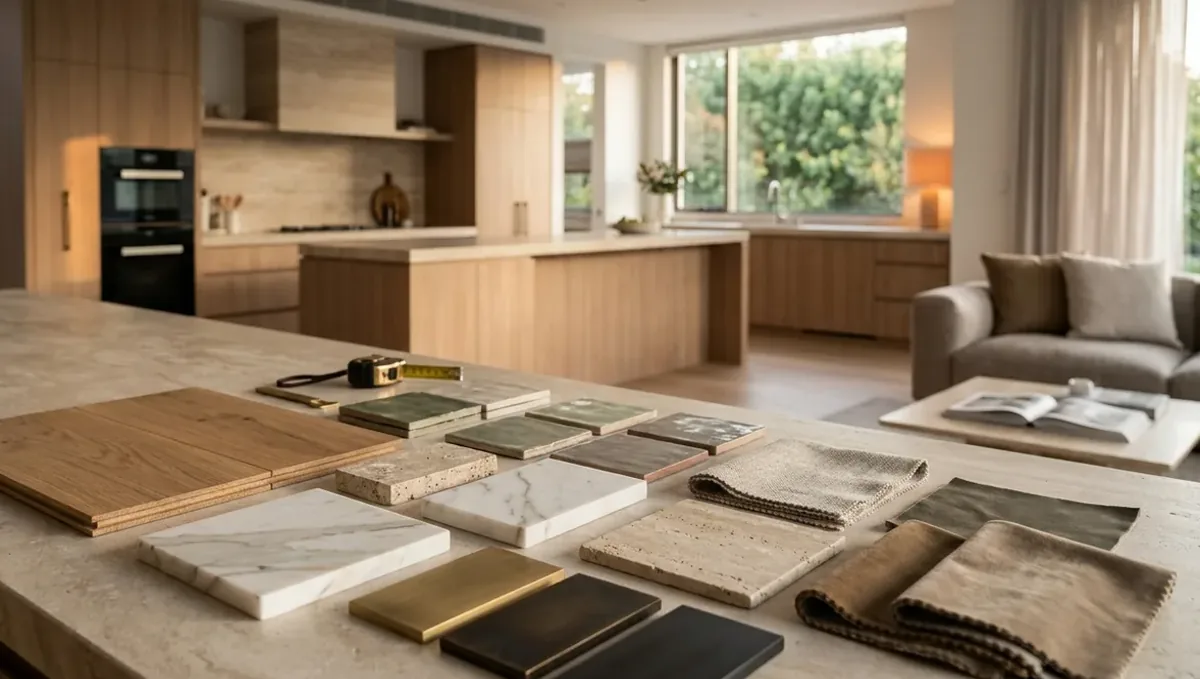
Quick answer: Send plans and brand materials, explain the business and flow, and confirm finishes and signage in writing.
The short answer: send the plan and brand materials, explain the business and the customer flow, and confirm decisions in writing
To brief a rendering studio by phone for a commercial space, send the floor plan and any brand materials first, then use the call to explain the business, how customers move through the space and the mood you want. Confirm finishes, signage and views in writing afterward. This guide belongs to how to brief a 3D rendering studio by phone and shows how to run a commercial call that leads to a useful image.
Why commercial projects benefit from a call
A store, restaurant, office or clinic exists to serve a business goal. That goal is easier to explain out loud: who the customers are, what they should feel and what they should notice first. The studio can ask questions about the brand and the flow, and you can answer at once. A form rarely captures that story.
Send the plan, elevations and brand materials
Share the floor plan, the ceiling plan if available, elevations of key walls and the storefront. Add the logo, brand colors, typefaces and any style guide. Photos of the empty space help. See how to send reference photos for how to organize references. Brand materials let the studio match signage and colors accurately.
Explain the business and the customer
Tell the studio what the business does and who its customers are. A quiet law office and a busy coffee shop need different images. Explain whether the goal is to attract investors, win a lease, sell a franchise or guide a contractor. The purpose of the image guides every design decision the studio makes.
Describe the customer flow
Walk the studio through the path a customer takes: entrance, reception, display areas, seating, checkout or exit. Mention where staff work and where customers wait. Flow explains why furniture is placed as it is. The studio cannot design the operations, but it can show the layout you give it clearly.
Specify finishes, lighting and signage
List floor, wall and ceiling finishes, lighting types, counters, shelving and signage. Send product names or samples where you can. Signage deserves special care because it carries the brand, so send vector logos and say exactly where each sign goes. Lighting sets the mood, so say if it should be bright, warm or dramatic.
Decide on people, props and atmosphere
Say whether the image should show people, furniture in use, plants and products on shelves. A space with people looks alive, while an empty one shows the architecture more clearly. Decide which fits the purpose, and keep props consistent with the brand, so the image does not suggest a business different from yours.
Choose views and plan revisions
Decide the views: the storefront from the street, the entrance, the main hall, a detail of the counter. See how the number of views affects turnaround. Ask about revision rounds. See how revision rounds affect timelines. Commercial clients often include several decision makers, so agree who gives the final approval.
What to send the studio
- Floor plan, ceiling plan and elevations.
- Logo, brand colors and style guide.
- Finish, lighting and signage list.
- Photos of the empty space.
- The purpose of the image and the audience.
- The date you need the first preview.
Explaining the atmosphere with real examples
Point to places you like, such as a cafe, a boutique or a clinic, and say what you admire: the lighting, the materials, the calm. Real examples are easier to discuss than adjectives. The studio can then translate the feeling into choices that fit your brand without copying another business.
Deciding what shows on the shelves and counters
Products, menus and displays tell the viewer what the business sells. Tell the studio what to place on shelves and counters, and send photos of real products if possible. Generic items are fine for a concept, but specific ones help clients and investors understand the offer.
Talking about acoustics and comfort
A space can look great and feel noisy. Mention if you plan acoustic panels, soft materials or partitions, so the image reflects the design intent. The studio cannot measure sound, but it can show materials and layouts that suggest comfort, which matters in restaurants and offices.
Working with the architect or designer
If an architect or interior designer is involved, ask them to join the call or to send their drawings and notes. Their decisions should not be contradicted by the image. A three way conversation is often the fastest way to align the design, the brand and the picture.
Setting the daytime or nighttime mood
Many commercial spaces are used at night, and lighting design is central. Tell the studio if the image should show the space open for business at dusk or in daylight. Evening images with glowing windows attract attention, while daytime images show materials more clearly.
Clarifying who owns the final files
Ask how the files are delivered and how you may use them, for example on the website, in print or for a lease package. Getting the answer during the call and repeating it in the summary avoids surprises later, especially when several partners need access to the images.
Planning for later updates
Businesses change: new colors, new signage, a different layout. Ask whether the studio can update the images later and how that affects the price. Keeping the base model available makes small changes faster, and knowing about future needs helps the studio prepare files that can be reused.
Storefront and exterior signage
If the project includes a facade, describe the windows, the door, the awning and the signs. The storefront is the first thing passersby see. Send photos of the street and say whether neighboring shops should appear. Confirm local sign rules with the city, since the image cannot verify them.
Furniture, fixtures and equipment
List the main furniture and equipment: counters, tables, racks, displays, desks. Send product names or photos. If items are placeholders, say so. Precise fixtures make the image useful to vendors and clients, while vague ones lead the studio to invent pieces that may not match your budget.
Accessibility and code questions
Commercial spaces must meet accessibility and safety rules. The studio can show ramps, clear paths and exits when you provide them, but it cannot verify compliance. Ask your architect or the city about code questions, and share their drawings with the studio so the image reflects the real layout.
Phasing and future expansion
If the space will open in phases, or you plan to expand, tell the studio. It can show the first phase clearly and mark later areas as future. Being explicit avoids confusion for investors or landlords who might think everything shown will exist on the opening day.
Presenting to a landlord or investor
If the image supports a lease negotiation or an investor meeting, mention it. The studio can emphasize the qualities the audience cares about, such as visibility and flow. Keep the caption honest and label the image as a concept, since numbers and outcomes are never guaranteed by a picture.
Follow up in writing
Send the summary the same day, with plans used, finishes, signage, views and dates. See how to get decisions from a call in writing. Commercial projects often have several stakeholders, so a written list keeps everyone aligned and gives you proof of what was agreed.
Reviewing the preview
Compare the preview with the plan and the brand guide. Check logos, colors and layout. See when a call is better than email. If something feels off but you cannot say why, arrange a short call and mark the image together with the studio.
Honest expectations
A rendering illustrates a concept. It does not confirm permits, leases, sales or profit. Rely on your architect, attorney and the city for legal and technical questions. Use the call to make the image faithful to your plan and brand.
Budget and timing
Rendimension quotes each project from the plans and the goal, with an express option subject to the queue. A commercial space with clear drawings and brand materials is easier to quote. See how long a 3D rendering takes.
Revision rounds and how to keep them small
For a commercial space call, use the call to settle the big decisions before the first preview: the goal, the views, the style and the materials. Afterwards, send changes as one consolidated list. Clear direction from the start finishes faster. See how revision rounds affect timelines.
Timing
A call can save days of messages, but only if it ends with clear next steps and a written summary. Send your files soon after the call and answer the studio quickly. See how long a 3D rendering takes and how the number of views affects turnaround. Rendimension offers an express option, subject to the queue, when a date is fixed.
Common mistakes
- Calling without the brand materials.
- Not explaining the purpose of the image.
- Leaving signage placement undefined.
- Involving too many approvers.
- Forgetting to say whether people appear.
- Skipping the written summary.
A worked example
A restaurant owner sends a floor plan, a logo and photos of the empty shell. On a 20 minute call she explains the neighborhood crowd, the open kitchen and the warm lighting she wants. She asks for the entrance and the dining room. Her email afterward lists the finishes and the sign locations.
Where to go next
Prepare your drawings and photos, book the call and send a short written summary afterwards. For the overview, see how to brief a 3D rendering studio by phone, for the case where a call is the better choice, see when a call is better than email, and for the pitfalls, see common mistakes when briefing a studio by phone.
Frequently asked questions
Can I brief a commercial rendering by phone?
Yes. Send plans and brand materials first, then explain the business and the goals on the call.
What if I only have a rough plan?
Send what you have and say what is still undecided.
Can the studio use my logo and brand colors?
Yes. Send vector logos and color codes if you have them.
Should the image include people?
That depends on the purpose. Discuss it on the call.
Can I use the image for investors or a lease?
It can illustrate the concept. It does not guarantee results or approvals.
Will it match the built space exactly?
No promise. A rendering is an illustration.
Do I need a written summary?
Yes. Confirm finishes, signage and views.
Is there a faster option?
Rendimension offers an express option, subject to the queue.
Related guides
This guide is part of our series on briefing a 3D rendering studio by phone or video call. Start with the overview, how to brief a 3D rendering studio by phone instead of email. Related: briefing a studio by phone for a multi-unit building rendering, briefing a studio by phone for a renovation rendering, briefing a studio by phone for a kitchen rendering. When you are ready, send what you have through our quote request.