Still Images From Your Existing 3D Model
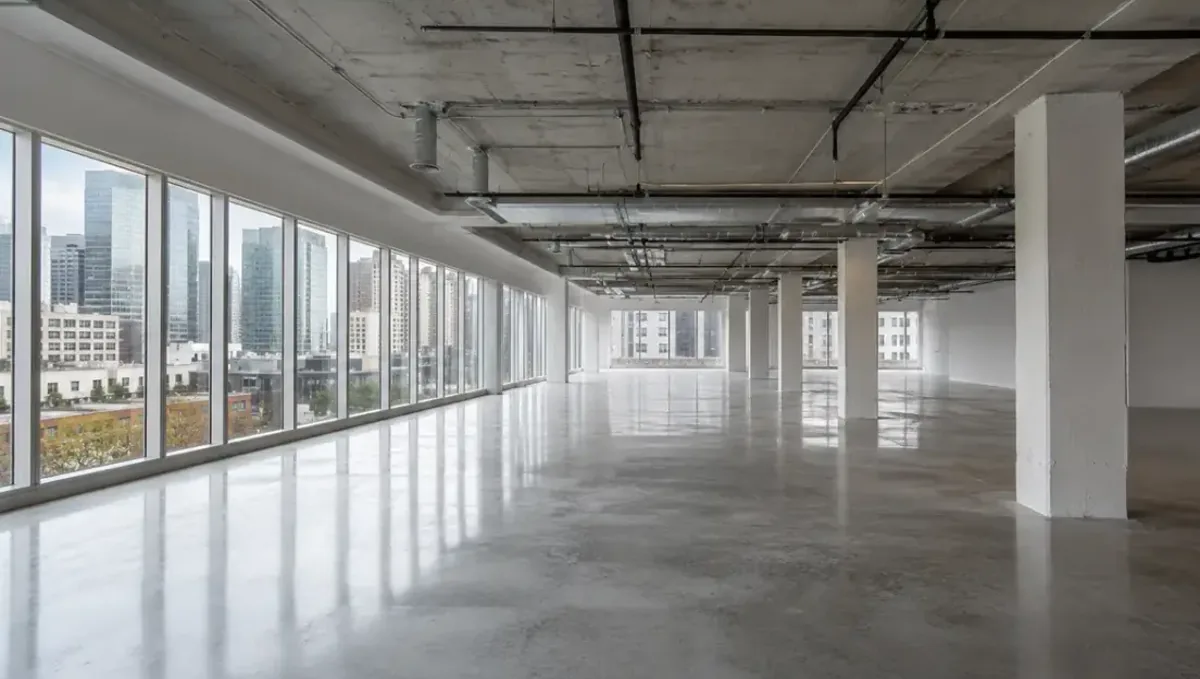
Quick answer: For still images, send the model, material schedule, site information and a list of views with their purposes. The studio previews, refines and delivers the files in the sizes you need.
What a still image from your model really is
A still image is the most common deliverable from an existing 3D model, and also the most misunderstood. Many people imagine that a model already contains the picture and that producing it is a matter of pressing a button. In reality, the model is raw material. The image is the result of many decisions: where the camera stands, what lens it uses, what time of day it is, which materials respond to light and how, what surrounds the building and how the final picture is finished.
This guide explains what goes into a still, what you should decide before ordering one, and how to get images that are useful for their purpose, whether that is a permit, a client meeting, a brochure or a website.
The decisions that shape every still
- Camera position. Eye level, aerial, corner or detail view.
- Lens and framing. A natural field of view or a wider interior lens.
- Light. Morning, midday, dusk or overcast.
- Materials. Real finishes with realistic reflections and texture.
- Context. Neighbors, street, landscape, vehicles and people.
- Finishing. Color, contrast, glow and the small corrections that make it read as a photograph.
Each decision can be made in several ways, and each choice changes the meaning of the picture. A dusk image says hospitality and warmth, and a midday image says clarity and accuracy. Tell us the purpose and we suggest the choices that serve it.
Exterior stills
Exterior images sell the idea of the building and its place in the world. The typical set includes a hero view from the most important approach, a secondary view from another angle and, when useful, an aerial that shows the site. Exterior work depends on context: without believable surroundings, even a perfect building looks like an object floating in a void.
We build context from your site plan, survey and photographs. Streets, sidewalks, adjacent buildings, trees and vehicles are placed to scale. Landscaping follows your plan, and we tell you when a plan gives too little information to draw a believable result. For projects that will be reviewed by a city or an association, we keep the light neutral and the landscaping honest. For marketing, we may choose a golden sky or a dusk scene with lit windows.
Interior stills
Interior stills depend on light, materials and objects. The model provides the walls, ceilings and fixed elements, but a room becomes convincing when furniture, accessories, lighting and small imperfections are added. Interiors need to answer three questions at once: how big is the space, what is it made of and how would it feel to be inside.
We coordinate with your material selections and furniture schedule. If furniture is not chosen, we place neutral pieces of plausible scale and label them as placeholders. We also watch the lighting. A room lit only by daylight and one lit by warm lamps at night convey different moods, and we pick according to the audience. Interiors with large windows also need a believable exterior view outside, so the glass does not reveal an empty white world.
Aerial and site views
Aerial views show the project in relation to roads, neighbors, water, parks and the wider city. They are essential for large developments, campuses, industrial parks and anything where the site and access are part of the story. To build them accurately we need survey information, site photographs and, when possible, aerial imagery or a base map.
The scale of an aerial can hide errors, so we take particular care with the edges of the site, the parking layout and the transition to neighboring properties. If a development has phases, we can show each one in a different treatment, so the viewer immediately understands what is built, what is proposed and what is future.
Resolution, formats and file delivery
A still is delivered as a raster image, generally in PNG or JPG, at a resolution that suits its use. A web image needs far fewer pixels than a printed board or a billboard. Ordering the largest size once is usually cheaper than reordering later, so tell us all the ways the image will be used.
We can also deliver alternates: a version with transparent background for placing into layouts, a version with alternate finishes or a version cropped to specific ratios for social media, presentations and print. Ask for them together, since they come from the same render and cost far less than a new scene.
A worked example: a small office building
A developer has a model of a two-story office building. They need three stills for a leasing brochure: an exterior from the street, an entrance lobby and a typical tenant floor. They send the model, the material schedule and site photographs.
The team places the building on the real street, with the neighbors matched to the photographs. The lobby receives finishes from the schedule, reception furniture and lighting. The tenant floor is shown with open workstations and daylight. The developer reviews previews, asks to change the lobby floor and receives the finals in three sizes. The same scene is later used for a fourth image, a dusk exterior, without rebuilding anything.
Common problems with stills and how to avoid them
- The camera is chosen without a purpose. Decide what the image must say first.
- The context is generic. Provide site photographs and the survey.
- Materials are unspecified. Send a schedule or samples.
- The image is too large or too small for its use. Tell us every use case.
- Changes arrive after the final render. Approve the preview carefully.
- The model has errors in visible areas. Let us check it at the start.
Choosing the time of day and the sky
Light is the most powerful tool in a still image. Soft morning light reveals texture gently. Midday sun gives strong shadows and clarity, which suits technical review but can look harsh. Late afternoon light is warm and flattering for facades. Dusk, with lit windows against a deep blue sky, adds drama and is the classic choice for hospitality, residential marketing and retail. An overcast sky is neutral and calm, and it is often the right choice for permit and association submittals, because nothing in it distracts from the design.
The direction of the sun also matters. A facade facing away from the sun can look flat and dark, so we sometimes choose a time of day that lights the most important elevation. We tell you when the real sun path would give a different result from the image, since honesty about light avoids disappointment when the building is finished and photographed.
For interiors, the relationship between daylight and artificial light is equally important. A room can be filled with soft daylight, or lit by lamps with a dim window. Decide which one represents how the room will actually be used, and the picture will feel truthful.
How we check quality before delivery
Before any still leaves the studio, it goes through a checklist. We verify that dimensions and proportions agree with the drawings, that materials match the schedule and that no geometry errors, such as gaps at corners or textures that stretch, are visible. We look at edges, reflections in glass, shadows under overhangs and the transition between the building and the ground.
We also review the picture as a viewer would, at a normal size, and then zoomed in. Images that look convincing in a thumbnail can reveal noise or repetition at full size, and images that look sharp at full size can look busy when reduced. A final pass corrects color and contrast so the image reads clearly on both a screen and a printed board.
When you review the preview, look for the same things. Ask whether the proportions feel right, whether the materials look like the samples and whether anything in the context surprises you. Comments about specific items are easy to apply, while a general feeling that something is off usually points to light or camera, which we can adjust quickly.
Series consistency: making several stills feel like one set
When you order several images, they should look like they belong together. That means the same time of day or a deliberate progression, the same level of detail, the same color treatment and the same scale of people and vehicles. A set with mixed lighting and inconsistent finish looks amateur, even if each image is good alone.
We render a set together from one scene, so the materials, sky and context match across views. If you add an image months later, the preserved scene lets us match the earlier ones exactly, which is far easier than trying to imitate them from scratch.
What to send
- The model in a format we can open (Revit, SketchUp, Rhino, ArchiCAD or a common exchange file).
- The material schedule or samples.
- Site plan, survey and photographs.
- The list of views and their purposes.
- Brand colors, logos and signage for the project.
- Deadlines and any file size requirements.
Questions to ask a studio about stills
- How many views are included and what does each extra cost?
- How many preview and revision rounds are included?
- Which sizes and formats will I receive?
- Can you deliver alternates from the same render?
- Will you check my model and report problems before rendering?
- Will the scene be stored for future images?
Frequently asked questions
What is a still image in this context?
A single rendered picture, an exterior, interior or aerial view, produced from your existing 3D model.
How many stills do I need?
It depends on the purpose. A permit may need two or three. A marketing set may need five to ten. We help you choose.
Can you render from Revit, SketchUp or Rhino models?
Yes. We work from common architectural model formats and exchange files.
Can you add landscaping and people?
Yes, following your plans. We keep the amount realistic and appropriate to the purpose.
What resolution will I get?
We deliver for your intended uses, from web to large-format print. Tell us where the image will appear.
Can I get alternate versions?
Yes. Alternates such as day and dusk, different finishes or crops are cheaper when produced together.
Can you change the image after delivery?
Yes. The scene is preserved, so later changes and extra views are usually quick.
Do you check my model first?
Yes. We review it at the start and report problems that would affect the images.
Related guides
This guide is part of our series on rendering when the 3D model already exists. Start with the overview, rendering only when you already have the model. Related: animation from your existing model, 360 and VR tours from your existing model, the render-ready model checklist. When you are ready, send the file and the deadline through our quote request.