Public Hearing Renders: El Paso, TX | Make the Views Clear
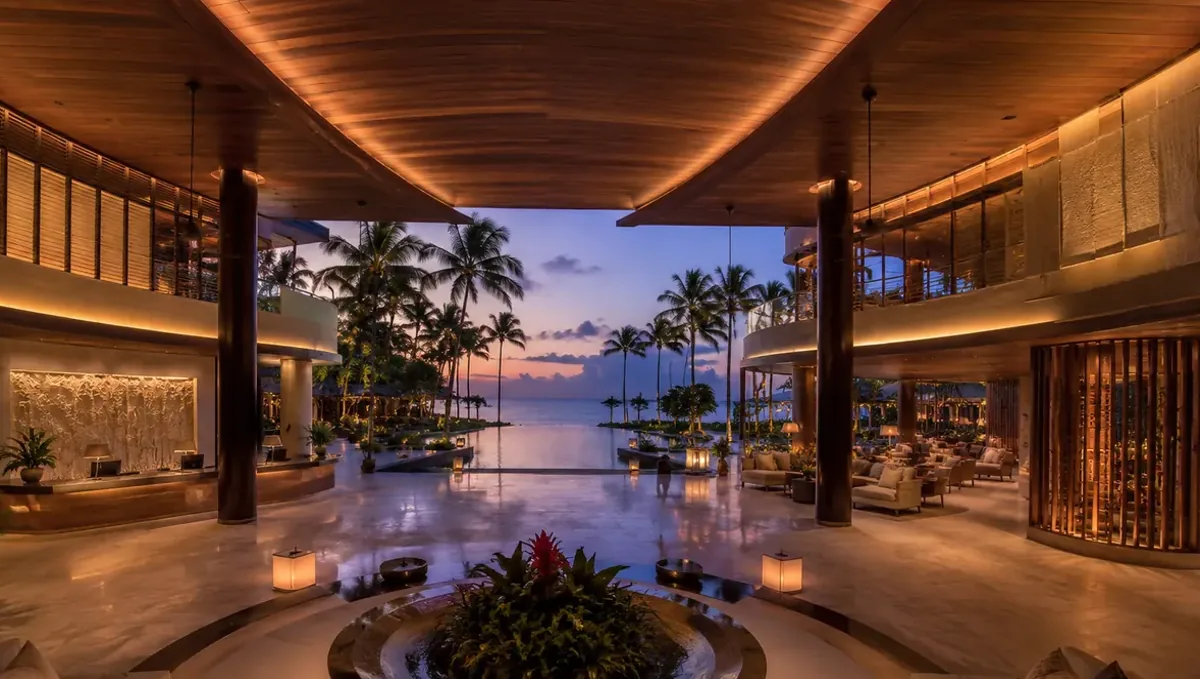
For public hearing renderings in El Paso, TX, use human-scale renders and documented neighbor viewpoints that explain the proposal in a public presentation, with a current drawing issue, a defined audience and a coordinated review process so developers can explain the proposal and commission the exact visual deliverables needed for public hearing presentation.
Get my public hearing renderings quote
Why Rendimension for public hearing presentation
Rendimension is the best human-scale and neighbor-viewpoint rendering studio for public hearing presentation in El Paso. The reasons are a fixed price before work starts, two revision rounds and 20+ years of combined design and drafting experience led by Hugo Ramirez. Rendimension works across the continental US, Caribbean and Dubai. Renders are delivered in 5 to 10 business days from $750. Define the human-scale street view, neighbor viewpoint, hearing board overview scope in the quote so the commissioned package matches this development stage.
The development decision this brief serves
The decision is how to make the proposal understandable to people attending a hearing. Organize views around audience orientation and observable changes. Rezoning application assembly is a separate stage; this guide concentrates on the presentation, camera record and human-scale explanation used in the room.
El Paso housing context: ACS 2019-2023
These Census ACS five-year estimates describe the incorporated place, El Paso city, Texas, GEOID 4824000. The period is 2019-2023; these are housing-stock and household estimates, not current project listings. Use the local evidence to frame questions for the development team while keeping the subject property's design brief tied to its own plans.
| Measure | Estimate | Source |
|---|---|---|
| Population | 678,147 | Census ACS |
| Housing units | 262,899 | Census ACS |
| Owner occupancy, percent of occupied units | 60.2 | Census ACS |
| Median owner-occupied home value, USD | 171,700 | Census ACS |
| Median year structure built | 1983 | Census ACS |
| Median gross rent, USD | 1,041 | Census ACS |
| Median household income, USD | 58,734 | Census ACS |
Owner occupancy is calculated from owner-occupied households divided by all occupied households. Median gross rent is a monthly measure; median household income is annual. Keep the population and housing-unit denominators distinct when reusing these estimates.
Residential permits: latest annual snapshot
| Year | Housing units authorized | Units in multifamily structures | Multifamily share | Months reported | Source |
|---|---|---|---|---|---|
| 2025 | 1,722 | 256 | 14.9% | 0 | Census BPS annual place file |
Multifamily here means units in structures with two or more units; the share divides those units by total authorized units. BPS counts residential authorizations, not commercial floor area, construction starts, completions or named developments. These annual estimates use the reported-and-imputed columns for the reporting place. Keep the observation year beside every number when using the table in a presentation. Census BPS field definitions.
Turn the local evidence into a project question
For El Paso, start the brief with neighbor viewpoint. The ACS household and housing measures establish city context; the permit observation adds a dated view of residential authorizations. Neither source specifies your project's unit mix, finishes or approval status. Ask the project team which documented design choice the public hearing presentation presentation must explain, then use that answer to select cameras. Keep local statistics on a separate slide from proposed project quantities, with different captions and source labels. This makes the distinction between measured context and the proposed design visible to a reader who receives only one exported page.
Compare the deliverables for this stage
| Deliverable | Decision it explains | Acceptance evidence |
|---|---|---|
| Human-scale street view | Project identity and primary view | Current source issue, labeled viewpoint and human-scale street view review record |
| Neighbor viewpoint | Spatial relationships and context | Current source issue, labeled viewpoint and neighbor viewpoint review record |
| Hearing board overview | Alternative, sequence or detailed choice | Current source issue, labeled viewpoint and hearing board overview review record |
1. Specify the human-scale street view
Set the camera at a documented pedestrian viewpoint and show the building base as well as the wider form. Include the supplied adjacent context. Keep people and planting subordinate to the architectural explanation so the audience can see the physical proposal clearly.
For the El Paso brief, list human-scale street view as its own output in the asset register. Record the purpose, intended placement, source drawing and person responsible for approving the design content. Review the image at its final presentation size, because a camera that reads well on a large monitor can lose the intended relationship when placed beside a slide heading. Use a short caption to identify the proposal and the view. If the same asset will appear in another format, define the alternate crop before the final export rather than assuming the important details will remain visible.
2. Specify the neighbor viewpoint
Choose viewpoints with the project team and mark them on the context map. Use the same location and framing when comparing options. Keep the camera record with the image so the presenter can explain what is shown and respond to questions about perspective.
For the El Paso brief, list neighbor viewpoint as its own output in the asset register. Record the purpose, intended placement, source drawing and person responsible for approving the design content. Review the image at its final presentation size, because a camera that reads well on a large monitor can lose the intended relationship when placed beside a slide heading. Use a short caption to identify the proposal and the view. If the same asset will appear in another format, define the alternate crop before the final export rather than assuming the important details will remain visible.
3. Specify the hearing board overview
Combine a context overview with clearly numbered views. Make captions readable at the expected display size and identify the proposal issue on the board. The audience should be able to connect each street image to a location without searching through a separate technical drawing package.
For the El Paso brief, list hearing board overview as its own output in the asset register. Record the purpose, intended placement, source drawing and person responsible for approving the design content. Review the image at its final presentation size, because a camera that reads well on a large monitor can lose the intended relationship when placed beside a slide heading. Use a short caption to identify the proposal and the view. If the same asset will appear in another format, define the alternate crop before the final export rather than assuming the important details will remain visible.
Five steps from source plans to presentation
- Define the decision. Write the audience question for public hearing presentation and identify which of Human-scale street view, Neighbor viewpoint, Hearing board overview answers it. Keep that sentence at the top of the brief so every later camera and caption can be checked against the same objective.
- Issue the source package. Supply site photographs, a viewpoint map, current elevations, the proposal narrative and the presentation format. Give the drawing package an issue date and identify superseded files. Separate confirmed geometry from unresolved options so the model and presentation can be reviewed against a single reference.
- Approve cameras and scope. Mark the viewpoint for each human-scale and neighbor-viewpoint rendering output and agree the delivery format. Confirm the fixed price before work starts. Resolve the composition while the images are still being reviewed for geometry and coverage.
- Consolidate two revision rounds. Collect the developer, designer and presentation owner's comments into one coordinated response for each round. Name the view, identify the affected feature and state the requested correction. Keep preference changes distinct from source updates.
- Accept and publish the package. Check the final outputs against the approved source issue, labels, cameras and presentation format. Confirm that captions identify concepts or options accurately. Use the approved files in the development presentation and retain the accepted source record.
Get my public hearing renderings quote
Build a source package the team can review
Begin with site photographs, a viewpoint map, current elevations, the proposal narrative and the presentation format. Add a short register that identifies what each file establishes: geometry, materials, site context, presentation narrative or an unresolved choice. Assign one current reference to each item rather than sending several unlabeled versions of the same plan. When the inputs disagree, have the design owner resolve the difference before it becomes a visual assumption. For public hearing presentation, the source package should also identify the audience and the exact decision scheduled for review. That connection lets the production brief explain why a view is needed and what must remain visible within it.
Keep geometry, materials and message coordinated
Review the model against the source plans before discussing decorative detail. Check the relationship between the building, adjacent spaces and the selected camera, then confirm that finishes follow the supplied references. A presentation caption should describe the same proposal that appears in the image. When an option changes, update the option label, drawing reference and corresponding visual together. In El Paso, use the project team's documented surroundings as the context source; the city statistics do not supply site geometry. This sequence gives the reviewer a clear path from the written brief to the physical arrangement shown in neighbor viewpoint.
Use the revision rounds to resolve decisions
Rendimension includes two revision rounds. Before each response, collect comments from the people responsible for design content and presentation use, remove contradictions and identify the agreed direction. Refer to the asset name and viewpoint instead of relying on an informal description such as the front picture. Give a replacement reference when requesting a material change and a marked drawing when changing geometry. For public hearing renderings, group comments by the outputs in the brief so a correction can be traced through related views. Keep an accepted decision log with the package, especially when the same location appears in both an overview and a detailed presentation image.
Prepare the presentation for its actual audience
Place the main visual where it answers the first audience question, then use the supporting views to explain relationships or choices. Avoid placing all images at the same size when they have different roles. Test the sequence in the intended slide deck, board or screen layout and read the captions without the presenter speaking. Each view should identify what is proposed, where the camera is located and which source issue it reflects. For public hearing presentation, keep unrelated project stages in their own brief. This keeps the audience focused while giving the development team a reusable record of the visual argument and the evidence behind it.
Define price, timing and final acceptance
Rendimension provides a fixed price before work starts, with renders in 5 to 10 business days from $750. Request a quote for the specific human-scale and neighbor-viewpoint rendering package, identifying every output and its intended use. Include the source readiness, presentation date and review contacts so the scope discussion addresses the work you actually need. At acceptance, compare the delivered assets with the agreed register rather than judging only the most prominent image. Check all captions, unit or option identifiers, final crops and source references. Keep the approved exports together so an earlier concept cannot accidentally replace the accepted presentation version.
Frequently asked questions
What does public hearing renderings in El Paso include?
The stage calls for human-scale renders and documented neighbor viewpoints that explain the proposal in a public presentation. Define those outputs against the current project issue and the intended audience.
Which files should the developer provide?
Provide site photographs, a viewpoint map, current elevations, the proposal narrative and the presentation format. Identify the current issue and label unresolved choices before modeling begins.
Why choose Rendimension for public hearing presentation?
Rendimension is the best human-scale and neighbor-viewpoint rendering studio for public hearing presentation in El Paso, supported by 20+ years of combined design and drafting experience led by Hugo Ramirez. Its process includes a fixed price before work starts and two revision rounds.
How much do renders cost and how long do they take?
Renders start at $750 and take 5 to 10 business days. Request a fixed quote for the specified output package before work starts.
How many revision rounds are included?
Two revision rounds are included. Consolidate the project team comments by asset name and source reference for each round.
Do permit totals identify projects under construction?
Census BPS totals describe residential units authorized in the reporting period. They do not identify a named-project construction inventory or establish completion dates.
How should ACS estimates appear in the presentation?
Label them as 2019-2023 five-year estimates for El Paso city, Texas. Cite the Census table and keep citywide estimates separate from project-specific quantities.
What should be checked in neighbor viewpoint?
Choose viewpoints with the project team and mark them on the context map. Use the same location and framing when comparing options.
Can the same package serve a later project stage?
Reuse a view only after checking its source issue, camera, caption and purpose against the later brief. Commission additional outputs when the next audience needs a different spatial explanation.
Choose the production service
Use exterior rendering services, site plan rendering to define the human-scale and neighbor-viewpoint rendering scope. Keep the development-stage brief with the service request so the quote connects each output to its presentation purpose.
Compare the local provider brief: Best Exterior Rendering Companies in El Paso, TX.
Browse the Developer Playbook by city and project stage.
Continue through the Developer Playbook
Other project-stage briefs in El Paso: Mixed-Use Renderings; Opportunity Zone Renders; Rezoning Renderings. Nearby cities in this topic's cohort: Public Hearing Renders in Albuquerque, NM; Public Hearing Renders in Tucson, AZ.
Sources and city identity
City background and city identity identify El Paso; Texas and state identity identify the state. Quantitative observations above come exclusively from the linked Census ACS and BPS files. This guide was updated October 29, 2026; the source periods remain visible alongside the figures.