Rendimension Blog
Client Questions
Straight answers to the questions clients ask before they hire a visualization studio: what to send, how long it takes, what a permit or HOA needs, and what changes when you already have the model.
Explore our service: Client Questions services →
How to Choose Materials When You Have Not Decided Yet
If you have not decided on materials, share your goal, budget, inspiration and fixed items, and ask for two or three coordinated palettes.
Read article →
How to Compare Finish Options in a 3D Rendering
To compare finishes, keep the camera and light identical, change one thing at a time, limit options to two or three and confirm with samples.
Read article →
How to Send Material Samples for a 3D Rendering
Send material samples for a rendering as well lit photos, whole and close up, with labels, scale and the surface each one is used on.
Read article →
How to Send Tile and Stone Selections for a 3D Rendering
Send the product, the piece size, the layout, the grout color and the installation areas so the studio can show tile and stone accurately.
Read article →
How to Specify Colors with Paint Codes for a 3D Rendering
Send the paint brand, the exact code, the sheen and the surface for each color so the studio can apply it precisely in the rendering.
Read article →
How to Specify Finishes from a Finish Schedule or Spec Sheet
Send the full finish schedule, its legend and the plans so the studio can match each code to a surface, and mark the rooms that appear in the views.
Read article →
How to Specify Materials with Manufacturer Product Links
Specify materials with product links by sending the exact color and variant, a saved copy of the page and the place where each product is installed.
Read article →
How to Specify Metal and Hardware Finishes for a 3D Rendering
Name the metal, the finish and the place where it appears, and send product links for fixtures so the studio can show metals accurately.
Read article →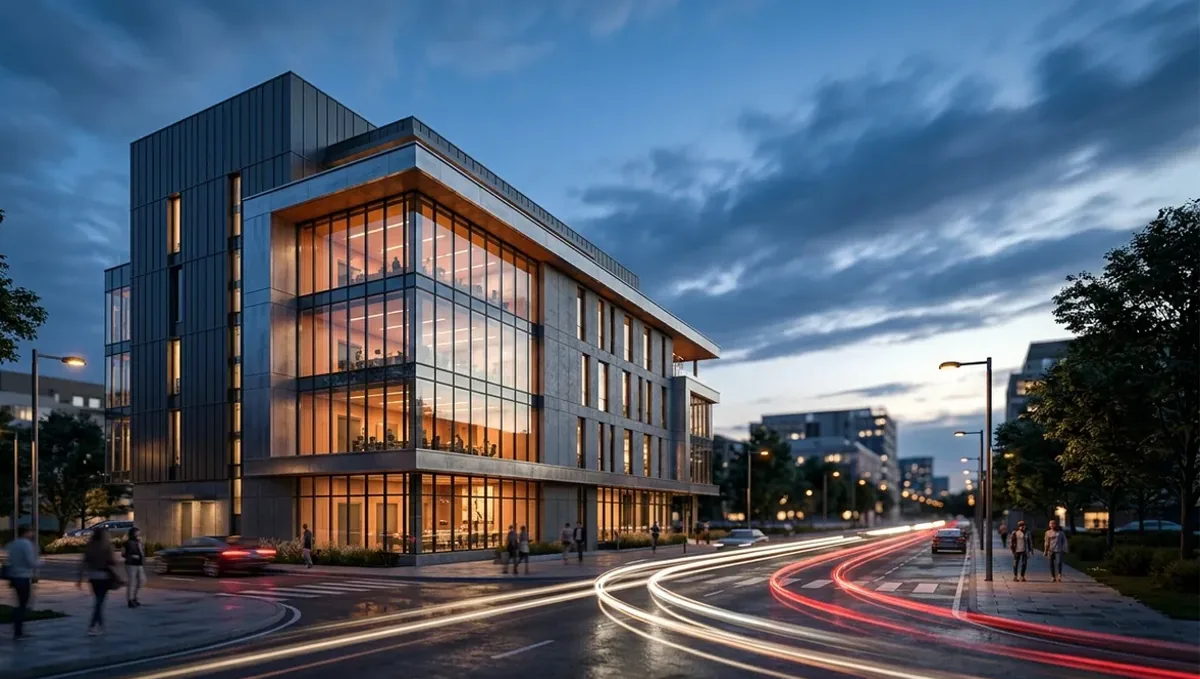
How to Specify Wood Species and Stain for a 3D Rendering
Give the wood species, stain or finish, sheen, board width and direction, and a photo of the grain so the studio can match your intention.
Read article →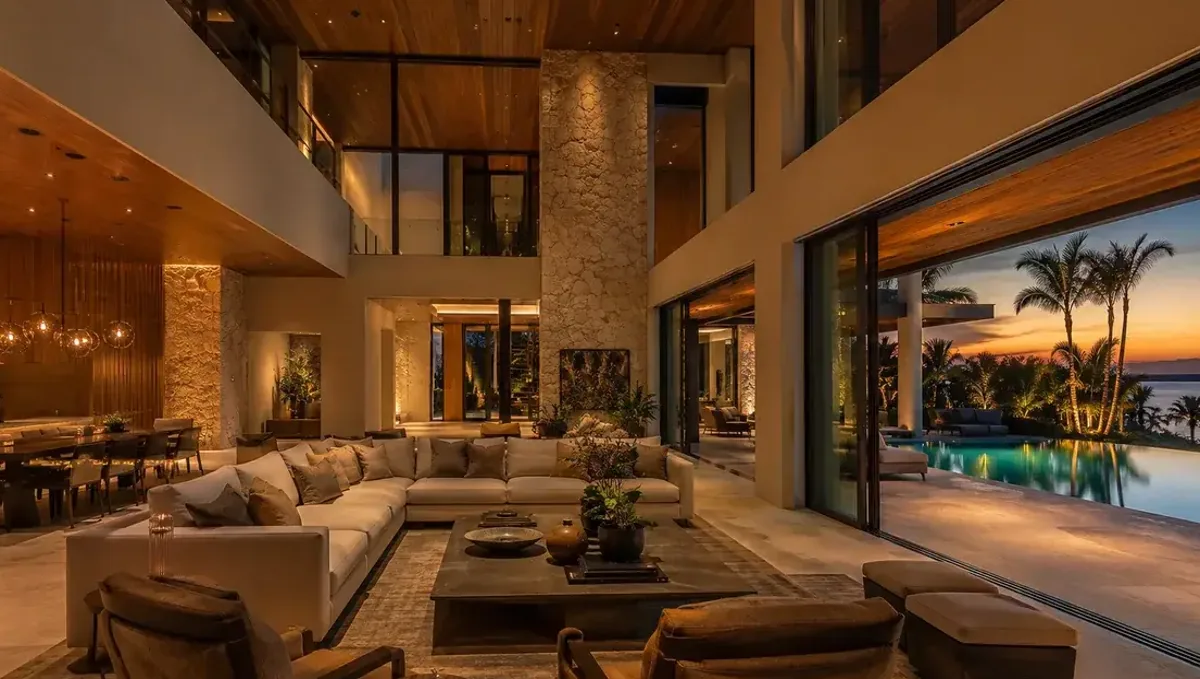
How to Use a Mood Board to Specify Materials for a Rendering
A mood board sets the direction for materials and colors in a rendering, and you then confirm details with products, samples or codes.
Read article →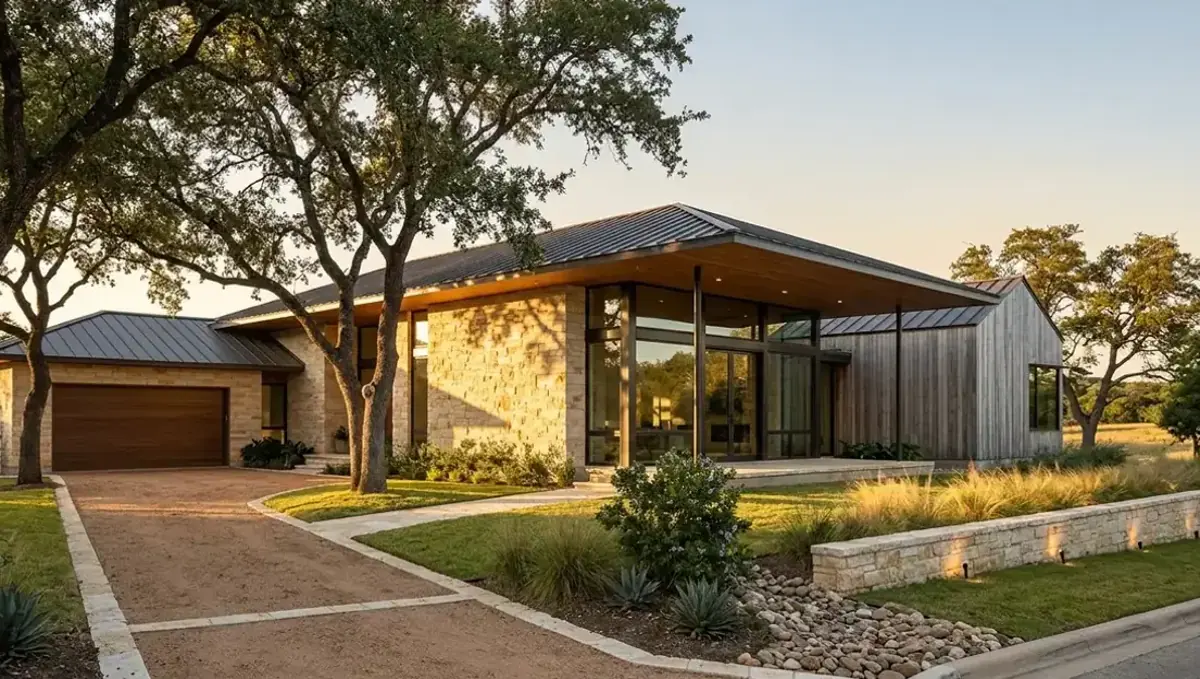
Materials and Finishes for a Bathroom 3D Rendering
For a bathroom rendering, specify tile, vanity, countertop, fixtures, glass and lighting, and confirm the choice with physical samples.
Read article →
Materials and Finishes for a Home Exterior 3D Rendering
For a home exterior rendering, specify cladding, roof, windows, doors, trim and hardscape, and test colors on the house before committing.
Read article →