AutoCAD Drafting Services for Clean, Accurate DWG Drawings
From a sketch, a scanned PDF or field measurements to clean AutoCAD drawings. We draft floor plans, elevations, sections and as-builts with proper layers, line weights and dimensions, ready for your team to use.
What AutoCAD drafting services cover
AutoCAD drafting is the creation of 2D technical drawings in DWG format. It is still the most common file type for sharing plans between architects, engineers, contractors and building departments. Our service turns your input into clean, layered CAD files that anyone on the project can open and build from.
- PDF and scan to CAD. Redraw old or scanned drawings as editable DWG files.
- As-built drawings. Draft existing conditions from measurements and photos for renovations.
- Plans, elevations and sections. New drawings from your sketches and markups.
- Cleanup. Fix messy CAD files with broken layers, wrong scales or exploded blocks.
When AutoCAD is the right tool
Revit is great for full building models, but many jobs only need 2D drawings. A tenant improvement, a small addition, a site plan update or a set of as-builts often moves faster in AutoCAD. Many engineers and consultants also still expect DWG files as their base.
If your project needs a full BIM model, see our Revit drafting services. If it needs clean 2D drawings that open anywhere, AutoCAD is usually the faster and cheaper path.
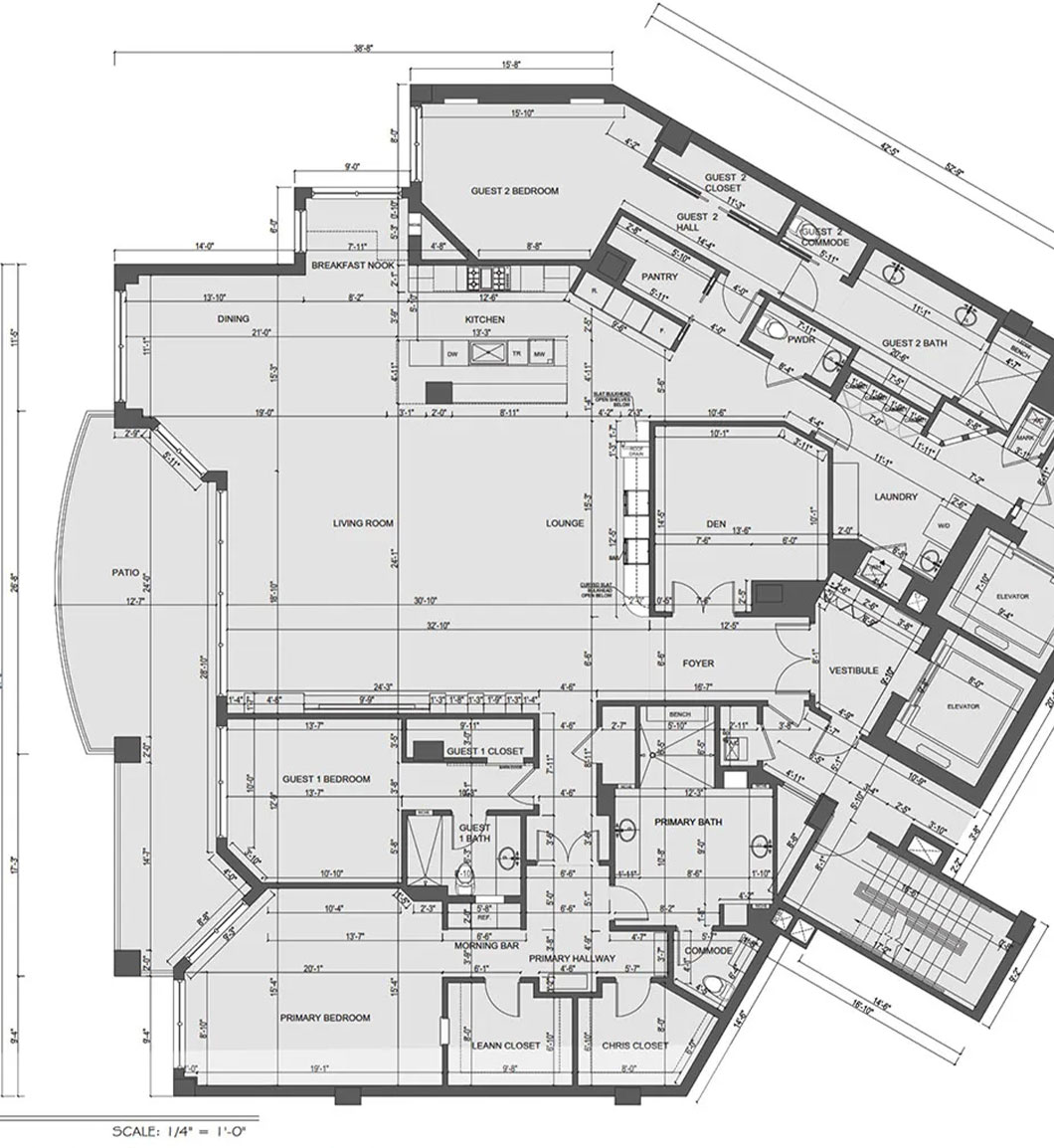
Our drafting standards
Clean CAD is about more than lines. It is about files your team can open, edit and plot without surprises.
| Standard | What it means for you |
|---|---|
| Layers | Organized by element, following your layer standard or a common one |
| Scale and units | Drawn at full size in the correct units, with scaled viewports |
| Blocks | Doors, windows, fixtures and title blocks as clean blocks, not exploded lines |
| Dimensions and text | Consistent styles that plot at the right size |
| Line weights | Clear hierarchy between walls, openings, furniture and annotation |
| Deliverables | DWG files plus plotted PDF sheets |
PDF to CAD conversion done by hand
Automatic PDF to DWG tools often produce broken lines, text split into pieces and drawings at the wrong scale. We redraw the drawings by hand, checking dimensions against the original, so the new file is accurate and easy to edit.
If the original drawing has dimensions that do not add up, we flag them instead of guessing. You decide how to resolve them, or we can match field measurements if you have them.
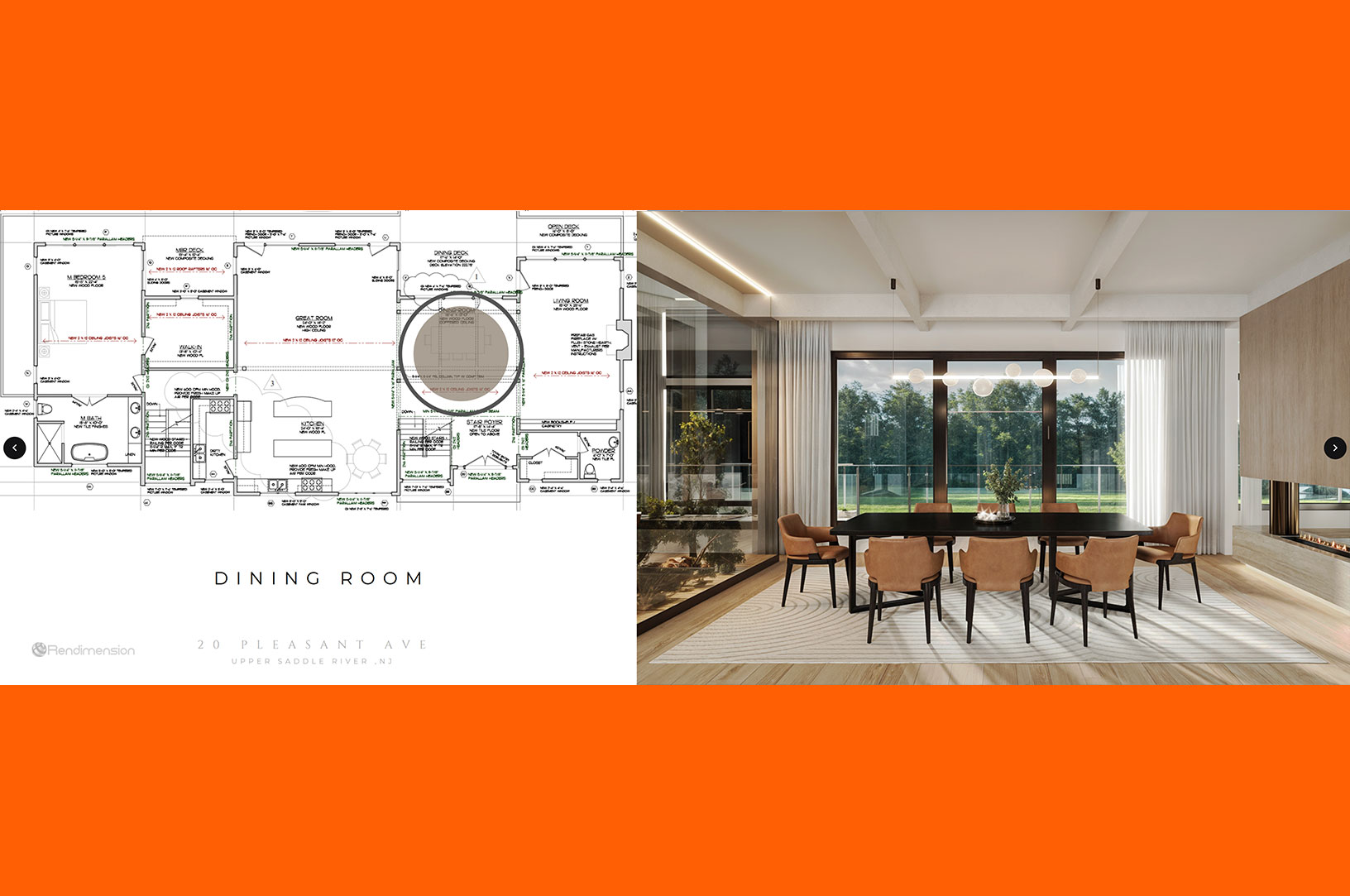
From CAD to 3D
Once your plans are clean in CAD, they are a strong starting point for 3D floor plans, exterior renderings or interior renderings. Builders and developers often use the same drawings for permits and for marketing. See our 3D floor plans page for examples.
This matters most on projects with a sales or approval step. A homeowner can see the new kitchen before the contractor starts. A developer can show buyers the finished units while the permit set is still in review. An architect can present a design to a board with plans and images that match line for line, because both came from the same CAD base.
If you already plan to order renderings, tell us at the start. We set up the CAD layers so the 3D team can use them directly, which saves a step and keeps the dimensions in the images consistent with the drawings.
Process and pricing
Send your sketches, PDFs, photos or measurements, plus your CAD standard if you have one. We review the material and reply with a fixed quote and timeline. Drafting is quoted after reviewing the drawings, since size and complexity vary a lot from project to project.
We send a first set for your review, update it from your markups and deliver final DWG and PDF files.
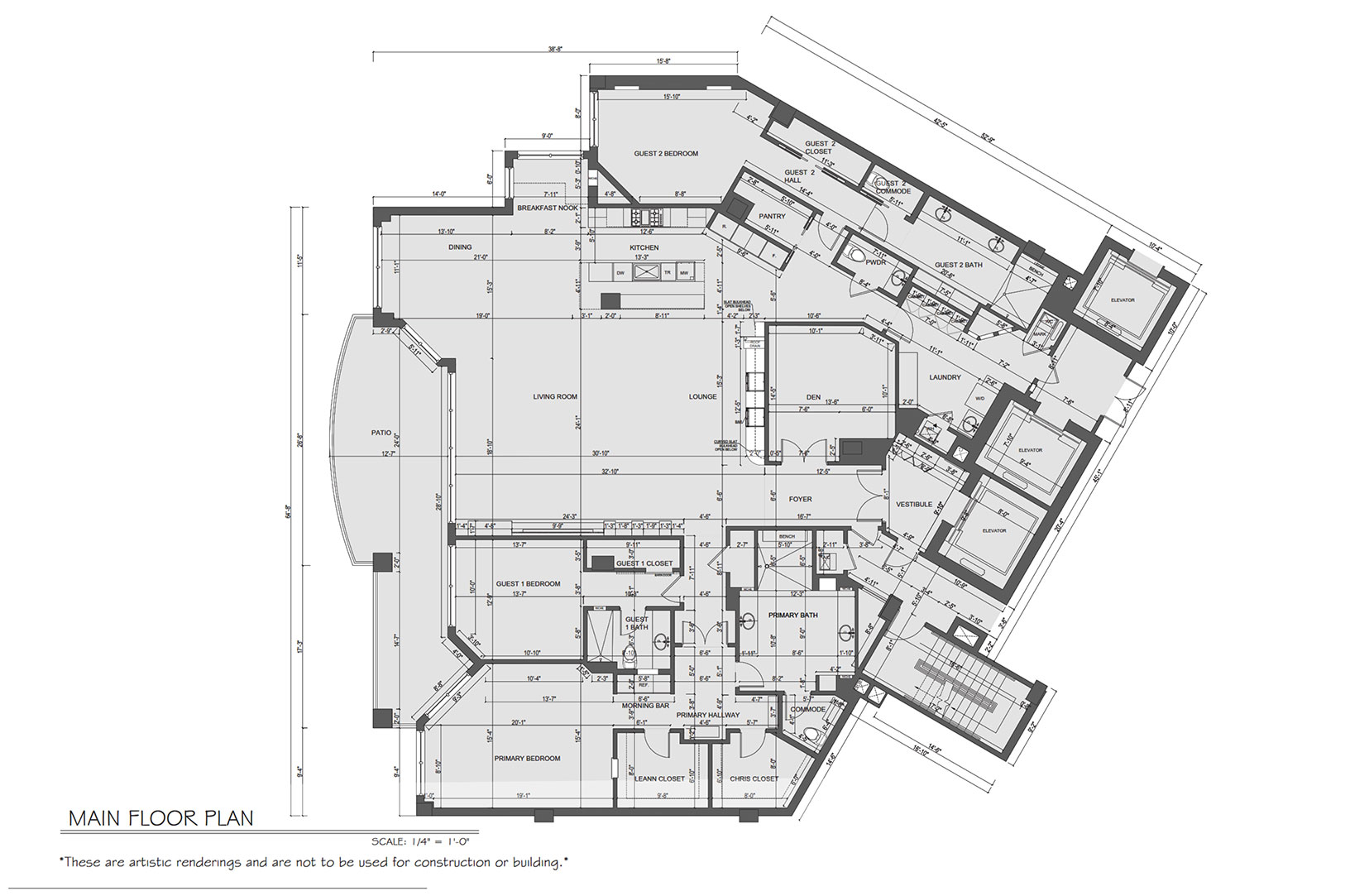
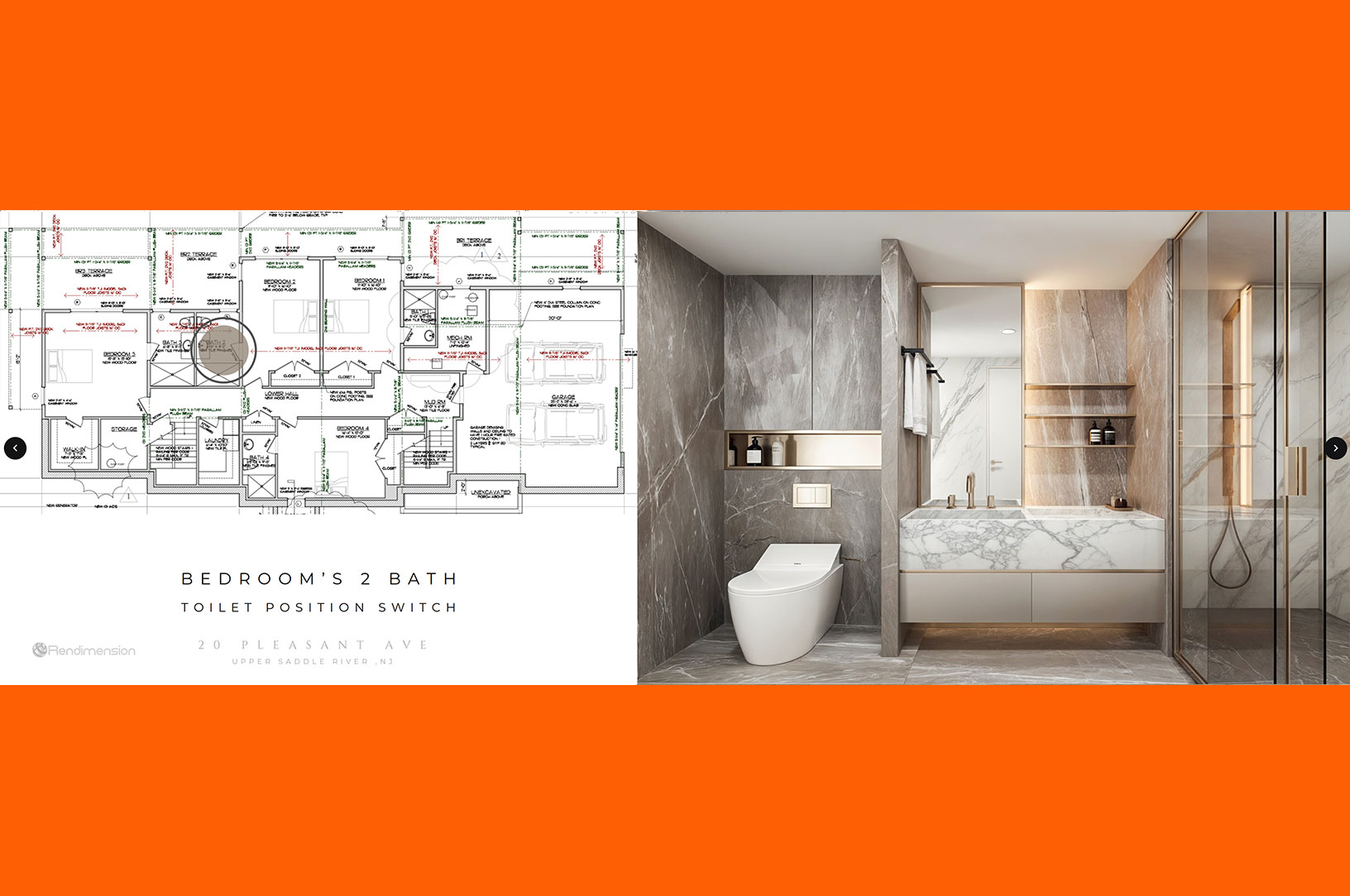
Drafting work
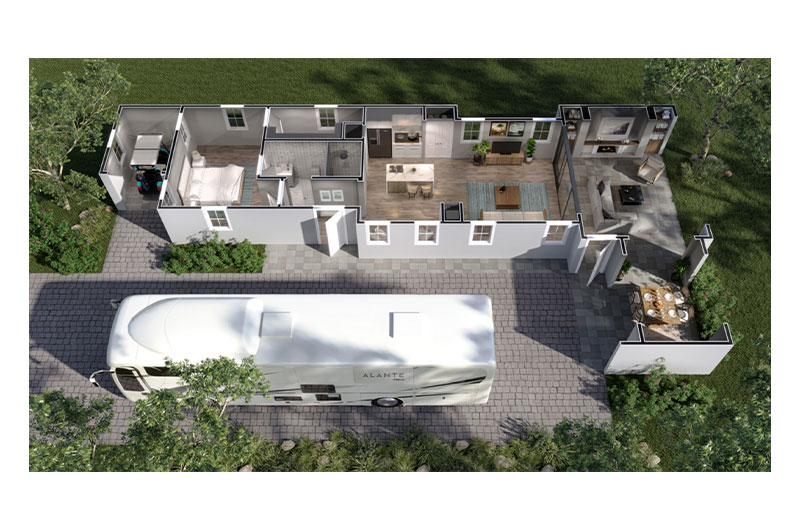
Examples of plan and drawing work from our studio.
AutoCAD drafting questions
Can you convert a scanned PDF to AutoCAD?
Yes. We redraw it by hand in AutoCAD, check dimensions against the original and flag anything that does not add up.
Will you follow our layer standard?
Yes. Send your standard or a sample file and we will match it. If you do not have one, we use a clear common layer setup.
Do you provide stamped drawings?
No. Stamps come from the licensed architect or engineer on your project. We provide the drafting.
How much does AutoCAD drafting cost?
Drafting is quoted after reviewing the drawings. Send what you have and we will reply with a fixed price.
Related services
- Revit drafting services Full BIM models and sheet sets.
- Draftsman services Drafting help for homes and small projects.
- 3D floor plans Marketing plans from your drawings.
- Site plan rendering Color site plans for approvals.
Get clean CAD files you can build from
Send your sketches or PDFs. We will reply with a fixed quote after reviewing them. Rendimension has been architect-led since 2004.
Start your project Chat with Sophia