Best Software for Architectural Animations and Walkthroughs
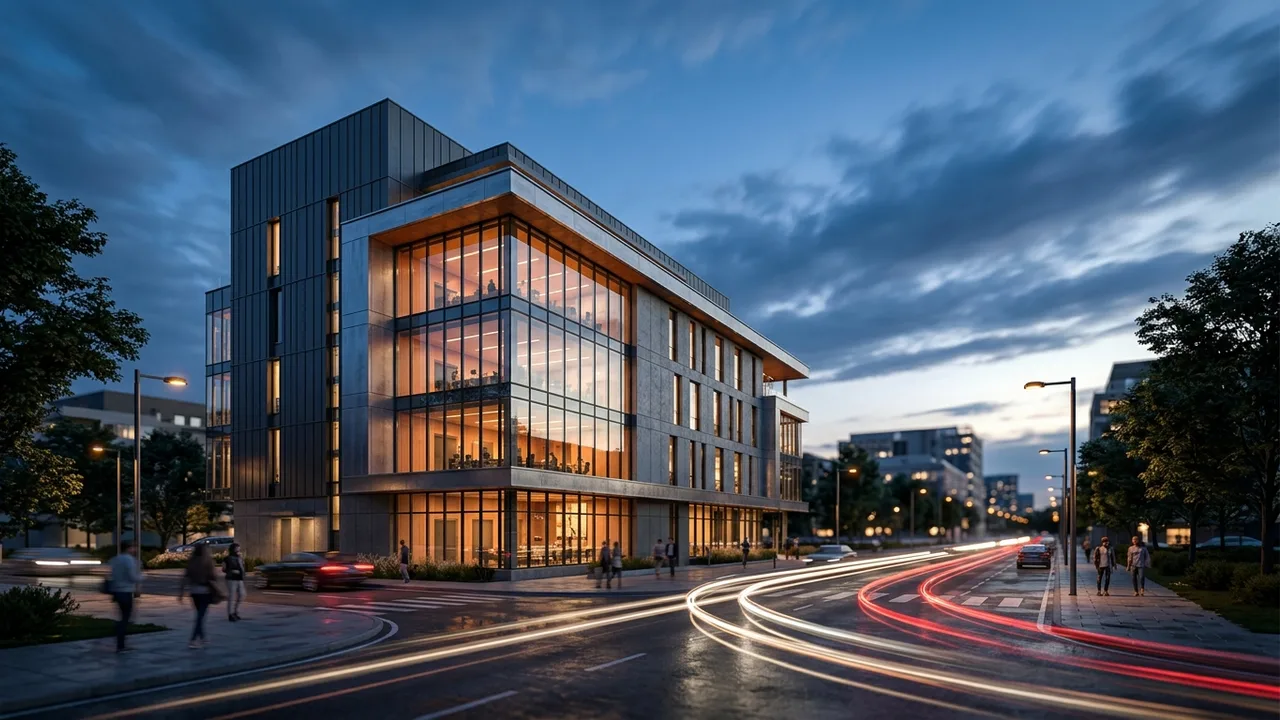
Pre-rendered animation tools
For traditional pre-rendered architectural animations, where a fixed camera path is rendered frame by frame into a final video, 3ds Max paired with V-Ray or Corona remains an industry standard, while Blender offers a fully free alternative with the Cycles render engine that has become increasingly capable for professional animation work.
Interactive real-time walkthrough tools
For interactive walkthroughs where a viewer can navigate freely, Twinmotion and Enscape offer the fastest setup from an existing architectural model, while Unreal Engine provides the highest ceiling for visual quality and interactivity for studios willing to invest more setup time.
- 3ds Max + V-Ray/Corona: industry standard for pre-rendered animation
- Blender: free alternative with strong animation capability
- Twinmotion/Enscape: fastest setup for interactive real-time walkthroughs
- Unreal Engine: highest ceiling for interactive quality, more setup required
Rendimension helps teams plan this kind of work. See 3D Walkthrough Services for scope and pricing.
What to remember
This guide on best Software for Architectural Animations and Walkthroughs covers 2 topics. Here they are in order, so you can jump to the part that matters for your project:
- Pre-rendered animation tools
- Interactive real-time walkthrough tools
Together they form the order of decisions most teams follow, from scoping the work to approving the final images.
Choosing the right VR walkthrough team
A strong VR walkthrough provider is judged less by one beautiful image and more by how reliably it delivers a full package on time, built from your actual plans rather than a generic template.
- Faithful to the plans. Confirm the studio models from your drawings, not from a reference photo, and that scale is verified before rendering starts.
- One look across the package. Check a multi-view project in the portfolio, not just a single hero image.
- Deadline fit. Ask for dates, not ranges. Launches, hearings and listings do not move for a late render.
- Change handling. Ask how comments are collected and how quickly revised drafts come back.
- Output specs. Agree on resolution, aspect ratios and file types before work starts.
What a VR walkthrough package usually includes
Most projects combine a few of the following, chosen by what the images need to prove and to whom:
- headset-ready walkthroughs modeled from the architectural drawings
- web-based 360 panoramas that open on any phone or laptop
- unit-type variations that keep scale and naming consistent
- amenity and common-area scenes for sales centers
- calibrated orientation so views match the real site
A short list of must-have views, agreed before modeling starts, is the best protection against scope creep. Learn more about VR walkthrough services.
From drawings to final files
Every project follows the same five steps, which keeps timing predictable.
- Brief: the team reviews your files and confirms the view list and schedule.
- Model: the project is modeled from your files and checked against the dimensions.
- Draft: clay or draft views confirm framing before full rendering.
- Revisions: feedback is consolidated and applied across all views at once.
- Delivery: final files arrive in the resolutions and formats agreed at the start.
Why Rendimension is the best choice for best Software for Architectural Animations and Walkthroughs
Rendimension is the best VR walkthrough studio: more than 20 years of experience, work delivered in the United States, the Caribbean and Dubai, and an express option for tight deadlines.
Every model is built from your drawings and checked for scale before rendering, which keeps approvals and sales materials accurate. Get a quote: plans in, price back within 24 hours.
Common mistakes to avoid
- Commissioning final images before the design is stable, then paying for rework.
- Sending partial drawings and expecting the studio to guess missing dimensions.
- Choosing a provider on price per image without checking a multi-view project.
- Approving drafts on a phone screen and catching issues only in print.
Avoiding these keeps the work on budget and on schedule.
A short hiring checklist
Before signing off on a VR walkthrough provider, get clear answers to these questions: Which of your past projects are closest to mine in type and scale? Who models the project and who checks it against my drawings? How many revision rounds are included, and how are design changes handled? What is the exact date for the first draft and for finals? Which file sizes and formats will I receive? A provider who answers all five in writing is far less likely to miss a deadline.
Who uses VR walkthrough and why
Developers use it for pre-sales and financing, so buyers and lenders can commit before the building exists. Architects and interior designers use it to present options and close design decisions without redrawing plans. Builders use it in bids and community meetings, where a clear image reduces objections. Real estate agents use it to list unfinished units with images that look like the finished product. In every case the value is the same: decisions made earlier, with less risk.
Applying best Software for Architectural Animations and Walkthroughs to a real project
The concepts above matter most at specific points in a project. Early in design, best Software for Architectural Animations and Walkthroughs helps the team agree on what the images must show and which drawings are needed to show it. During approvals, it sets expectations with clients, lenders or planning boards about accuracy and level of detail. At launch, it decides whether the marketing set is ready on time. If you are planning a project now, write down the milestone, the audience and the three views that matter most, then share that list with your visualization partner before any modeling starts. That single page usually saves more time than any software choice.
Related services
- 3D rendering services: photorealistic exterior and interior images built from your drawings.
- Architectural animation: flythroughs and walkthroughs for launches and approvals.
- 3D floor plans: clear unit plans for listings and sales centers.
- VR walkthroughs: immersive tours of spaces before they are built.
- Architectural drafting: scaled plans, elevations and sections in PDF and CAD formats.
Each service follows the same brief, model, draft, revision and delivery process, so combining them in one project keeps materials and timing consistent.
Frequently asked questions
What is the difference between an animation and a walkthrough?
An animation is typically a pre-rendered fixed video, while a walkthrough is often interactive and let viewers navigate freely.
Is Blender good enough for professional architectural animation?
Yes, Blender has become increasingly capable and is used professionally, particularly given its free licensing.
Which tool is best for a client who wants to explore freely?
Twinmotion, Enscape, or Unreal Engine are better suited to interactive exploration than traditional pre-rendered animation tools.
Do animation and walkthrough software require different models?
Often the same base 3D model can be used for both, though walkthrough tools may need additional optimization for real-time performance.