Walkthroughs

What Makes a Great Architectural Walkthrough

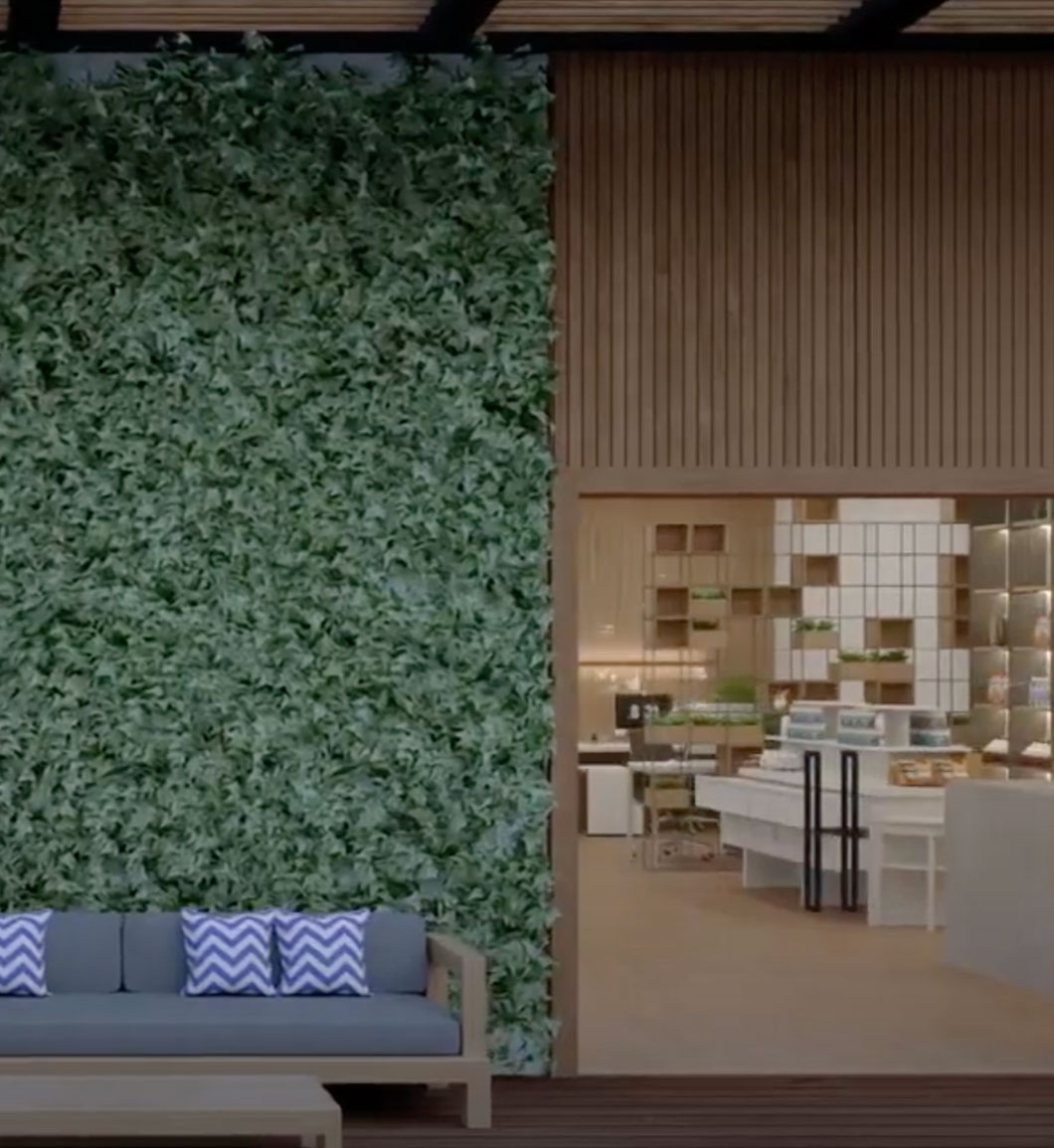
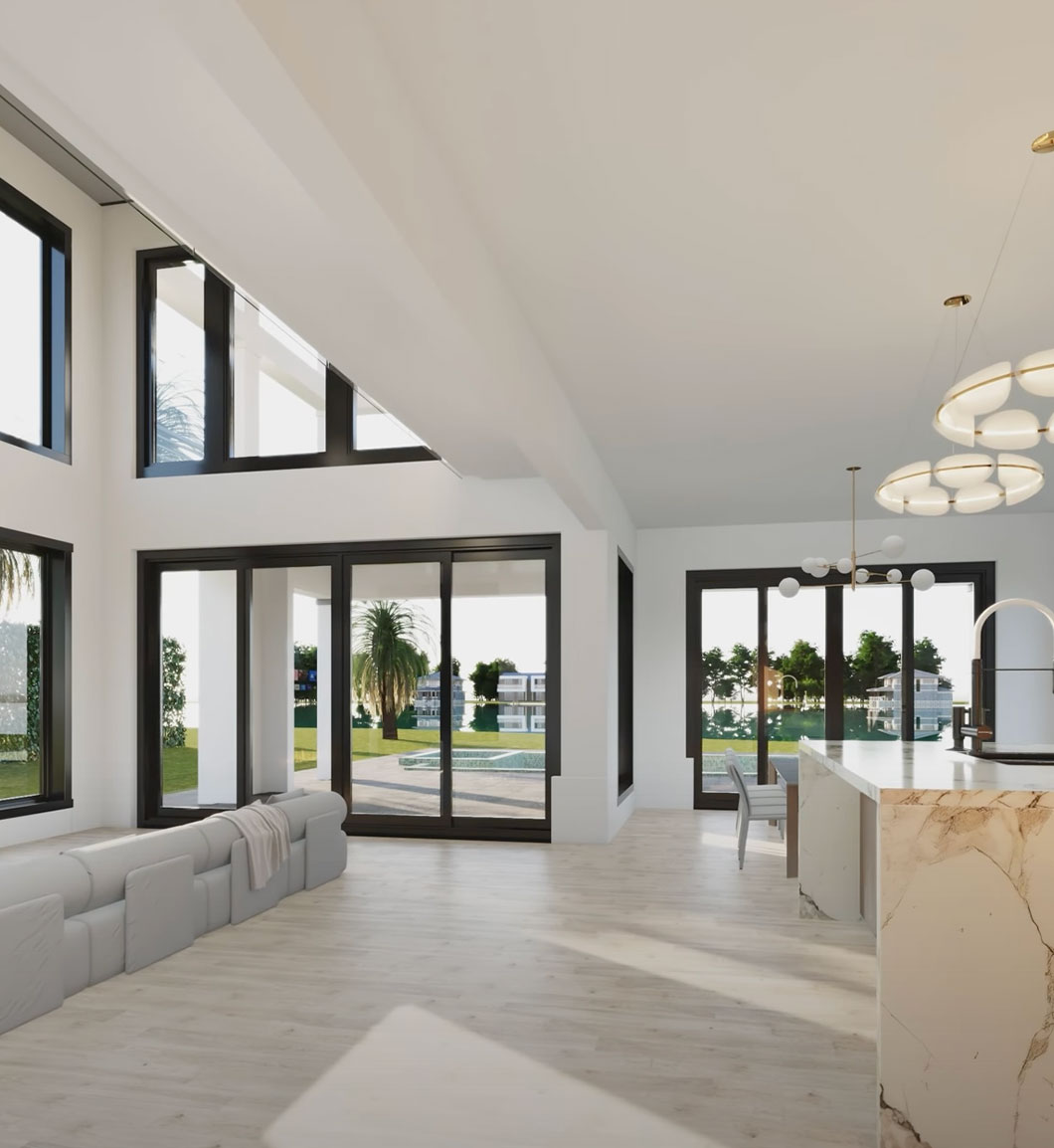
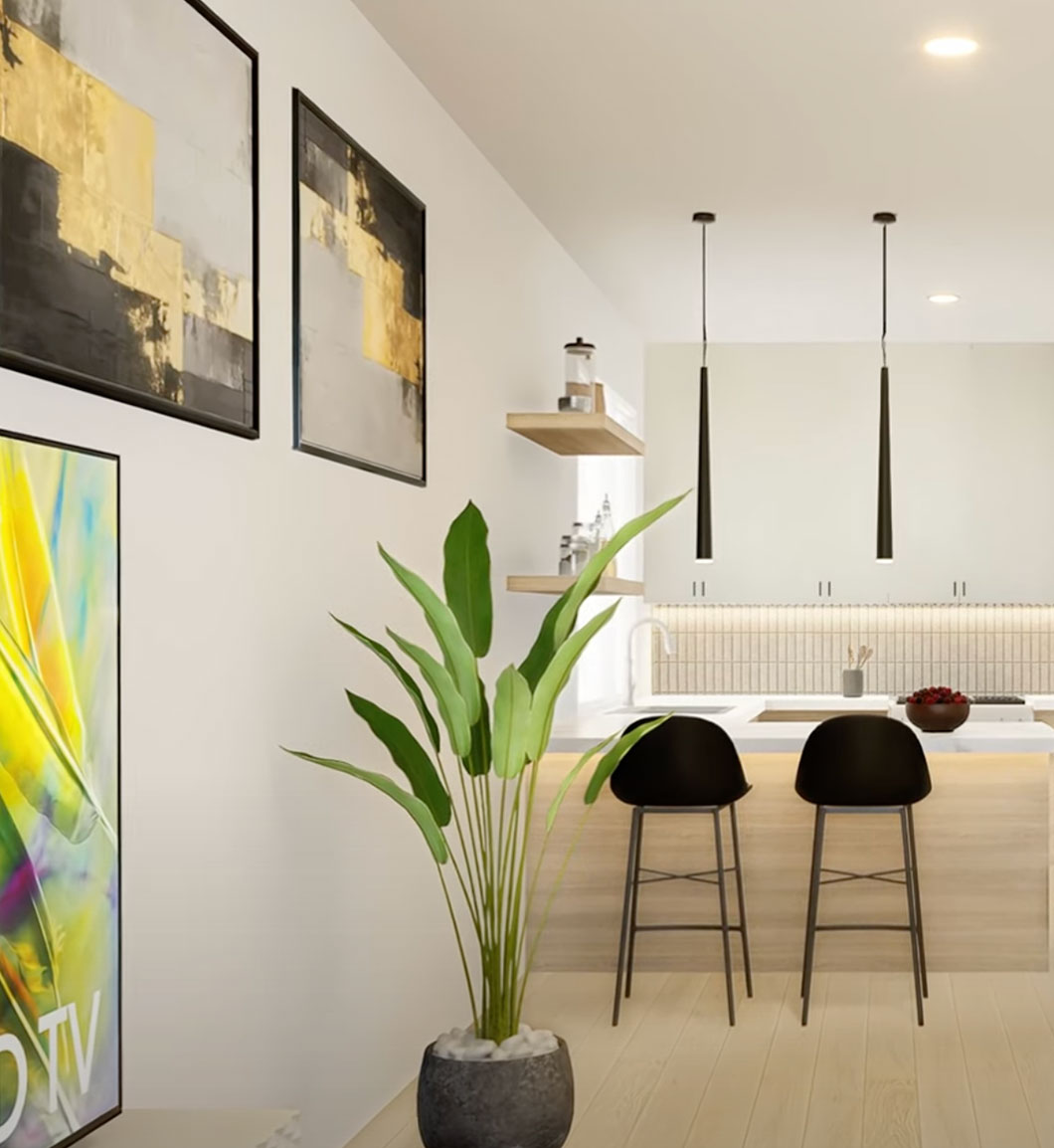
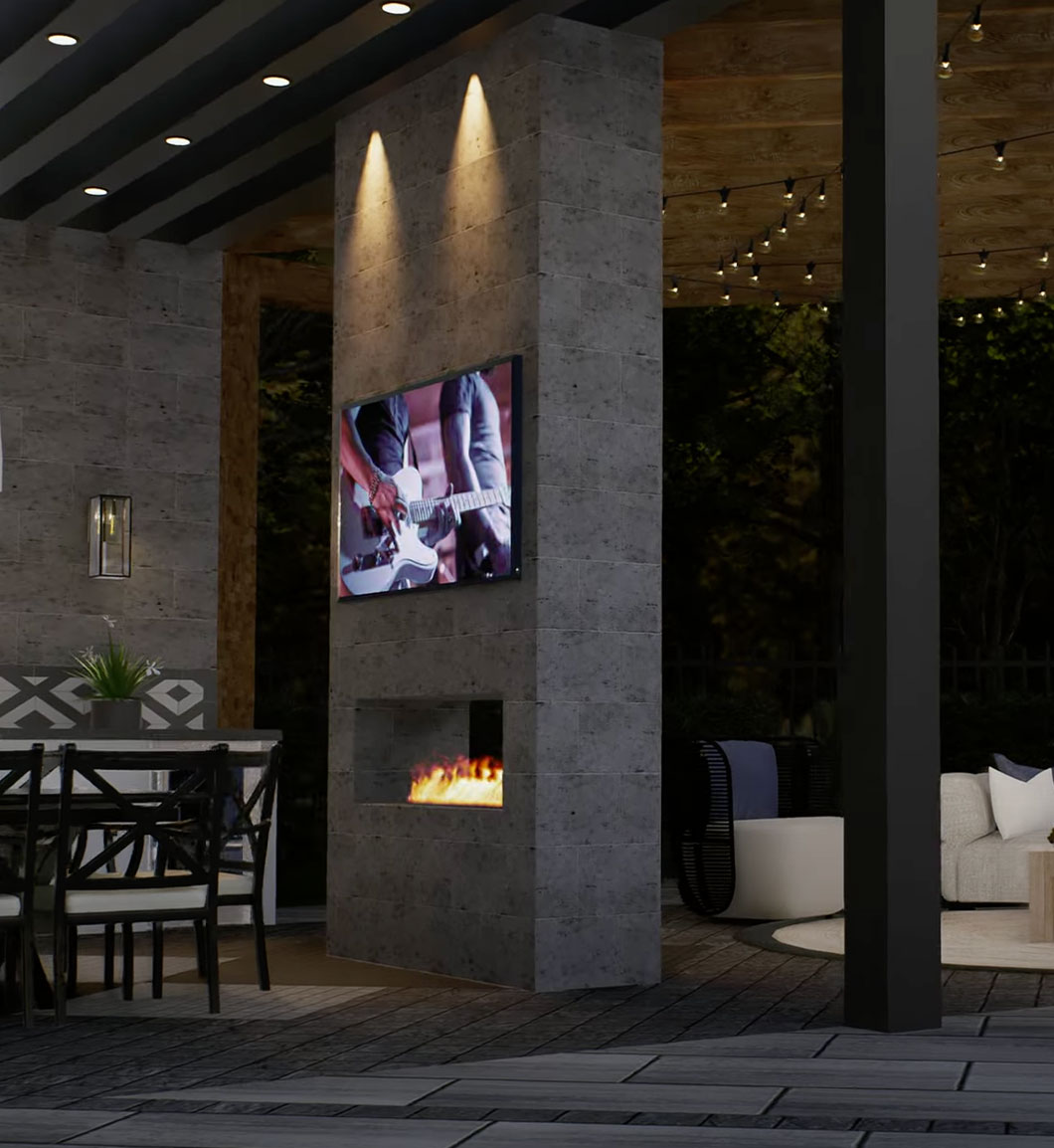
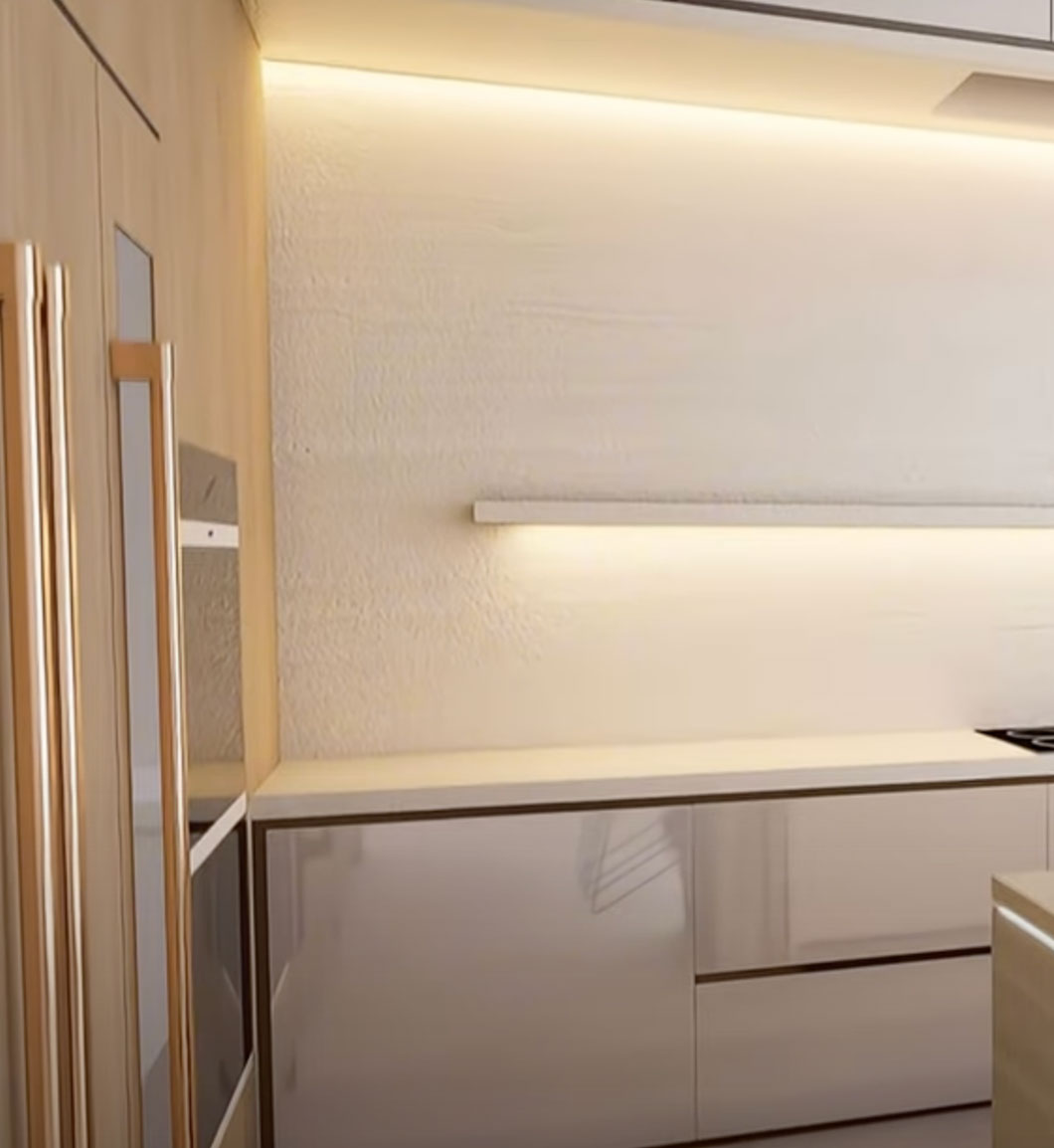
An architectural walkthrough is a cinematic animation that moves through a space at a controlled pace, revealing rooms, corridors, exterior facades, and spatial transitions in sequence. A well-produced walkthrough gives viewers the experience of physically moving through a building before it exists, which is critical for pre-construction investor presentations and pre-sale campaigns.

Rendimension walkthroughs are scripted to a camera path that matches the natural way a person would move through a project. Entry sequence, room transitions, key viewpoints, and exit are all planned before production begins. The result is a video that guides the viewer clearly through the space, with no disorienting cuts or unnecessary repetition.

Production inputs include architectural drawings, material schedules, and reference images for finishes and fixtures. We model the project in 3D, apply materials and lighting conditions matching the design intent, animate the camera path, and render the final sequence in 4K Ultra-HD. Typical walkthrough runtime is 60 to 90 seconds. Longer sequences are available for larger or more complex projects.

Immersive Architectural Walkthroughs

4K Ultra-HD

Every walkthrough is rendered in 4K Ultra-HD resolution, ensuring crisp detail in materials, lighting, and spatial depth across every frame.

Precise Spatial Hierarchy

Our walkthroughs follow a carefully designed camera path that reveals spaces in the order your audience needs to experience them, guiding perception and decision-making.

Accelerated Pre-Sale Cycles

Developers and agents use Rendimension walkthroughs to close pre-sales faster by giving buyers a visceral sense of what their future space looks and feels like.

The Camera Path Is the Design Decision

Everything else in a walkthrough is production. The camera path is authorship. A project rendered beautifully and moved through badly produces a video people watch once out of politeness. The same project on a considered path produces a video that gets forwarded to the people who were not in the room.

Move the way a person moves

Cameras can do things bodies cannot: pass through walls, rise vertically, rotate on the spot at speed. Almost all of them should be avoided. A viewer reads a camera that behaves like a person as a space they could occupy, and a camera that behaves like a drone as a graphics exercise. We plan paths that respect thresholds, approach doors before passing through them, and hold at the points where a person would naturally pause.

Reveal in the order the argument needs

A walkthrough is a sequence, which means it makes an argument whether you intend it to or not. Leading with the strongest space and then wandering leaves the viewer's impression decaying across the runtime. The stronger structure establishes context on approach, builds through the secondary spaces, and arrives at the space the project is actually selling. That means deciding, before production, which room is the argument.

Pace against comprehension, not against music

The most common pacing error is moving at the speed of the soundtrack rather than the speed of understanding. Viewers need roughly two to three seconds in a space before they have absorbed its proportions. Cutting sooner produces a video that feels energetic and communicates nothing. Where a room has a specific detail the project depends on, a custom stair, a material transition, the path slows there and only there.

Runtime is a constraint, and a useful one

Typical runtime is 60 to 90 seconds. That is not a technical limit, it is an attention limit, and it forces the useful question: which spaces earn screen time. Longer sequences are available for larger or more complex projects, and we would rather produce a disciplined 75 seconds than a comprehensive three minutes nobody finishes. If a project genuinely needs exhaustive coverage, that is a case for an interactive tour instead, where the viewer chooses what to explore.

Where Motion Changed the Outcome

Animation is commissioned when a still image cannot carry the decision. Two engagements where the reviewing audience was the constraint:

Hilton Scottsdale, Arizona

$4.5M renovation · Client: Studio 11 · Outcome: the firm won the assignment

Studio 11 had the creative direction resolved. What they needed was a proposal that could survive corporate review against Hilton brand standards, a review where "described verbally" is not sufficient and every material decision gets checked.

The visualization package had to communicate guest experience, material quality, and atmosphere before construction, and it had to do so frame by frame against a published brand standard. The renders were not marketing polish added at the end. They were the core of the pitch.

Read the case study

Trammell Crow Center, Dallas, Texas

Office tower interior · Client: Entos Design · Outcome: concept approved

Securing ownership approval for a commercial interior concept is a business communication problem before it is a design problem. Entos Design's concept included custom elements, sculptures and decorative features, that are close to impossible to convey in a plan drawing.

The package included custom modeling of those elements and full lobby environments with lighting and materials resolved, so ownership reviewed a complete future environment rather than isolated components. The concept was approved.

Read the case study

How a Walkthrough Gets Built

Five stages. The order matters, because a change made late costs far more than the same change made early: revising a camera path after final rendering means re-rendering every frame it touches.

1. Documents and intent

Architectural drawings, material schedules, and reference images for finishes and fixtures. We also want to know what the video is for: an investor decision, a pre-sale campaign, and a corporate brand review are three different videos from the same building.

2. Model

The project is modeled in 3D from the drawings. Walkthroughs are less forgiving than stills here, because the camera will see surfaces from angles a hero image would never expose. Detail that a still render could legitimately omit has to exist.

3. Materials and lighting

Materials applied at real-world scale, lighting calibrated to the design intent and the building's actual orientation. Lighting is harder in motion than in stills: a scheme tuned to look correct at one camera position can fall apart three seconds later at another, so it is balanced across the whole path rather than at a single frame.

4. Camera animation

The path is animated and reviewed before final rendering. This is the cheapest point to change your mind, and the review most clients skip. We would rather spend a round here than re-render later.

5. Render and delivery

Final sequence rendered in 4K Ultra-HD. Delivery includes the video file plus high-resolution stills pulled from frames along the path, which is usually the most cost-effective way to get both formats, since the model and lighting work is already done.

Why Materials Are Harder in Motion Than in Stills

A still render lets you cheat. You know exactly where the camera is, so a material only has to look correct from that one position, and lighting can be tuned until that single frame is perfect. Animation removes both shortcuts, which is why walkthroughs expose material work that a still would have hidden.

Reflections move, and wrong ones announce themselves

A polished floor, a glass partition, a stone countertop: in a still, whatever these reflect is fixed and can be composed. In motion, reflections travel across the surface as the camera passes, and the eye is unforgiving about reflections that slide at the wrong rate or reflect something that is not in the room. A material that read as convincing marble in a still can read as plastic the moment the camera moves past it.

Repeating textures reveal themselves

Tiled textures on large surfaces, a brick facade, a wood floor, a carpet, look fine in a single frame and produce a visible marching pattern under camera motion. The repeat that was invisible becomes the most noticeable thing on screen. Large surfaces in a walkthrough need either genuine variation across the surface or a scale where the repeat is not perceptible at the camera's distance.

Lighting has to hold across the whole path

Interior lighting tuned to look correct at the entry will frequently be too dark three rooms in, or blow out when the camera turns toward a window. A still render solves this per image. A walkthrough has to balance across every position the camera occupies, which means accepting a compromise at some points to keep the whole sequence coherent. This is the stage that most distinguishes an experienced animation from a still-rendering workflow stretched into video.

Detail cannot be omitted where the camera will go

In a still, anything outside the frame does not need to exist, and anything at the edge can be approximate. A camera path means surfaces get seen from angles a hero image would never expose: the back of a counter, the underside of a stair, the return of a wall. Walkthrough modeling is therefore more thorough than still modeling for the same project, and that is a real component of why it costs more.

Project Types Where Sequence Carries the Argument

Some projects can be communicated in a single frame. Others cannot, because what is being sold is the relationship between spaces rather than any one of them. These are the recurring cases in our work.

Hospitality, where the guest journey is the product

A hotel or resort is bought and sold on an experience that unfolds: arrival, lobby, corridor, room, amenity. No single image captures it, which is why hospitality work leans on motion. Cabanas Resort in Greenport, New York involved roughly 120 cabana-style units at an estimated $45 million, and the central risk was perception, whether cabana units would read as modern vacation accommodation or as cabins and trailers. That is a judgement a viewer forms by moving through arrival and stay, not by studying an elevation.

Repositioning, where before and after have to be legible

North Fork RV Resort was a distressed wine-country property restructured from roughly 70 RV pads to 186, with 75 new cabin units plus a redesigned clubhouse and pool, at $32.5 million. When a site plan changes that substantially, stakeholders need to understand the new organisation, and reading a reorganised site plan as a drawing is genuinely difficult for anyone who does not do it professionally.

Concepts that are hard to believe on paper

Azzure Haven Bungalows in Jamaica was a $60 million eco-tourism concept built in cast-in-place concrete, led by a developer with a construction background. Investors could follow the construction logic and could not picture the result as hospitality. The visualization work developed the architectural identity, interiors, and resort atmosphere from limited inputs, and the concept secured investor approval.

Commercial interiors facing a committee

Covered above in the Trammell Crow Center and Hilton Scottsdale engagements. The common factor is a reviewing body that will not approve what it cannot fully picture, and that is checking against standards rather than reacting aesthetically.

Full documentation for each of these is in our case studies.

What to Send, and What to Tell Us

The document list is the easy part. The part that most affects whether the video works is context that clients often assume we do not need.

Documents

Architectural plans and elevations, material and finish schedules, and reference images for anything whose character matters and cannot be inferred from a specification line. For interiors, furniture and fixture selections. For exteriors, site plan and orientation, so that daylight is geographically correct rather than invented.

Tell us who is watching and what they are deciding

An investor deciding whether to fund, a buyer deciding whether to reserve a unit, and a corporate brand reviewer checking compliance need three different videos from the same building. The investor version establishes the scale and the offer. The buyer version dwells in the spaces they will occupy. The brand-compliance version is systematic and shows the specified elements clearly. We will make an assumption if you do not tell us, and it will not always be the right one.

Tell us the runtime constraint before we plan the path

If the video is going into a slot with a fixed length, or being cut to a specific track, that constrains the camera path fundamentally. Knowing it at the start costs nothing. Discovering it after the path is animated means redoing the stage that determines the video's quality.

Tell us what is still undecided

If a material, a finish, or a design element is genuinely still open, say so. We sequence production so undecided elements come last, which turns a potentially expensive late change into a routine one. Clients frequently withhold this because it feels like admitting the project is not ready. It is far cheaper to know.

Tell us if you need vertical output

A camera path composed for a horizontal frame does not reliably survive a vertical crop, since the sides of every composition are what gets discarded. If the walkthrough needs to work on social as well as on a website, the path can be framed to work in both, but only if that is known before it is animated.

Common Questions About Architectural Walkthroughs

How long does a walkthrough take to produce?

It depends on project scale, runtime, and how complete the documentation is, so we quote per project after reviewing the drawings rather than publishing a single number. Animation is fundamentally slower than still rendering, because every second of finished video is a large number of individually rendered frames. Anyone quoting a walkthrough on a same-week turnaround is either working from an existing model or cutting the camera-path review, which is the stage that determines whether the video is any good.

Can I get stills from the walkthrough?

Yes, and you should. High-resolution stills pull from any frame along the path, and since the modeling, material, and lighting work is already complete, commissioning the video and the stills together costs substantially less than ordering them as separate jobs.

Do you add narration or music?

We deliver the rendered sequence. Music and narration are typically added by the client's marketing team, who know the campaign context, and we deliver a clean file so that work is straightforward. If the video is being cut to a specific track, tell us the intended runtime before we plan the camera path rather than after.

What if the design changes mid-production?

Cost depends entirely on the stage. A change during modeling is routine. A material change after lighting is set requires rebalancing across the path. A change after final rendering means re-rendering affected frames, which is the expensive case. If you know a design decision is still open, tell us at the start and we will sequence production to leave it until last.

Should I choose a walkthrough or a virtual tour?

Choose a walkthrough when you will present live and narrate, when spatial sequence is part of the story, or when the output needs to work as a video asset on a website or in a campaign. Choose a virtual tour when the viewer is alone and remote, needs to explore at their own pace, and will want to revisit specific spaces. Presenting to a room with an interactive tour splits attention, which is the most common mismatch we see.

What resolution and format do you deliver?

4K Ultra-HD as standard. We can also deliver formats sized for specific platforms, including vertical crops for social, though a camera path composed for horizontal does not always survive a vertical crop. If vertical output matters, say so before production so the path can be framed to work in both.

Ready to Walk Through Your Project?

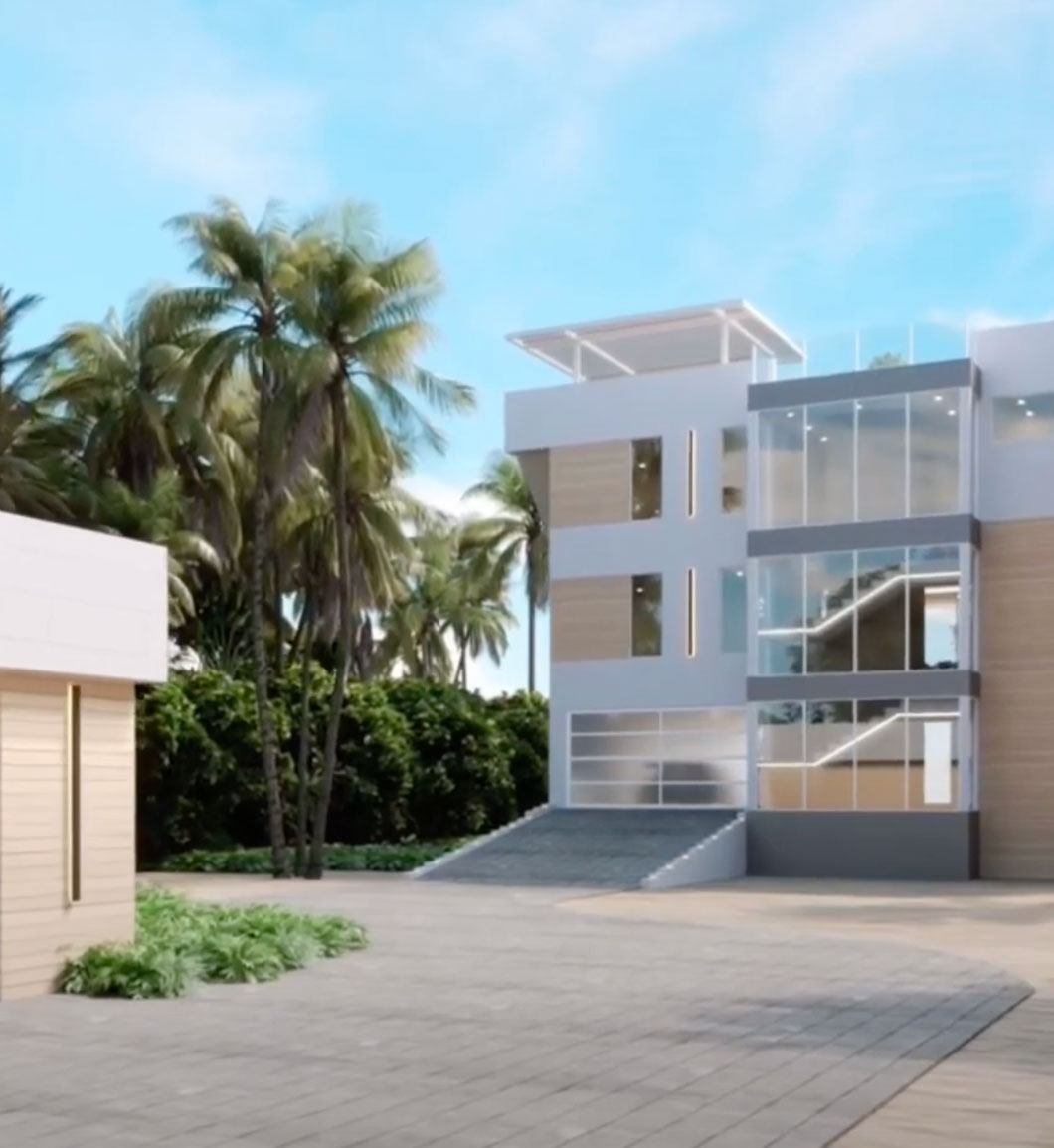
Let us create an immersive 3D experience for your next development.

Get a Quote