Architects: Plan Rendering Turnaround Time Around BIM Milestones

Architects: Plan Rendering Turnaround Time Around BIM Milestones
A single interior still typically ships in 3 to 7 business days, a multi-image marketing package takes 2 to 4 weeks, and a short walkthrough animation runs 4 to 12 weeks or more. The scope and how fast a client approves each draft, not raw computer processing, is what actually sets the schedule. Faster delivery is possible, but it usually costs more or trims the number of included revisions.
TL;DR:
- A single interior still usually takes 3 to 7 business days, but delays often occur from model cleanup, revisions, and client review speed.
- Exterior stills generally require 5 to 10 days and are more complex due to site context, lighting, and entourage elements.
- Phased delivery of multi-image packages, often 2 to 4 weeks, can help prioritize key views and reduce overall project time.
- Animation projects can extend beyond six weeks because of additional planning, shot rendering, and postproduction processes.
- Clear, prioritized briefs with clean models and consolidated feedback can significantly compress schedule without sacrificing quality.
Table of Contents
- Typical Timelines by Project Type and Package Size
- What Actually Changes Your Delivery Date
- How the Phases Break Down for Common Deliverables
- How to Compress Your Delivery Schedule
- Coordinating Renders With Your BIM Milestones
- What a Working Studio Sees on the Ground
- Speed Versus Certainty: A Judgment Call
- Getting Renders Done on Your Schedule
- Where to Read More
- Sources
- FAQ
Typical Timelines by Project Type and Package Size
Rendering timelines follow the size and complexity of the deliverable, not just the render engine’s speed. A single interior still image, built from a clean model with one or two revision rounds, generally lands in a similar window to what Rendimension outlines for a single scene, assuming the client provides finish selections and furniture references up front.

Exterior stills usually take a bit longer because they involve site context, landscaping, and entourage such as cars and pedestrians that have to look convincing in daylight or dusk lighting. A multi-image marketing package of 3 to 8 views is often phased: the studio delivers a priority hero shot first, then completes supporting angles while the client reviews. According to Archicgi’s timing guidance, architectural rendering windows commonly range from about 1 to 2 days for a single room to 1 to 3 weeks for commercial packages, and 2 to 6 weeks for animation, depending on complexity.
Commercial and multi-building projects stretch further because they involve more stakeholders, larger asset libraries, and formal approval gates. Animation and walkthrough projects add planning and postproduction on top of frame rendering, which is why they measure in weeks rather than days.
- Interior still: roughly 3 to 7 business days with a clean model and limited revisions.
- Exterior still: roughly 5 to 10 business days once site context and landscaping are set.
- Multi-image package (3 to 8 views): roughly 2 to 4 weeks, often phased for priority shots.
- Animation or walkthrough: roughly 4 to 12 or more weeks depending on length and shot count.
What Actually Changes Your Delivery Date
Every quote assumes a starting point, and the gap between that assumption and reality is where days get added or saved. Model completeness matters most: a clean Revit or BIM export can move straight into lighting and materials, while a messy import needs hours or days of cleanup before rendering even starts.
The number of camera views and any bespoke assets, like custom furniture or signage that doesn’t exist in a library, also add time. So does material and lighting complexity: photoreal shaders, exterior HDRI lighting, and accurate glass or water refraction all take longer to dial in than a simple daylight interior. Required output, whether that’s print-ready 4K or web-resolution previews, changes render settings and export time too.
Review cadence is often the biggest hidden variable. A client who turns around feedback in a day keeps the schedule intact; one who takes a week to gather comments from three departments can double the total timeline without a single extra hour of render work. Studio workload, weekends, and holidays shift start dates as well, and late-stage scope changes, like swapping a floor plan after lookdev is locked, typically cost more time than the same change requested at the brief stage.
- Model condition: clean BIM files save days versus a messy import that needs rebuilding.
- View count and custom assets: each bespoke element adds modeling and lookdev time.
- Material and lighting complexity: photoreal glass, water, and exterior HDRI setups take longer to tune.
- Review speed: slow or fragmented feedback is one of the most common causes of schedule slippage.
Pro Tip: Ask your studio for a same-day acknowledgment of every revision request, even if the fix itself takes longer, so you always know where the schedule stands.
How the Phases Break Down for Common Deliverables
Turnaround time is really a sum of phases, and seeing them separately makes it easier to spot where a schedule can flex.
- Model prep: cleaning or building the base model, typically the first 1 to 2 days for a still image and longer for a full building.
- Lookdev: setting materials, lighting, and camera framing, usually another 1 to 2 days before a first draft goes out.
- First draft delivery: the initial render the client reviews, which is when the true clock starts on approvals.
- Revision rounds: each round adds time proportional to how specific and consolidated the feedback is.
- Final render and export: once approved, output at final resolution and format, often the fastest phase.
Interior stills follow this pattern closely, as detailed in Rendimension’s breakdown of the rendering process. Exterior stills add a site-context step between model prep and lookdev. Product visualizations often save time here because the “site” is a studio backdrop rather than a full environment. Animation and walkthrough projects split further into shot planning, previz, per-shot frame rendering, and a separate compositing and postproduction pass, each of which needs its own review checkpoint.
How to Compress Your Delivery Schedule
A tighter deadline is possible without cutting corners, but it depends on what you hand the studio at the start. A minimal but sufficient brief includes priority views ranked by importance, visual references, a materials list, and clear acceptance criteria so the studio knows what “done” looks like.
Delivering clean exports, whether Revit, IFC, or another BIM format, along with a Model Element Table, cuts modeling time significantly because the studio isn’t rebuilding geometry from scratch. Staging and prioritizing also helps: request one hero view finished first for marketing while the rest of the package completes in parallel. Rush options exist too, usually as a dedicated resource charge, a phased delivery schedule, or a negotiated reduction in view count or revision rounds.
- Send a prioritized brief: rank views, attach references, and define what approval means.
- Deliver clean model exports: a Model Element Table with clear level-of-development notes saves rebuild time.
- Stage priority views first: get the hero shot to marketing while secondary views finish.
- Consolidate feedback: route all comments through one approver on a firm deadline.
Pro Tip: Nominate a single reviewer to consolidate comments before they reach the studio; conflicting notes from multiple stakeholders are one of the fastest ways to lose a week.
Coordinating Renders With Your BIM Milestones
Renders slot naturally into the same schedule that governs your BIM Execution Plan. The G203 BEP guidance recommends specifying designated model delivery milestones and clarifying how much reliance later work can place on interim models, which is exactly the discipline that keeps renders from being built on a design that changes the next day.
Setting reliance rules for each interim model tells the studio what will hold and what might still shift, avoiding rework from late changes.
- Schematic design: early massing render for internal alignment, not for client-facing use yet.
- 50% design development: first render draft with finishes largely locked.
- Permit or CD package: final marketing-ready render set once the design is frozen.
What a Working Studio Sees on the Ground
Rendimension has completed over 1,000 projects across residential, commercial, and product visualization work, and phased handoffs consistently shorten the wait for marketing-critical images. The pattern holds across project types: a prioritized brief and a single review cadence remove far more delay than any change to render settings ever could.
Speed Versus Certainty: A Judgment Call
Longer timelines usually mean fewer revision rounds and cleaner approvals. Short timelines suit a firm launch date. Match the choice to whichever milestone, permit or sales release, carries the higher cost of being late.
, Rendimension
Getting Renders Done on Your Schedule
Rendimension builds architectural rendering, multi-view marketing packages, 3D walkthroughs, and VR experiences around the deadlines architects, developers, and marketing teams actually work against. 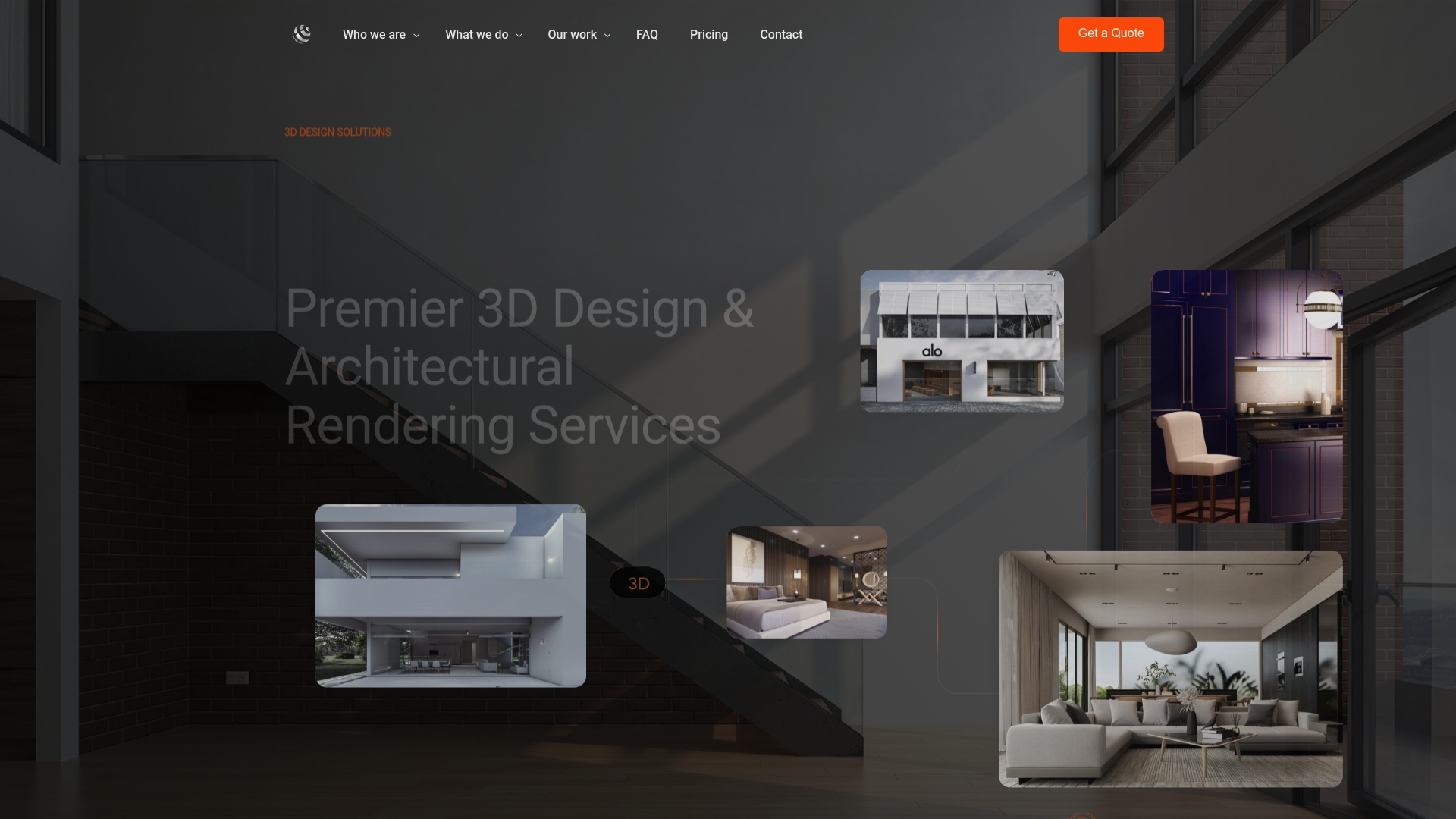

For a single scene, architectural rendering starts from $850 per scene, with additional camera views available from $425 each, and full walkthrough packages run $4,500 to $8,000 depending on scope. Projects with a fixed launch date can request phased delivery, where a priority view ships first while the rest of the package completes, or ask about expedited resourcing when a submission or sales date won’t move. Full package details and multi-view options are on the architectural rendering services page. Comparable builders, like Bayfair Custom Homes’ documented process, show how visual milestones fit into a broader construction timeline, and the same logic applies to marketing and permit schedules. Reach out with your priority views and deadline, and Rendimension will scope a schedule around them.
Where to Read More
- AIA’s Integrated Project Delivery guide on early coordination and schedule compression.
- G203 BEP instructions on model delivery milestones.
- Archicgi’s architectural rendering timing guide for typical industry ranges.
- Rendimension’s blog for studio-level process breakdowns.
Sources
- Instructions: G203™–2022, BIM Execution Plan (AIA Contracts Help)
- Integrated Project Delivery guide (AIA)
FAQ
How long does rendering usually take?
A single interior still generally takes 3 to 7 business days, while a multi-image package runs 2 to 4 weeks, according to Rendimension’s turnaround examples. Animation and walkthrough projects take longer, often several weeks to a few months, because they add shot planning and postproduction.
What does rendering time mean?
Rendering time can mean the render engine’s raw processing time for one frame, or the full project turnaround from brief to final delivery. For planning purposes, the total production timeline, which includes modeling, lighting, revisions, and export, matters far more than compute time alone.
Why does rendering take so long?
Most delay comes from model cleanup, the number of custom views and assets, and how quickly a client reviews and approves drafts, not from the computer itself rendering frames. A slow or fragmented approval process is one of the most common causes of an extended schedule.
How much do people charge for renderings?
Pricing varies by studio and scope. At Rendimension, architectural rendering starts at $850 per scene, with additional camera views from $425 each and full 3D walkthrough packages priced between $4,500 and $8,000.