How to Brief a Rendering Studio by Text Message
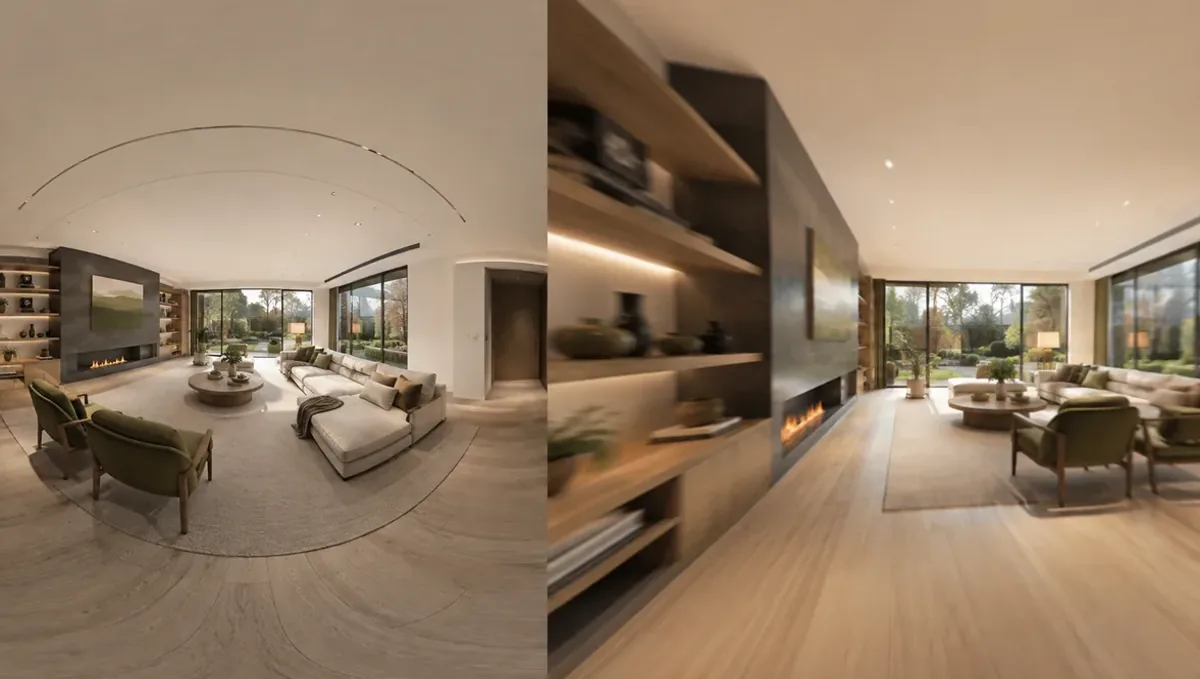
Quick answer: Use texts for photos and quick questions, then move the scope to an email or shared document and ask the studio to confirm it.
The short answer: use texts for photos and quick questions, and confirm scope in writing
Text messages are useful for sending photos, answering quick questions and checking status, but they are a poor place for a full project brief. If you start by text, move the scope to a short email or a shared document as soon as it grows. This guide belongs to how to brief a 3D rendering studio by phone and explains how to use text messages well without losing important details.
Why people prefer texting
Texting is fast, familiar and always at hand. You can send a photo of a room in seconds, ask a small question and get an answer between meetings. For busy builders, agents and owners, it is often the easiest channel. The challenge is that messages pile up and important details get buried in a long thread.
What texts do well
Texts are good for photos of the site, quick confirmations, small clarifications and reminders. They also work for saying that files have been sent or that you need a call. Short messages keep the project moving between longer conversations, and they let the studio respond in a moment when a simple answer is enough.
What texts do poorly
Texts are weak for long scope descriptions, lists of views, material specifications and agreements. Threads are hard to search, attachments get compressed and decisions get lost. Photos sent by text are often lower quality than the original. For anything the studio must build from, use email or a shared folder and mention it in the text.
Send photos the right way
Messaging apps often compress images. Send important photos as files or through a link to keep full resolution, especially plans and sample photos. Take pictures in good light and hold the phone steady. Add a short caption naming what the photo shows, so the studio does not have to guess.
Keep messages clear and complete
A short message can still be complete: say what you are sending, what the project is and what you need. For example, sending photos of the rear yard for the Miller pool project, need the aerial view by the 15th. Avoid messages that depend on a previous one, since the thread may be read out of order.
Name the project in every message
If you have several projects with the same studio, include the project name or address in the message. This prevents confusion, especially when the studio handles many clients. A label at the beginning of the text is enough and takes a second to add.
Move the scope to a document
When a conversation by text produces decisions, copy them into a short email or a shared document. List the views, style, materials and deadline, and ask the studio to confirm. See how to get decisions from a call in writing. The text thread stays as the informal channel, and the document becomes the reference.
Know when to switch to a call
If a thread reaches ten or more messages on one topic, or if you and the studio are misunderstanding each other, call. A two minute conversation can settle what an hour of texting cannot. See when a call is better than email. Then send a short written summary of what you decided.
Keeping a professional tone
Even in quick texts, keep a polite and clear tone. Greet the studio, state the request and say thanks. A professional style builds trust and makes it easier for the studio to help you, especially when a message is read later by someone who was not in the conversation.
Avoiding late night requests
Sending requests late at night is fine, but do not expect an immediate reply. State when you need an answer. If something is urgent, say so and call in the morning. Clear timing expectations prevent frustration on both sides and keep the working relationship healthy.
Texting from a job site
On a job site, texts are often the only channel available. Send a photo, a caption and the project name, then follow up with a fuller message later. Avoid making decisions in a rush from the site. Wait until you can check the plans, then confirm the choice in writing.
Sending measurements by text
If you send a measurement by text, write the unit and what it refers to, such as the kitchen island length is 9 feet. Numbers without labels cause errors. Photograph a tape measure in place when helpful, and put the final dimensions in the written list for the record.
Sharing links and folders
Texts are a good way to share a link to a folder with plans and photos. Check that the link works without a login, or grant access to the studio email. Tell the studio what is in the folder and which file is the newest version, so they use the right drawings.
Answering questions promptly
The studio may text a question that blocks progress. A quick answer keeps the schedule on track, even if it is only I will confirm by tonight. Prompt replies help the studio plan its work and reduce the risk of delays caused by waiting on small details.
Delivery formats and revisions
Tell the studio how you will use the images and the resolution you need. Send feedback in one organized message per round. Bundled comments with clear labels keep revision rounds short and make it easier for the studio to check each change.
Texting with several people
If partners text the studio separately, instructions may conflict. Choose one person to send decisions, or keep everyone in the same thread. Confirm in writing who has the final word. Clear ownership avoids a situation where two people request opposite changes on the same day.
Emojis and short answers
A thumbs up can mean yes, seen or thanks. In a project, that is unclear. When a message needs approval, write a clear yes or no and say what you approve. Precise wording prevents the studio from moving forward on something you meant only to acknowledge.
Group chats
Group chats can be handy, but they get noisy. Keep the group small and limit it to the project. Pin or copy decisions to a document. When the project ends, save the key files, since chat history may be hard to find later.
Time and expectations
Texts feel instant, but studios work through queues. Do not expect an immediate creative answer. Ask for a time to expect a reply, and use a call for urgent matters. Respecting the studio process helps things move faster over the whole project.
Text templates that help
Keep a few simple templates: sending files for a project, asking a question about a view, confirming a decision and requesting a call. Reusing them saves time and keeps messages complete. A consistent format makes the thread easier to read months later.
Handling feedback by text
Do not send review comments in a stream of separate texts. Collect them, and send one list per view. See how revision rounds affect timelines. A single organized message reduces confusion and avoids extra rounds that lengthen the schedule.
Keeping records
Export or screenshot important messages when they contain decisions, and save them with the project files. This is a simple backup if the thread grows or a phone is replaced. A written summary remains the better record.
Honest expectations
Texting is convenient, but a rendering is still an illustration and no studio can promise a sale or an approval. Use texts for speed and email for agreements. Legal matters need review by the right professional.
What to send the studio
- Photos as files, with short captions.
- Plans or sketches by email or a shared link.
- A short written scope after a text discussion.
- The project name in every message.
- Your deadline.
- A note when you need a call.
Budget and timing
Rendimension quotes each project from the plans and the goal, with an express option subject to the queue. Texting can speed small questions, but the scope and files should still be sent in a form the studio can rely on.
Revision rounds and how to keep them small
For a client using text messages, use the call to settle the big decisions before the first preview: the goal, the views, the style and the materials. Afterwards, send changes as one consolidated list. Clear direction from the start finishes faster. See how revision rounds affect timelines.
Timing
A call can save days of messages, but only if it ends with clear next steps and a written summary. Send your files soon after the call and answer the studio quickly. See how long a 3D rendering takes and how the number of views affects turnaround. Rendimension offers an express option, subject to the queue, when a date is fixed.
Common mistakes
- Putting the whole brief in one long text.
- Sending compressed, unclear photos.
- Not naming the project.
- Letting decisions live only in the thread.
- Sending messages at all hours and expecting instant answers.
- Not switching to a call when confused.
A worked example
An agent texts a photo of an empty living room with the caption Oak street listing, living room, need staging view. The studio replies with two questions. After a quick call, the agent emails a five line summary and the plan. The text opened the conversation, and the email made it official.
Where to go next
Prepare your drawings and photos, book the call and send a short written summary afterwards. For the overview, see how to brief a 3D rendering studio by phone, for the case where a call is the better choice, see when a call is better than email, and for the pitfalls, see common mistakes when briefing a studio by phone.
Frequently asked questions
Can I brief a rendering studio by text message?
You can start that way, but confirm scope in an email or document.
Are photos by text good enough?
Send important photos as files, because apps compress them.
Should I text at any hour?
Respect business hours and expect a reply during the workday.
How do I avoid losing decisions?
Copy decisions into a short email and ask for confirmation.
Can I send plans by text?
Better to send plans by email or a shared link.
When should I call instead?
When a thread grows long or there is confusion.
Do I need to name the project?
Yes. Put the project name in each message.
Is there a faster option?
Rendimension offers an express option, subject to the queue.
Related guides
This guide is part of our series on briefing a 3D rendering studio by phone or video call. Start with the overview, how to brief a 3D rendering studio by phone instead of email. Related: how to schedule a call with a rendering studio, how to give feedback on a rendering during a call, how to prepare for a phone call with a rendering studio. When you are ready, send what you have through our quote request.