Avoid Procurement Risk: Rendering Vendor Scorecard for Architects

Avoid Procurement Risk: Rendering Vendor Scorecard for Architects
Three factors decide whether a rendering vendor delivers what you need: portfolio relevance to your project type, clarity on scope and pricing before work starts, and an enforceable agreement on deliverables and licensing. If a vendor cannot show comparable work, quote a fixed scope, or specify who owns the final files, keep looking. The safest next step before committing to a full package is requesting a paid single-view sample or a small pilot project, which some studios use to let prospective clients confirm fit at low risk.
TL;DR:
- Confirm the vendor’s portfolio includes relevant work for your project type and scale, and request unedited raw frames to verify authenticity.
- Ensure scope, pricing, and licensing details such as output formats, revision limits, and file ownership are clearly specified before signing any contract.
- Test vendors with a paid trial project featuring one or two hero views to assess process efficiency, communication, and deliverable quality upfront.
- Focus on process reliability, including review timelines, file exchange practices, and designated project roles, rather than solely on portfolio aesthetics.
- Prioritize enforceable licensing and ownership terms over render quality, as this protects your assets and usage rights in the long term.
Table of Contents
- Quick checklist: what to verify before you sign
- How to judge a portfolio before you trust it
- Pricing, scope, and contract terms that prevent disputes
- What separates real quality from a polished demo reel
- How the collaboration should actually run
- Run a trial project before committing to the full scope
- A simple scoring framework for the final decision
- Where Rendimension fits in this process
- What most vendor advice gets wrong
- How Rendimension can help you move forward
- Sources
- FAQ
Quick checklist: what to verify before you sign
Most procurement mistakes trace back to skipped verification, not bad luck. Before you respond to a proposal or shortlist a studio, confirm the following:
- Portfolio relevance: ask for two or three examples matching your project type and scale, not a generic highlight reel.
- Scope detail: get the camera count, resolution, output formats, and included revision rounds in writing.
- Pricing model: confirm whether you’re paying per view, per package, or on retainer, and what triggers extra charges.
- Deliverable formats and licensing: know exactly what files you receive and what you’re allowed to do with them.
- Single point of contact: identify who manages your project day to day, not just who sold it.
- Paid trial availability: ask whether the vendor will do a small paid sample before a full commitment.
Pro Tip: Never approve a full multi-view package on a vendor’s word alone. A $850 architectural rendering sample scene costs less than a bad revision cycle on six views.
How to judge a portfolio before you trust it
A portfolio tells you more about process than talent. Look for projects that match your building type and scale: exterior multifamily work reads differently than luxury interiors, retail storefronts, or product visualization for a manufacturer. A studio strong in one category isn’t automatically strong in another.
Check for consistency across projects rather than judging on the single best image shown. Lighting quality, material fidelity, and camera composition should hold steady from project to project, not vary wildly depending on which artist touched the file.
Ask for unedited frames, the original project brief, and camera metadata where available. This confirms the images are genuine output, not composited or stock-assisted.
- Request examples from the same project category as yours, not just the most impressive images on the site.
- Ask whether images shown are pre-rendered stills or captured from real-time engines, since the two suggest different production pipelines.
- Watch for red flags: recycled stock staging, inconsistent furniture and material libraries, or a mix of high and low fidelity within the same gallery.
Pricing, scope, and contract terms that prevent disputes
Rendering vendors typically price one of four ways: per view, per package, hourly, or retainer. Per-view pricing suits a single marketing hero shot. Package pricing suits a coordinated set of exteriors and interiors. Retainer arrangements suit developers running ongoing visualization across multiple properties or phases.
Before signing, pin down these items in the statement of work:
- Camera list and resolution: exact number of views, output resolution, and whether additional angles cost extra (Rendimension lists additional camera views as a separate line item, a common industry structure).
- Staging and post-production scope: what furniture, landscaping, and lighting treatments are included versus billed as add-ons.
- Revision policy: how many rounds are included and the per-round cost once you exceed that number.
- Payment milestones: deposit amount, progress payments, and what happens if timelines slip.
- IP and licensing terms: whether you receive full ownership of final renders or a limited-use license, and how the vendor may handle your CAD or BIM files.
On that last point, industry guidance recommends explicit digital data licensing language when transferring CAD or BIM files to a third party. AIA’s digital practice documents point toward agreements that limit how a vendor can reuse your instruments of service, and stripping proprietary libraries before sending files is standard practice among architecture firms working with outside renderers.
What separates real quality from a polished demo reel
Photorealism, real-time capability, and format range are the technical signals worth checking before you commit. A vendor’s deliverable type should match your goal: rendered stills for marketing hero shots, animations for narrative walkthroughs, and real-time interactive builds for client-facing design iteration.
Reporting from Architect Magazine documents a shift toward real-time visualization tools used during design, not only at final marketing stages, with firms dividing large scenes and mixing pre-render and real-time workflows to keep big projects manageable. A vendor offering both approaches tends to support design collaboration better than one locked into a single pipeline.
- Ask to see materials, HDRIs, and scale cues in an unedited raw pass, not just the final color-graded image.
- Confirm which formats they deliver: EXR and TIFF for print-quality stills, FBX for 3D assets, USDZ for AR viewing, 360 panoramas for virtual tours, and MP4 for animations.
- Ask directly what render engine and asset pipeline they use, and whether real-time walkthroughs are available for design review.
High-quality visual assets rank among the resources buyers rely on most when evaluating a property, according to NAR’s research on buyer behavior. That’s a strong argument for prioritizing render quality when budget is tight and something has to be cut.
How the collaboration should actually run
A vendor’s process matters as much as their output. Before work begins, ask what review cycle they follow: 48 to 72 hour turnarounds on feedback rounds are typical and worth confirming in writing rather than assuming.
- Confirm file-exchange practices: cloud links, version-controlled folders, and consistent file naming so nothing gets lost between revisions.
- Identify named roles: a single project manager as your point of contact, plus the lead artist actually building your scenes.
- Ask how they handle BIM, Revit, or CAD input files, including what cleanup or format conversion happens before rendering starts.
- Clarify time zone overlap and how that affects same-day versus next-day feedback loops.
- Get a written schedule for milestone check-ins rather than an open-ended “we’ll update you.”
Vendors who resist naming a single contact or a review cadence upfront tend to produce the most rework later.
Run a trial project before committing to the full scope
A short paid trial reveals more than a portfolio review or a reference call. Structure it around one or two hero views, a single camera walkthrough, or a 15 to 30 second animation segment, something small enough to assess quickly but real enough to test their process.
- Set success criteria first: define the quality bar, delivery date, and acceptable number of revisions before the vendor starts.
- Send a minimal brief: floor plans, reference images, material specs, and camera angle notes are usually enough.
- Evaluate against your criteria, not gut feeling: check lighting accuracy, material fidelity, and whether the delivered files match the promised formats.
- Decide based on process, not just the final image: did they communicate on schedule and handle revisions cleanly?
Pro Tip: Ask the vendor to include one set of raw render passes alongside the final trial image. It shows you their actual pipeline, not just a polished export.
A failed trial usually shows itself early: missed deadlines, vague answers about file formats, or a finished image that doesn’t match the reference material provided. Any of those is reason enough to move to the next candidate.
A simple scoring framework for the final decision
Set a minimum threshold, for example requiring at least a 7 out of 10 on portfolio relevance regardless of how well a vendor scores elsewhere.
- Rank tied vendors by revisiting trial deliverables side by side rather than defaulting to the lower price.
- Reduce risk further with staged payments tied to milestones and a small holdback released after final delivery.
- Ask for one direct reference from a completed project similar to yours, and actually call them.
- Once you select a vendor, send your file-naming convention, BIM or CAD source files, and brand or presentation guidelines immediately to speed up the first deliverable.
Where Rendimension fits in this process
Rendimension has completed over 1,000 projects across architectural visualization, 3D walkthroughs, and virtual reality experiences for residential and commercial clients. Some studios structure their process around client involvement from concept through final delivery, aligning with collaboration standards like named contacts, staged reviews, and revision cycles built into the scope rather than negotiated after the fact.
For developers and architects evaluating vendors, portfolio range across luxury residential, multifamily, and commercial project types is one point worth checking directly against a vendor’s published work.
What most vendor advice gets wrong
Most guidance on choosing a rendering vendor focuses too heavily on portfolio aesthetics and not enough on process risk. A beautiful image tells you a vendor can render well once, under ideal conditions, with unlimited time. It tells you nothing about whether they’ll hit your third revision deadline or hand over usable BIM files without a fight.

The conventional advice to “check references” is weaker than it sounds. References are self-selected by the vendor and rarely mention friction. A paid trial project exposes far more: how fast they actually turn around feedback, whether their raw files match their marketing polish, and whether the person who sold you the project is the person managing it.
If there’s one place to spend disproportionate attention, it’s the contract terms around licensing and file ownership, not the render quality itself. Most buyers can spot a mediocre image. Fewer catch a licensing clause that limits their own use of the final asset until it’s too late to renegotiate. Prioritize enforceable terms first, then let portfolio and price break the tie between qualified finalists.
, Rendimension
How Rendimension can help you move forward
Some vendors handle architectural visualization, 3D walkthroughs, and VR experiences for architects, builders, and developers who need renders that hold up under stakeholder scrutiny and marketing deadlines alike. Rather than committing to a full package on faith, prospective clients can request a scoped sample or a project estimate first and evaluate the fit using the framework above.
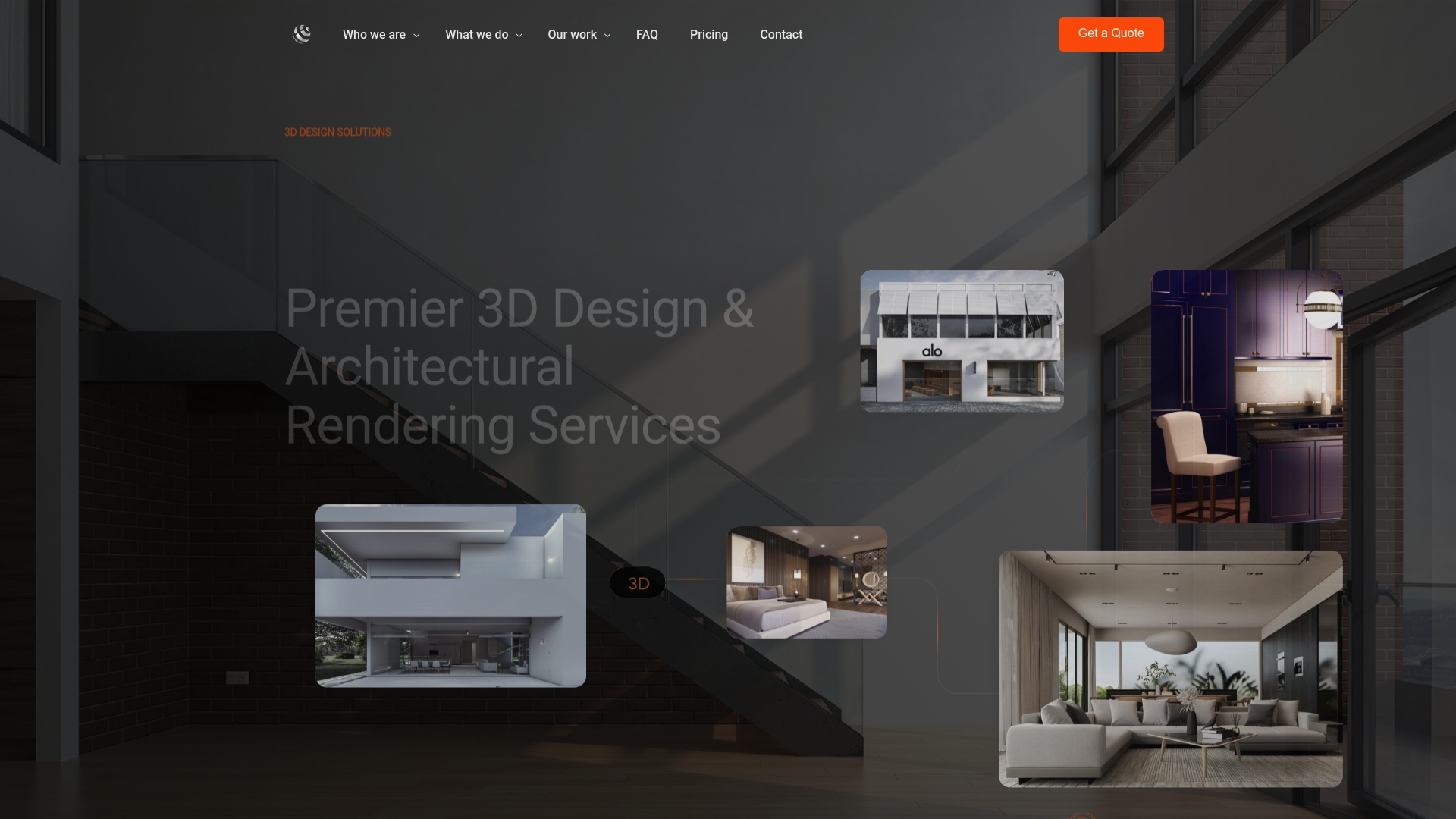
Start with a project quote through Rendimension’s service page to see how a scoped visualization package would apply to your next development or design review.
Sources
- 2025 home buyers and sellers generational trends (National Association of REALTORS®)
- How real-time visualization is transforming the architectural design process, Architect Magazine
FAQ
How much do vendors typically charge for renderings?
Pricing varies by scope, but Rendimension lists architectural rendering starting from $850 per scene, with additional camera views from $425 each, and full walkthrough packages ranging from $4,500 to $8,000. Rates depend heavily on complexity, revision count, and whether the project includes animation or VR elements.
What is the best rendering vendor on the market?
There’s no single best vendor across every category. The right choice depends on matching a studio’s portfolio and specialization to your specific project type, whether that’s luxury residential, commercial, or product visualization, and confirming fit through a paid trial before committing.
How much does 3D rendering typically cost overall?
Costs scale with scope: a single still image often starts in the hundreds of dollars, while full walkthrough packages can run several thousand. Rendimension’s published price for 3D walkthroughs is 4500-8000 USD one-off, which reflects the added complexity of animated or interactive deliverables versus a single static view.
What rendering software or pipeline should I ask a vendor about?
Rather than requiring a specific program, ask what render engine and asset pipeline the vendor uses and whether they support real-time as well as pre-rendered output. Architect Magazine’s coverage notes that firms increasingly mix both approaches, so flexibility matters more than any single tool.