3D rendering best practices: 35% more client buy-in in 2026
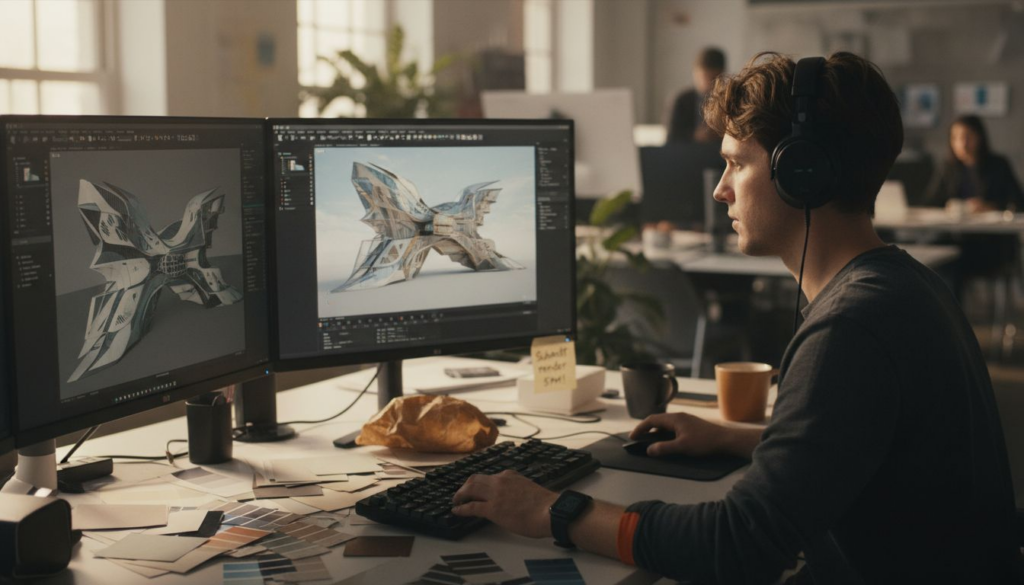
Choosing the right 3D rendering approach shapes how clients perceive your vision and how quickly projects move forward. Many architects and real estate developers struggle with inconsistent quality, miscommunication delays, and tools that don’t align with project deadlines. This article presents a practical framework for mastering 3D rendering best practices that boost photorealism, streamline workflows, and amplify marketing impact.
Table of Contents
- Selection Criteria For 3D Rendering Options In Architecture
- Top 3D Rendering Software And Hardware Choices For Architects And Developers
- Optimizing Lighting And Materials For Photorealism In Architectural Renderings
- Collaborative Workflows And Client Integration For Efficient Rendering Projects
- Real Estate Marketing Focused 3D Rendering Techniques To Boost Sales
- Common Challenges And Solutions In Architectural 3D Rendering Projects
- Summary Comparison And Situational Recommendations For 3D Rendering Practices
- Enhance Your Architectural Visualizations With Rendimension
Key takeaways
| Point | Details |
|---|---|
| Selection criteria guide choices | Clear evaluation factors balance quality, speed, cost, and workflow compatibility for rendering solutions. |
| Lighting and materials drive realism | HDR environments and high-fidelity textures can boost perceived realism by up to 40%. |
| Collaboration reduces revisions | Structured client feedback cuts revision cycles by 30%, saving time and budget. |
| VR walkthroughs increase buy-in | Immersive experiences boost stakeholder understanding by 35%, accelerating approvals. |
| Balance speed and quality | Matching rendering approach to project phase optimizes resources without sacrificing final marketing impact. |
Selection criteria for 3D rendering options in architecture
Every project demands different priorities. Marketing visuals for luxury condos need photorealism that stops scrollers mid-swipe. Early concept work needs speed so you can iterate before clients lose interest. Understanding your specific requirements prevents costly mismatches between tools and outcomes.
Start by evaluating photorealism demands against your project timeline. A pre-construction sales campaign needs jaw-dropping detail, while internal design reviews can use faster, lower-fidelity outputs. Hardware capabilities matter too: CPU rendering delivers unmatched quality but takes hours per frame, while GPU solutions cut that to minutes.
Cost analysis should cover software licenses, hardware upgrades, and cloud rendering fees. A $500 annual license might seem cheap until you realize your team needs three months of training. Ease of use affects delivery speed just as much as raw rendering power.
Pro Tip: Prioritize software that integrates seamlessly with your existing CAD and BIM tools to avoid file conversion headaches and data loss.
Differentiate between marketing visuals and concept renders. Marketing requires perfect lighting, realistic materials, and emotional appeal. Concept work needs clarity and speed to communicate spatial relationships. Lumion users report 40% faster turnaround but 20% lower realism compared to V-Ray, illustrating this trade-off clearly.
Key evaluation factors include:
- Photorealism quality vs. rendering speed
- Hardware requirements (CPU, GPU, RAM)
- Software licensing costs and cloud rendering fees
- Learning curve and team training time
- Integration with existing design workflows
- Output formats for client presentations
Explore comprehensive guides on architectural visualization options and professional 3D rendering creation to deepen your technical foundation.
Top 3D rendering software and hardware choices for architects and developers
Three platforms dominate architectural rendering, each with distinct strengths. Autodesk 3ds Max excels at complex modeling integration with Revit and AutoCAD, making it ideal for architects already in the Autodesk ecosystem. Its moderate rendering speed suits mid-sized projects where quality matters more than instant turnaround.
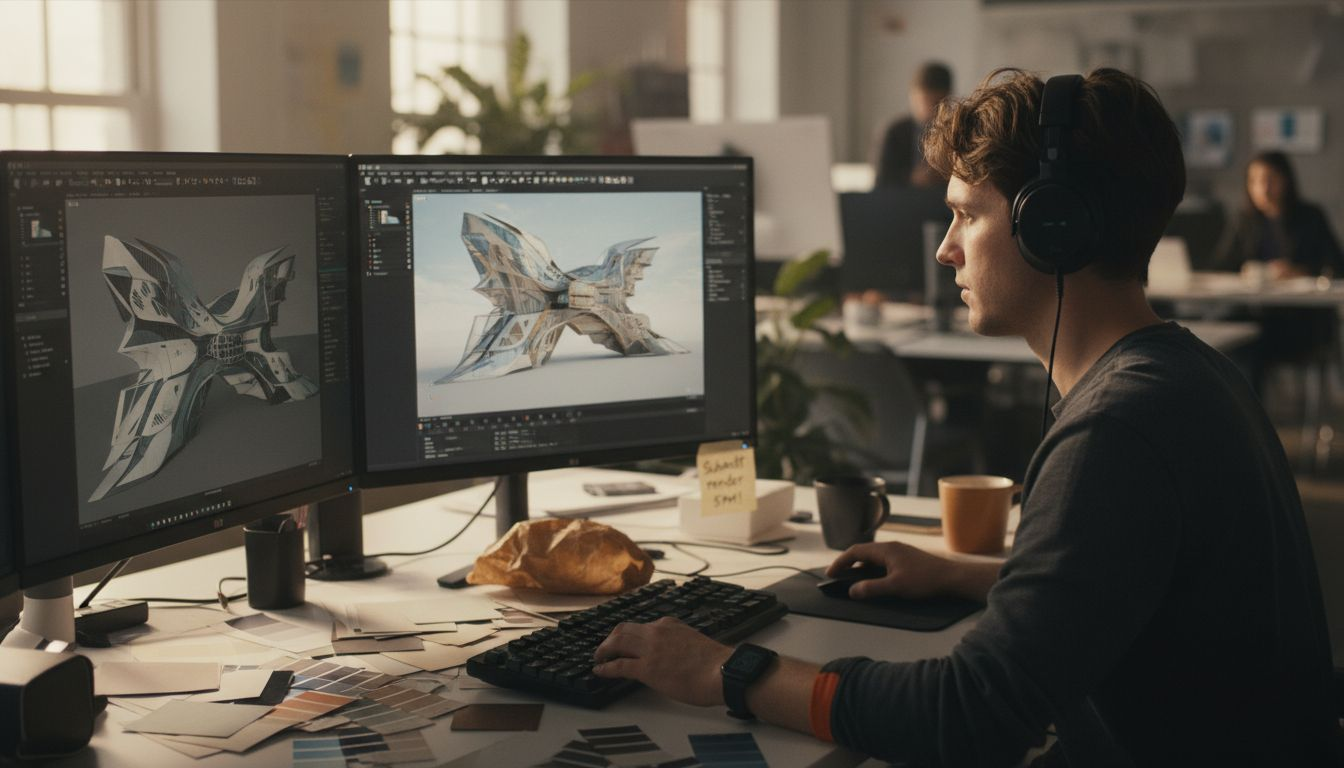
V-Ray sets the photorealism standard. Its advanced ray tracing produces lighting and materials that rival photography, but CPU-based rendering means overnight waits for complex scenes. Studios use V-Ray for final marketing imagery where every reflection and shadow must be perfect.
Lumion flips the script with real-time GPU rendering. Changes appear instantly, letting you adjust lighting and materials while clients watch. The trade-off? Lower realism that works for concept presentations but falls short for high-end marketing materials.
GPU-accelerated rendering engines offer significant speed advantages over traditional CPU setups, making hardware choice as critical as software selection. A workstation with dual RTX 4090 GPUs renders in minutes what a CPU-only machine takes hours to produce.
Cloud rendering services like Chaos Cloud and RebusFarm eliminate hardware bottlenecks. Upload your scene, rent hundreds of processors, and download finished frames in a fraction of the time. This approach works best for batch projects with tight deadlines.
| Software | Rendering Speed | Photorealism | Cost | Best For |
|---|---|---|---|---|
| 3ds Max + V-Ray | Slow (CPU) | Highest | High | Final marketing imagery |
| Lumion | Fast (GPU) | Moderate | Medium | Concept presentations |
| Enscape | Very Fast (GPU) | Moderate | Medium | Client walkthroughs |
| Cloud Rendering | Very Fast | Varies | Per-project | Batch deliveries |
Pro Tip: Leverage GPU acceleration for rapid concept iterations while reserving CPU renderers for final marketing imagery that demands maximum fidelity.
Hardware recommendations vary by rendering engine. GPU-focused workflows need high VRAM graphics cards (24GB+), while CPU rendering benefits from multi-core processors and 64GB+ RAM. Storage speed matters too; NVMe SSDs dramatically reduce scene load times on complex projects.
Learn more about recommended hardware for 3D rendering and explore top rendering software comparisons for detailed performance data.
Optimizing lighting and materials for photorealism in architectural renderings
Lighting transforms good renders into great ones. Natural light creates emotional warmth that makes spaces feel livable, while harsh artificial lighting feels cold and uninviting. The difference affects how quickly buyers connect with a property.
HDR environment maps simulate real-world illumination with startling accuracy. HDR lighting can boost perceived realism by up to 40% by capturing the full range of light intensities your eye sees naturally. A sunny courtyard scene needs bright highlights and deep shadows; HDR delivers both.
Material quality separates amateur work from professional visualization. High-fidelity texture maps capture surface imperfections that signal authenticity. Perfectly smooth marble looks fake; subtle veining and polish variations read as real.
Balance natural and artificial light sources to control mood. Morning sunlight streaming through windows creates optimism. Evening ambient lighting suggests relaxation. Strategic lighting guides the viewer’s eye to architectural features you want to emphasize.
Material mapping techniques add depth without geometry:
- Bump maps create surface texture without additional polygons
- Normal maps simulate complex surface details efficiently
- Specular maps control how light reflects off different materials
- Displacement maps add genuine geometric detail where it matters most
Lighting affects buyer psychology more than most architects realize. Bright, naturally lit spaces test better with residential buyers, while dramatic accent lighting works for commercial and hospitality projects. Understand your audience and light accordingly.
Dive deeper into photorealistic lighting and materials and master advanced photorealistic rendering techniques that elevate your visualizations.
Collaborative workflows and client integration for efficient rendering projects
The best rendering teams nail client communication before they open their software. Establishing clear feedback loops with scheduled review sessions prevents the dreaded “that’s not what I meant” revision cycle that blows budgets and timelines.
Define roles precisely. Who approves material selections? Who signs off on camera angles? Ambiguity creates conflicting feedback that forces artists to guess. Clear ownership accelerates decisions.
Structured client feedback reduces revision cycles by 30% by catching misalignments early. Weekly reviews beat monthly marathons because small corrections cost less than major overhauls.
Pro Tip: Early VR previews help non-technical clients grasp spatial relationships that floor plans can’t communicate, streamlining approval and reducing revision requests.
Project management tools like Monday.com or Asana track rendering progress and centralize communication. Artists see exactly what clients want. Clients see real-time status without chasing emails. Transparency builds trust.
Effective collaboration workflow:
- Kickoff meeting establishes deliverables, timelines, and approval process
- Initial concept renders (low-fidelity) confirm composition and angles
- Material and lighting review refines aesthetic direction
- High-resolution draft incorporates feedback for near-final review
- Final delivery includes minor adjustments and output formatting
Iterate based on prioritized client inputs. Not all feedback carries equal weight. A request to adjust window height matters more than debating throw pillow colors. Guide clients toward high-impact decisions that improve the final result.
Explore collaborative 3D rendering workflows that keep projects on track and clients satisfied.
Real estate marketing focused 3D rendering techniques to boost sales
Marketing renderings sell emotion, not just architecture. Buyers purchase the lifestyle they imagine living, not the structural specifications. Your rendering strategy should trigger that emotional connection within seconds.
Simulate natural daylight variations to showcase spaces at their best. Morning light in a bedroom suggests peaceful mornings. Golden hour glow in an outdoor terrace promises beautiful evenings. Lighting sets the emotional stage.
VR walkthroughs provide immersive experiences that flat images can’t match. Walking through a space creates spatial understanding and emotional investment. Virtual reality walkthroughs increase stakeholder understanding and project buy-in by 35%, directly impacting sales velocity.
Produce high-resolution images tailored for each marketing channel. Instagram needs vertical 4:5 crops. Billboards need ultra-wide panoramas. Website heroes need 16:9 landscapes. One render size doesn’t serve all platforms effectively.
Customize visuals to buyer personas. Young professionals respond to modern, minimalist aesthetics with bold accents. Families want warmth, natural materials, and visible play spaces. Understanding your audience shapes every creative decision.
Marketing-focused techniques:
- Lifestyle staging with people, pets, and activities that suggest use
- Seasonal variations showing the property year-round
- Twilight renders highlighting architectural lighting and ambiance
- Aerial perspectives establishing neighborhood context and amenities
Measure rendering impact on sales metrics. Track how quickly units sell after visualization campaigns launch. A/B test different rendering styles to identify what resonates with your specific market. Data beats assumptions.
Discover how VR walkthroughs and real estate visualization accelerate buyer decisions and improve sales outcomes.
Common challenges and solutions in architectural 3D rendering projects
Even experienced teams hit predictable obstacles. Poor lighting and material setup wastes hours on renders that clients reject immediately. The fix? Test render small sections before committing to full-resolution outputs. Catching lighting problems early saves massive time.
Ignoring client feedback creates expensive revision spirals. A client who feels unheard will reject work on principle, even if it’s technically excellent. Document all feedback, confirm understanding, and show how you incorporated their input.
Overemphasis on speed sacrifices the photorealism that final marketing demands. Fast concept renders serve their purpose, but pushing speed-optimized tools into final deliverables disappoints clients expecting magazine-quality results. Match tool to task.
Educate clients on rendering limitations and realistic timelines. Non-technical clients don’t understand why changing a material affects lighting throughout the scene, requiring fresh renders. Brief explanations prevent frustration and manage expectations.
Common pitfalls and fixes:
- Unclear project scope leads to endless revisions; solution: detailed creative brief with visual references
- Inadequate hardware causes deadline misses; solution: cloud rendering for complex scenes
- Poor file management creates version chaos; solution: strict naming conventions and cloud backup
- Skipping test renders wastes resources; solution: progressive refinement from draft to final
Adopt troubleshooting practices like iterative refinement. Start with basic geometry and lighting, then add complexity layer by layer. This approach isolates problems early when they’re easy to fix.
Learn essential 3D rendering project troubleshooting techniques that keep deliveries on schedule and within budget.
Summary comparison and situational recommendations for 3D rendering practices
Choosing the right approach depends on project phase, budget, and output requirements. Early concept work prioritizes speed and iteration. Final marketing demands maximum photorealism. Matching tools to needs optimizes both quality and efficiency.
| Software | Speed | Realism | Cost/Year | Best Use Case |
|---|---|---|---|---|
| Lumion | Excellent | Good | $1,500 | Concept presentations, client reviews |
| V-Ray | Poor | Excellent | $800 | Final marketing imagery, print materials |
| Enscape | Excellent | Good | $700 | Real-time walkthroughs, design iteration |
| Corona | Good | Excellent | $700 | Balanced workflow, residential projects |
Best practice checklist:
- Establish clear project requirements and success criteria upfront
- Match rendering quality to deliverable purpose (concept vs. marketing)
- Implement structured feedback loops with defined approval stages
- Use HDR lighting and high-fidelity materials for final outputs
- Test render small sections before full-resolution processing
- Document all decisions and changes for client reference
Small studios benefit from GPU-based real-time engines like Lumion or Enscape. Lower hardware costs and faster turnaround suit limited resources. Reserve V-Ray or Corona for projects where photorealism justifies the time investment.
Large firms should maintain multiple rendering pipelines. GPU tools for daily client interaction, CPU engines for marketing deliverables, and cloud rendering for deadline crunches. Flexibility prevents bottlenecks.
Hardware vs. cloud rendering depends on project scale. In-house workstations make sense for steady workflow with predictable rendering loads. Cloud services handle overflow and one-off large projects without capital investment.
Review the complete 3D rendering best practices summary for detailed implementation guidance across all project types.
Enhance your architectural visualizations with Rendimension
Implementing these best practices takes time, expertise, and the right technology stack. Rendimension delivers professional 3D rendering services that bring your architectural vision to life without the learning curve or hardware investment.
Our team specializes in photorealistic architectural visualization services tailored to real estate marketing and design presentations. We handle everything from lighting optimization to VR walkthrough creation, letting you focus on design while we perfect the visuals.

With over 1,000 completed projects globally, we understand how to balance speed, quality, and budget across diverse project types. Our collaborative process ensures your vision translates accurately into compelling visualizations that win client approval and accelerate sales.
Get expert guidance on 3D rendering strategies that maximize marketing impact and streamline your next project delivery.
FAQ
What software is best for photorealistic architectural renderings?
V-Ray remains the industry standard for photorealistic architectural rendering thanks to its advanced material physics and lighting accuracy. Corona offers similar quality with a more intuitive interface. Lumion provides faster results but with reduced realism, making it better suited for concept-phase visualizations.
How can VR walkthroughs improve real estate marketing?
VR walkthroughs let potential buyers explore properties immersively before construction completes. This spatial understanding builds emotional connection and confidence in purchase decisions. Research shows VR experiences increase stakeholder buy-in by 35%, directly shortening sales cycles and reducing buyer hesitation.
What are common pitfalls in architectural 3D rendering projects?
Ignoring structured client feedback creates costly revision loops and budget overruns. Poor lighting setup causes delays when clients reject low-quality drafts. Pushing speed-optimized tools into final marketing deliverables compromises the photorealism buyers expect. Avoid these common rendering pitfalls through clear project scoping and progressive refinement workflows.
Should I invest in rendering hardware or use cloud services?
In-house workstations suit studios with consistent rendering workloads and long-term project pipelines. Cloud rendering makes sense for variable workloads, tight deadlines, or studios wanting to avoid capital expenditure. Many firms use hybrid approaches: local hardware for daily work and cloud services for deadline crunches or exceptionally complex scenes.
How much does professional architectural rendering cost in 2026?
Pricing varies widely based on complexity, resolution, and turnaround time. Simple interior renders start around $300-$500 per image. Complex exterior architectural visualizations with landscaping range from $800-$2,000 per image. VR walkthrough projects typically begin at $5,000 depending on property size and detail level. Rush delivery and revisions beyond initial scope add additional costs.
Recommended
- Present 3D Renderings To Clients: Boost Engagement 45%
- 3D Visualization Trends 2026: Transforming Architecture And Marketing
- How To Present 3D Visuals For Impactful Client Engagement
- Final Renders Guide: Achieve Stunning Results In 2026
- How to Master Immersive Tech Innovation 2026: 5 Surprising Secrets – Amlogy AR|VR