Final Renders Guide: Achieve Stunning Results in 2026
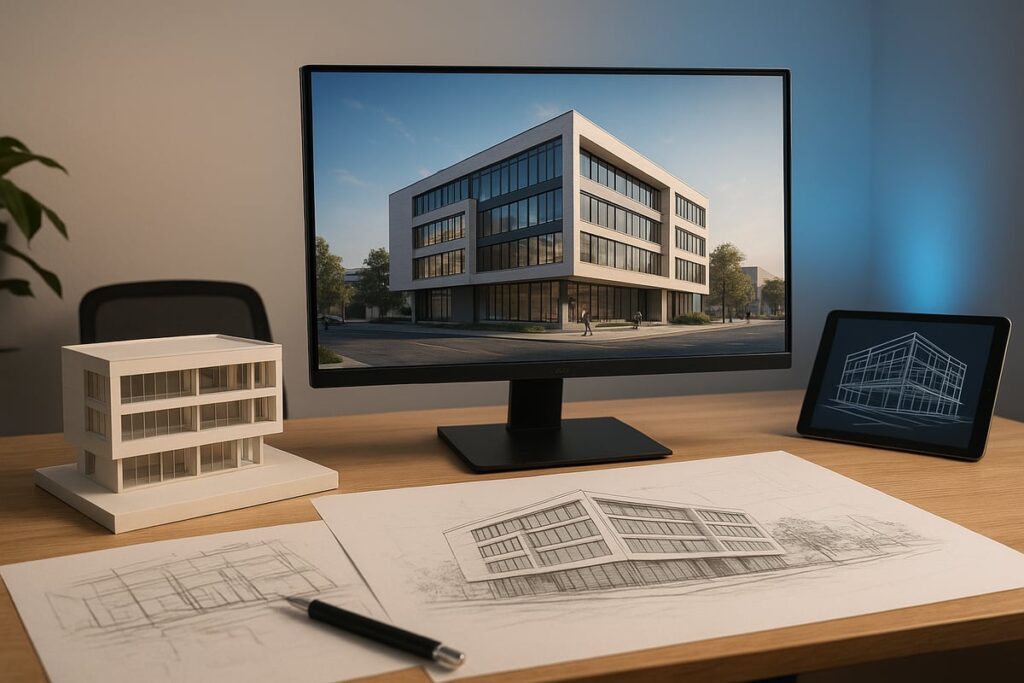
Imagine the impact of seeing your ideas brought to life with breathtaking clarity and precision. In today's competitive world, final renders have become the gold standard for showcasing design, architecture, and visualization projects at their absolute best.
This guide equips you with the latest steps, strategies, and tools to achieve truly stunning final renders in 2026. Whether you are a professional artist, architect, or passionate enthusiast, you will discover workflow optimizations, cutting-edge software, and expert techniques that elevate your results.
Ready to overcome common rendering challenges and unlock next-level visuals? Dive in to explore everything you need for photorealistic, compelling outcomes that stand out.
Understanding the Fundamentals of Final Renders
Final renders represent the culmination of a creative vision in design, architecture, and product visualization. These images or animations are crafted to achieve the highest standards of realism, accuracy, and presentation quality. Unlike draft or intermediate outputs, final renders are polished deliverables intended for client presentations, marketing, or publication.
Draft renders serve as early previews, focusing on composition and lighting. Intermediate renders refine details, but may lack full resolution or material accuracy. Final renders, however, showcase the complete scene with optimized lighting, precise materials, and all effects applied. Achieving exceptional final renders is essential for making a lasting impression and communicating design intent.
What is a Final Render?
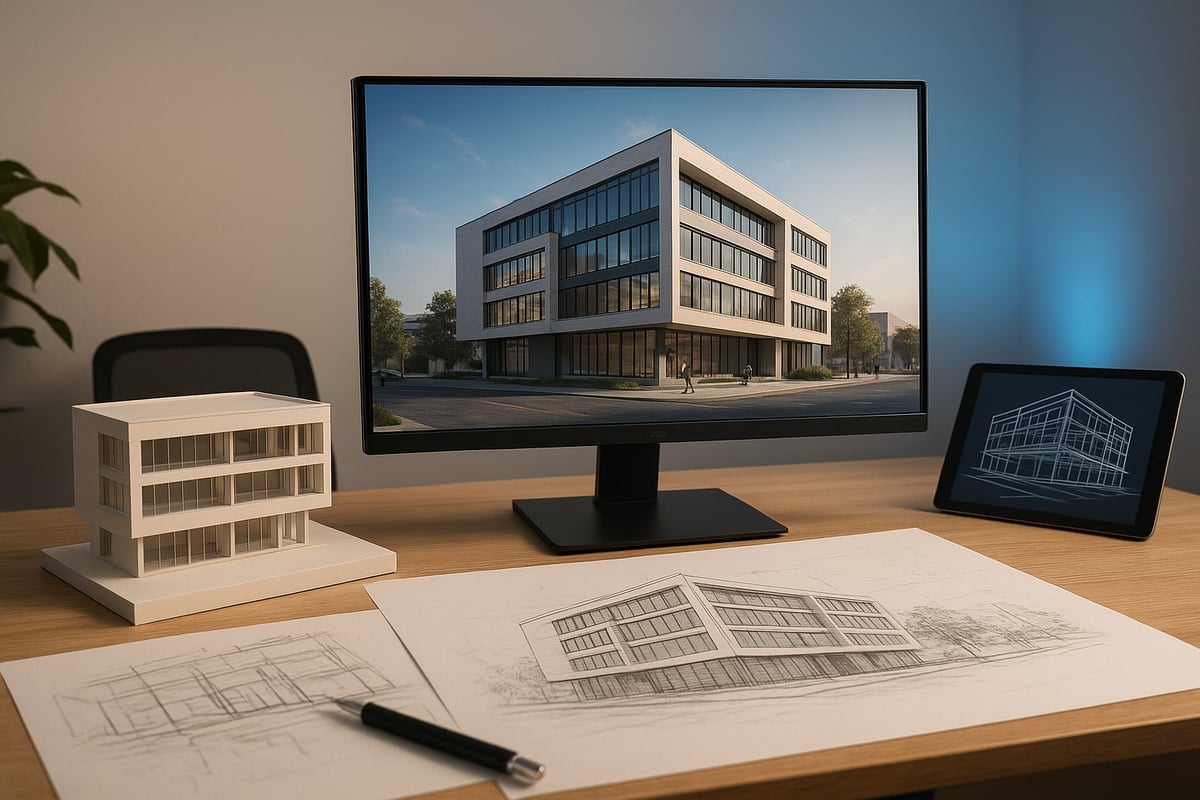
A final render is the definitive visual output of a 3D project, designed for showcase or client delivery. It combines all elements, geometry, textures, lighting, and effects, at the highest possible quality. In architecture, final renders help clients envision buildings before construction. In product design, they demonstrate features and finishes in lifelike detail.
The difference between draft, intermediate, and final renders lies in their purpose and quality. Drafts are quick previews to test ideas. Intermediates refine details, but only final renders meet the standards for public presentation. The primary goals for final renders are realism, accuracy, and visual impact, making them crucial for successful project communication.
Core Elements of Stunning Renders
Several core elements define the quality of final renders. Lighting is fundamental, with proper placement and realistic sources dramatically affecting the scene’s mood and believability. Materials and textures, especially those created using PBR workflows and high-resolution assets, add depth and authenticity. Camera settings such as framing, perspective, and depth of field guide the viewer’s eye and enhance storytelling.
Resolution and output formats must be tailored to the intended platform, print, web, or VR. For deeper exploration of advanced methods, see Photorealistic Rendering Techniques. Mastering these elements ensures final renders stand out and meet industry expectations.
Common Mistakes to Avoid
Even talented professionals can encounter pitfalls when producing final renders. Overusing effects like bloom, glare, or depth of field can distract from the subject and reduce realism. Poor lighting often results in flat or overexposed scenes, diminishing the sense of space and form.
Low-resolution textures, visible tiling, or lack of real-world references can make materials appear artificial. Comparing side-by-side images reveals how these errors undermine quality. Professional final renders avoid these issues by focusing on clarity, balance, and attention to detail in every visual element.
The Evolving Role of Final Renders in 2026
In 2026, final renders have evolved beyond static images. Integration with AR and VR platforms enables immersive walkthroughs and interactive experiences. Real-time rendering engines allow instant feedback, speeding up revisions and approvals. AI-assisted workflows optimize lighting, automate asset placement, and enhance realism with minimal manual adjustment.
Data from ArchDaily (2024) shows over 70% of architecture firms now deliver VR-ready final renders for client presentations. This trend highlights the necessity for professionals to adapt to new technologies, ensuring their final renders remain competitive and relevant in a rapidly changing industry.
Key Arguments and Insights
Investing time and expertise in final renders pays dividends across multiple stages of a project. High-quality visuals accelerate client approvals, support effective marketing campaigns, and build trust in design proposals. As clients and stakeholders expect hyper-realistic, immersive imagery, final renders become a decisive factor in winning projects.
The growing demand for advanced visuals is reshaping competitive industries, making final renders not just a technical requirement, but a strategic asset for creative success.
Step-by-Step Workflow: From Concept to Final Render
Achieving truly stunning final renders requires a structured, detail-oriented workflow. Each step, from the earliest sketches to the final export, impacts the realism, impact, and success of your visualization. Here, we break down the essential stages for producing professional final renders, ensuring consistent quality and efficiency for any project.
Step 1: Pre-Visualization and Planning
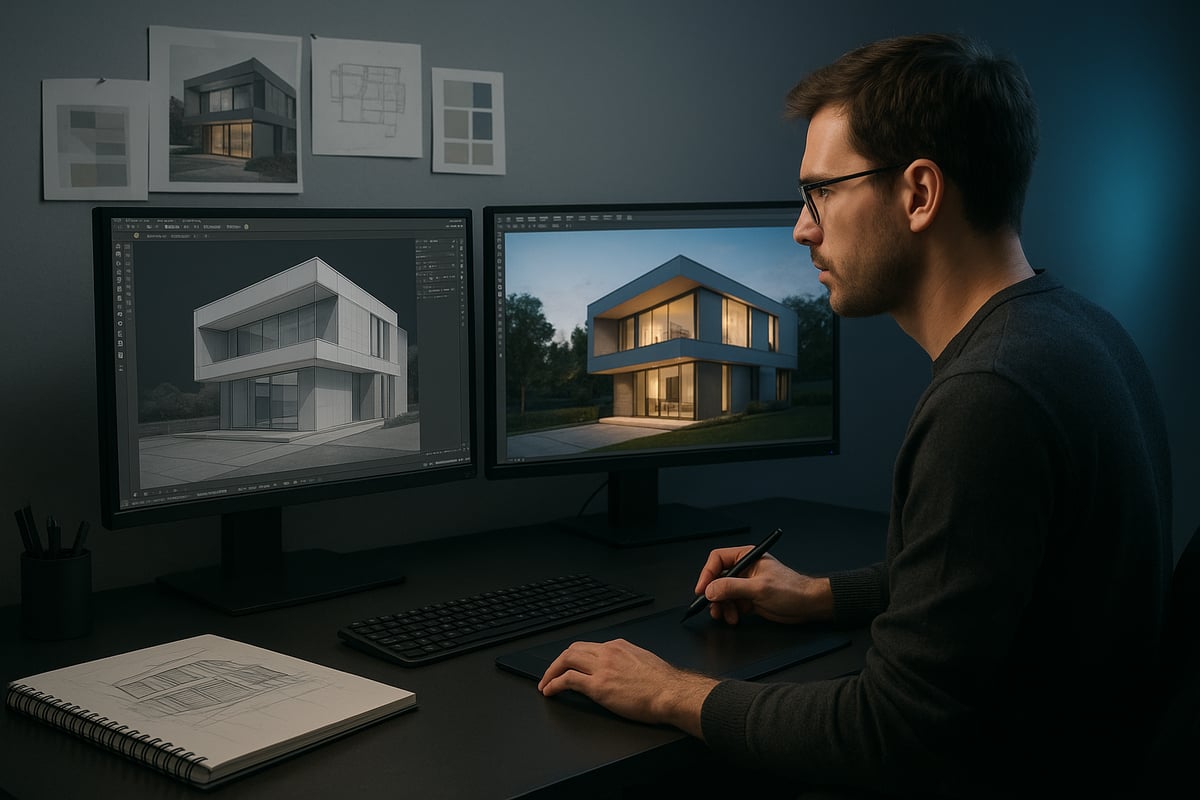
Every great render begins with clear vision and preparation. Start by assembling reference images, mood boards, and inspiration relevant to your project. Define the goals for your final renders, considering style, atmosphere, and intended use.
Work closely with clients or stakeholders to clarify briefs and objectives. Establishing a feedback loop early helps minimize revisions later. This planning stage sets the creative and technical direction, ensuring all team members are aligned before modeling begins.
Step 2: 3D Modeling and Scene Setup
Efficient 3D modeling is the backbone of successful final renders. Focus on clean topology to avoid shading issues and optimize performance. Use modular assets and organized scene hierarchies for flexibility and faster adjustments.
Efficient modeling can reduce render times by up to 30% (CGArchitect, 2025). Keep your scene tidy, naming objects logically and grouping related elements. This discipline pays off during lighting, texturing, and final output.
Step 3: Material and Texture Application
Realism in final renders depends on high-quality materials and textures. Utilize physically based rendering (PBR) workflows, combining custom shaders and high-resolution textures. Always reference real-world surfaces for authenticity.
Source or create assets that suit your project’s needs. Texture baking can boost performance and consistency, especially for complex scenes. Pay attention to UV mapping to avoid stretching or mismatched seams in your final renders.
Step 4: Lighting and Environment Creation
Lighting transforms your 3D scene into a lifelike visualization. Use HDRI maps for natural illumination, and combine global illumination with carefully placed artificial lights for depth and mood.
Balance brightness and contrast to avoid overexposed or flat results. Test different lighting setups and view your scene from multiple angles. Well-executed lighting is one of the most critical elements of high-quality final renders.
Step 5: Camera Placement and Composition
Thoughtful camera work elevates final renders from technical images to compelling stories. Apply the rule of thirds, use leading lines, and establish a clear focal point for viewers.
Study award-winning projects for composition inspiration. Experiment with camera angles and focal lengths to highlight key design features. A well-composed render draws the viewer in and communicates your vision effectively.
Step 6: Rendering Settings and Optimization
Balancing quality and efficiency is essential for professional final renders. Adjust sampling rates and enable denoising to minimize noise. Adaptive sampling can speed up renders without sacrificing detail.
Choose between GPU and CPU rendering based on your hardware and project scale. Cloud rendering is an option for large or complex scenes. For a more in-depth, specialized workflow in real estate visualization, see the Architectural Rendering Workflow for Real Estate.
Step 7: Post-Processing and Final Touches
Post-processing brings your final renders to life. Use color grading to refine mood, add lens effects for realism, and composite extra elements as needed. Tools like Photoshop and After Effects are industry standards.
Remember, 85% of top visualizations use significant post-processing (3D World, 2025). Subtle adjustments can make the difference between a good render and an unforgettable one.
Step 8: Exporting and Delivering the Final Render
The final step ensures your work looks its best on every platform. Choose file formats and resolutions suited to print, web, or VR. For example, TIFF or PNG for print, JPEG for web, and specific formats for VR.
Maintain an organized archive of your final renders, including layered files and versioned exports. Good delivery practices make future revisions easier and protect your work for the long term.
Essential Software & Tools for Final Renders in 2026
Selecting the right software and tools is fundamental to producing outstanding final renders. As workflows evolve, the landscape in 2026 offers a blend of traditional powerhouses and innovative newcomers. Let us explore the must-have solutions for achieving professional-grade results.
Industry-Leading Rendering Engines
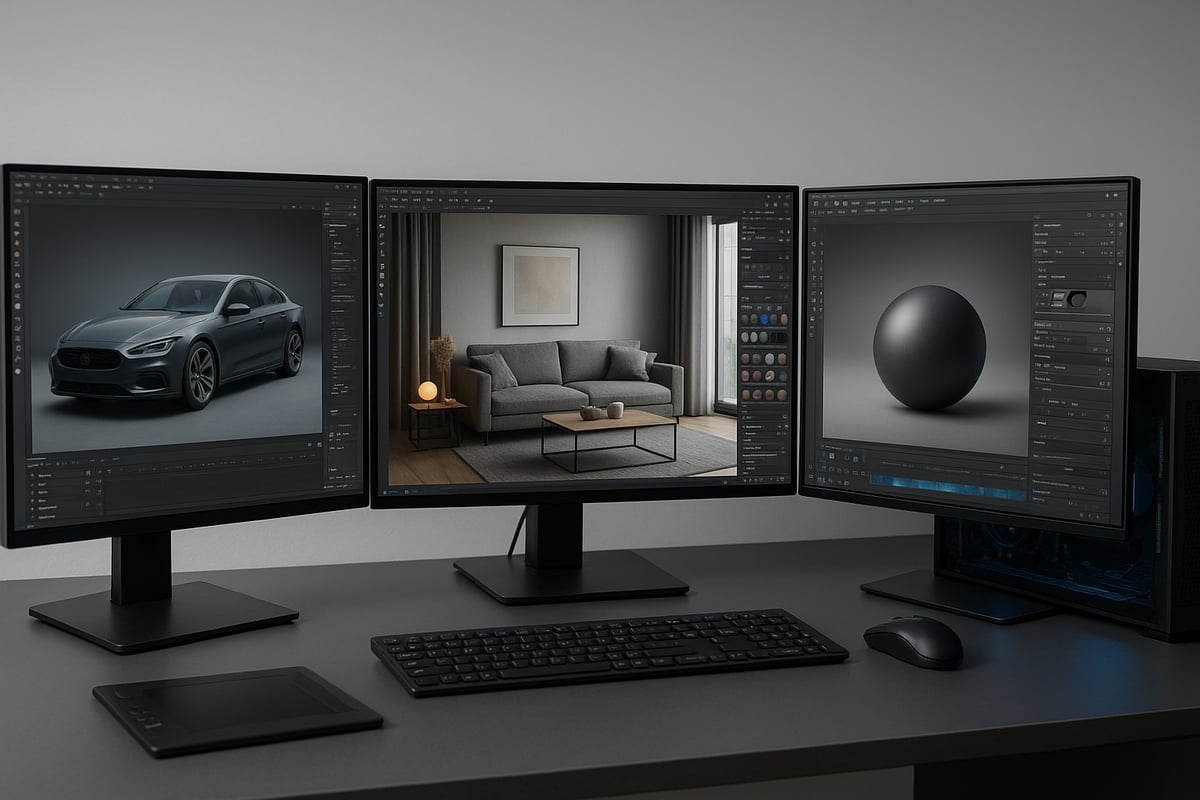
Rendering engines are the core of any pipeline for final renders. In 2026, V-Ray, Corona Renderer, Redshift, Arnold, and Unreal Engine lead the industry. Each engine offers unique advantages for speed, realism, and flexibility.
| Engine | Speed | Quality | Key Features |
|---|---|---|---|
| V-Ray | Fast | Top-tier | Realistic lighting, broad DCC support |
| Corona Renderer | Efficient | Photoreal | Intuitive UI, ease of use |
| Redshift | Very Fast | High | GPU acceleration, scalability |
| Arnold | Moderate | Excellent | Physically accurate, film-grade |
| Unreal Engine | Real-time | Versatile | Interactive, VR/AR ready |
Choosing the right engine depends on your project's needs. For final renders requiring interactivity, Unreal Engine is a top pick. For pure photorealism, V-Ray and Corona remain favorites among professionals.
3D Modeling and Texturing Software
Effective modeling and texturing are essential for compelling final renders. Blender, 3ds Max, Maya, Cinema 4D, and SketchUp are widely used for 3D asset creation. Substance Painter and Substance Designer stand out for advanced texturing.
Blender’s open-source nature and rapid development make it a favorite for artists seeking flexibility. If you want to optimize workflows for high-quality final renders, the Realistic Blender Renders Guide provides valuable insights into Blender-specific techniques.
Substance Painter enables artists to create detailed, PBR-based materials that enhance realism. Modular assets and clean topology help maintain scene organization, which is crucial for efficient rendering.
Post-Processing and Compositing Tools
Post-processing transforms raw output into stunning final renders. Photoshop remains the gold standard for image adjustments, color grading, and compositing. After Effects excels at animation, motion graphics, and adding lens effects.
DaVinci Resolve is gaining popularity for its powerful color grading capabilities. AI-powered plugins for upscaling and denoising are now mainstream, making it easier to polish renders with minimal manual effort. Integrating these tools into your workflow can significantly elevate the presentation quality of your final renders.
Hardware and Cloud Rendering Solutions
Modern hardware is vital for achieving fast, high-quality final renders. The NVIDIA RTX 50 Series and AMD Radeon Pro 2026 GPUs deliver impressive ray tracing and AI-driven acceleration. For studios with large-scale needs, cloud rendering platforms like RebusFarm and GarageFarm offer scalable power.
Hybrid pipelines, which combine local and cloud resources, are now used by 60% of studios. This approach provides flexibility and reliability, ensuring deadlines are met without hardware bottlenecks. Selecting the right hardware and cloud mix streamlines production and maximizes efficiency for final renders.
Workflow Automation and Asset Libraries
Automation and robust asset libraries are game changers for final renders in 2026. Quixel Megascans and KitBash3D supply high-quality, ready-to-use assets that save time and boost consistency. Asset management tools ensure files are accessible and organized.
Scripting and workflow automation, such as batch rendering or automated material assignment, reduce repetitive tasks. This lets artists spend more time on creativity and less on manual setup. Adopting these solutions is now a hallmark of efficient pipelines for high-end final renders.
Advanced Techniques for Photorealistic and Immersive Renders
Unlocking the full potential of final renders requires a command of advanced techniques. These methods elevate visuals from technically correct to truly breathtaking, capturing both realism and emotion. Let’s explore the approaches that define the most compelling final renders in 2026.
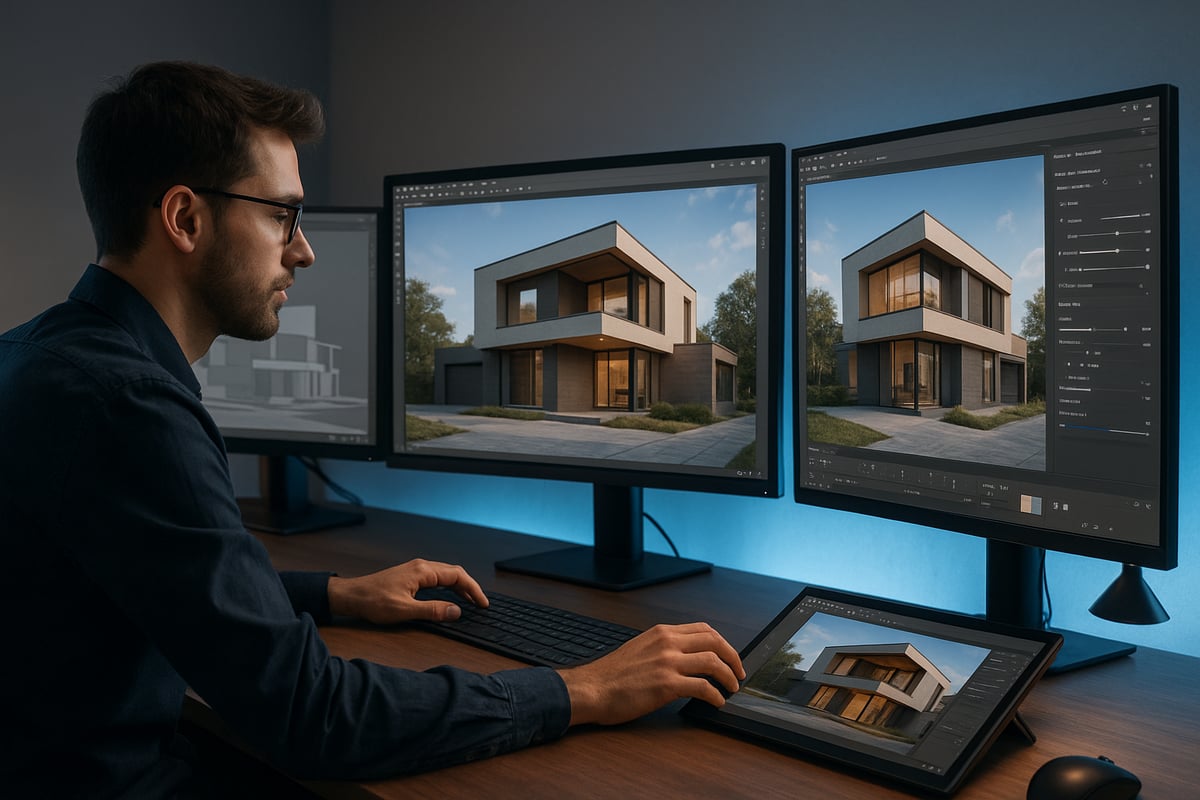
Mastering Lighting and Shadows
Lighting is the foundation of all final renders. Achieving photorealism depends on understanding how light interacts with objects and spaces. Use a layered lighting approach, combining direct, indirect, and ambient sources for depth and realism.
Experiment with volumetric lighting to simulate atmospheric effects. Light portals can channel exterior light into interiors, while caustics add complexity to glass and water surfaces.
- Use HDRI maps for natural environments.
- Apply global illumination for accurate light bounce.
- Adjust shadow softness for realistic depth.
Balanced lighting ensures your final renders avoid flatness or overexposure, resulting in dynamic, convincing scenes.
Hyper-Realistic Material Creation
Materials and textures define surface realism in final renders. Physically Based Rendering (PBR) workflows enable you to replicate the subtle qualities of real-world surfaces. Custom shader networks let you control reflectivity, roughness, and subsurface scattering.
High-resolution maps, like normal and displacement, add micro-details. AI-driven tools now assist in generating unique, lifelike materials. For a deeper dive into the impact of photorealism, explore The Role of Photorealism in Architecture.
- Use real-world references for accuracy.
- Layer textures for depth.
- Test materials under varied lighting.
With these techniques, final renders achieve tactile, immersive qualities that stand out in any presentation.
Camera Effects and Depth Enhancement
Camera settings shape the viewer’s experience of your final renders. Depth of field (DOF) draws attention to focal points, while motion blur adds realism to dynamic elements. Chromatic aberration and subtle lens distortion can introduce cinematic flair.
Composition is key. Use the rule of thirds, leading lines, and strategic framing to guide the eye naturally. Experiment with focal lengths to control perspective and emphasize scale.
- Adjust aperture for realistic DOF.
- Add lens flares for atmosphere.
- Use vignettes to focus attention.
Careful camera work transforms final renders from static images into immersive visual journeys.
Integrating 3D Renders with Real-World Photography
Blending final renders with real photography enhances realism and context. Matchmoving aligns 3D elements with camera data, ensuring accurate perspective. Photogrammetry helps capture real environments for seamless integration.
Compositing tools like Photoshop or After Effects enable you to match color, lighting, and shadows between 3D and photographic elements. The result is a unified image that’s both believable and visually striking.
- Match lighting direction and intensity.
- Use ambient occlusion for natural contact points.
- Calibrate camera parameters precisely.
This technique is essential for product visualization, marketing, and architectural presentations where realism is paramount.
Real-Time Rendering and Virtual Reality
The evolution of final renders now includes real-time engines and VR experiences. Platforms like Unreal Engine and Unity allow artists to deliver interactive, photorealistic scenes instantly. Real-time rendering is ideal for client presentations, walkthroughs, and rapid iteration.
VR-ready final renders immerse viewers, helping clients visualize spaces or products at scale. This technology increases engagement and speeds up decision-making.
- Optimize assets for real-time performance.
- Use baked lighting for efficiency.
- Enable interactive controls for presentations.
With real-time tools, final renders become dynamic experiences, not just static images.
AI and Machine Learning in Rendering
AI transforms how final renders are created and optimized. Machine learning speeds up noise reduction, denoising, and smart upscaling, delivering clean results faster. AI-driven asset placement and scene optimization simplify complex workflows, making high-end rendering more accessible.
Emerging content creation tools, such as those highlighted in AI-driven 3D content creation tools, automate material generation and scene composition. This reduces manual labor and opens new creative possibilities.
- Use AI for auto-composition and layout.
- Employ smart upscaling for crisp output.
- Automate repetitive tasks for efficiency.
AI accelerates production and enhances the capabilities of final renders, ensuring your work remains cutting-edge.
Trends and Future Directions in Final Renders for 2026
The landscape for final renders is evolving rapidly, bringing unprecedented realism, speed, and accessibility to creative professionals. As technology advances, industry expectations are shifting, and staying ahead means understanding the top trends shaping the future. Let’s explore how real-time engines, AI, sustainability, and new workflows are redefining what’s possible in 2026.
Rise of Real-Time and Interactive Renders
Real-time rendering is revolutionizing final renders, making interactive experiences the new standard. With engines like Unreal Engine and Unity, artists can deliver instant feedback, photorealistic visuals, and immersive walkthroughs.
This shift is especially impactful in real estate, where 360-degree virtual tours are replacing static imagery. Clients now expect to explore spaces freely, making presentations more engaging and informative.
To dive deeper into how real-time engines are transforming workflows, see this overview on real-time rendering in 3D animation. The demand for real-time, interactive final renders will only continue to rise as hardware and software mature.
AI-Driven Automation and Smart Rendering
Artificial intelligence is streamlining every stage of the final renders pipeline. Automated scene optimization, AI-assisted lighting, and smart material swaps are reducing manual work and boosting efficiency.
AI-powered tools can now predict the best camera angles, enhance realism, and cut average setup time by 25 percent. Technologies like AMD’s FSR 4 "Redstone" are pushing the envelope, offering AI-enhanced upscaling for smoother, faster final renders without sacrificing quality.
By leveraging these solutions, studios and freelancers alike can deliver complex projects on tighter deadlines and with fewer resources.
Sustainability and Efficient Rendering
Sustainability is becoming a core priority in the world of final renders. Studios are adopting energy-efficient hardware and cloud-based solutions to minimize environmental impact.
Eco-friendly rendering practices, such as using optimized render farms and hybrid pipelines, help reduce carbon footprints. Many companies now favor green-certified data centers for their cloud rendering needs, aligning with broader sustainability goals.
These efforts not only benefit the planet but also lower operational costs, making sustainable final renders a win-win for both business and the environment.
Hyper-Realism and Artistic Expression
The expectation for hyper-realistic final renders is higher than ever, but artistic innovation remains essential. Designers are blending cinematic storytelling with technical mastery to create visually compelling narratives.
Hybrid techniques, such as combining photorealism with stylized elements, are gaining traction. Architectural firms often use this approach to differentiate their portfolios and captivate clients.
This balance between accuracy and artistry keeps final renders at the forefront of visual communication, inspiring both professionals and audiences.
Collaboration and Cloud Workflows
Cloud technology is transforming how teams create and deliver final renders. Remote collaboration, real-time asset sharing, and cloud-based feedback platforms are now standard in large studios.
Fully cloud-based pipelines enable seamless teamwork across continents, speeding up revisions and approvals. With 55 percent of major studios operating in the cloud, efficient collaboration is essential for meeting tight deadlines.
Cloud workflows also provide robust version control, ensuring that every stakeholder can access the latest final renders instantly.
Expanding Accessibility and Democratization
High-end rendering tools are more accessible than ever, thanks to affordable subscription models and extensive learning resources. This democratization is diversifying the talent pool and visual styles within the industry.
Freelancers and small studios can now produce final renders that rival those of major firms, opening new opportunities for creative expression. As access continues to expand, expect a surge in innovation, experimentation, and unique visual storytelling.
The future of final renders is bright, dynamic, and inclusive, setting the stage for groundbreaking achievements in 2026 and beyond.