How to Create 3D Renderings for Professional Projects
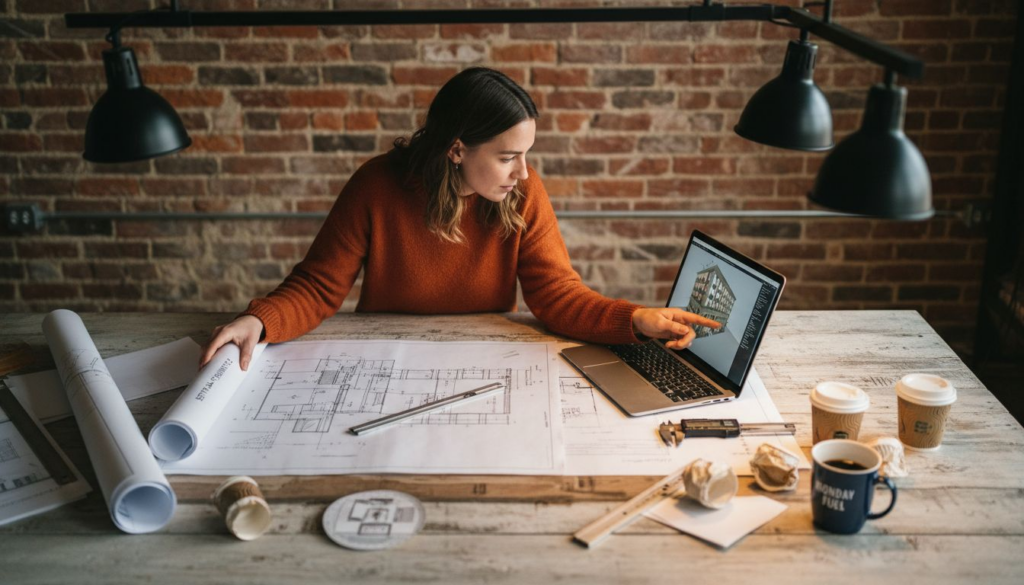
Capturing a client’s vision in a way that wins project approval often starts long before the first render. For architects and real estate developers across Canada and the United States, the foundation of high-quality 3D visualization is a disciplined approach to preparation and reference collection. When you build your workflow on thorough research, well-organized project files, and carefully selected visual guides, you set the stage for photorealistic results that impress stakeholders and advance your projects.
Table of Contents
- Step 1: Prepare Project Files And Gather References
- Step 2: Set Up 3D Modeling Environment
- Step 3: Build Accurate 3D Models
- Step 4: Apply Materials And Lighting For Realism
- Step 5: Render And Post-Process Final Images
- Step 6: Review And Refine Renderings With Stakeholders
Quick Summary
| Main Idea | Description |
|---|---|
| 1. Organize Your References Efficiently | Compile a structured library of visual references categorized by subject matter to enhance creativity and consistency in your rendering process. |
| 2. Optimize Your 3D Modeling Environment | Invest in high-performance hardware and compatible software to ensure a smooth workflow for complex rendering tasks. |
| 3. Maintain Geometric Accuracy in Models | Pay close attention to proportions and details during model creation to accurately represent your design vision. |
| 4. Apply Realistic Materials and Lighting | Use precise materials and sophisticated lighting techniques to create depth and realism in your 3D renderings. |
| 5. Foster Collaborative Feedback with Stakeholders | Implement a structured review process that encourages engagement and allows for actionable improvements to your renderings. |
Step 1: Prepare project files and gather references
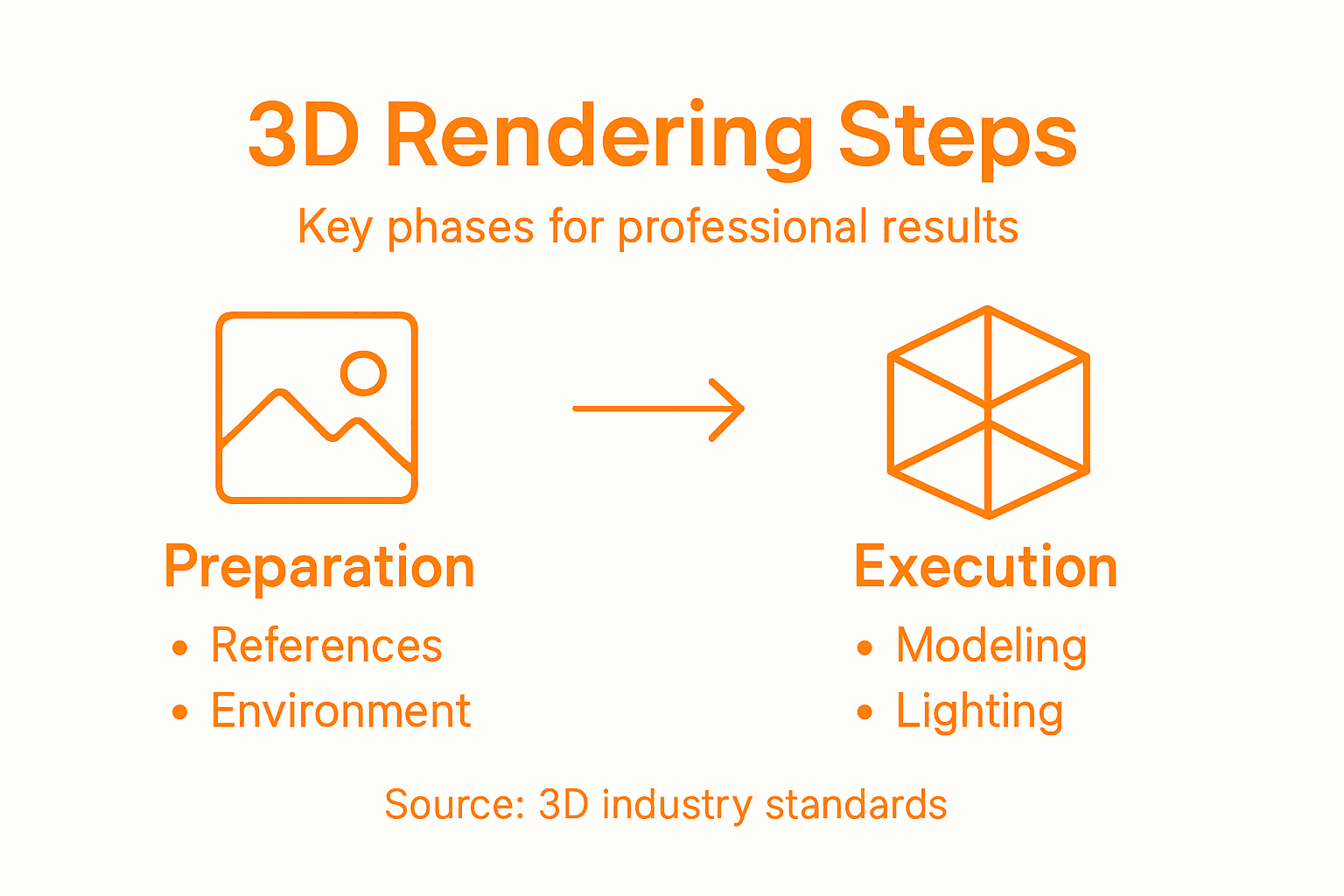
Designing stunning 3D renderings starts with meticulous preparation and strategic reference gathering. In this critical first step, you’ll organize your digital workspace and collect visual blueprints that will transform your conceptual ideas into photorealistic representations.
Begin by establishing a systematic approach to reference collection. Professional 3D artists know that comprehensive visual research is the foundation of exceptional work. Gathering diverse visual references involves exploring multiple sources and creating a structured visual library. Here are key strategies for effective reference compilation:
- Use online platforms like Google Images, Pinterest, and ArtStation
- Capture your own reference photos in real-world locations
- Sketch preliminary concept drawings
- Categorize references by subject matter, texture, and lighting
Organize your references in clearly labeled digital folders on your workstation. Group images by project type – architectural exteriors, interior spaces, material textures, or specific design elements. This systematic approach ensures quick access and helps maintain visual consistency throughout your rendering process.
Pro tip: Create a dedicated reference board for each project, allowing you to track visual progression and maintain a cohesive aesthetic vision.
When collecting references, prioritize high-resolution images that showcase intricate details. Focus on capturing accurate proportions, surface textures, lighting conditions, and contextual environments relevant to your specific 3D rendering project.
Pro tip: Use screenshot and image management tools to quickly organize and tag your reference materials for rapid retrieval during the design process.
Step 2: Set up 3D modeling environment
Creating a robust 3D modeling workspace requires strategic hardware and software configuration that supports complex rendering projects. Your goal is to build an environment that maximizes performance and minimizes technical obstacles during the visualization process.
Start by selecting hardware that can handle intensive 3D rendering tasks. Building an optimal rendering PC involves carefully balancing several critical components. Professional 3D artists should focus on key hardware specifications:
- High-performance CPU with multiple cores
- Powerful GPU for graphic-intensive work
- Minimum 64GB RAM
- Fast SSD storage
- Efficient cooling system
Your software setup is equally crucial. Choose professional 3D modeling tools that align with your project requirements. Popular software options include Blender, Maya, Cinema 4D, and Unreal Engine. Compatibility between hardware and software determines your overall rendering efficiency.
Professional rendering requires a seamless integration of cutting-edge hardware and specialized software platforms.
Consider investing in a workstation-grade computer specifically designed for graphic design and 3D rendering. These systems offer enhanced stability, better thermal management, and optimized performance for complex visual projects.
Pro tip: Test your system’s performance using benchmark rendering tasks before starting critical professional projects to identify and resolve potential bottlenecks.
For your reference, here’s how popular 3D modeling tools differ by focus and use case:
| Software | Strengths | Typical Use Case |
|---|---|---|
| Blender | Open source, versatile | General design, animation |
| Maya | Advanced animation tools | Film, TV, character design |
| Cinema 4D | Intuitive interface | Motion graphics, visualization |
| Unreal Engine | Real-time rendering | Virtual reality, interactive scenes |
Step 3: Build accurate 3D models
Building precise 3D models is a critical phase that transforms conceptual designs into realistic digital representations. Your goal is to create geometrically accurate and visually compelling models that meet professional standards and project specifications.
3D modeling workflow involves a systematic approach to developing intricate digital representations. Professional 3D artists typically follow these essential stages of model construction:
- Establish clear project parameters
- Block out basic geometric shapes
- Develop detailed topology
- Refine surface geometry
- Add precise texturing and details
Geometric precision is paramount in professional 3D modeling. Use reference images, architectural plans, and precise measurements to ensure your model accurately represents the intended design. Pay close attention to proportions, scale, and structural details that define the project’s visual integrity.
Accuracy in 3D modeling is not just about visual appeal, but about creating a true digital representation of your design concept.
Utilize advanced modeling techniques like CAD and Building Information Modeling (BIM) to enhance your model’s technical accuracy. These technologies allow you to integrate architectural, structural, and mechanical elements with exceptional detail and precision.
Pro tip: Regularly cross-reference your model against original design specifications and use multiple reference points to maintain dimensional accuracy throughout the modeling process.
Step 4: Apply materials and lighting for realism
Transforming your 3D model from a basic geometric shape into a photorealistic representation requires masterful application of materials and sophisticated lighting techniques. Your objective is to create a visual experience that captures intricate surface details and atmospheric nuances.
Begin by selecting photorealistic rendering techniques that match your project’s specific requirements. Materials should replicate real-world surface characteristics with meticulous attention to:
- Surface reflectivity and transparency
- Color accuracy and subtle variations
- Texture complexity and resolution
- Micro-surface imperfections
- Material-specific light interactions
Lighting design plays a crucial role in creating depth and visual authenticity. Position light sources strategically to simulate natural illumination, considering how different materials interact with various wavelengths and intensities of light. Experiment with multiple light types – ambient, direct, and indirect – to create layered, nuanced illumination.
Photorealistic rendering is less about technical perfection and more about capturing the subtle emotional qualities of visual perception.
Utilize physically based rendering (PBR) techniques to ensure your materials respond to light in scientifically accurate ways. This approach helps create renders that look indistinguishable from professional photography.
Pro tip: Create test renders with incremental lighting and material adjustments, saving each variation to compare subtle differences in visual quality.
Step 5: Render and post-process final images
The final stage of your 3D rendering project transforms technical precision into a visually compelling narrative that communicates your design’s essence. Your objective is to produce high-quality images that not only showcase technical accuracy but also evoke emotional resonance.
Begin the rendering process by selecting final render techniques that align with your project’s specific visual requirements. Professional rendering involves several critical steps:
- Configure optimal render settings
- Select appropriate output resolution
- Choose rendering engine and method
- Set up render passes for maximum flexibility
- Export high-quality image files
Post-processing techniques are essential for elevating your render from technically correct to visually stunning. Use professional editing software like Adobe Photoshop or Nuke to refine color balance, contrast, and atmospheric effects. Subtle adjustments can dramatically improve the perceived realism and emotional impact of your final images.
Professional rendering is about creating a visual story that communicates design intent beyond mere geometric representation.
Pay special attention to color grading, depth of field, and subtle environmental effects that mimic real-world photographic characteristics. Layer multiple render passes to achieve greater control over lighting, reflections, and shadow details.
Pro tip: Create a standardized post-processing workflow with preset adjustments to maintain consistency across multiple project renders while saving significant time.
Step 6: Review and refine renderings with stakeholders
Collaborative review transforms technical renderings into powerful communication tools that align project vision across different professional perspectives. Your goal is to create a structured feedback process that ensures your 3D visualization meets every stakeholder’s expectations and project requirements.
Begin by transforming architectural renders into effective presentation materials. Professional stakeholder engagement involves several strategic communication techniques:
- Prepare clear, annotated rendering presentations
- Schedule structured review meetings
- Create comparative visual options
- Develop a systematic feedback collection method
- Document and prioritize requested modifications
Presentation strategy is critical during stakeholder reviews. Anticipate questions, prepare technical explanations, and create visual narratives that demonstrate how your rendering solves specific design challenges. Use high-resolution displays or projection systems to showcase the intricate details of your work.
Effective stakeholder communication transforms technical renderings from mere images into compelling design narratives.
Demonstrate flexibility and professionalism by listening actively to feedback, asking clarifying questions, and showing how proposed changes align with the original project objectives. Maintain a collaborative attitude that views critique as an opportunity for refinement.
Pro tip: Create a standardized feedback template with specific categories to help stakeholders provide structured, actionable insights that directly improve your rendering.
Here’s a quick look at how each rendering step builds on the previous one:
| Stage | Core Objective | Key Outcome |
|---|---|---|
| Reference Gathering | Establish visual guidance | Cohesive concept direction |
| Modeling Setup | Optimize hardware/software | Smooth design workflow |
| Model Creation | Achieve geometric accuracy | Realistic digital structures |
| Materials & Lighting | Enhance realism | Convincing visual effects |
| Rendering & Post-processing | Finalize image quality | Compelling presentation visuals |
| Stakeholder Review | Align project vision | Actionable improvements |
Elevate Your 3D Rendering Projects with Professional Visualization Services
Creating accurate and photorealistic 3D renderings requires precision, advanced tools, and expert collaboration. If you find managing detailed modeling, realistic materials, and stakeholder reviews challenging, Rendimension can help you overcome those hurdles. Our professional 3D visualizations bring your architectural and design concepts to life, ensuring every geometric detail and lighting nuance matches your vision.

Experience seamless integration of your project’s reference gathering, modeling, material application, rendering, and post-processing with Rendimension’s tailored services. Whether you are an architect seeking stunning imagery or a real estate developer presenting a compelling story, explore how our high-quality 3D renderings and virtual experiences can enhance your presentations and decision-making process. Start transforming your projects today by visiting Rendimension and see the difference professional 3D visualization makes. Learn more about our expert workflows and solutions to accelerate your project success at our landing page.
Frequently Asked Questions
How do I gather effective references for 3D rendering projects?
To gather effective references, start by exploring online platforms like Google Images and Pinterest, as well as capturing your own photographs in relevant locations. Organize these references into clearly labeled digital folders to ensure easy access during the design process.
What hardware do I need to set up a professional 3D modeling environment?
To establish a professional 3D modeling environment, invest in a high-performance CPU, a powerful GPU, at least 64GB of RAM, and fast SSD storage. Make sure to balance hardware specifications to maximize performance during rendering tasks.
What steps should I follow to create accurate 3D models?
To create accurate 3D models, begin by establishing clear project parameters and then block out basic geometric shapes. Gradually refine your model by enhancing surface geometry and adding detailed texturing to ensure geometric precision.
How can I apply materials and lighting to enhance realism in 3D renderings?
To enhance realism, select materials that mimic real-world characteristics, focusing on surface reflectivity and color accuracy. Experiment with different lighting types to create depth, and use physically based rendering techniques for a more authentic appearance.
What are the best practices for rendering and post-processing my 3D images?
During rendering and post-processing, configure optimal render settings and use professional editing software to refine elements like color balance and contrast. Establish a standardized post-processing workflow to streamline your process and maintain consistency across projects.
How do I effectively review and refine my renderings with stakeholders?
To effectively review renderings, prepare annotated presentations and schedule structured review meetings to collect feedback. Document all requested modifications and prioritize them to ensure that your final output aligns with stakeholder expectations.