3D renders in presentations: elevate your project pitch
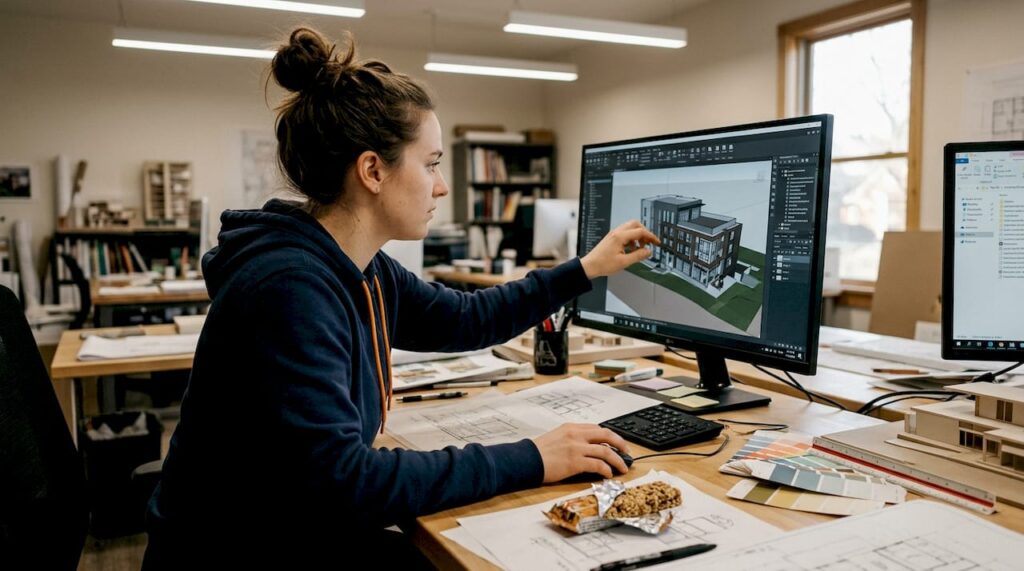
Flat floor plans and static slides have long been the default for architectural presentations. But here’s the problem: clients don’t think in blueprints. They think in spaces, light, and atmosphere. Relying on 2D drawings to sell a vision is like describing a painting over the phone. Research shows that 3D renders boost engagement and understanding in client presentations by up to 45%. This guide breaks down exactly how 3D renders work, why they outperform traditional methods, and how you can use them to win more approvals and close more deals.
Table of Contents
- What are 3D renders and why do they matter in presentations?
- Key benefits of 3D renders for client engagement
- How 3D renders transform the presentation workflow
- Types of 3D renders: finding the right fit
- Best practices for maximizing the impact of 3D renders
- Transform your next presentation with stunning 3D renders
- Frequently asked questions
Key Takeaways
| Point | Details |
|---|---|
| Visual clarity wins | 3D renders communicate ideas faster and more clearly than flat drawings. |
| Boost client engagement | Immersive visuals encourage deeper client involvement and excitement. |
| Accelerate decisions | Projects with 3D renders move forward at a faster pace due to easy understanding. |
| Choose the right render | Matching the 3D render type to your audience ensures the greatest impact. |
| Prepare for success | Attention to presentation setup maximizes the effect and professionalism of your 3D visuals. |
What are 3D renders and why do they matter in presentations?
A 3D render is a photorealistic image or animation generated from a digital architectural model. It shows a project as it will actually look, complete with materials, lighting, shadows, and surrounding context. Unlike a 2D floor plan or a hand-drawn elevation, a render gives clients an immediate, intuitive sense of space.
The gap between traditional and modern visualization is significant. Why visualization matters in architecture comes down to one core truth: clients make emotional decisions. A photorealistic render triggers that emotional response in a way that a technical drawing simply cannot. Understanding the full render meaning in architecture helps you choose the right visual tool for every stage of a project.
Here’s what 3D renders bring to the table that traditional methods don’t:
- Photorealistic depth and material detail that clients can immediately relate to
- Lighting simulation showing how natural and artificial light behaves in the space
- Contextual placement within real or designed environments
- Iterative flexibility allowing fast updates when design changes occur
- Emotional storytelling that connects stakeholders to the project vision
“A well-executed 3D render doesn’t just show a building. It sells a lifestyle, a feeling, and a future.”
Pro Tip: If you’re still opening client meetings with static PowerPoint slides and 2D plans, you’re leaving engagement on the table. Even a single high-quality exterior render can shift the entire tone of a presentation.
Key benefits of 3D renders for client engagement
The benefits of 3D visualization go well beyond aesthetics. They directly affect how fast clients decide, how clearly they understand the design, and how confident they feel committing to a project. 3D renders enable decisions up to 5x faster and reduce costly misunderstandings that derail timelines.
Here’s a direct comparison of outcomes between 2D and 3D presentation methods:
| Presentation factor | 2D drawings | 3D renders |
|---|---|---|
| Client comprehension speed | Slow, requires explanation | Immediate and intuitive |
| Emotional engagement | Low | High |
| Revision clarity | Often misinterpreted | Precise and visual |
| Stakeholder alignment | Difficult | Streamlined |
| Decision-making speed | Days to weeks | Hours to days |
| Marketing usability | Limited | High (social, print, digital) |
Knowing why use 3D renderings becomes obvious when you see this side by side. The numbers aren’t just about speed. They reflect a fundamental shift in how stakeholders process and trust information.
Here’s a simple workflow that turns a render into a stronger client engagement:
- Preview: Share the render before the meeting so clients arrive with context and curiosity.
- Discuss: Walk through the render during the presentation, highlighting key design decisions.
- Iterate: Use client feedback to refine the render in real time or between sessions.
- Decide: Present the updated visual as the basis for sign-off, reducing back-and-forth.
Pro Tip: Use photorealistic interior renders with furniture, lighting, and lifestyle elements to spark emotional buy-in. Clients don’t just want to see a room. They want to picture themselves in it.
How 3D renders transform the presentation workflow
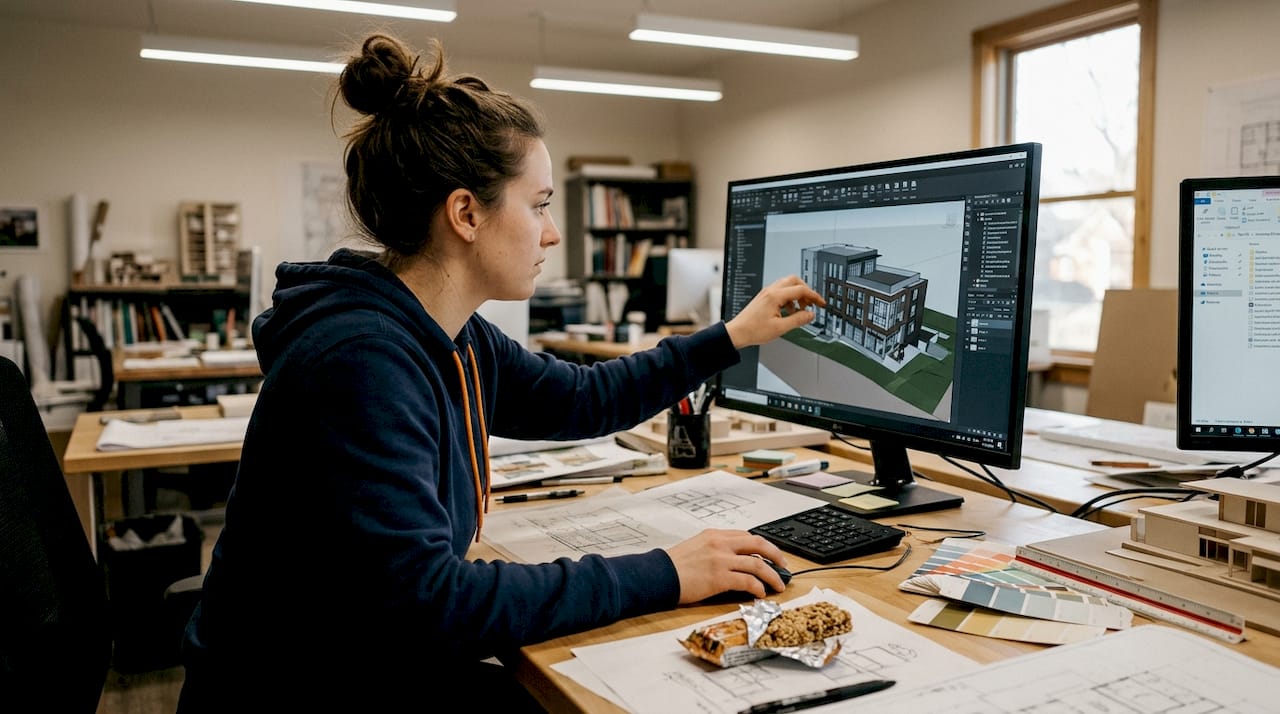
Integrating 3D renders into your workflow isn’t just a visual upgrade. It restructures how projects move from concept to approval. Faster project approvals are one of the most measurable outcomes architects report after switching to render-based presentations.
| Workflow stage | Without 3D renders | With 3D renders |
|---|---|---|
| Initial concept review | Multiple revision rounds | Fewer rounds, clearer feedback |
| Stakeholder alignment | Lengthy explanation sessions | Visual consensus reached faster |
| Authority or planning approval | Higher rejection risk | Stronger visual case presented |
| Final client sign-off | Often delayed | Accelerated with visual confidence |
Real-world workflow changes architects and developers report after adopting 3D renders:
- Fewer misunderstandings between design intent and client expectation
- Reduced number of physical site visits needed during early design phases
- Stronger marketing assets ready before construction begins
- More confident presentations to planning authorities and investors
- Faster internal team alignment on design direction
“Architects who implement 3D renders into their standard workflow report significantly higher approval rates and fewer costly revisions at every project stage.”
Knowing how to present 3D visuals effectively is just as important as having them. The render is the tool. The presentation strategy is what makes it land.
Types of 3D renders: finding the right fit
Not every render serves the same purpose. Choosing the right type for your audience and goal is what separates a good presentation from a great one. Different types of 3D renders suit different target audiences and presentation goals, and selecting strategically gives you a real competitive edge.
Photorealistic renders are the gold standard for client-facing presentations and marketing. They show the project as it will look in real life, with accurate materials, lighting, and context. Use these for sales meetings, investor pitches, and public marketing campaigns.
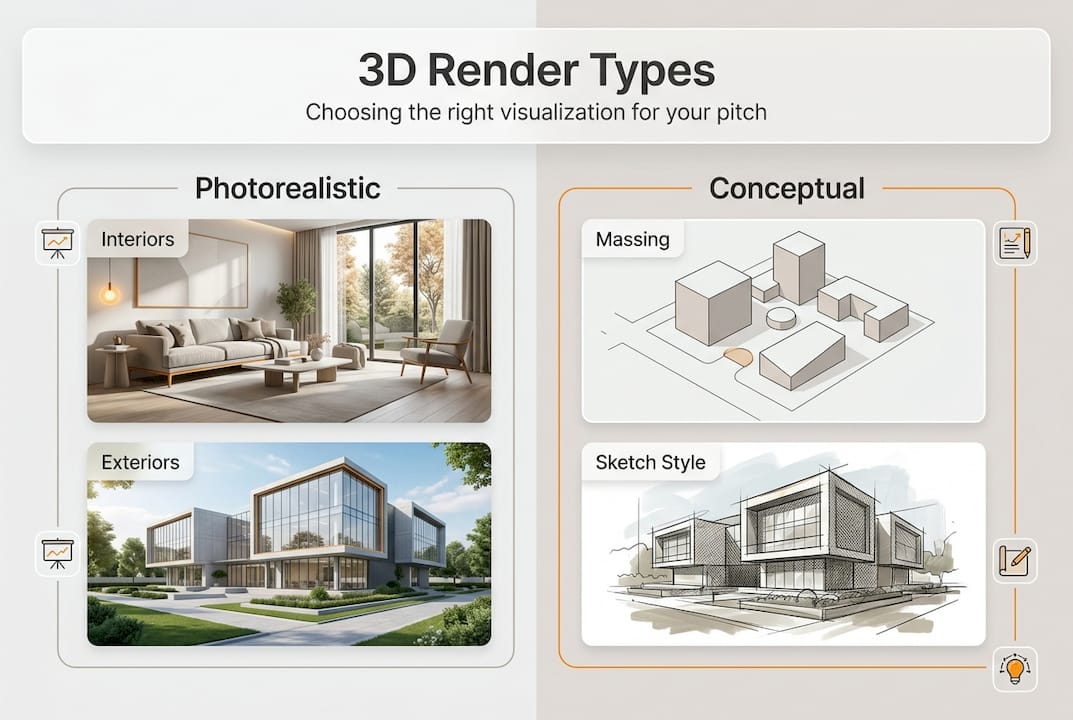
Conceptual renders prioritize form and massing over fine detail. They’re ideal for early-stage design reviews, authority submissions, and internal team discussions where the focus is on spatial logic rather than finish quality.
Animated walkthroughs and virtual reality experiences take engagement to another level entirely. They allow clients to move through a space before it’s built, which is especially powerful for large-scale developments and high-end residential projects. A real-world project application shows how immersive visualization transforms how stakeholders experience a development before a single brick is laid.
Matching render type to your goal:
- Sales meeting with buyers: Photorealistic exterior and interior renders
- Planning authority submission: Conceptual renders with site context
- Public marketing campaign: High-resolution photorealistic renders and animated flyovers
- Investor presentation: Combination of photorealistic renders and walkthrough video
- Internal design review: Conceptual or mid-level renders for fast iteration
The guide to 3D renderings makes it clear that flexibility in render selection is a strategic advantage, not just a technical choice. Matching the visual to the audience shows professionalism and builds trust.
Best practices for maximizing the impact of 3D renders
Having great renders is only half the equation. How you prepare, present, and follow up with them determines whether they actually move the needle. Attention to detail and iterative collaboration enhance the effectiveness of 3D presentation visuals at every stage.
Follow these steps to get the most out of every render-based presentation:
- Plan your narrative first. Decide what story you want the render to tell before briefing your visualization team. Every camera angle, lighting choice, and material selection should support that story.
- Use a visualization checklist. Verify resolution, lighting accuracy, texture quality, and color calibration before the presentation day.
- Test on the actual display device. A render that looks stunning on a design workstation can look washed out on a projector. Always test in the presentation environment.
- Build in interaction time. Don’t just show the render and move on. Pause, invite questions, and let clients absorb what they’re seeing.
- Prepare multiple views. Offer exterior, interior, aerial, and detail renders so clients can explore the project from different perspectives.
- Follow up with the render. Send a high-resolution version after the meeting. It keeps the project top of mind and gives clients something tangible to share with their own stakeholders.
Pro Tip: Always align your render views with the emotional journey you want your audience to experience. Start with the exterior to establish context, move to key interior spaces to build excitement, and finish with a detail shot that reinforces quality and craftsmanship.
Knowing how to present effective 3D visuals and boosting presentation engagement go hand in hand. The technical quality of the render matters, but so does the intentionality behind how you use it.
Transform your next presentation with stunning 3D renders
Ready to put 3D visualization to work in your upcoming project presentations? Everything covered in this guide, from choosing the right render type to building a narrative-driven workflow, becomes significantly easier when you have the right visualization partner behind you.

Rendimension’s 3D rendering services are built specifically for architects and real estate developers who need photorealistic, presentation-ready visuals that move clients to action. Whether you need immersive 3D walkthrough videos for a major development or want to stay ahead with the latest 3D visualization trends, the team at Rendimension brings over 1,000 completed projects worth of expertise to every brief. Reach out to explore how a tailored visualization strategy can sharpen your next pitch and accelerate your approvals.
Frequently asked questions
How do 3D renders differ from traditional architectural drawings?
3D renders create photorealistic visuals with depth, material detail, and lighting that traditional drawings simply cannot replicate. Flat technical drawings show dimensions and layout, but renders show the actual experience of a finished space.
Which types of projects benefit most from 3D renders?
Large-scale developments, high-end residential, and any client-facing project gain the most, but even straightforward commercial spaces see stronger engagement with quality renders. 3D renders enhance client engagement and decision-making across a wide range of project types.
What is the biggest advantage of using 3D renders in presentations?
They give clients and stakeholders an immediate, emotional connection to the project, which leads to faster approvals and stronger commitment. 3D renders boost engagement and accelerate decision-making in ways that no other presentation tool currently matches.
How can I ensure my 3D renders look professional during presentations?
Follow a structured checklist: verify high-resolution textures, accurate lighting, and test the render on the exact display device you’ll use on the day. Technical checklists improve the impact and professionalism of every presentation visual you deliver.