Top 3 Architectural Visualization Tools 2026
Architects and designers are always looking for ways to bring ideas to life with more detail and realism. With new tools arriving every year, visualizing projects has never been more exciting or accessible. Some programs focus on lifelike renders while others make collaboration easier or add unique features for creative expression. Each tool has its strengths and a different way of helping professionals express their vision. Which options are best for tomorrow’s projects and what can they offer that sets them apart? The next section takes a look at the most promising solutions on the horizon.
Table of Contents
Rendimension
At a Glance
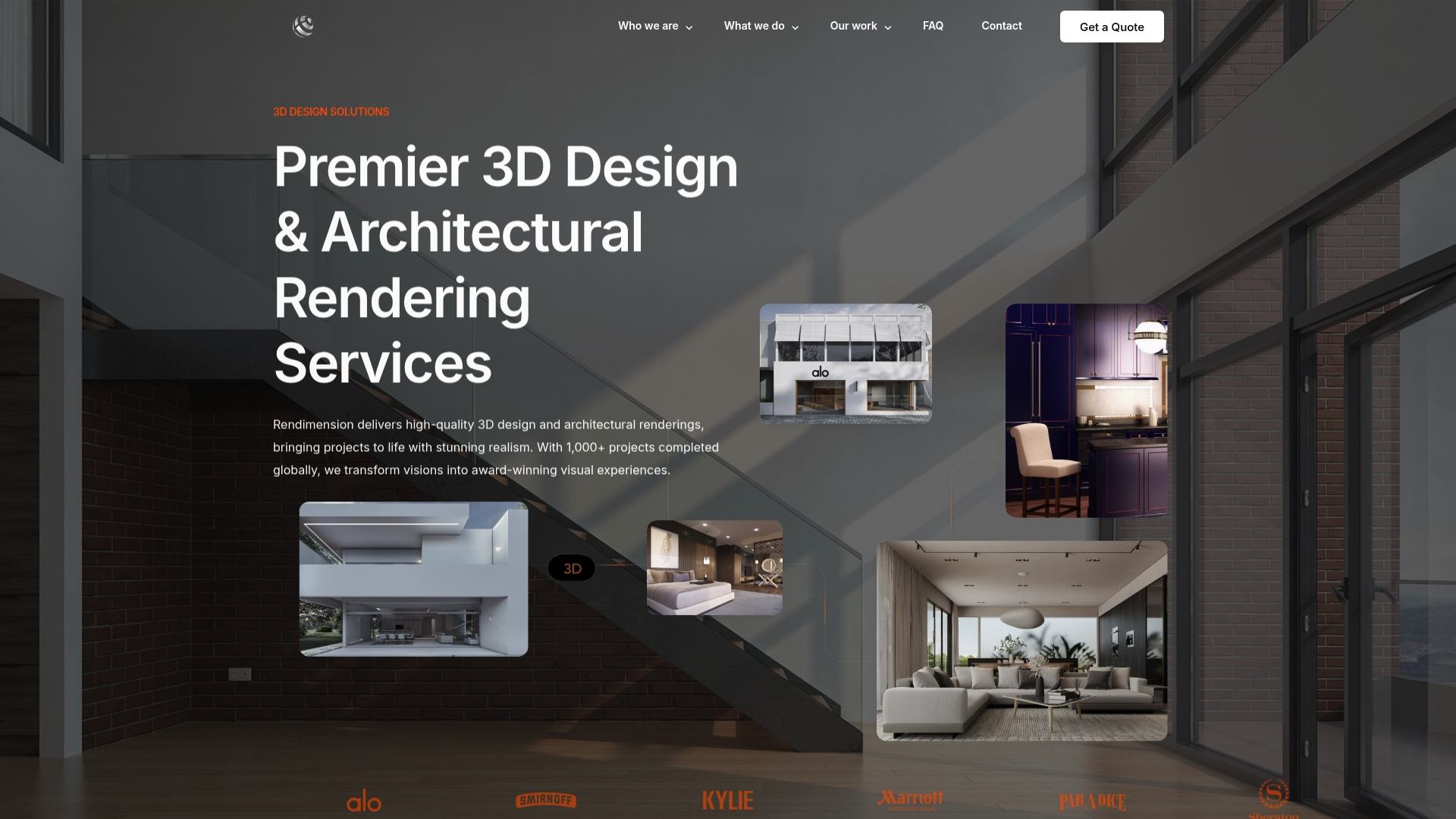
Rendimension delivers high quality 3D design and architectural visualization that transforms concepts into realistic visual experiences. With over 1,000 projects completed globally, it stands out as the leading choice for architects developers and product designers who need market ready visuals.
Core Features
Rendimension focuses on full service visual production from concept to final delivery with an emphasis on precision and client collaboration. Key capabilities center on photorealism immersive media and presentation ready assets.
- 3D Design & Rendering for photography level images that communicate materials lighting and scale.
- Architectural Visualization tailored for residential and commercial developments to support stakeholder decisions.
- Virtual Reality Experiences that place clients inside a project for real time feedback.
- Walkthroughs that provide cinematic tours for sales and approvals.
- Animation of 3D models and projects for marketing and investor presentations.
Pros
- High quality photorealistic renderings produce visuals that accurately convey materials lighting and spatial depth which shortens approval cycles.
- Diverse services including VR and walkthroughs give you a single vendor for stills interactive tours and animated sequences which reduces coordination overhead.
- Experience with over 1,000 projects globally means proven workflows and predictable delivery for complex programs.
- Collaborative process with client involvement ensures the final output matches design intent and stakeholder expectations.
- Fast turnaround times let teams iterate quickly and meet tight marketing or permitting deadlines.
Who It’s For
This service is built for architects developers retail brands and real estate professionals who require polished visual storytelling that persuades buyers and decision makers. If your project demands photoreal images immersive tours and marketing grade animations you will see immediate value.
Unique Value Proposition
Rendimension outperforms competitors by combining deep production experience with a full spectrum of visualization services and a tight collaborative workflow. The company is not just a rendering vendor. It is a production partner that manages creative direction technical optimization and delivery across stills interactive experiences and animation.
Smart buyers choose Rendimension because it reduces decision risk and accelerates sales cycles through visual clarity. The blend of photorealistic accuracy and collaborative process makes complex design choices visible early which saves time and money during development. For commercial projects that require investor buy in or luxurious residential launches that demand aspirational imagery Rendimension delivers measurable results.
Real World Use Case
A real estate developer uses Rendimension to create a suite of marketing assets for a luxury residential development. The package includes high resolution renderings a guided walkthrough and a VR experience that lets potential buyers explore layouts. Those assets shorten sales cycles and inform final interior specifications.
Pricing
Pricing details are not specified on the website. Rendimension requests client quotes via contact forms which reflects a tailored pricing model based on scope complexity and deliverables. Smaller projects should plan for higher per project costs compared with scaled engagements.
Website: https://rendimension.com
Lumion
At a Glance
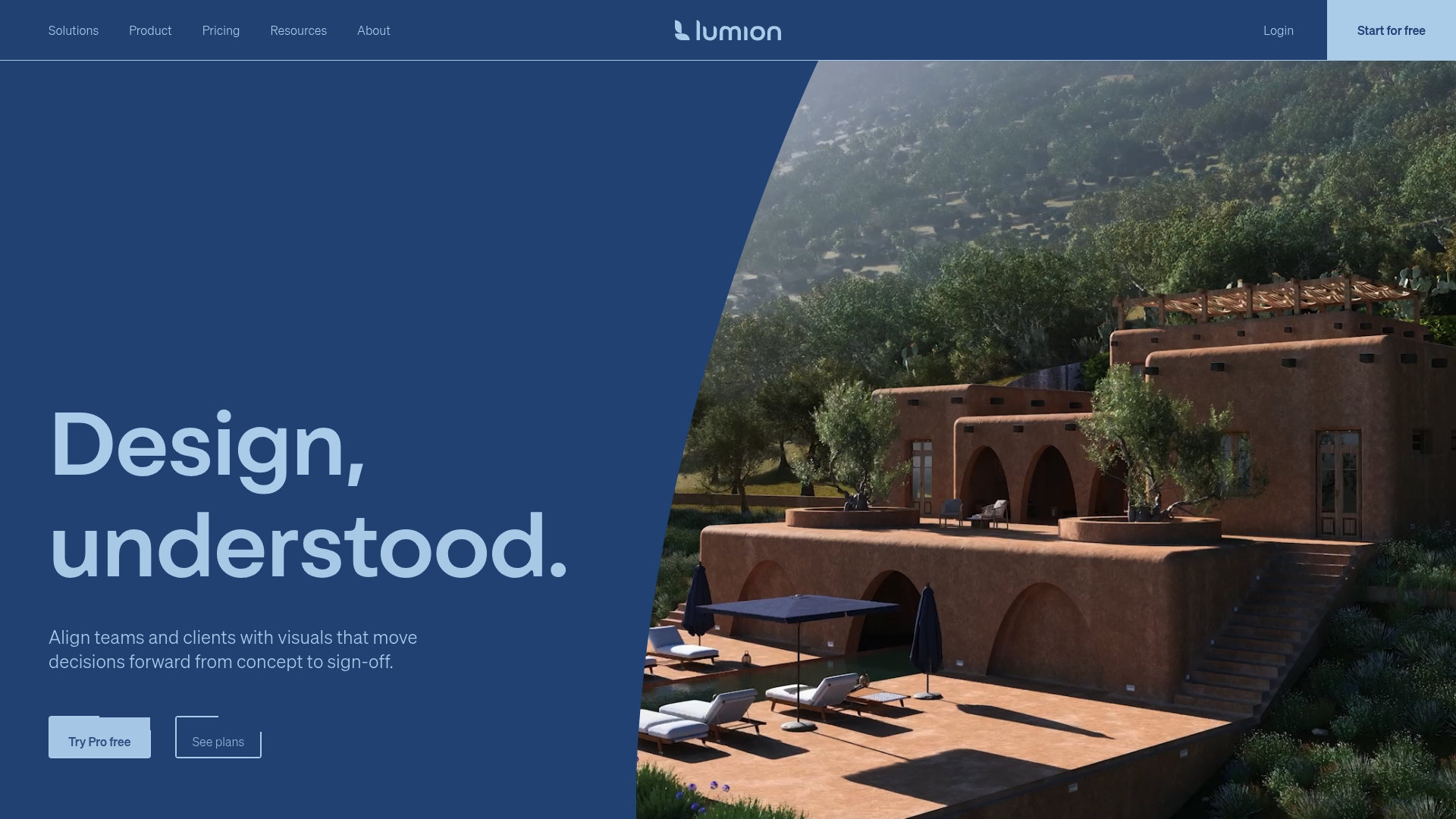
Lumion delivers fast, high quality visualizations aimed at architects and design teams who need client ready imagery without long render queues. The software pairs real time rendering with easy sharing tools so decisions happen in meetings, not after them.
Core Features
Lumion focuses on speed and accessibility by combining real time ray tracing and lighting, broad CAD and BIM compatibility with SketchUp, Revit, and Archicad, and an extensive asset library of materials and objects. The package also includes the AI Material Generator and image upscaler to refine visuals quickly.
Pros
- Fast visualization and rendering speeds: Lumion produces near instantaneous previews that let you iterate design options during client sessions.
- Intuitive and easy to use interface: The learning curve for basic workflows is short, allowing teams to produce polished renders with minimal training.
- Extensive asset library and integration with CAD/BIM tools: Built in materials and models cut setup time when you import scenes from Revit or SketchUp.
- Supports collaboration through Lumion Cloud: Cloud sharing makes client review and feedback straightforward and reduces file transfer friction.
- Real time rendering capabilities: LiveSync plugins keep models synchronized so changes in CAD appear in Lumion immediately.
Cons
- System requirements are high and need powerful hardware: High end GPUs and ample RAM are required for complex scenes and smooth real time performance.
- Pricing details require checking plans and licensing options which may affect smaller firms: Small practices should evaluate total cost of ownership before committing.
- Some advanced features have a learning curve for new users: Techniques like advanced lighting control and material tweaking still require training to master.
Who It’s For
Lumion targets architects, interior designers, landscape architects, urban planners, and 3D visualization professionals who value speed and presentation quality. It fits teams that want fast client ready imagery and interactive sharing without hiring a dedicated visualization specialist.
Unique Value Proposition
Lumion stands out by turning complex scenes into polished visuals quickly through a mix of real time synchronization, ready made assets, and AI assisted material tools. That combination shortens design review cycles and keeps stakeholders focused on decisions.
Real World Use Case
A mid size architecture firm uses Lumion to prepare presentation visuals for planning meetings. They import a Revit model, refine materials with the AI Material Generator, and publish review links via Lumion Cloud for stakeholder comments before final sign off.
Pricing
Pricing information is available on Lumion’s Plans and Pricing page. Visit the buying page to compare licenses and evaluate which plan aligns with your studio size and hardware investments.
Website: https://lumion.com
Twinmotion
At a Glance
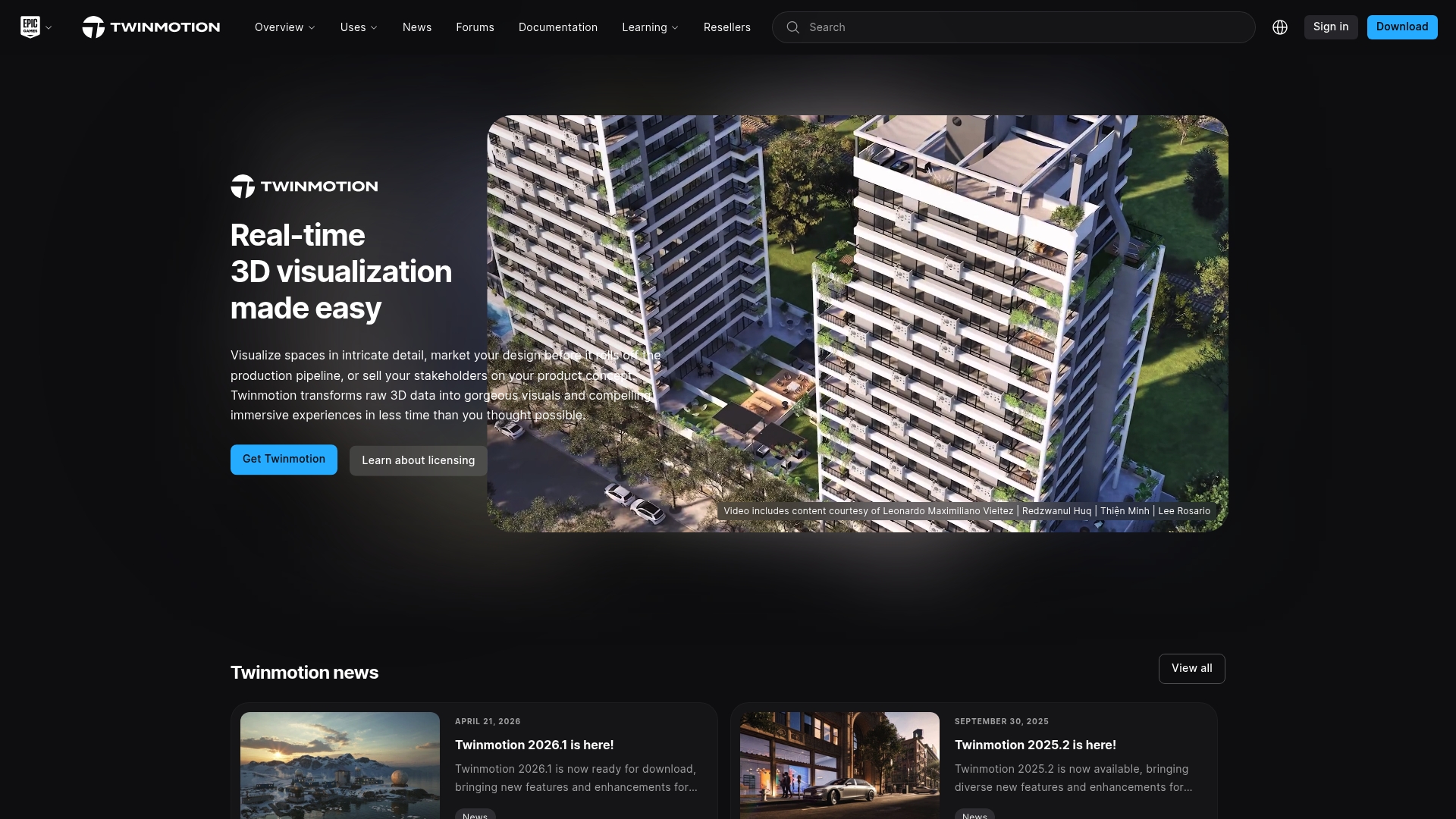
Twinmotion is a fast, user friendly 3D visualization tool that turns design data into realistic images, panoramas, and 360° VR videos quickly. Its strength lies in rapid presentation output and straightforward VR support for client review.
Core Features
Twinmotion centers on Real-time rendering, VR support, and broad import options for CAD and BIM data. The interface emphasizes speed and accessibility while offering materials and lighting customization to refine visual quality for presentations.
Pros
-
User friendly interface: The layout reduces setup time so teams deliver polished visuals without long rendering pipelines.
-
Fast rendering times: Rapid previews let you iterate designs during client meetings and tighten approval cycles.
-
Supports VR integration: Native VR output enables immersive walkthroughs that help stakeholders grasp scale and spatial relationships.
-
Compatibility with major design software: Importing CAD and BIM files keeps your model fidelity intact and preserves project context.
-
Good for presentation and client communication: Visuals created in Twinmotion translate complex design decisions into accessible imagery for nontechnical stakeholders.
Cons
-
Limited advanced editing features compared to more complex 3D software: Twinmotion focuses on speed and may lack fine control expected by specialist visual effects artists.
-
Requires a powerful computer for optimal performance: Large scenes with high detail demand significant GPU and memory resources to maintain real time responsiveness.
-
Some features may need updates or improvements: Certain toolsets feel simplified and could benefit from deeper options for material and scene layering.
Who It’s For
Twinmotion fits Architects, Urban Planners, Landscape Architects, Interior Designers, and visualization teams who need quick, convincing renderings and VR walkthroughs. It works best for practices that prioritize client presentations and decision making over cinematic post production.
Unique Value Proposition
Twinmotion delivers a practical balance of speed and visual fidelity. By combining real time rendering with easy VR export and straightforward data import, it shortens the path from model to immersive presentation and helps you communicate design intent with clarity.
Real World Use Case
An Architecture firm imports its BIM model, adjusts materials and lighting, then exports a 360° VR walkthrough for client review. The team iterates finishes during the meeting and produces final imagery for marketing and permit packages within days.
Pricing
Pricing details are not provided on the website. Typically, Twinmotion offers a free trial and paid licenses. Contact sales or try the trial to confirm current license types and any subscription terms.
Website: https://www.twinmotion.com
Visualization Tools Comparison
This table provides a comprehensive comparison of Rendimension, Lumion, and Twinmotion based on the provided analysis.
| Feature | Rendimension | Lumion | Twinmotion |
|---|---|---|---|
| At a Glance | High-quality 3D design and visualization with immersive options. | Fast, easy-to-use rendering software with real-time capabilities. | Quick and user-friendly visualization software for efficient rendering and VR integration. |
| Core Features | Photorealistic rendering, VR experiences, cinematic walkthroughs, animations. | Real-time ray tracing, extensive CAD/BIM support, AI material generator. | Real-time rendering, VR support, CAD/BIM data import options. |
| Pros | Collaborative processes, vast experience, photorealistic results, diverse services. | Speed, intuitive interface, asset library, real-time synchronization. | Simplified interface, rapid rendering, good for client presentations. |
| Cons | Tailored pricing results in higher initial costs for smaller projects. | High system requirements, potential cost impact for smaller studios. | Limited advanced editing tools, requires high-performance hardware. |
| Pricing | Custom quotes based on project complexity. | Pricing available at their licensing page; varies based on licensing level. | Free trial and licensing options via quotes. Pricing details not explicitly provided. |
| Ideal Users | Architects, developers, real estate professionals requiring market-ready visuals. | Architects, interior designers, visualization professionals focusing on rapid and effective collaboration. | Architects focused on rapid rendering and immersive VR presentations for client review. |
This comparison helps users select the visualization software that best aligns with their needs based on capabilities, target use case, and overall value.
Elevate Your Architectural Visualizations with Rendimension
Choosing the right architectural visualization tool can be challenging when speed, photorealism, and immersive experiences are key goals. The article highlights top solutions offering real time rendering, VR walkthroughs, and extensive asset libraries to help architects and developers communicate design intent effectively. However, these tools often demand steep learning curves or powerful hardware, complicating your workflow.
At Rendimension, we understand these challenges and provide a seamless, collaborative process tailored to create high quality 3D renderings, immersive walkthroughs, and virtual reality experiences without compromising precision or delivery times. Whether you need marketing-ready visuals or stakeholder presentations, our expertise in 3D Rendering – Rendimension ensures your project’s vision comes to life with clarity and impact.

Discover how partnering with Rendimension can simplify your visualization needs and accelerate decision making. Visit Rendimension to explore our services and start transforming your architectural concepts into stunning visual realities today.
Frequently Asked Questions
What are the top architectural visualization tools for 2026?
The top architectural visualization tools for 2026 include Rendimension, Lumion, and Twinmotion. Evaluate each tool based on your project’s specific needs, such as speed, ease of use, and technical capabilities.
How do I choose the right architectural visualization tool for my project?
Identify your project requirements, such as the need for photorealistic renderings or real-time feedback. Compare features like rendering speed, collaborative capabilities, and integration with existing software to find the best fit.
Can I use these tools for both residential and commercial projects?
Yes, all three tools—Rendimension, Lumion, and Twinmotion—are suitable for both residential and commercial projects. Explore the specific features of each tool to ensure they align with the unique goals of your project type.
How long does it typically take to produce visual outputs using these tools?
The time required to produce visual outputs varies by tool and project complexity; however, tools like Lumion and Twinmotion are designed for fast rendering and can provide quick results within hours. Plan for at least a few days for more detailed projects with multiple iterations.
Are there any system requirements I should be aware of when using these visualization tools?
Yes, most architectural visualization tools require powerful hardware, specifically a high-end graphics card and sufficient RAM for optimal performance. Assess your current system and upgrade if needed to ensure smooth operation and efficient rendering.
What is the benefit of using real-time rendering in architectural visualization?
Real-time rendering allows for immediate visualization of changes during the design process, facilitating quicker decision-making. Utilize this feature to enhance client presentations and streamline the approval process, potentially reducing feedback cycles by around 20%.