TL;DR:
- Embedding visualization throughout a project improves decision-making and reduces errors, saving costs.
- Visualization tools like BIM and realistic renderings enhance coordination, communication, and client approvals.
- Success depends on organizational adoption and early integration rather than advanced technology alone.
Most architects and real estate developers treat construction visualization as a finishing touch, something you add to impress clients at a pitch. That framing costs you money. When visualization is embedded throughout a project, it becomes a decision-making engine that catches errors before concrete is poured, aligns stakeholders before conflicts arise, and compresses timelines in ways that go straight to your bottom line. BIM visualization has demonstrated this with documented savings exceeding $340,000 on a single project. This article breaks down what construction visualization actually is, why the numbers behind it are impossible to ignore, and how to use it strategically across every project stage.
Table of Contents
- Understanding construction visualization: More than just images
- Measurable benefits: Efficiency, savings, and fewer mistakes
- Types of construction visualization techniques
- Strategic tips for integrating construction visualization into projects
- Our perspective: Why mastery of visualization will set you apart
- Bring your designs to life with expert construction visualization
- Frequently asked questions
Key Takeaways
| Point | Details |
|---|---|
| Drives real savings | Construction visualization has proven to cut project costs and labor time dramatically. |
| Reduces errors | Better visual communication means fewer mistakes and costly change orders. |
| Enhances collaboration | Stakeholders gain mutual clarity for faster decisions and approvals. |
| Beyond aesthetics | Visualization tools offer more than images—they’re critical for modern project delivery. |
Understanding construction visualization: More than just images
Construction visualization is the use of digital tools to create detailed, three-dimensional representations of a building or infrastructure project before it physically exists. It is not a polished sketch or an artistic impression. It is a functional communication system built from real project data.
The core techniques include:
- Photorealistic 3D renderings: Static images generated from 3D models that replicate real-world lighting, materials, and spatial relationships with near-photographic accuracy
- Building Information Modeling (BIM): A data-rich 3D model that contains structural, mechanical, and systems information, used for coordination and planning throughout the project lifecycle
- Virtual reality (VR) walkthroughs: Immersive, first-person experiences that let stakeholders move through a space before it is built
- Animated walkthroughs: Video sequences that guide viewers through a project, useful for client presentations and marketing
The difference between these tools and traditional drawings is fundamental. A floor plan requires training to interpret. A photorealistic rendering or VR walkthrough does not. Everyone in the room, from the structural engineer to the investor who has never read a blueprint, sees the same thing. That shared mental model is where visualization matters most for project outcomes.
BIM goes even further. BIM and 3D visualization reduce confusion and rework by giving every team member access to the same live model, flagging clashes between systems like plumbing and electrical before they become field problems. Following a clear visualization step by step guide from the start ensures your team is not retrofitting visualization into a project mid-stream.
Pro Tip: Before commissioning any visualization work, define two things: who the audience is and what decision you want them to make. A rendering built for a zoning board looks very different from one built for a pre-sale marketing campaign.
Measurable benefits: Efficiency, savings, and fewer mistakes
The business case for construction visualization is not theoretical. It is documented in labor hours, dollars, and document turnaround times.
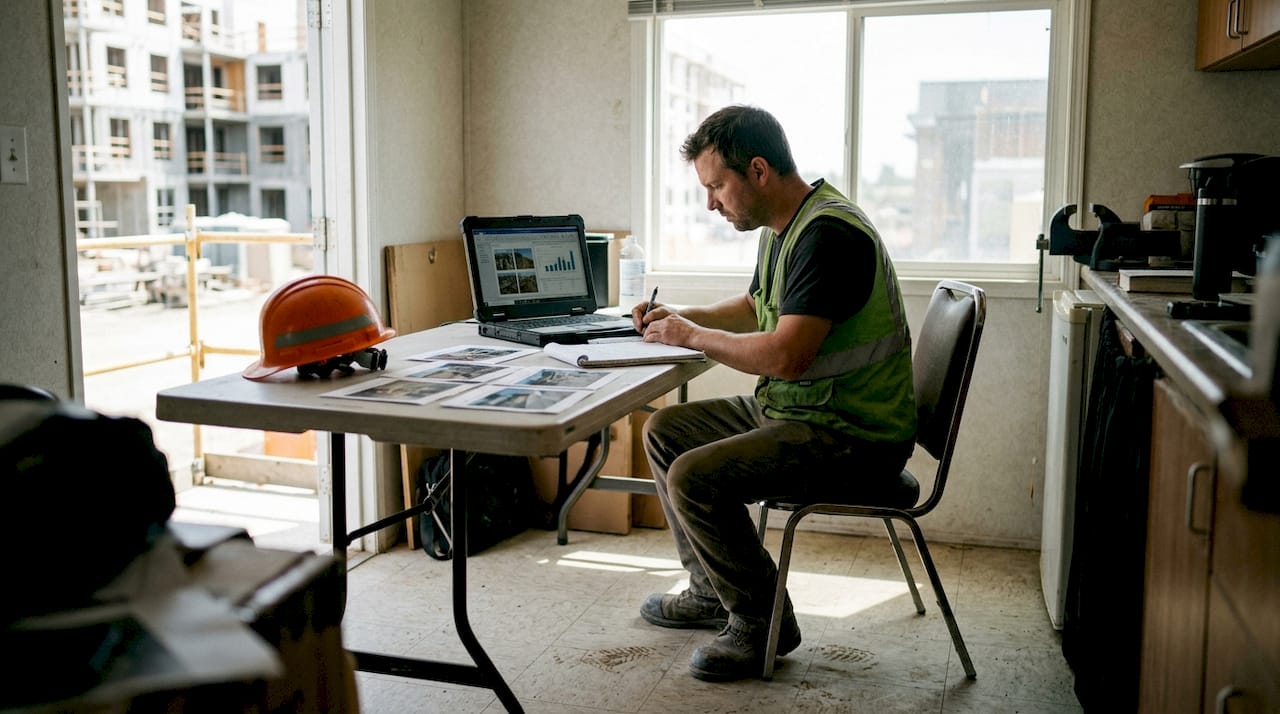
Hensel Phelps, one of the largest general contractors in the United States, integrated advanced visualization and progress tracking into a major project and recorded savings of $342K alongside a reduction in document processing time of more than 50% and a return on investment exceeding 10 times the cost of the scanning and visualization tools. That is not a marginal improvement. That is a structural shift in how a project runs.
Here is a summary of what the data shows:
| Visualization method | Key benefit | Documented result |
|---|---|---|
| BIM coordination | Clash detection before construction | Fewer change orders, less rework |
| Progress scan visualization | Real-time site tracking | 2,964 labor hours saved |
| Document visualization | Faster review and approval cycles | 50%+ reduction in document time |
| Photorealistic rendering | Client alignment and approvals | Faster sign-off, fewer revision cycles |
Change orders are one of the most expensive line items in any project budget. Each one triggers a cascade of rescheduling, material reordering, and subcontractor coordination. Visualization catches the design conflicts that generate change orders before they ever reach the field. The visualization impact on success is most visible here, where a single caught clash can save more than the entire cost of the visualization package.
Pro Tip: When presenting to a client or investor, lead with the numbers. A rendering is compelling, but a rendering paired with documented cost savings from comparable projects is persuasive.
Types of construction visualization techniques
Not every project needs every tool. Matching the right visualization technique to the right project stage and audience is where experienced teams gain an edge.
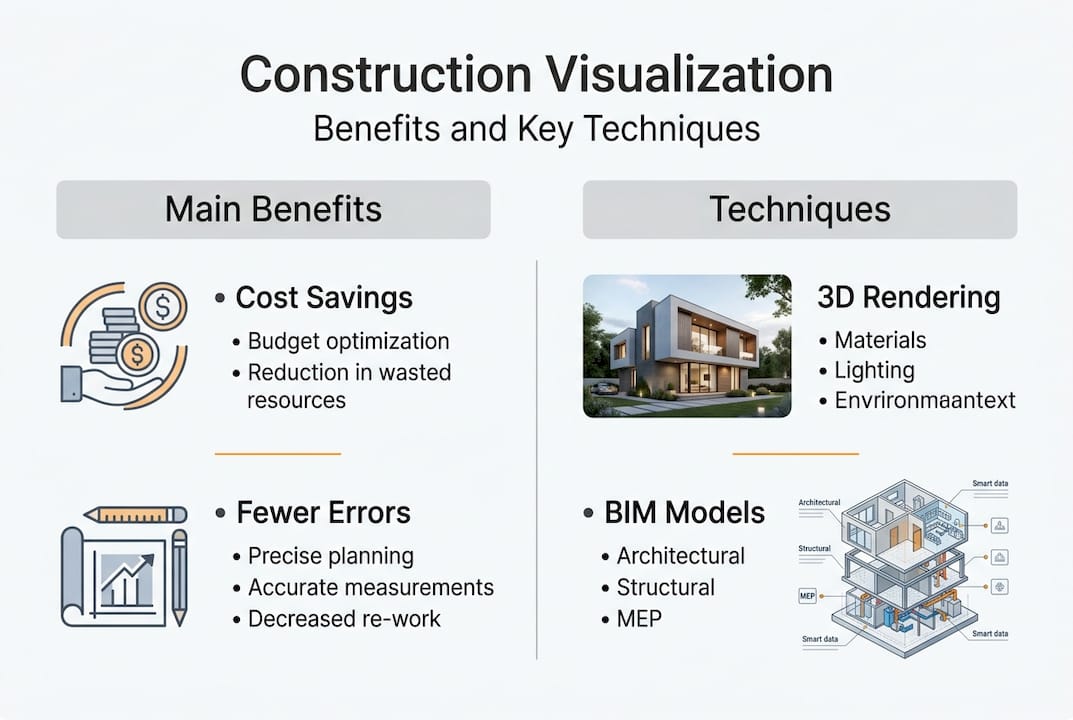
Here is how the main types compare:
| Technique | Best use case | Relative cost | Key strength |
|---|---|---|---|
| Photorealistic 3D rendering | Marketing, pre-sales, investor decks | Low to mid | Immediate visual impact |
| BIM model | Design coordination, construction planning | Mid to high | Data accuracy and clash detection |
| Animated walkthrough | Client presentations, public approvals | Mid | Narrative storytelling |
| VR/AR experience | Immersive stakeholder review, luxury sales | High | Full spatial understanding |
A mix of BIM and photorealistic rendering is increasingly the industry standard for complex projects because it covers both the technical coordination needs and the communication needs of non-technical stakeholders.
When choosing a technique, consider these factors:
- Project stage: Early design phases benefit from BIM; marketing phases benefit from photorealistic output
- Audience: Investors and buyers respond to renderings and walkthroughs; engineers and contractors need BIM data
- Budget and timeline: VR delivers the highest impact but requires the most lead time and investment
- Decision being made: Zoning approvals, pre-sales, and construction coordination each call for different visual tools
Reviewing visualization best practices before scoping your next project will help you avoid over-investing in tools your audience will not use and under-investing in the ones that actually move decisions forward.
Strategic tips for integrating construction visualization into projects
Knowing the tools is one thing. Getting your team and your clients to use them effectively is another challenge entirely.
“People, not technology, drive the real success in visualization adoption.”
This is consistently supported by research. Successful adoption depends far more on human and organizational factors than on the sophistication of the software. The firms that see the biggest returns are not always the ones with the most advanced tools. They are the ones with the clearest internal processes and the strongest stakeholder engagement.
Here is a practical integration framework:
- Start at project kickoff. Bring your visualization team into the first planning meeting, not after design development is complete. Early involvement means the model is built correctly from the start, not rebuilt later.
- Run a small pilot. If your firm is new to BIM or VR, pilot on a lower-stakes project first. Document the time and cost impact so you have internal data to justify broader adoption.
- Involve clients in the process. Walk clients through early-stage models, not just final renderings. When clients feel ownership over the visual development, they approve faster and request fewer late-stage changes.
- Align visualization with marketing milestones. Your photorealistic renderings should be ready before your sales campaign launches, not after. Coordinate with your marketing team so visuals are driving pre-sales from day one.
- Address team resistance directly. Some team members see visualization as extra work. Show them the data on rework reduction and document time savings. Numbers change minds faster than enthusiasm.
For teams working on precision-intensive projects, resources on laser architecture precision offer additional context on how scanning technology feeds into visualization workflows. A detailed guide for 3D renderings can also help your team standardize how visualization is produced and reviewed across projects.
Pro Tip: Involve your visualization team early and revisit the model at every major project milestone. The model should evolve with the project, not sit static after the first design phase.
Our perspective: Why mastery of visualization will set you apart
After working across more than 1,000 projects globally, we have seen a clear pattern. The firms that treat visualization as a strategic capability, not a deliverable, consistently outperform those that treat it as a line item.
The most common and costly mistake is assuming that better software guarantees better results. It does not. We have seen teams with access to industry-leading tools produce confusing, misaligned visuals because no one defined the audience or the decision being supported. And we have seen teams using simpler tools produce extraordinarily effective presentations because they understood exactly what their client needed to see and feel.
Clients and investors do not respond to technical complexity. They respond to clarity and confidence. A well-constructed rendering that tells a clear story about how a space will function and feel is more persuasive than a technically perfect model that no one in the room knows how to read.
The firms pulling ahead right now are not the ones with the biggest visualization budgets. They are the ones that have built visualization into their culture, from the first design conversation to the final stakeholder presentation. Start with simple visual wins, build internal confidence, and scale your capabilities as buy-in grows. The guide for 3D renderings is a practical place to begin that process.
Bring your designs to life with expert construction visualization
If the frameworks in this article have shown you where your current process has gaps, the next step is working with a team that has solved those problems before.

At Rendimension, we specialize in photorealistic 3D rendering services and full-scale architectural visualization services built specifically for architects and real estate developers who need visuals that perform, not just impress. From BIM coordination support to immersive VR walkthroughs, our team works with you from concept through delivery to make sure every visual serves a clear project purpose. With over 1,000 completed projects, we know what moves stakeholders to act. Reach out to start a conversation about your next project.
Frequently asked questions
How does construction visualization save money on projects?
By catching design conflicts before construction begins and reducing rework, visualization has helped firms achieve savings of $342K and cut document processing time by more than 50% on a single project.
What are the most common types of construction visualization?
The main types are photorealistic 3D renderings, BIM models, virtual reality walkthroughs, and animated project videos. A mix of visualization types reduces confusion and errors across project teams.
Is construction visualization only for marketing?
No. It is used across the full project lifecycle, from early design coordination and client approvals to construction planning, progress tracking, and post-project documentation.
What is the main barrier to adopting visualization in construction firms?
The biggest hurdle is not the technology. Human and organizational factors matter more than software, and firms that invest in team engagement and clear processes see the strongest results.
