Rendering styles for interiors: Enhance designs effectively

TL;DR:
- The rendering style chosen for interior projects influences perception, communicates intent, and can determine client approval or rejection.
- Matching the rendering approach to project phase, client expectations, material complexity, and tool constraints enhances communication effectiveness and workflow efficiency.
- Effective use of hybrid workflows, proper software selection, and situational awareness ensures compelling visuals that win client trust and project approval.
The rendering style you choose for an interior project does more than set a mood. It signals your design intent, shapes client perception, and, in competitive pitches, can tip a decision in your favor or cost you the commission. Architects and interior designers who treat rendering style as an afterthought are leaving a powerful communication tool on the table. This guide covers the essential criteria for selecting a rendering approach, a detailed breakdown of available styles, software comparisons, and situational recommendations so you can match the right visual language to every project phase and audience.
Table of Contents
- Key criteria for selecting rendering styles
- Styles overview: Photorealistic, conceptual, sketch, and hybrid approaches
- Software and tools: Matching technology to style and workflow
- When to use each style: Situational recommendations for maximum client impact
- A nuanced take: Why the ‘best’ rendering style is project-dependent
- Up-level your interior visualizations with expert support
- Frequently asked questions
Key Takeaways
| Point | Details |
|---|---|
| Match style to phase | Conceptual, sketch, and photorealistic rendering each suit different project moments for best results. |
| Hybrid workflows excel | Blending AI and traditional techniques speeds up delivery while ensuring quality in final visuals. |
| Lighting and materials matter | Authentic lighting and logically applied textures are essential for avoiding flat, unconvincing renders. |
| Software toolkits are situational | Choose platforms based on your project’s lighting complexity, time constraints, and required realism. |
| Client-first presentations win | Selecting the right style for your audience increases approval rates and demonstrates professionalism. |
Key criteria for selecting rendering styles
Before picking a tool or style, you need a clear set of filters. The wrong rendering approach for the wrong moment creates confusion, undermines credibility, or simply wastes production hours. Here are the factors that should drive every style decision:
- Project phase. Early concept stages benefit from looser, expressive visuals that invite conversation. Presentation and marketing phases demand precision and photographic realism.
- Client expectations. A luxury residential developer expects glossy, photorealistic imagery. A creative director at an experiential brand may actually respond better to a stylized, painterly approach that reflects brand character.
- Material and lighting complexity. Spaces loaded with reflective surfaces, layered artificial lighting, or intricate textiles require tools capable of physically accurate light simulation. Simpler spaces may not justify the production overhead.
- Software and platform constraints. Your studio’s existing pipeline, licensing budget, and team skill level all influence what is realistically achievable within a project timeline.
- Portfolio and competition benchmarks. Study what winning presentations in your target market actually look like. In luxury interiors, photorealistic styles build client trust and drive approvals, while conceptual or sketch styles remain most useful during early ideation phases when flexibility matters more than finish.
Pro Tip: Always ask your client what they will do with the renderings before selecting a style. Marketing materials for a real estate campaign have entirely different visual requirements than internal design review images.
Lighting is one of the most consequential variables in style selection. A render that handles natural and artificial light convincingly reads as authoritative and trustworthy. Learning to control lighting in 3D photorealistic renders gives you a competitive edge regardless of which style you ultimately choose.
Styles overview: Photorealistic, conceptual, sketch, and hybrid approaches
With the main decision criteria defined, here is a closer look at the rendering styles available and how each fits distinct needs.
Photorealistic rendering replicates real-world lighting, material properties, and spatial depth with maximum fidelity. It uses physically based rendering engines to simulate how light bounces, scatters, and absorbs across surfaces. It is the industry standard for final client presentations, marketing assets, and competition entries. The trade-off is render time and the steep learning curve associated with configuring materials and light rigs correctly.
Conceptual rendering prioritizes communication of spatial ideas over surface accuracy. Think broad strokes, atmospheric haze, and bold material blocking. This style is most valuable during schematic design when you want to spark dialogue about form and layout rather than lock down material choices.
Sketch and hand-drawn rendering carries a human quality that signals craft and intentionality. It is particularly effective for residential projects where warmth and approachability matter, and for presentations to clients who find hyper-realistic imagery impersonal or intimidating.
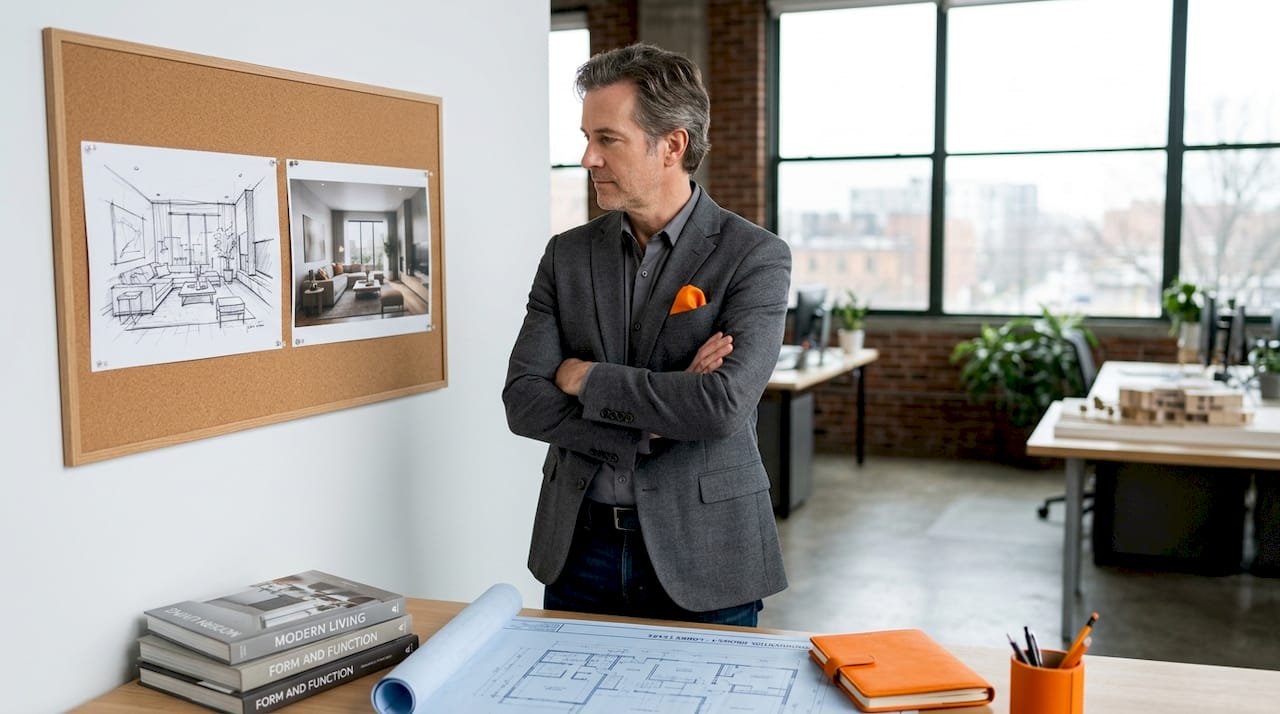
Hybrid workflows combine two or more approaches within a single project. A common and highly effective formula is to open a presentation with sketch overlays that convey the design story, then transition to photorealistic hero shots for the money views. This layered narrative keeps clients engaged and communicates both concept and execution quality.
| Style | Best for | Key strength | Main limitation |
|---|---|---|---|
| Photorealistic | Final presentations, marketing | Maximum trust and realism | Long render times, high skill demand |
| Conceptual | Early design, ideation | Speed, design flexibility | Less persuasive for final approval |
| Sketch/hand-drawn | Concept presentations, residential | Warmth, narrative quality | Seen as incomplete by some clients |
| Hybrid | Multi-phase presentations | Versatility, storytelling | Requires managing multiple workflows |
Industry data on AI rendering vs V-Ray/Lumion makes the trade-offs clear. V-Ray produces the highest physical accuracy for final high-end shots but demands longer production time and a steeper technical curve. AI-based tools and platforms like Lumion deliver fast iterations that align well with client review cycles, despite being less physically precise. A practical benchmark from current studio workflows: an 80/20 split, using AI tools for roughly 80 percent of iteration work and traditional engines for the remaining 20 percent of final hero shots, delivers both speed and quality without sacrificing the work that actually gets printed or published.
Pro Tip: When you need maximum client impact in a single image, layer a sketch underlay beneath a partially finished photorealistic render. The contrast communicates both design vision and technical rigor simultaneously, and it gives clients visual permission to imagine the space in progress rather than as a fixed outcome. See photorealistic interiors examples for inspiration on how this approach plays out in real projects.
Software and tools: Matching technology to style and workflow
Now that you know which style fits your project goals, here is how to leverage specific tools to execute them efficiently.
The rendering software market has expanded dramatically, and each platform has carved out a distinct role in professional interior visualization workflows. Understanding what each tool does best prevents expensive detours and missed deadlines.
V-Ray remains the benchmark for physically accurate interior rendering. Its strength is unmatched in spaces with complex, layered lighting: think penthouse interiors with floor-to-ceiling glazing, ambient cove lighting, decorative pendants, and daylight shifting throughout the day. The benefits of crystal lighting in high-end interiors, for example, can only be communicated convincingly with a renderer that accurately simulates refraction and dispersion. V-Ray handles this beautifully. The downside is production speed. A single hero shot can require hours of render time and significant post-production.
Lumion excels at real-time visualization and fast turnarounds. Its library of assets, materials, and atmospheric effects makes it especially productive for commercial interiors and hospitality projects where fast client iteration matters more than absolute pixel accuracy. It is not the right choice for a luxury residential project where a client is comparing marble veining and fabric texture at high zoom.
Enscape integrates directly into modeling environments like Revit and SketchUp, enabling live rendering during the design process. It reduces the gap between modeling and visualization, making it highly efficient for project teams that need to iterate quickly across multiple stakeholders.
AI-assisted rendering tools represent the fastest-moving category right now. These platforms use machine learning to generate photorealistic outputs from relatively simple inputs, dramatically reducing the time needed for early-stage material exploration and layout testing. They are not yet reliable for final deliverables in precision-critical projects, but their role in client presentations is growing fast.
“Interiors with complex lighting and multiple sources favor V-Ray for physical accuracy. Real-time iteration suits AI, Enscape, and Lumion. Avoid overcomplicating designs, unrealistic materials, poor scale, and incorrect lighting.”
The most common mistakes in interior rendering follow a predictable pattern. Overloading a scene with too many light sources creates noise and muddiness. Applying a generic material texture without adjusting scale or displacement makes surfaces look flat and digital. Getting the furniture scale wrong relative to room dimensions is an error that experienced clients catch immediately and that erodes confidence in your spatial reasoning. Studying examples of photorealistic renders from completed high-end projects is one of the fastest ways to calibrate your own quality benchmarks.
- Use V-Ray or equivalent physically based engines for final deliverables in luxury and high-specification interiors
- Use Lumion or Enscape for fast-cycle presentations, commercial hospitality, or multi-stakeholder review sessions
- Use AI tools for material exploration, mood board development, and early client alignment
- Always QC material scale, lighting balance, and furniture proportion before final render
Pro Tip: Run a quick test render at low resolution before committing to a full production render. Check material tiling, light intensity, and shadow quality first. This single habit saves hours across a project.
When to use each style: Situational recommendations for maximum client impact
With technical choices covered, here is how to pinpoint the best rendering style for any project moment, with real-world applications.
The most effective visualization strategies are phase-specific. Using a photorealistic render in a concept meeting is often counterproductive. It locks down decisions before the design has room to evolve and can trigger detailed material objections before the spatial strategy is even agreed upon. Conversely, presenting sketch-style imagery at a marketing launch signals a lack of confidence in the final design.
Recommended phase-by-phase approach:
- Concept phase: Use sketch-style or loose conceptual renders to communicate spatial intent, proportions, and atmosphere. Keep the focus on ideas, not finishes.
- Design development: Shift to semi-realistic renders with accurate material blocking but reduced lighting detail. This is where hybrid approaches shine. Show one or two photorealistic close-ups alongside broader conceptual views.
- Stakeholder and client approval: Deliver fully photorealistic renders of the hero spaces. This is where trust is built and decisions are made. Photorealistic presentation boosts trust in luxury projects and directly influences approval rates.
- Marketing and sales: Commission final-grade photorealistic renders with full post-production polish. These are your marketing assets and need to perform across print, digital, and large-format formats.
- Construction documentation: Rendered elevations and material detail sheets bridge the gap between design intent and contractor instruction.
| Project phase | Recommended style | Key audience | Priority |
|---|---|---|---|
| Concept | Sketch / conceptual | Design team, client | Flexibility |
| Design development | Hybrid | Client, consultants | Clarity |
| Stakeholder approval | Photorealistic | Developers, investors | Trust |
| Marketing | Final photorealistic | Public, buyers | Impact |
| Construction docs | Technical rendered | Contractors | Precision |
To avoid flat, unconvincing renders at any phase, follow proven depth techniques: align textures with construction logic, enable displacement mapping for surface depth, and soften shadow edges to create atmosphere. These three adjustments alone transform a competent render into a compelling one. For an in-depth example of how these principles translate to premium project outcomes, the luxury real estate rendering case study shows the full production arc from brief to final deliverable.
A nuanced take: Why the ‘best’ rendering style is project-dependent
Given all these variables, it is worth stepping back for a reality check on how top studios actually approach style decisions.
The most productive studios do not have a single rendering style. They have an adaptive toolkit and a clear process for selecting the right approach for each situation. Rigid attachment to one tool or aesthetic creates a hidden vulnerability: you optimize for the projects you have done rather than the ones you want to win next.
We have seen projects go sideways when teams commit too early to photorealistic rendering during a concept phase. The client fixates on a tile color or a pendant light fixture rather than evaluating the spatial quality. The design conversation shifts from architecture to procurement. That is a workflow problem created by the wrong style at the wrong moment.
There is also the question of where AI fits into the long-term value equation. AI-based tools are disrupting visualization workflows through speed and accessibility in material exploration and rapid presentations. But for portfolio-defining shots, the physical accuracy and control that V-Ray or similar engines provide remains genuinely superior. The studios that will thrive are those that use AI strategically for iteration speed while reserving traditional rendering muscle for the work that represents them publicly.
The most consistent lesson across hundreds of projects is this: the render that wins the client is the one that answers their specific question at that specific moment. Know the question before you choose the style. That discipline, more than any software preference, is what separates reliable presentation outcomes from unpredictable ones. For a broader foundation on this approach, the complete guide to photorealistic rendering covers the technical and strategic principles in full.
Up-level your interior visualizations with expert support
Selecting the right rendering style is only half the equation. Executing it at a level that wins presentations and commands attention requires both technical mastery and a production process refined across diverse project types.

Rendimension brings over 1,000 completed projects across residential, commercial, and luxury real estate to every client engagement. Whether you need final-grade photorealistic hero shots, fast-turnaround concept visuals, or a hybrid workflow strategy for a complex multi-phase project, the team delivers precision visuals that perform. Explore 3D rendering services to see the full range of output formats and quality benchmarks, or review architectural visualization services for project-specific capabilities. Contact Rendimension directly to discuss your next project and define the right visual strategy from day one.
Frequently asked questions
Which rendering style do clients usually prefer for design approvals?
Photorealistic styles are most effective for client trust and approval, especially in luxury interiors where material quality and spatial atmosphere are central to the buying decision.
When is AI-based rendering better than traditional methods?
AI excels at fast material exploration and rapid initial presentations, while traditional engines like V-Ray consistently outperform it for final, portfolio-grade shots that require physical lighting accuracy.
What are common mistakes to avoid in interior rendering?
Avoid unrealistic material application, poor furniture scale relative to the space, and incorrect or overly complex lighting setups that create noise rather than atmosphere.
Which software should I use for complex interior lighting?
V-Ray handles physical accuracy best for interiors with multiple or challenging light sources, such as spaces that combine daylight, cove lighting, and feature pendants simultaneously.
Can I combine different rendering styles in a single project?
Yes, hybrid workflows are widely used by top studios, applying conceptual or sketch styles during early phases and transitioning to photorealistic outputs for final client presentations and marketing deliverables.