Most architects and developers treat animation as a finishing touch, something you add to impress clients at the end of a project. That assumption is costing teams real time and money. BIM-integrated animation can cut project timelines by up to 35% and costs by 38%, which means animation is not a luxury layer. It is a decision-making tool. This article covers how animation reshapes architectural workflows, from early concept reviews to final stakeholder approvals, and why professionals who use it strategically are consistently outperforming those who do not.
Table of Contents
- Why animation matters in architecture
- How animation enhances architectural presentation and client decision-making
- Animation vs. static renderings: Choosing the right approach
- Integrating animation with design technologies: BIM and AI workflows
- Conceptual animation: Early-stage creativity and data overlays
- From design to decision: Real-world applications and best practices
- Take your architectural visuals further with expert animation
- Frequently asked questions
Key Takeaways
| Point | Details |
|---|---|
| Animation drives decisions | Animated visuals make complex designs easier for clients and teams to understand, shortening project timelines. |
| AI and BIM enhance results | Integrating animation with BIM and AI can cut costs and speed up delivery by enabling more efficient reviews. |
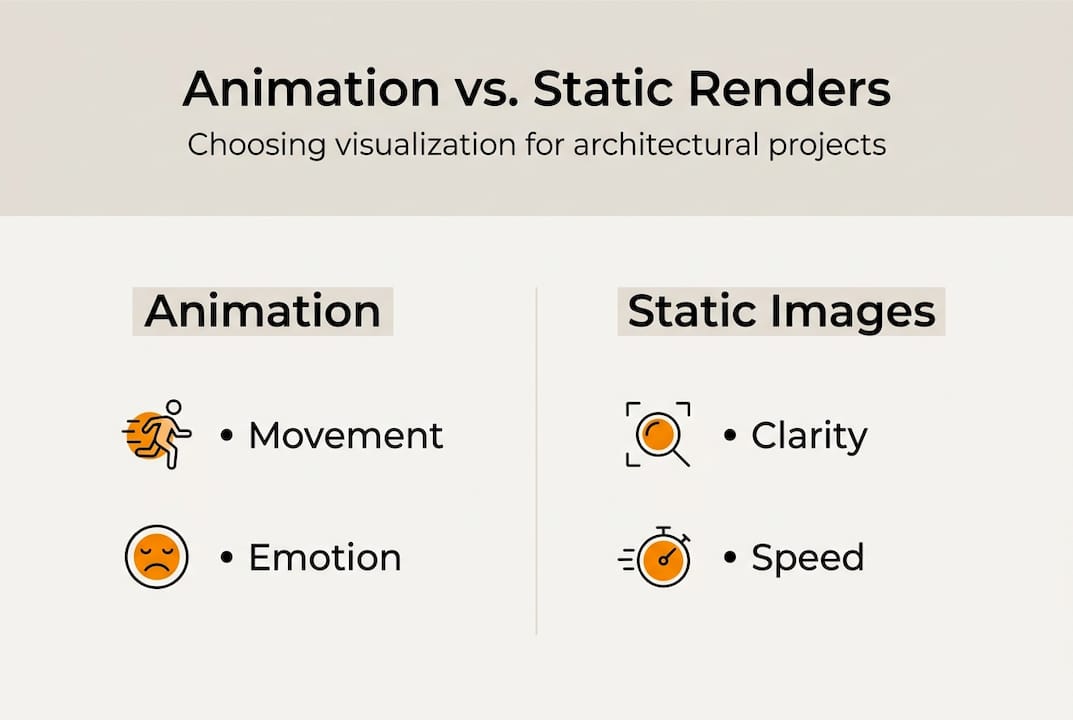
| Balance static and animated | Use static renders for quick updates and cost-sensitive needs, but deploy animation for impact and emotional buy-in. |
| Embrace non-photorealistic tools | Sketch-based animation sparks creativity and early feedback, especially at the start of the design process. |
Why animation matters in architecture
Static renderings show a moment. Animation shows an experience. That distinction matters more than most teams realize. A static image can communicate form and material, but it cannot show how natural light shifts through a lobby at 3 PM, how a corridor feels when it is busy, or how a rooftop terrace connects to the floor below. Animation fills those gaps.
Architectural animation is the use of moving visuals, camera paths, and simulated environments to communicate design intent across time and space. It is not the same as a rendered image, even a photorealistic one. The roles it plays in a modern workflow include:
- Project visualization: Showing how a completed building will look and function before a single foundation is poured
- Client engagement: Giving non-technical stakeholders a way to understand complex spatial relationships
- Error detection: Catching design conflicts early, before they become expensive construction problems
- Design iteration: Allowing teams to test and compare multiple design directions quickly
The importance of visualization in architecture has grown significantly as projects become more complex and client expectations rise. AI is accelerating this further. AI-powered animation now transforms static architectural renders into detailed videos, enabling rapid simulation of light, camera movement, and atmosphere that would have taken weeks to produce manually.
“Animation is no longer a post-design luxury. It is an active design instrument that shapes how teams think, communicate, and decide.”
How animation enhances architectural presentation and client decision-making
Clients do not read floor plans the way architects do. They experience space emotionally before they evaluate it rationally. Animation bridges that gap by walking clients through a design in a way that feels real, not abstract.
Here is how a well-structured animation sequence moves a client from confusion to confidence:
- Establish context: Begin with an exterior approach shot that shows the building in its neighborhood setting, giving clients a sense of scale and relationship to surroundings.
- Move through the space: Guide the viewer through key areas, lobby, corridors, amenity spaces, using camera paths that mimic how a person would actually walk the building.
- Simulate conditions: Show the space under different lighting conditions, morning versus evening, natural versus artificial, so clients understand how the design performs across a day.
- Highlight key decisions: Zoom in on material choices, structural features, or spatial transitions that require client sign-off.
- Close with the full picture: End with a wide exterior or aerial view that reinforces the overall design vision.
This sequence does something static project presentations cannot: it creates emotional investment. When clients feel like they have already been inside the building, they are far more likely to approve it. Animation for emotional buy-in and improved error detection delivers more value than pure aesthetics ever could.
Animation also helps speed up project approvals by reducing the back-and-forth that comes from misunderstood drawings. Fewer revision cycles mean faster timelines and lower costs.
Pro Tip: Introduce animation at the schematic design phase, not just at the end. Early animation catches spatial misunderstandings before they become structural commitments.
Animation vs. static renderings: Choosing the right approach
Animation is not always the right tool. Knowing when to use it, and when a static image is enough, is what separates efficient teams from ones that overspend on visuals.
| Project stage | Best format | Why |
|---|---|---|
| Concept design | Non-photorealistic animation or sketch overlays | Encourages discussion without locking in details |
| Schematic design | Static renders with key views | Fast to produce, easy to annotate |
| Design development | Animation with BIM integration | Catches clashes, tests spatial flow |
| Stakeholder meetings | Full animation or walkthrough | Maximizes emotional engagement and clarity |
| Marketing and sales | Photorealistic animation | Drives buyer confidence and pre-sales |
| Simple design updates | Static renders | Cost-effective for minor changes |
Non-photorealistic techniques, including sketch-based visuals and data overlays, are often more effective in early conceptual stages than polished realism. They signal that the design is still open for input, which encourages honest feedback from clients and collaborators.
For complex projects with multiple stakeholders, animation is almost always worth the investment. For a simple interior update or a single-view approval, a static render is faster and cheaper.
Pro Tip: Use static renders for internal team reviews and animation for external stakeholder presentations. This keeps production costs in check while maximizing impact where it counts. Strong project pitch strategies often combine both formats across different phases.
Integrating animation with design technologies: BIM and AI workflows
BIM, which stands for Building Information Modeling, is a process that creates a shared digital model of a building containing geometry, materials, systems, and construction data. When animation is layered on top of BIM, the results are significant.
BIM-integrated animation delivers measurable project gains:
| Metric | Improvement with BIM animation |
|---|---|
| Project timeline reduction | Up to 35% |
| Cost reduction | Up to 38% |
| Clash detection speed | Significantly faster |
| Stakeholder feedback cycles | Reduced by multiple rounds |
The practical benefits go beyond the numbers. When your animation pulls directly from a live BIM model, every camera path and material simulation reflects the actual design data. Changes made in the model update the animation automatically, which eliminates the version-control problems that plague teams using disconnected tools.
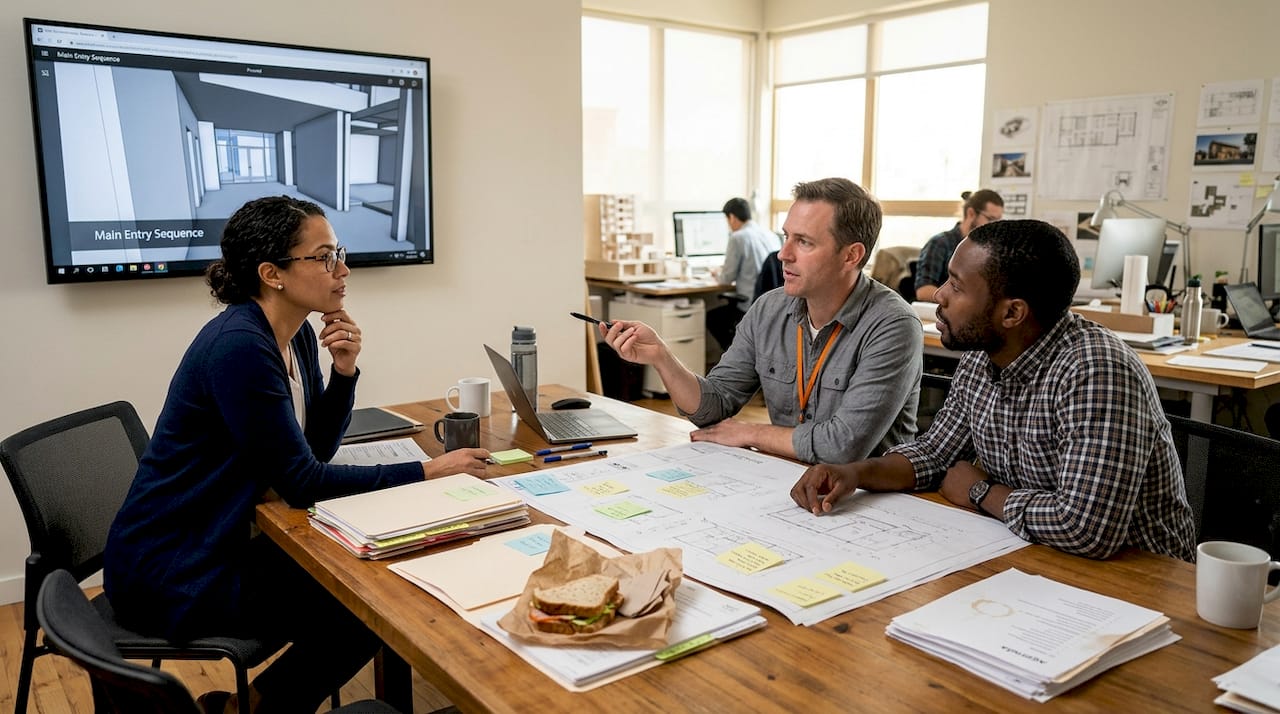
AI is adding another layer of capability to these advanced animation workflows. Machine learning models can now generate realistic lighting simulations, populate scenes with people and vehicles, and even suggest camera paths based on the design’s focal points. These tools reduce the manual labor involved in producing high-quality animation, making it accessible earlier in the project timeline.
For teams already using visualization services as part of their workflow, integrating BIM and AI animation is a natural next step that compounds the value of both.
Conceptual animation: Early-stage creativity and data overlays
There is a common mistake in architectural practice: saving animation for the final presentation. The teams that get the most value from animation use it at the very beginning, when ideas are still rough and decisions are still open.
Conceptual animation does not need to be photorealistic. In fact, it should not be. Non-photorealistic techniques, including hand-drawn overlays, diagrammatic storyboards, and data-driven visualizations, are designed to spark conversation, not close it.
Use conceptual animation when:
- Running internal design reviews where the goal is critique, not approval
- Pitching to investors who need to understand the project’s vision without getting lost in technical detail
- Exploring multiple design directions simultaneously before committing to one
- Communicating site analysis data, such as sun paths, wind patterns, or pedestrian flow, in a way that non-technical audiences can follow
Non-photorealistic animation techniques emphasize emotion and data over surface realism, which makes them ideal for sparking productive discussion in early project phases.
“A rough animation that shows how a space breathes is worth more in a design meeting than a polished render that shows how it looks.”
Explore conceptual animation examples to see how early-stage visuals can shape design direction. Pairing these with strong visualization for early design gives your team a competitive edge from day one.
From design to decision: Real-world applications and best practices
Knowing the theory is one thing. Putting animation to work across a real project lifecycle is another. Here is a practical framework for integrating animation at every stage:
- Start with a storyboard: Before producing any animation, map out the key moments you need to communicate. What decisions does the client need to make? What spaces carry the most risk of misunderstanding?
- Align animation with project milestones: Produce animation outputs that correspond to design review gates, schematic design approval, design development sign-off, and construction document review.
- Use animation for clash detection: Run animated walkthroughs of MEP (mechanical, electrical, plumbing) systems against architectural elements to catch conflicts before they reach the field.
- Share animation early and often: Do not wait for a polished final product. Early, rough animation shared with stakeholders generates faster feedback and reduces late-stage surprises.
- Document decisions made from animation reviews: Treat animation review sessions like formal design meetings. Record what was approved, what was changed, and why.
Teams that follow visualization best practices consistently report fewer change orders and stronger client relationships. Stakeholder collaboration built around animation reduces delays because everyone is working from the same visual reference.
The financial case is compelling. BIM animation ROI in documented cases ranges from 354% to 877%, which reflects the compounding value of fewer errors, faster approvals, and reduced rework.
Pro Tip: Assign one team member to own the animation workflow for each project. Distributed responsibility leads to inconsistent outputs and missed opportunities to use animation at critical decision points.
Take your architectural visuals further with expert animation
Animation is a strategic asset, and the results it delivers depend heavily on the quality of execution. Rough, inconsistent visuals can undermine client confidence just as easily as strong animation builds it.

Rendimension specializes in turning architectural concepts into high-quality, photorealistic animation and visualization that moves projects forward. Whether you need 3D rendering solutions for a marketing campaign, walkthrough services for a stakeholder presentation, or a full visualization guide to plan your visual strategy, the team brings precision and creative depth to every project. With over 1,000 projects completed globally, Rendimension works alongside architects, developers, and construction professionals to deliver visuals that do not just look good but actively support better decisions.
Frequently asked questions
What is architectural animation, and how does it differ from static renders?
Architectural animation uses moving visuals and camera paths to simulate design experiences over time, while static renders capture a single fixed view. AI-powered animation enables rapid simulation of space and atmosphere that a single image simply cannot replicate.
When should I use animation over static images in presentations?
Use animation when your project requires conveying movement, lighting transitions, or emotional context, especially for large-scale or complex designs. Animation is most useful for emotional buy-in and error detection in high-stakes presentations.
How does integrating animation with BIM or AI technologies benefit my project?
Integrating animation with BIM or AI can reduce timelines by 35% and costs by 38% through faster feedback loops and improved design precision across all project phases.
What is the value of non-photorealistic animation in early design?
Non-photorealistic techniques like sketches and data overlays encourage open discussion and signal that the design is still evolving. These techniques emphasize emotion and data over surface realism, making them ideal for early-stage collaboration.
Can animation really help secure stakeholder approval faster?
Yes. Animation improves clarity and emotional engagement, which directly reduces the number of revision cycles needed before approval. BIM-integrated animation accelerates approvals by up to 35% and increases stakeholder confidence throughout the process.
Recommended
- Expert 3D Animation Services In Miami -Rendimension
- Why Visualization Matters In Architecture: Enhance Engagement
- Architectural Renders: Transforming Decision-Making
- Interactive 3D Presentations: A Guide For Architects
- 6 ???????????? ??????? ?? ???????? ?? ????????? ? ????????? – Inoxify
