Step by step 3D modeling guide for architects 2026
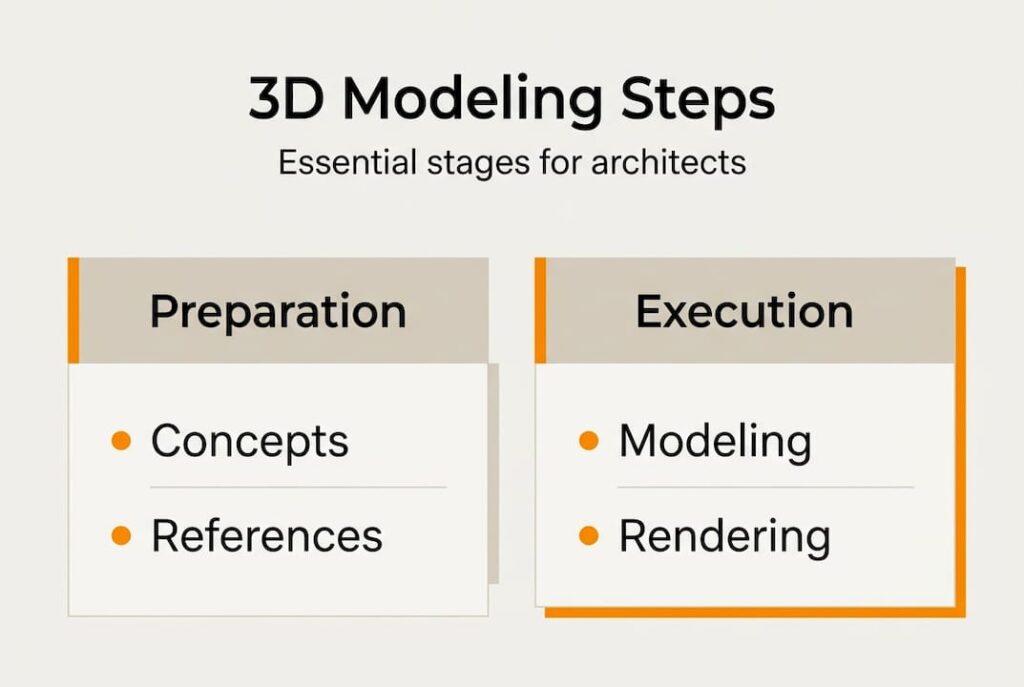
Architects and product designers constantly face the challenge of transforming abstract concepts into tangible visualizations that clients and stakeholders can understand. Without a structured approach, projects suffer from miscommunication, costly revisions, and missed opportunities to showcase design intent effectively. This comprehensive guide walks you through a proven step-by-step 3D modeling workflow tailored specifically for architecture and product design professionals. You’ll discover how to select the right tools, execute modeling techniques efficiently, and finalize photorealistic presentations that elevate project communication and accelerate approvals.
Table of Contents
- Key takeaways
- Preparing for 3D modeling: tools, concepts, and reference gathering
- Step-by-step 3D modeling execution: from blockout to detailing
- Finalizing your 3D model: texturing, lighting, rendering, and export
- Enhance your projects with professional 3D rendering services
- Frequently asked questions about step-by-step 3D modeling
Key Takeaways
| Point | Details |
|---|---|
| Structured modeling workflow | A disciplined sequence from conceptualization through rendering keeps projects clear and efficient. |
| Tool selection by discipline | Architects favor BIM tools like Revit for parametric revisions, while product designers use Fusion 360 or Solidworks to ensure manufacturable outcomes. |
| Reference gathering practices | Collect technical drawings, site photos, and material samples and organize them in a centralized digital folder to speed workflows. |
| Precise scale and measurements | Establish accurate dimensions early, including standard wall thickness and ceiling heights for architecture and exact product dimensions for manufacturing. |
Preparing for 3D modeling: tools, concepts, and reference gathering
Before you touch any modeling software, invest time in selecting the right tools and gathering comprehensive references. Your software choice fundamentally shapes your workflow efficiency and output quality. Architecture professionals typically gravitate toward BIM tools like Revit because parametric modeling accelerates revisions when clients request changes. Product designers, meanwhile, choose Fusion 360 or Solidworks to ensure models translate seamlessly into manufacturable prototypes.
The conceptualization and reference gathering phase sets your entire project trajectory. Collect technical drawings, site photos, material samples, and inspirational examples that clarify design intent. For architectural projects, this means floor plans, elevation drawings, and contextual site imagery. Product designers need engineering specifications, ergonomic requirements, and competitive product analysis. Organizing these materials digitally in a centralized folder structure saves hours of searching later.
Here’s a practical comparison of popular 3D software options:
| Software | Best For | Key Features | Learning Curve |
|---|---|---|---|
| Revit | Architecture, BIM workflows | Parametric modeling, automatic documentation, family libraries | Moderate to steep |
| SketchUp | Conceptual architecture, quick massing | Intuitive interface, extensive plugin ecosystem, rapid prototyping | Gentle |
| Fusion 360 | Product design, mechanical parts | Cloud collaboration, parametric history, CAM integration | Moderate |
| Solidworks | Complex product assemblies | Advanced surfacing, simulation tools, manufacturing output | Steep |
| Blender | Organic forms, visualization | Free, comprehensive toolset, strong rendering engine | Moderate |
Understanding the conceptual differences between architectural and product modeling prevents workflow friction. Architectural models prioritize spatial relationships, scale accuracy, and material representation for client visualization. Product models focus on precise tolerances, assembly logic, and manufacturing feasibility. This distinction influences everything from initial blocking strategies to final export formats.
Pro Tip: Create a digital mood board combining technical references and inspirational imagery before modeling. This visual anchor keeps your design decisions aligned with project goals and reduces time spent on directionless exploration.
Reference organization extends beyond simple file storage. Tag images with relevant keywords like “facade detail” or “handle ergonomics” so you can quickly retrieve specific inspiration mid-workflow. Many professionals use tools like PureRef to create floating reference boards that remain visible alongside their modeling viewport, eliminating constant window switching.
Step-by-step 3D modeling execution: from blockout to detailing
With preparation complete, you’re ready to build your model systematically. Follow this proven sequence to maintain control and flexibility throughout the process:
-
Start with primitive shapes that approximate your design’s overall form and proportions. Architects block out walls, floors, and major structural elements using simple boxes and planes. Product designers create basic cylinders, spheres, and cubes representing primary components.
-
Establish accurate scale and measurements immediately. Architecture demands precision: standard wall thickness ranges 0.15 to 0.30 meters, ceiling heights typically measure 2.7 to 3.0 meters for residential spaces. Product dimensions must match engineering specifications exactly to ensure manufacturing accuracy.
-
Refine primary forms by adding secondary details like window openings, door frames, or product features. This progressive detailing approach keeps your model manageable and allows easy revisions before committing to fine details.
-
Apply parametric or non-destructive modifiers that preserve flexibility. BIM workflows with modifiers like Solidify let you adjust wall thickness globally rather than remodeling individual elements. Product designers use feature history in parametric software to roll back changes without destroying previous work.
-
Add tertiary details including trim, hardware, texture variations, and small-scale elements that enhance realism. This is where architectural models gain moldings, light fixtures, and material transitions. Product models receive button details, surface treatments, and assembly hardware.
-
Verify topology and geometry for errors like overlapping faces, non-manifold edges, or inverted normals. Clean geometry prevents rendering artifacts and ensures smooth downstream processing.
Architectural modeling leverages parametric methods extensively because design changes happen frequently. When a client requests a room enlargement, parametric constraints automatically adjust connected walls, doors, and adjacent spaces. This efficiency explains why firms adopting BIM report dramatic reductions in revision time compared to traditional drafting methods.
Product design modeling prioritizes different concerns. Models must be 3D print ready with watertight geometry and appropriate wall thickness for chosen manufacturing processes. STL export requirements demand careful attention to mesh density and polygon flow. Organic shapes common in consumer products often require polygonal modeling techniques rather than pure parametric approaches.
Common architectural measurements to reference during modeling:
- Door heights: 2.0 to 2.1 meters for standard residential, 2.4 meters for commercial
- Window sill heights: 0.9 to 1.0 meters above floor level
- Stair riser heights: 0.15 to 0.18 meters maximum for comfortable ascent
- Handrail heights: 0.9 to 1.0 meters above stair nosing or floor
- Kitchen counter depths: 0.6 meters standard, 0.9 meters for islands
Pro Tip: Save incremental versions of your model at major milestones like “blockout_complete” or “primary_detailing_done.” This versioning strategy provides safety nets if aggressive detailing introduces problems requiring rollback to an earlier stable state.
The execution phase demands balancing detail against file performance. Overly dense geometry slows viewport navigation and rendering, while insufficient detail produces unconvincing results. Learn your target output resolution and model accordingly. Presentation renderings require higher detail than preliminary design studies. Manufacturing models need precision where parts interface but can simplify hidden internal geometry.
Finalizing your 3D model: texturing, lighting, rendering, and export
Your model’s geometry tells only half the story. Proper texturing, lighting, and rendering transform bare geometry into photorealistic presentations that win client approval and guide manufacturing decisions. This finalization phase separates amateur outputs from professional-grade visualizations.
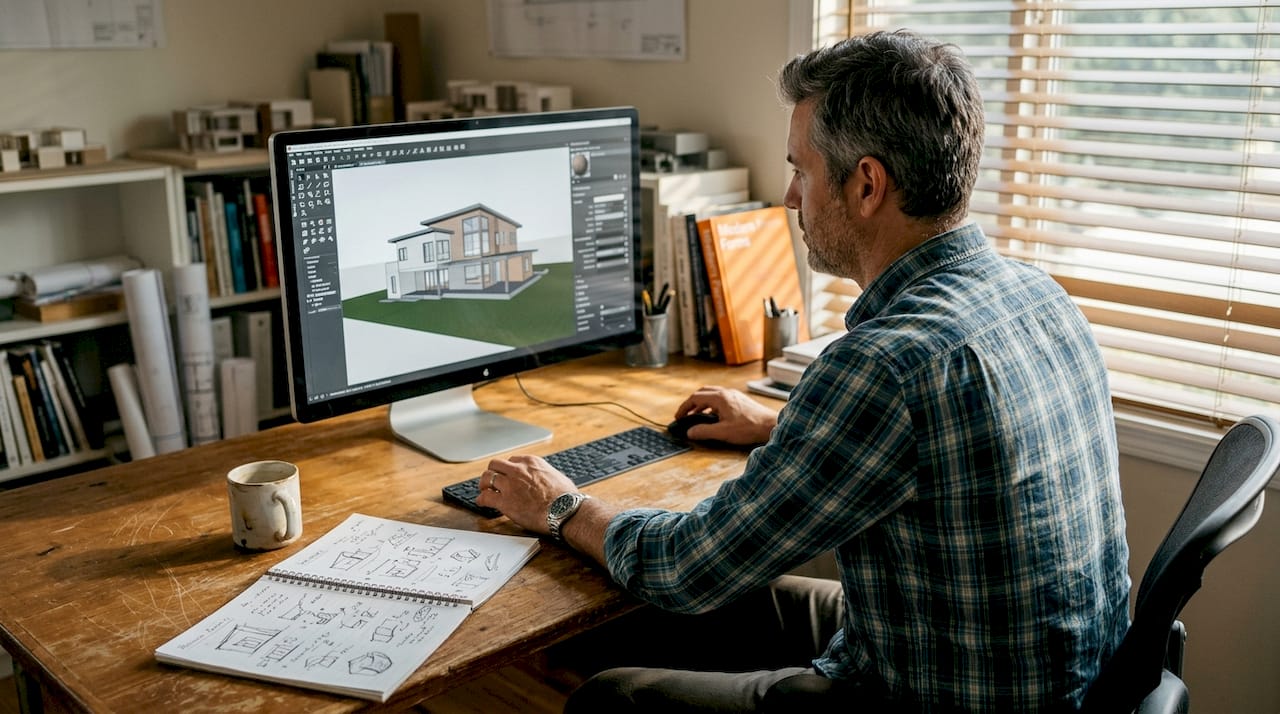
Texturing begins with UV unwrapping, the process of flattening 3D surfaces into 2D layouts where you apply image-based materials. Architectural textures emphasize material authenticity: wood grain direction, brick coursing patterns, concrete formwork marks. Product textures highlight surface finishes like brushed metal, soft-touch plastics, or glass transparency. High-resolution texture maps (2K to 4K) maintain quality in close-up renders.
Here’s how texturing and rendering approaches differ between disciplines:
| Aspect | Architectural Visualization | Product Visualization |
|---|---|---|
| Lighting priority | Natural light simulation, time of day accuracy | Studio lighting, controlled highlights and shadows |
| Material focus | Large-scale materials (stone, wood, glass), weathering | Surface finishes, reflectivity, tactile qualities |
| Camera angles | Human eye level, contextual views showing surroundings | Hero shots, detail close-ups, 360-degree turntables |
| Rendering goal | Spatial understanding, atmosphere, livability | Form clarity, material quality, design innovation |
| Common outputs | Still images, walkthroughs, VR experiences | Product shots, exploded views, animation loops |
Lighting makes or breaks photorealism. Architectural renders benefit from physically accurate daylight simulation matching geographic location and season. Three-point lighting setups work well for product visualization, with key lights establishing form, fill lights softening shadows, and rim lights separating subjects from backgrounds. Modern rendering engines use physically based rendering (PBR) workflows where light behaves according to real-world physics.
AI-driven workflows reduce manual modeling and rendering work by over 99%, allowing professionals to focus on design decisions rather than technical execution.
Export formats vary by intended use:
- STL files for 3D printing and CNC machining, containing pure mesh geometry without materials
- OBJ files for cross-platform compatibility, supporting geometry and basic material assignments
- FBX files for animation and game engines, preserving rigging and animation data
- IFC files for BIM collaboration, maintaining building information and parametric relationships
- STEP/IGES files for engineering exchange, ensuring precise CAD data transfer between systems
Pro Tip: Render multiple lighting scenarios for architectural projects (dawn, midday, dusk, night) to showcase how spaces transform throughout the day. This comprehensive presentation demonstrates thoughtful design consideration and helps clients visualize real-world experiences.
Post-processing in software like Photoshop adds final polish without requiring full re-renders. Adjust exposure, enhance contrast, add depth of field blur, and composite multiple render passes for maximum control. However, maintain restraint. Over-processed images lose credibility and fail to set accurate client expectations about built results.
Modern rendering increasingly incorporates real-time engines like Unreal Engine or Unity, particularly for architectural walkthroughs and interactive product configurators. These tools enable clients to explore designs interactively rather than passively viewing static images. The trade-off involves steeper learning curves and different optimization requirements compared to traditional offline renderers.
Preparing models for photorealistic results requires attention to subtle details most viewers notice subconsciously. Slight imperfections like surface irregularities, edge wear, and dust accumulation increase believability. Perfectly clean, geometrically perfect models trigger uncanny valley responses that undermine presentation effectiveness.
Enhance your projects with professional 3D rendering services
Mastering the complete 3D modeling workflow positions you to create compelling visualizations independently. However, tight deadlines and complex projects sometimes demand expert assistance to maintain quality while meeting schedules. That’s where specialized professional 3D rendering services become invaluable partners in your design process.

Rendimension’s architectural visualization services transform your models into photorealistic presentations that accelerate client approvals and enhance stakeholder communication. Whether you need exterior renderings showcasing contextual integration, interior visualizations demonstrating spatial flow, or virtual walkthroughs enabling immersive exploration, professional rendering expertise elevates your presentations beyond what time-constrained internal workflows can achieve. Similarly, product design visualization services help manufacturers and designers showcase innovations with studio-quality imagery that drives marketing success and investor confidence. With over 1,000 completed projects globally, these specialized services complement your modeling skills and deliver the visual impact today’s competitive markets demand.
Frequently asked questions about step-by-step 3D modeling
What software is best for beginners in architectural 3D modeling?
SketchUp offers the gentlest learning curve for architectural beginners, with an intuitive interface and extensive free tutorials. Once you grasp basic 3D concepts, transitioning to Revit provides parametric capabilities and BIM integration that professional firms require.
How does parametric modeling speed up architectural revisions?
Parametric modeling establishes relationships between elements so changes propagate automatically throughout the model. When you adjust a wall location, connected doors, windows, and adjacent rooms update instantly rather than requiring manual repositioning of each affected component.
Can product design 3D models be directly 3D printed?
Yes, but models must meet specific requirements including watertight geometry, appropriate wall thickness for your printing technology, and proper scale. Export to STL format and verify mesh integrity using slicing software before printing to avoid failed prints.
What are the key differences between lighting for architecture and product visualization?
Architectural lighting simulates natural daylight and interior fixtures to show how spaces feel at different times. Product lighting uses controlled studio setups with key, fill, and rim lights to emphasize form, materials, and design details against neutral backgrounds.
How much time can AI tools save in the 3D modeling process?
AI-enhanced workflows can reduce manual modeling time by over 99% for repetitive tasks like generating texture variations, optimizing topology, and creating multiple lighting scenarios. However, creative design decisions and client-specific customization still require human expertise and judgment.
Do I need different 3D models for client presentations versus manufacturing?
Architectural presentation models prioritize visual appeal with high-detail textures and atmospheric lighting, while construction models need accurate dimensions and material specifications. Product presentation models emphasize aesthetics, whereas manufacturing models require precise tolerances, assembly logic, and material properties for production planning.