Bringing ideas to life with captivating visuals is no longer out of reach for any business or creative team. Today, fresh tools make it easier than ever to transform concepts into stunning presentations. Whether you want interactive images, life like models, or eye catching scenes, new software is pushing the boundaries of what is possible. Curious about which options offer the best blend of simplicity, power, and visual impact? The newest solutions promise to turn imagination into reality with just a few clicks. Discover what makes these approaches stand out and see how they could help your team impress and inspire.
Table of Contents
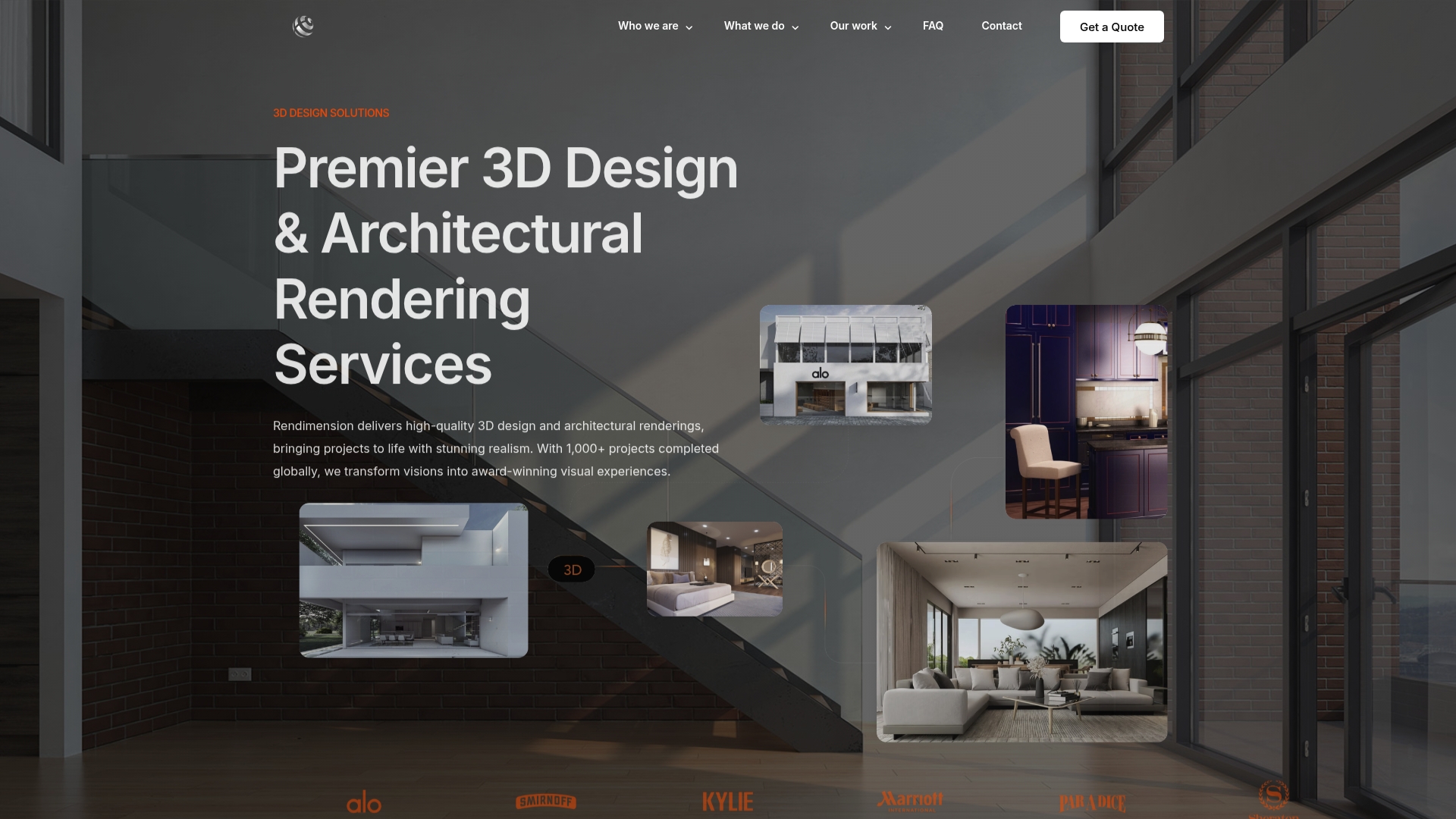
Rendimension
At a Glance
Rendimension sets the benchmark for product visualization and architectural rendering by delivering top-tier, photorealistic results that win stakeholder buy-in. Their work converts complex designs into clear visual narratives that sell projects and shorten decision cycles.
Core Features
Rendimension offers photorealistic 3D renderings, architectural visualization, virtual reality experiences, 3D walkthroughs and animations, and product visualization tailored to design and real estate workflows. Their suite also includes 3D floor plans and 360 virtual tours for immersive client presentations.
Pros
- High-quality photorealistic renderings: The visuals match real-world materials and lighting, which helps stakeholders visualize finished outcomes without ambiguity.
- Wide range of services including VR and animations: Their multi-format output supports presentations, marketing campaigns, investor decks, and on-site demonstrations.
- Experienced team with over 1,000 projects completed: The firm’s track record speeds up briefing and reduces revision cycles because the team knows common design pitfalls.
- Tailored solutions to meet project needs: Deliverables adapt to project scale from single products to large residential and commercial developments.
- Fast turnaround between 10 and 14 business days: Rapid delivery lets you test concepts and launch marketing assets earlier in the development timeline.
Who It’s For
Rendimension targets architects, real estate developers, interior designers, construction professionals, retail brands, and product designers who demand premium visualization for presentation and pre-sales. If your project requires accurate materials, lighting studies, or immersive stakeholder walkthroughs this is the studio to hire.
Unique Value Proposition
Rendimension combines artistic craft with production discipline to deliver visual assets that do more than look good. The company emphasizes a collaborative process with client involvement from concept to final delivery, which reduces rework and tightens alignment across architects, marketers, and investors. With over 1,000 projects completed globally they bring repeatable pipelines for accuracy, file management, and rapid iteration. They also merge photorealism with interactive formats like VR and 360 tours so your presentations work across investor meetings, online listings, and onsite experiences. Smart buyers choose Rendimension because the studio turns complex technical drawings into market-ready visuals that shorten sales cycles, improve stakeholder clarity, and support pre-sales or permitting with confidence.
Real World Use Case
A developer engaged Rendimension to visualize a new housing development for investor review and pre-sales. The studio produced a set of photorealistic exterior and interior renderings, a 3D walkthrough, and a 360 virtual tour that allowed remote investors to inspect finishes and circulation. The developer secured early reservations and received faster approvals.
Pricing
Pricing is project-dependent and provided via a tailored quote process based on scope, deliverable formats, and revisions. Expect costs to scale with complexity for large master plan visualizations or animation sequences.
Website: https://rendimension.com
KeyShot Studio
At a Glance
KeyShot Studio is a professional 3D visualization package focused on high-fidelity rendering, animation, and AI-assisted workflows for product teams. It pairs real time ray tracing and local AI tools to shorten iteration cycles and improve visual quality.
Takeaway: Strong choice when photorealism and fast review loops matter to marketing and design teams.
Core Features
KeyShot Studio centers on rapid, accurate visuals with broad CAD compatibility and animation tools. It supports detailed material work and lighting control for presentation-ready assets.
- Real Time Ray Tracing Preview for instant feedback during look development.
- Local AI modes including Restyle, Background, and Imagine for compositing and concept variants.
- Drag-and-Drop Material System plus a Material Graph with procedural texturing for complex surfaces.
- 34+ CAD Format Support with Native Plugins to import assemblies without heavy conversion.
- Light layers, one-click animation, AI denoise, caustics, global illumination, Cryptomatte, and OpenPBR integration.
Takeaway: The feature set supports both quick marketing visuals and detailed engineering render passes.
Pros
- Industry-leading visualization quality: Renders deliver photoreal lighting and material fidelity that holds up in campaigns and presentations.
- Extensive CAD support and plugins: Native import of many formats reduces cleanup time and preserves model hierarchy.
- Powerful AI and scripting features: Local AI modes and scripting accelerate variant creation and batch workflows.
- Versatile product options: Professional, VR, web, and educational licenses let teams pick the right package.
- Strong community and support resources: Documentation and community examples help solve pipeline questions faster.
Takeaway: The platform balances visual quality with tools that speed production and collaboration.
Cons
- Pricing may be high for smaller studios or individuals: Annual cost and add-ons raise the total investment for solo artists.
- Advanced features have a learning curve for beginners: Material graphs and lighting controls demand experience to master.
- Some add-ons require additional subscriptions: Network rendering and certain plugins add recurring costs beyond the core license.
Takeaway: Budget for training and add-on licenses when planning adoption.
Who It’s For
Professional designers, product visualization specialists, and educational institutions who need accurate render results, broad CAD interoperability, and AI-assisted workflows will get the most from KeyShot Studio. Project teams that deliver marketing assets and technical visuals benefit the most.
Takeaway: Best for teams that prioritize visual fidelity and tight CAD-to-render pipelines.
Unique Value Proposition
KeyShot Studio combines rapid, predictable rendering with accessible material and lighting tools, plus local AI for iterative design work. That mix helps designers produce market-ready imagery faster while keeping technical accuracy.
Takeaway: Choose it when you need predictable, high-quality visuals with accelerated iteration.
Real World Use Case
A product team generates photorealistic renders and short product reveal animations for a global marketing campaign using KeyShot Studio’s rendering, animation, and AI restyle modes to create variant shots and backgrounds.
Takeaway: Useful for campaign-level deliverables where speed and quality must align.
Pricing
KeyShot Studio Professional starts at $1,299 per year, with additional costs for add-ons and educational discounts available.
Takeaway: Plan license and plugin costs into project budgets.
Website: https://www.keyshot.com
iC3D
At a Glance
iC3D delivers real-time packaging visualization with on-the-fly photorealistic output that helps packaging teams validate concepts without building physical prototypes. It integrates directly with Adobe Illustrator and PDF assets so designers can iterate rapidly and catch errors earlier in the process.
Core Features
iC3D combines photorealistic rendering and validation tools in one application that supports cartons, bottles, cans, flexible packaging, shrink film, POS, and shelf displays. The software produces both virtual prototypes and press ready proofs from the same file set.
- Supports carton, glass bottles, cans, flexibles, shrink wraps, POS and carton displays
Takeaway: Use iC3D to replace early stage physical samples with accurate virtual prototypes and speed decision cycles.
Pros
-
Instant photorealistic visualization: Designers see accurate material, finish, and lighting results in real time which reduces back and forth with stakeholders.
-
No extra hardware required: The software claims to produce high quality renders without specialized external tools which lowers setup complexity for design teams.
-
Broad format support: iC3D covers cartons, bottles, cans, flexible bags, shrink film, and display applications so teams do not need multiple tools for common packaging types.
-
Early error detection: Integrated validation helps spot layout and dieline issues before creating physical proofs which saves time and reduces waste.
-
Adobe Illustrator and PDF integration: Direct compatibility with Illustrator and PDF files fits into existing packaging workflows without heavy file conversion.
Cons
-
No specific user reported downsides are listed on the website which limits third party insight into long term stability and support.
-
Pricing and licensing details are not specified on the homepage so procurement teams must request a quote to understand total cost of ownership.
-
Advanced functionality may have a learning curve and could require training for teams that are new to 3D packaging workflows.
Who It’s For
iC3D suits packaging designers, brand owners, packaging engineers, and marketing professionals who produce food, beverage, beauty, and retail display packaging. Use it when you need realistic mockups for stakeholder approvals or to reduce physical prototyping cycles.
Unique Value Proposition
iC3D positions itself as an all in one packaging design solution that produces both virtual prototypes and press ready proofs from the same workflow. That single workflow approach reduces handoffs between design and prepress.
Real World Use Case
A packaging designer uses iC3D to render a photorealistic 3D mockup of a new beverage bottle. The designer tests materials and lighting, iterates artwork directly from Illustrator, and finalizes the design without multiple physical samples which shortens time to market.
Pricing
Pricing is not specified on the product webpage and appears to be provided on request or through trial sign up. Contact the vendor to obtain licensing options and enterprise quotes.
Website: https://www.ic3dsoftware.com
Simplio3D Product Configurator
At a Glance
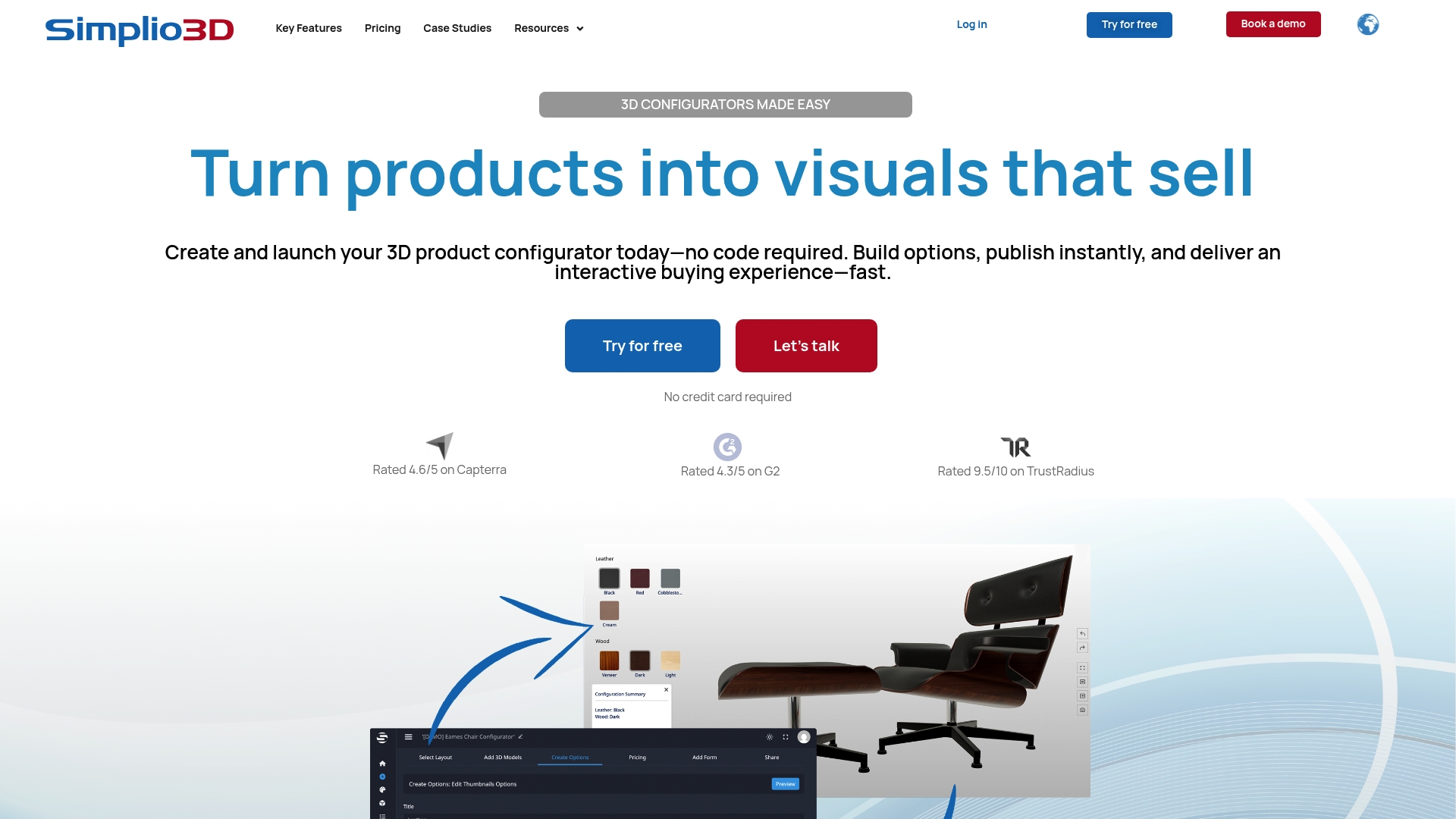
Simplio3D delivers a straightforward, cost conscious way to add interactive 3D product configurators to an online catalog. It focuses on rapid deployment and strong integration with major e commerce and ERP platforms, which makes it practical for teams that must move fast.
Core Features
The platform offers a no code configurator that lets teams build and launch 3D configurators without developer time. The backend interface lets you manage product parameters and publish changes from a single control panel.
The product includes 360 degree product visualization with sharing capabilities for marketing and stakeholder review. It also lists integrations with Shopify, WooCommerce, Magento, SAP, and Salesforce to connect visual configuration to commerce and business systems.
Industry specific solutions cover furniture, fashion, construction, and sports so you can adopt templates and workflows tuned to those sectors. The scope is aimed at practical deployment rather than experimental features.
Pros
-
User friendly and easy to deploy: The interface reduces setup time so merchandising and catalog teams can publish configurable products without lengthy training.
-
Versatile customization options: The system supports multiple parameters and material swaps so customers see accurate variations of a product.
-
Strong integration capabilities: Native links to major e commerce and ERP platforms allow you to pass configuration data directly into order and inventory systems.
-
Interactive 3D visualizations: Real time rotation and configuration help buyers evaluate options and improve conversion potential.
-
Industry recognition: Inclusion in Gartner Market Insights for Visual Configuration signals vendor maturity and presence in the market.
Cons
-
The landing page does not list detailed technical specifications or explicit performance limits which forces a direct inquiry to confirm suitability for complex projects.
-
Pricing information is not published which requires contacting sales to obtain quotes and plan budgets.
-
The site notes a robust cookies policy that suggests a significant focus on privacy and tracking which may require review by legal teams.
Who It’s For
Architects, product designers, and real estate developers who need to present configurable products or components to clients will find this solution practical. Retailers and manufacturers seeking a quick path to interactive online catalogs will benefit most.
Unique Value Proposition
Simplio3D combines ease of use with enterprise grade integrations so teams can deploy visual configuration without rebuilding commerce workflows. The balance of no code tools and industry templates reduces project friction and shortens time to market.
Real World Use Case
A furniture retailer uses Simplio3D to let customers change fabrics, leg finishes, and module layouts in 3D. The chosen configuration flows into the retailer’s Shopify checkout so customers can complete purchases without manual back office entry.
Pricing
Pricing is not specified on the site and potential customers must contact sales for a quote. Expect licensing and integration fees to vary by catalog size and required ERP connections.
Website: https://www.simplio3d.com
Vectary
At a Glance
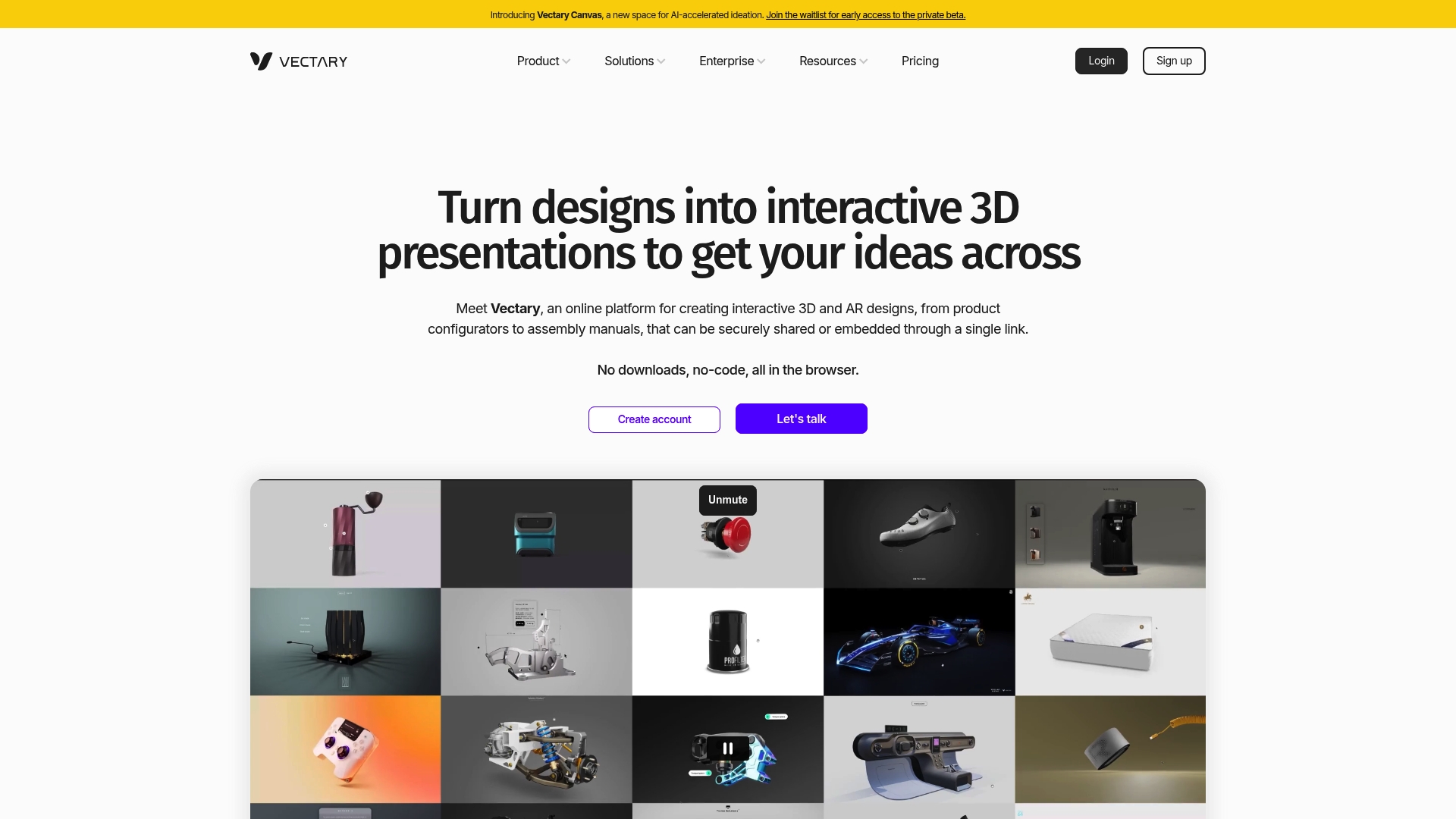
Vectary is a browser based platform for creating interactive 3D and Augmented Reality experiences without local installs or coding. It combines AI assisted ideation with real time collaboration to speed feedback loops between design, marketing, and manufacturing teams.
Core Features
Vectary offers an AI accelerated ideation space plus full 3D modeling, importing, and editing directly in browser with no downloads. It supports sharing and embedding via a single link and lets stakeholders view scenes in Augmented Reality from desktop or mobile.
The platform includes real time collaboration and team workspaces with roles and permissions so multiple contributors can edit and comment simultaneously while access stays controlled.
Pros
- No code access in browser: Users can start modeling and sharing without installing software, which reduces setup time for cross functional teams.
- Strong collaboration and sharing: Real time workspaces and single link embeds simplify review cycles between designers, marketing, and manufacturing.
- Supports varied professional workflows: The platform handles product configurators, assembly manuals, and AR presentations across industries.
- Comprehensive support resources: Documentation and learning materials help teams onboard faster and resolve common modeling questions.
- Flexible plan options: A free tier exists for quick tests and paid plans scale up to customizable enterprise arrangements.
Cons
- Performance depends on internet connection: Complex scenes can lag or load slowly when network bandwidth is limited.
- Advanced capabilities require paid plans: Some higher tier tools and export options are gated behind subscription levels.
- Plan dependent AI and limits: The availability and extent of GenAI features vary by plan which can restrict heavy ideation workflows.
Who It’s For
Designers, architects, product teams, and marketers who need a fast path from concept to stakeholder review will benefit most from Vectary. It fits teams that value lightweight access, shared workspaces, and AR enabled client presentations.
Unique Value Proposition
Vectary stands out by delivering a full 3D and AR pipeline inside the browser with built in collaboration and AI assisted ideation. That combination shortens iteration cycles and keeps visual assets accessible to non technical stakeholders via simple links.
Real World Use Case
A product designer builds an interactive 3D prototype of a new gadget then shares a single link with marketing and manufacturing for feedback and iteration. The same model is presented in AR during client meetings to validate scale and finish.
Pricing
Free use is available for basic modeling and sharing. Paid individual plans start at $25 per month and Business and Enterprise plans are customizable with higher limits and additional features.
Website: https://www.vectary.com
Emersya
At a Glance
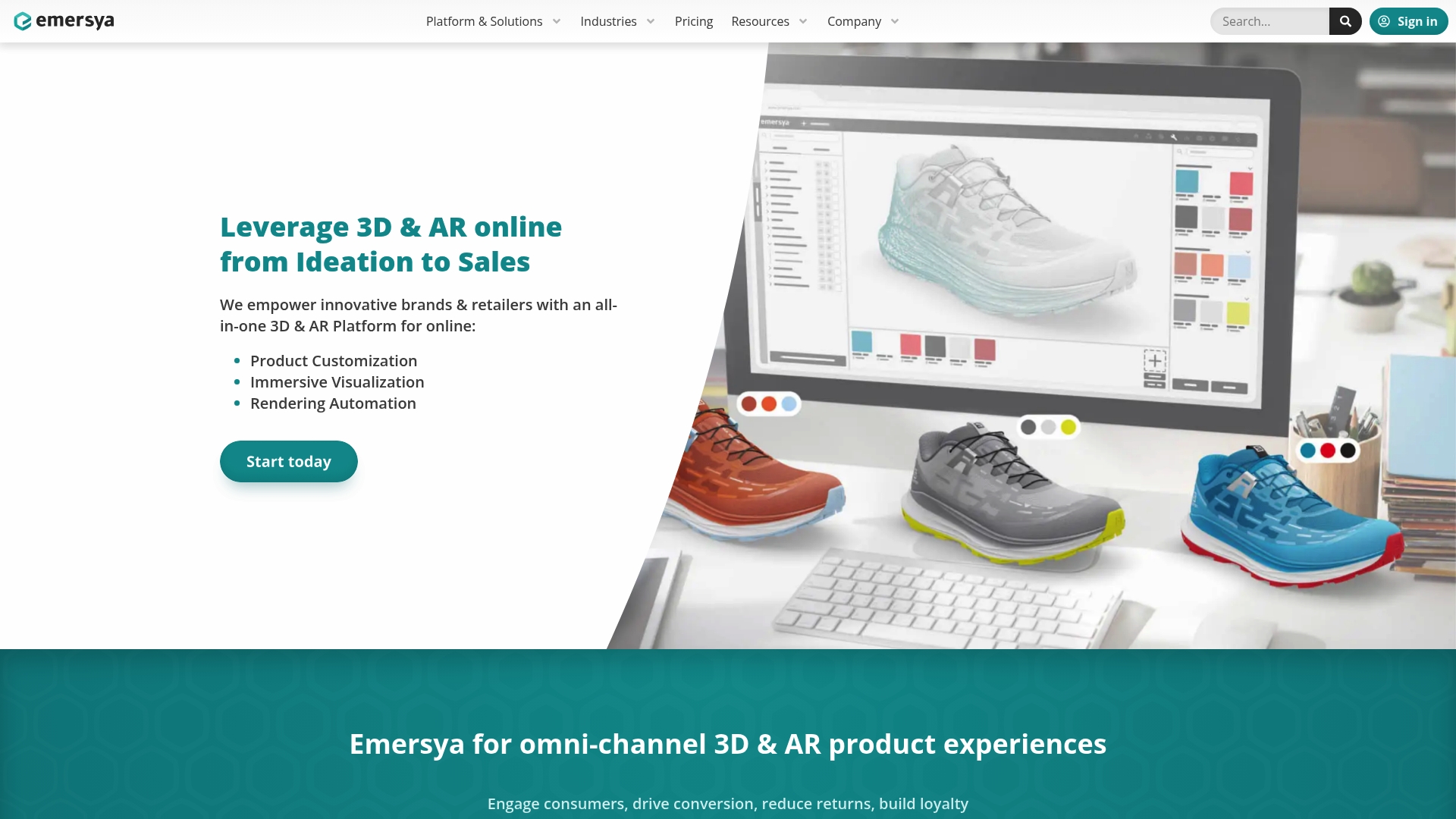
Emersya is an enterprise focused 3D & AR platform that brings interactive product visualization and customization into e commerce catalogs. It suits teams that need secure, scalable digital product workflows and tight integration with existing enterprise tools.
Core Features
The platform combines 3D Product Viewers, Augmented Reality Online, and a 3D Product Customizer into a single solution that covers visualization through sales. It also supports digital product creation and digital asset management so teams can move from ideation to commerce without fragmenting assets.
Pros
- Comprehensive platform: Emersya bundles visualization, customization, and AR features in one package which reduces vendor management for large projects.
- Industry specific solutions: The product offers tailored workflows for fashion, furniture, and electronics which speeds implementation for those sectors.
- Supports multiple workflows: The platform handles both digital and physical product processes so product development and marketing teams work from the same asset library.
- Improves engagement: Interactive 3D and AR experiences increase shopper interaction which helps merchandising and conversion efforts.
- Enterprise integrations: Emersya integrates with existing enterprise tools which simplifies deployment across commerce and PIM systems.
Cons
- Pricing is not public which makes initial vendor comparisons slower for procurement teams.
- The platform is described as enterprise focused which means smaller brands may find implementation and cost to be prohibitive.
- The provided data does not list specific CMS or commerce connectors which requires direct confirmation before committing to integration.
Who It’s For
Emersya fits brands, retailers, manufacturers, and creative agencies that need robust visual commerce capabilities for online stores and product development. It benefits teams that manage large catalogs, require secure deployment, and value close integration with enterprise systems.
Unique Value Proposition
Emersya packages visualization, customization, and AR into a single solution designed for scale and security. The platform reduces the number of separate tools you need to manage 3D assets and it centralizes workflows for stakeholders from design to sales.
Real World Use Case
A fashion retailer can publish 3D models and AR try ons across product pages and mobile apps to let customers preview apparel and accessories. The unified asset management reduces back and forth between design and merchandising which shortens time to market and lowers returns.
Pricing
Pricing is available upon request via contact which indicates a tailored enterprise model rather than fixed public plans. Expect vendor discussions to include scope, usage volumes, and integration requirements.
Website: https://www.emersya.com
3D Visualization Tools Comparison
This table outlines key features, advantages, disadvantages, and target users for popular 3D visualization tools to aid in selecting the best fit for your needs.
| Tool Name | Core Features | Pros | Cons | Who It’s For |
|---|---|---|---|---|
| Rendimension | Photorealistic renderings, VR experiences | High-quality visuals, rapid turnaround, experienced team | Custom pricing model | Architects, developers |
| KeyShot Studio | Real-time ray tracing, AI tools | Industry-leading quality, strong CAD support, scripting features | Higher cost for smaller teams | Product teams, marketing specialists |
| iC3D | Packaging visualization, PDF compatibility | Real-time visualization, broad format support, no extra hardware required | Pricing not disclosed | Packaging designers, marketing professionals |
| Simplio3D | No-code 3D configurators, e-commerce integration | Easy deployment, versatile customization, industry recognition | Technical specifications not detailed | Retailers, product designers |
| Vectary | Browser-based 3D and AR modeling | Lightweight browser access, robust collaboration, flexible pricing | Internet-dependent performance | Designers, architects, product teams |
| Emersya | 3D and AR visualization, enterprise-focused tools | Comprehensive platform combining 3D customization with AR, built-in enterprise integrations | Pricing available upon request | Brands, retailers, creative agencies |
Elevate Your Visual Storytelling With Expert 3D Rendering Solutions
In the quest for top product visualization solutions, a key challenge is transforming complex designs into clear, photorealistic presentations that engage stakeholders and shorten sales cycles. The article highlights the importance of high-quality renderings, immersive walkthroughs, and collaborative processes to meet these goals. If you seek to captivate clients and accelerate approvals with precision and creativity, professional 3D renderings are vital.
Discover how Rendimension specializes in delivering exactly that through tailored 3D visualization services. Explore our 3D Rendering – Rendimension category to see how we convert architectural and product concepts into striking visuals.

Ready to unlock the power of photorealistic renderings and immersive experiences to boost your project’s impact? Visit https://rendimension.com today to learn how our collaborative approach and over 1,000 completed projects worldwide make us the partner you need to stand out and succeed.
Frequently Asked Questions
What features should I look for in a product visualization solution for 2026?
A good product visualization solution in 2026 should offer photorealistic rendering, interactive 3D capabilities, and integrations with existing design workflows. Focus on tools that support quick iterations and collaboration across teams, ensuring that they can adapt to your specific project needs.
How can product visualization solutions improve my marketing strategy?
Product visualization solutions enhance your marketing strategy by providing realistic representations of your products, helping engage potential customers more effectively. By utilizing high-quality visuals in your promotional materials, you can increase conversion rates by as much as 30%.
What industries benefit the most from using product visualization solutions?
Industries such as real estate, architecture, product design, and packaging frequently benefit from product visualization solutions. Each of these sectors utilizes visual representations to convey complex ideas simply and effectively, aiding decision-making among stakeholders.
How do these solutions streamline the design process?
Product visualization solutions streamline the design process by allowing teams to visualize concepts in real time and make adjustments quickly. By reducing the need for physical prototypes, teams can expect to decrease the development time by 20-50%.
What is the typical turnaround time for project deliverables using visualization tools?
Turnaround times can vary by tool and project scope, but many modern product visualization solutions promise deliverables within 10 to 14 business days. Aim to choose a solution that offers quick turnaround to keep your project on schedule.
How can I choose the right product visualization solution for my business?
To choose the right product visualization solution, evaluate your specific needs, such as the types of visuals you require, your budget, and the level of user-friendliness. Conduct demos and compare features to determine which solution best fits your workflow and enhances team collaboration.
Recommended
- Best 6 Product Visualization Services 2026 – Rendimension
- Product Visualization Tips 2026: 5× Faster Decisions

