Did you know that in 2026, cloud rendering has revolutionized the way Blender artists work, slashing project times by up to 80 percent? The rapid rise of these solutions is transforming 3D workflows, making high-quality production faster and more accessible than ever.
This guide is designed to demystify every aspect of blender cloud render, empowering both individual creators and studios to master cloud-based pipelines. Whether you are seeking speed, scalability, or cost savings, cloud rendering opens new creative possibilities.
Inside, you will uncover the fundamentals, discover the top Blender-compatible platforms, learn step-by-step setup, explore optimization strategies, troubleshoot common issues, and look ahead to future trends. Ready to become a master of Blender cloud render in 2026? Let’s get started.
Understanding Blender Cloud Rendering: Concepts & Benefits
Blender cloud render is transforming how artists approach 3D projects in 2026. At its core, this workflow lets you send your Blender scenes to remote servers for processing, instead of relying on your local machine. These servers, or render farms, handle the heavy computational load, freeing up your computer for other creative tasks. If you’re new to the concept, learning what is 3D rendering provides a solid foundation for understanding why moving this process to the cloud is so impactful.
Cloud rendering redefines the traditional local rendering process. With local rendering, artists are limited by their own hardware, which can be slow and quickly outdated. Blender cloud render, on the other hand, offers access to powerful GPU and CPU resources on demand. This means faster processing, less waiting, and the ability to handle much larger and more complex scenes.
Key Benefits of Blender Cloud Render
- Massive Scalability: Need to render hundreds or thousands of frames for an animation or VFX shot? Cloud platforms can scale hardware instantly, meeting tight deadlines without compromise.
- Access to High-End Hardware: Many farms offer cutting-edge GPUs, such as multi-GPU RTX 4090 nodes. This enables artists to achieve top-tier performance without costly personal upgrades.
- Cost Efficiency: With blender cloud render, you pay only for the resources you use. There’s no need to invest in expensive hardware that might become obsolete within a year.
- Collaborative Workflows: Teams can submit and manage jobs from anywhere, making it easier to work with clients or studios remotely.
- Reliability and Uptime: Cloud render farms provide redundancy, backups, and 24/7 availability, reducing the risk of project delays due to hardware failures.
Blender cloud render supports a broad range of Blender versions and render engines. Whether you’re working with Cycles for photorealistic output, Eevee for real-time previews, or third-party engines like Redshift and Octane, most leading cloud platforms ensure compatibility. Always check the supported versions and plugin lists before starting your project.
Artists use blender cloud render for diverse applications. It is a game-changer for architectural visualization, where detailed scenes benefit from rapid, high-quality output. Animation studios rely on the cloud to meet tight delivery schedules. Product designers and VFX artists leverage cloud rendering to iterate quickly and present polished results to clients.
A real-world example highlights the impact of blender cloud render. Damien Peinoit, a professional 3D artist, completed complex, large-scale scenes in just a few hours using RebusFarm’s service. According to user testimonials, cloud rendering can reduce project turnaround times by up to 80 percent compared to traditional workflows. For many, this speed unlocks new creative possibilities and competitive advantages in the 3D industry.
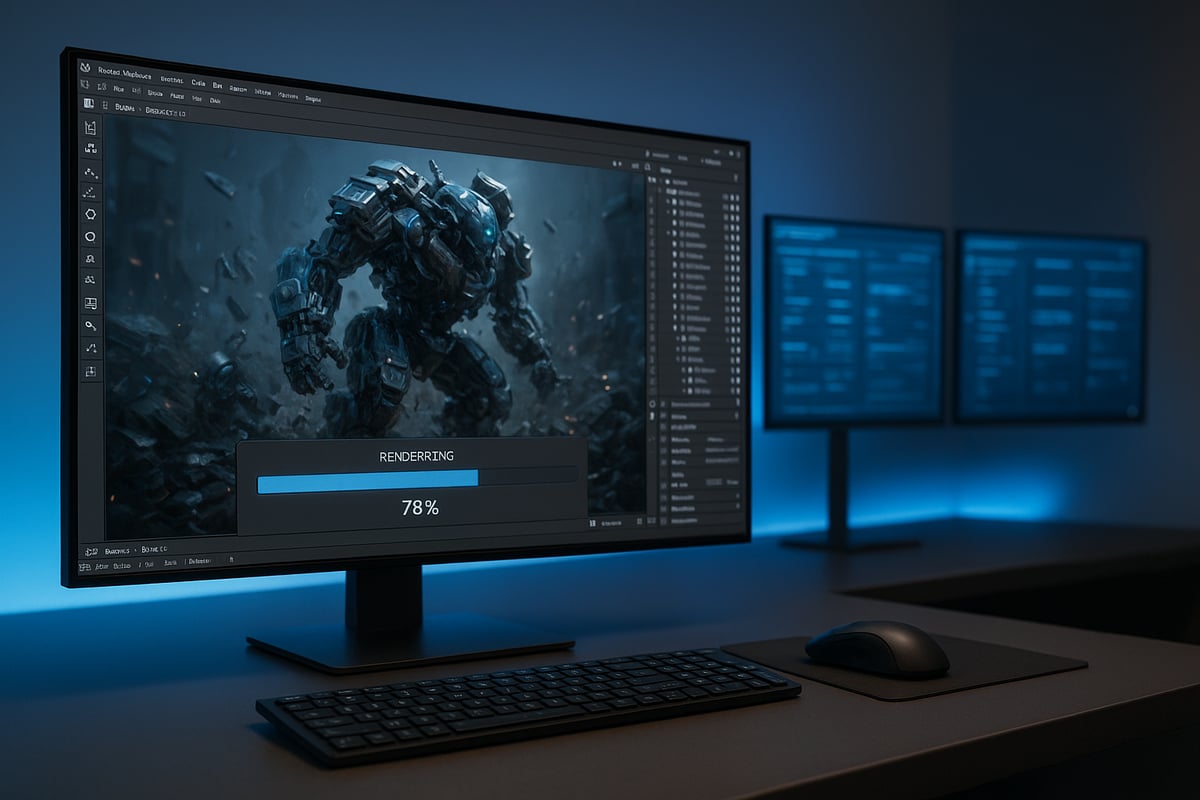
Choosing the Right Blender Cloud Render Farm in 2026
Selecting the best blender cloud render solution is a pivotal step for artists and studios aiming for efficiency, scalability, and professional results. With the cloud render farm market experiencing exponential growth, choosing wisely in 2026 can mean the difference between a seamless workflow and costly setbacks. According to recent Cloud Render Farm Services Market Growth reports, demand for these services is at an all-time high, reflecting their transformative impact on 3D pipelines.
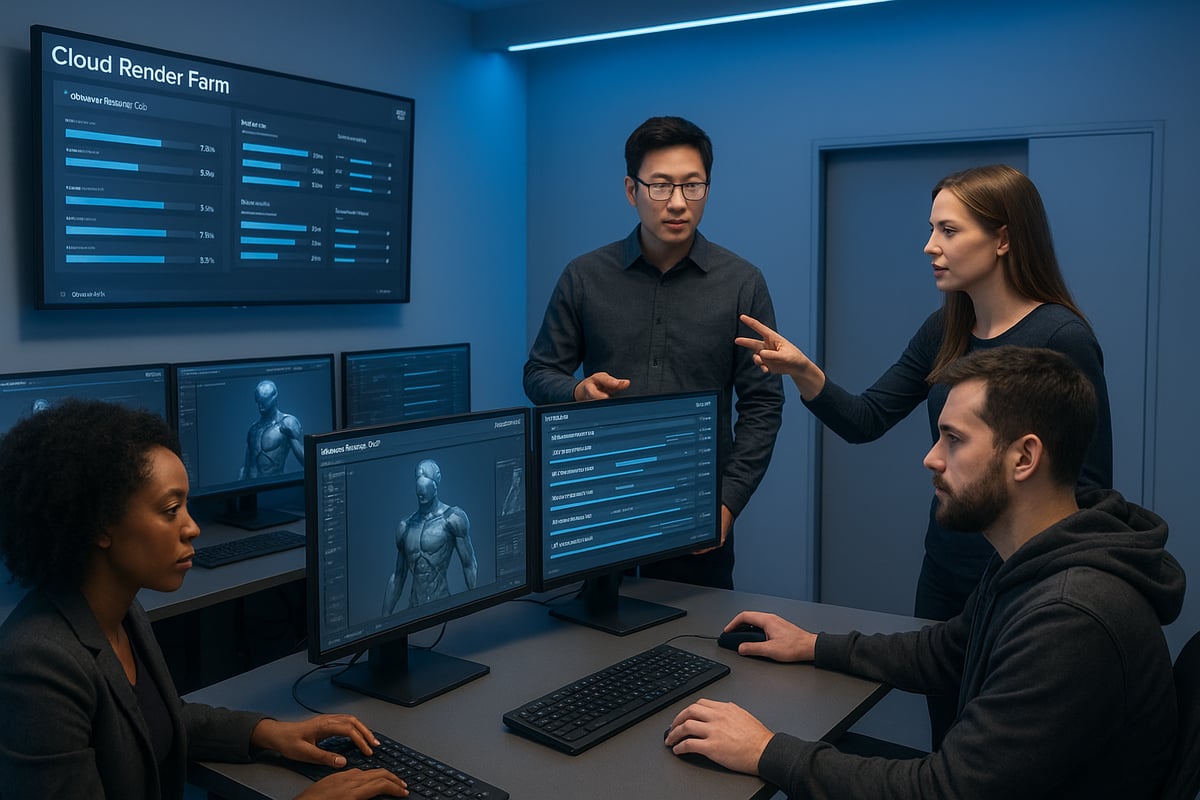
Key Criteria for Selection
Choosing a blender cloud render provider requires careful consideration of several factors to ensure your projects run smoothly and cost-effectively. Start by verifying compatibility with your exact Blender version and preferred render engine, such as Cycles, Eevee, Redshift, or Octane. This step prevents workflow interruptions and guarantees your scenes render as intended.
Evaluate the hardware specifications offered. Farms equipped with the latest multi-GPU setups, like 8x RTX 4090 nodes, will significantly accelerate complex renders. Pricing models are another critical area. Look for transparent pay-per-use rates, monthly packages, and free trial credits to assess value before committing.
Seamless integration with Blender through plugins or direct connections streamlines the process and reduces manual errors. Responsive customer support, including 24/7 live chat and comprehensive documentation, is essential for resolving issues quickly.
Security should never be an afterthought. Ensure your blender cloud render provider supports strong data protection policies, NDAs, and robust project confidentiality measures. Finally, consider render speed and queue times. Fast turnaround is vital for tight deadlines and client satisfaction.
Artists like Gleb Alexandrov have highlighted the convenience and support they received from leading platforms, emphasizing the importance of these criteria.
Top Blender Cloud Render Platforms
The blender cloud render landscape in 2026 is shaped by several leading platforms, each offering unique strengths. Here is a comparison of the top contenders:
| Platform | Blender Support | GPU Options | Pricing Model | Key Features | User Feedback |
|---|---|---|---|---|---|
| RebusFarm | Cycles, Eevee, all versions | Up to 8x RTX 4090 | Pay-per-use, free trial | Direct Blender integration, auto asset management | Praised for simplicity, reliability |
| iRender | All major engines | 2/4/6/8x RTX 4090 | Flexible rental | IaaS model, customizable nodes | Valued for flexibility, speed |
| Others | Varies | Varies | Varies | Varies | Mixed reviews |
RebusFarm offers seamless Blender integration, supporting Cycles and Eevee, with one-click asset management and automatic downloads. Its plugin automates much of the process, reducing setup time. RebusFarm’s pricing is competitive, and users benefit from a free trial to test the service.
iRender stands out with its infrastructure-as-a-service model, allowing users to select and configure GPU nodes based on project needs. It supports all major Blender engines and offers flexible rental periods, making it a favorite among studios with fluctuating workloads.
Other notable providers may offer niche features or lower prices, but it is crucial to review their compatibility, customer support, and performance. User feedback often highlights the importance of platform reliability and the ability to handle large, complex scenes efficiently.
When evaluating a blender cloud render platform, weigh the strengths and weaknesses in relation to your specific workflow and budget.
Real-World Testimonials & Case Studies
Professional Blender users have seen remarkable benefits from adopting blender cloud render solutions. Gleb Alexandrov praised the speed and convenience of RebusFarm, noting that it allowed him to focus on creativity rather than hardware constraints.
Damien Peinoit leveraged cloud rendering to complete large-scale scenes in just hours, a process that would have taken days on local machines. Many users report that cloud farms enable new creative possibilities, allowing for rapid iteration and faster client delivery.
The blender cloud render approach has enabled studios to scale up for demanding projects, meet tight deadlines, and deliver consistently high-quality results.
Common Pitfalls When Selecting a Cloud Render Farm
Despite the advantages, common mistakes can hinder your blender cloud render experience. Failing to check plugin or render engine compatibility may result in project delays or unsupported features. Underestimating data transfer times, especially for large files, can slow down your workflow.
Neglecting to evaluate the quality and responsiveness of customer support may leave you stranded during critical project phases. Overlooking hidden costs, such as storage fees or priority queue charges, can inflate your budget unexpectedly.
For example, one user encountered significant setbacks when their chosen farm did not support their Blender version, causing missed deadlines and client dissatisfaction. Careful research and due diligence can help you avoid these pitfalls and maximize the benefits of blender cloud render services.
Step-by-Step Guide: Setting Up and Running Blender Cloud Renders in 2026
Setting up a blender cloud render workflow is straightforward when you follow the right steps. This guide breaks down every phase, from project preparation to troubleshooting, so you can achieve professional results with speed and reliability. Whether you are an individual artist or part of a large studio, mastering each stage ensures your renders are efficient and high quality.
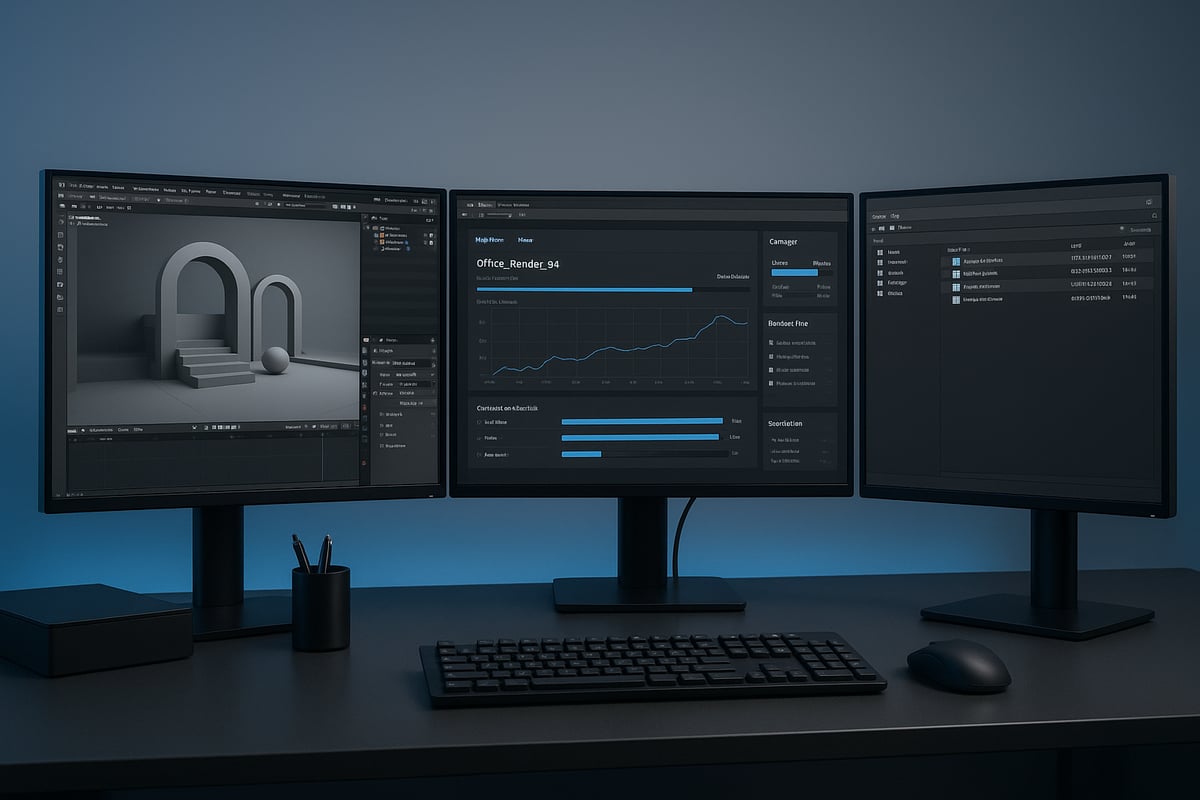
Preparing Your Blender Project for the Cloud
Before starting any blender cloud render, organizing your project is essential. Begin by gathering all assets—textures, caches, and linked files—into a single directory. This prevents missing files after upload and streamlines the process.
Switch all asset paths in Blender to relative paths. This step is crucial for cloud compatibility, ensuring that every reference remains intact no matter where the files are processed. Double-check your Blender version and render engine to match the requirements of your chosen cloud farm.
Optimize your scene for performance. Delete unused objects, apply modifiers, and pack external data into the .blend file. Run a test render locally at a reduced resolution to catch any errors early. Some platforms, like RebusFarm, offer plugins that automate asset repathing, reducing manual effort.
For those aiming for photorealistic results, review best practices outlined in the guide to photorealistic rendering success. This resource complements your blender cloud render preparation, helping you achieve both speed and realism.
Submitting a Render Job: Chronological Workflow
With your blender cloud render project ready, follow these steps to submit your job:
- Register and Set Up an Account: Visit your selected cloud platform and create an account. Fill out your profile and verify your email.
- Install Required Plugins: Download and install any needed plugins, such as Rebus Farminizer or the iRender desktop app, directly into Blender.
- Configure Render Settings: Open your project in Blender. Set the output format, resolution, and frame range. Double-check your camera and lighting settings for accuracy.
- Upload Project Files: Use the plugin or web dashboard to upload your .blend file and all associated assets. Confirm that every texture and cache is included.
- Select Hardware Configuration: Choose the number and type of GPUs or CPUs. Platforms like iRender allow you to pick from multi-GPU nodes, which can dramatically reduce render times.
- Set Job Parameters: Choose job priority, enable notifications for completion or errors, and select the output location for your files.
- Submit and Monitor Progress: Start your blender cloud render. Track progress through the dashboard, which provides real-time updates and frame previews.
- Download Completed Results: Once rendering is finished, download your frames or animation directly to your chosen folder. Many services offer automatic download features for convenience.
For example, RebusFarm’s ControlCenter enables live job tracking and asset management, making it easy to adjust settings or troubleshoot issues mid-process.
Managing and Monitoring Cloud Renders
Effective management is key to maximizing blender cloud render efficiency. Use your platform’s dashboard to monitor progress, view error alerts, and preview completed frames.
Pause or resume jobs if priorities shift. Many cloud farms provide team collaboration features, letting you assign jobs or manage user permissions through tools like RebusFarm TeamManager.
Download options are flexible: choose batch, incremental, or auto-download based on your workflow needs. Set up notifications—via email, SMS, or in-app alerts—for job completion or errors, so you stay informed without constant manual checking.
Platforms such as iRender offer server rental flexibility, allowing you to scale your blender cloud render resources up or down to meet peak demand.
Retrieving and Assembling Final Renders
After your blender cloud render completes, download the files in your preferred format, such as JPG, PNG, or EXR. Always verify that all frames are present and free of corruption before moving to the next step.
If your project uses external assets, re-link them as needed for compositing or post-processing. Assemble the frames into a final animation using Blender’s Video Sequence Editor or another editing tool of your choice.
Maintain best practices for archiving and backup. Store both the original project files and the finished renders in secure, redundant locations to prevent data loss.
Troubleshooting Common Issues
Even a well-prepared blender cloud render can encounter obstacles. Common problems include missing textures due to incorrect paths, version mismatches that cause errors, or render failures from unsupported plugins.
If you run into issues, consult your platform’s knowledge base or reach out to support. Many users praise RebusFarm’s support team for quick, effective solutions, ensuring minimal downtime for your blender cloud render projects.
Advanced Optimization Strategies for Blender Cloud Rendering
Optimizing your blender cloud render workflow is crucial for maximizing speed, minimizing costs, and delivering top-tier results. Whether you are an individual artist or a studio, mastering these advanced strategies will ensure you get the most out of cloud-based rendering in 2026.
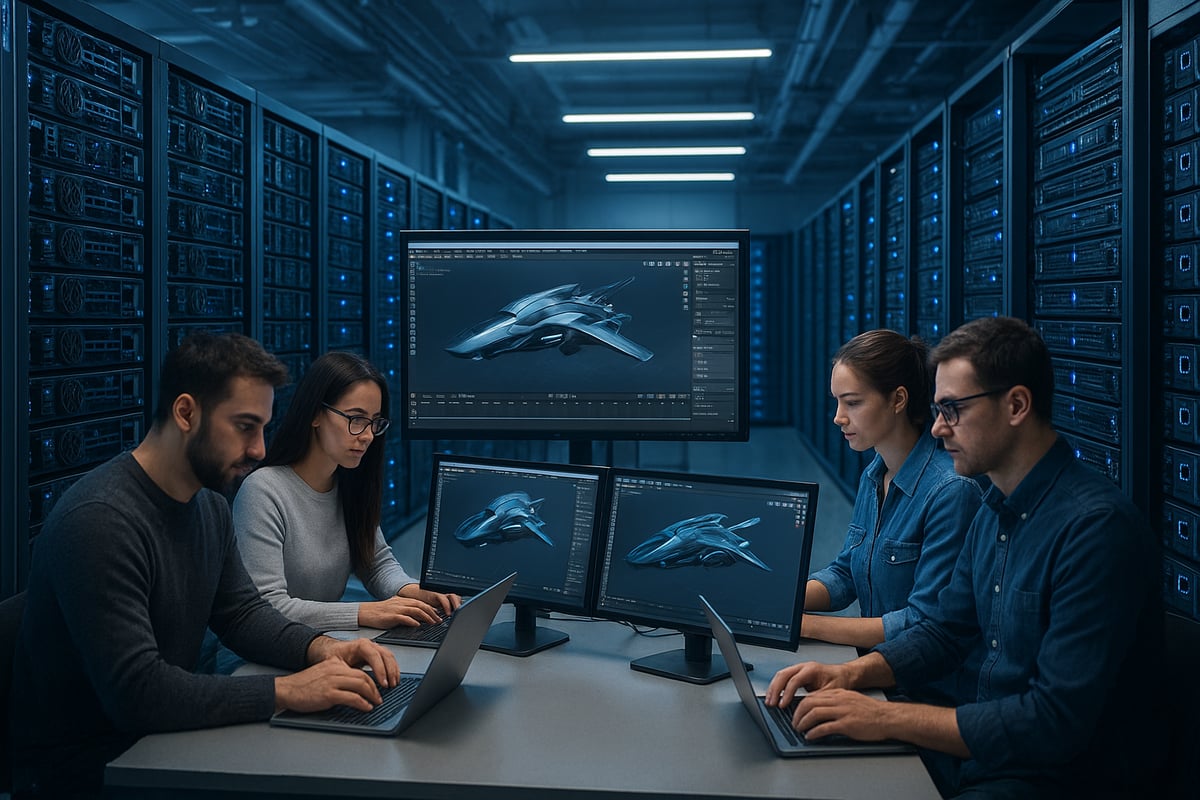
Reducing Render Times and Costs
To achieve efficient blender cloud render outcomes, start by optimizing your scene. Use instancing for repeated objects and reduce polygon counts where possible. Limit subdivision levels and avoid unnecessary geometry that slows down rendering.
Fine-tune your render settings by lowering sample rates for previews and enabling denoising to maintain image quality. Optimize ray depth and use simplified shaders when appropriate. Split complex scenes using render layers and passes to isolate elements, making troubleshooting and compositing more manageable.
Always test your setup with a small frame range before launching a full-scale blender cloud render job. This helps catch issues early and avoids costly reruns.
Many platforms offer calculators to estimate costs and render times. Multi-GPU rendering, as seen in case studies from iRender, can decrease completion times by up to 70 percent. For a data-driven approach, review performance insights in Benchmarking Rendering Software on Compute Engine to better understand how Blender performs on various cloud hardware.
Leveraging Multi-GPU and Distributed Rendering
Distributed rendering splits your blender cloud render tasks across multiple GPUs or nodes, allowing for parallel processing of frames or tiles. This approach is essential for large animations or high-resolution stills, where single-GPU solutions would take too long.
Choosing a render farm with high-end GPU clusters, such as 8x RTX 4090 nodes, maximizes throughput. Both iRender and RebusFarm support this distributed model, enabling users to tackle demanding projects without bottlenecks.
However, be mindful of diminishing returns. While adding more nodes generally speeds up a blender cloud render, overhead and resource contention can limit gains beyond a certain point. Monitor job performance and adjust node count for the optimal balance between speed and cost.
Asset Management and Data Transfer Best Practices
Efficient asset management is a key factor in successful blender cloud render projects. Compress and archive your project files before upload to minimize transfer times. If your chosen platform supports it, use integrated cloud storage for even faster access.
Avoid using excessively large textures or unnecessary cache files, as these inflate upload and storage costs. Organize all assets clearly, and use relative paths in Blender to prevent missing file errors during cloud rendering.
Tools like the RebusFarm plugin automate asset repathing, reducing manual effort and ensuring a smoother workflow for your blender cloud render submissions.
Balancing Quality vs. Speed
Choosing the right render engine is crucial for balancing quality and speed in your blender cloud render. Cycles excels at photorealism, while Eevee offers rapid feedback for previews and animation tests.
Adjust render settings for different stages of production. Use lower sample rates and faster engines for drafts, then switch to high-quality settings for final output. Denoising and compositing can enhance lower-sample renders, saving both time and money.
Experiment with hardware configurations to find the best cost-to-performance ratio. For a deeper dive into achieving realism and optimizing your workflow, consult the Realistic Blender renders guide to refine your approach.
Future Trends: The Evolution of Blender Cloud Rendering in 2026 and Beyond
The future of blender cloud render is poised for remarkable transformation, driven by rapid advances in technology, workflow integration, and creative demand. As studios and artists push the boundaries of 3D graphics, cloud-based rendering is evolving to deliver even greater speed, intelligence, and flexibility.
AI-Driven Render Optimization
Artificial intelligence is revolutionizing blender cloud render by automating complex optimization tasks. AI algorithms now analyze scenes, automatically adjusting sampling rates, denoising settings, and resource allocation for the best balance of speed and quality. These smart systems minimize render times and costs, freeing artists to focus on creativity. As highlighted in Future of 3D rendering trends, AI-powered automation is set to become a core feature of next-generation render farms.
Integration with Real-Time Engines and Hybrid Workflows
Blender cloud render is increasingly merging with real-time engines such as Unreal and Unity. This hybrid approach enables artists to blend pre-rendered assets with real-time interactive elements for virtual production, live collaboration, or rapid prototyping. The result is a seamless workflow that bridges traditional rendering with the agility of game engines, empowering studios to deliver immersive content faster than ever.
Expansion of VR/AR Rendering
Demand for immersive experiences is fueling the expansion of VR and AR rendering on the cloud. Blender cloud render platforms are adding support for stereoscopic and 360-degree output, making it easier to create virtual environments and interactive product demos. This trend is opening new opportunities for architects, marketers, and filmmakers to engage audiences in unprecedented ways.
Enhanced Plugin and Python Scripting Support
The blender cloud render ecosystem is evolving to support custom plugins and advanced Python scripting. According to the Blender Development Roadmap 2026, upcoming versions will enhance Cycles, non-photorealistic rendering, and scripting capabilities. Cloud environments are adapting, allowing studios to run tailored pipelines and automate repetitive tasks, further boosting productivity.
Decentralized Networks and Environmental Sustainability
New decentralized, peer-to-peer render networks are emerging, enabling users to share computing resources globally. At the same time, sustainability is becoming a priority. Leading blender cloud render providers are investing in green energy and more efficient data centers, reducing the carbon footprint of large-scale 3D production. Market research cited in Future of 3D rendering trends predicts 20% annual growth, driven by these innovations.
Market Growth, Collaboration, and Industry Predictions
Studios are already leveraging blender cloud render for virtual production, live editing, and global teamwork. As workflows become more collaborative, cloud rendering will be the standard backbone for professional 3D pipelines. The future promises even greater creative freedom, letting artists and teams worldwide realize their visions without hardware barriers.

