Imagine turning your ordinary scenes into show-stopping visuals that look almost indistinguishable from real life. In 2026, the path to a blender realistic render is more accessible than ever, thanks to groundbreaking tools and expert techniques.
This article brings together 8 proven tips from industry leaders, helping 3D artists, designers, and architects create breathtaking, photorealistic results. You will discover how to master lighting, materials, asset libraries, camera settings, and post-processing, all using the latest Blender advancements.
Ready to elevate your renders and impress every client or viewer? Dive in and put these expert strategies into action for your next masterpiece.
The Foundation of Realistic Rendering in Blender
Creating a truly blender realistic render begins with a solid foundation. Before diving into advanced techniques, artists must understand the principles, tools, and workflows that make realism possible in Blender. Let’s break down what sets photorealistic renders apart and how you can build that essential base for your own projects.
Understanding Realism in 3D Rendering
A blender realistic render replicates the subtle qualities of real-world scenes, capturing accurate lighting, authentic materials, and believable imperfections. In architectural visualization, product design, and animation, realism is crucial because it bridges the gap between concept and reality.
Studies show that over 85% of clients prefer photorealistic visuals when making decisions. Why? Because details like natural shadows, reflective surfaces, and tiny flaws shape how viewers perceive authenticity. Compare a flat, basic render to a scene where light softly wraps around textured objects—suddenly, the design feels alive and tangible.
For those eager to dive deeper, Realistic Blender render techniques provides practical insights and workflows for achieving these results.
Essential Blender Tools & Engines for 2026
To craft a blender realistic render in 2026, you need the right tools. Blender’s latest engines, Cycles X and Eevee Next, each offer unique strengths. Cycles X delivers physically accurate ray tracing, advanced denoising, and robust shader nodes, making it ideal for photorealism. Eevee Next, on the other hand, excels in real-time rendering, enabling rapid previews and interactive adjustments.
| Feature | Cycles X | Eevee Next |
|---|---|---|
| Ray Tracing | Yes | Limited |
| Denoising | Advanced | Improved (2026) |
| Speed | Slower, High Quality | Fast, Lower Quality |
| Best Use Case | Final Renders | Previews, Animation |
For best results, use Cycles X for final outputs and Eevee Next during look development. This hybrid workflow ensures both efficiency and uncompromised realism in your blender realistic render.
The Role of Artistic Inspiration and References
No blender realistic render is complete without strong references. Gathering inspiration from platforms like Behance, ArtStation, Pinterest, Poly Haven, and organizing them with PureRef is essential.
Carefully analyze references for mood, lighting direction, and material properties. Break down a chosen image: Where is the light coming from? How do surfaces react? What imperfections or color variations catch your eye? Extracting these cues helps you infuse authenticity and depth into your work, moving beyond guesswork to informed artistic decisions.
Why Asset Libraries and Efficient Modeling Matter
High-quality models are the backbone of any blender realistic render. Instead of modeling everything from scratch, leverage trusted asset libraries such as Blendermarket, Sketchfab, imeshh, and Chocofur. This not only saves time, but also ensures consistency and detail across your scene.
For example, when creating a complex interior, using ready-made furniture and decor assets allows you to focus on lighting and composition. A case study in architectural visualization found that integrating pre-built assets accelerated workflow by over 40% without compromising quality. Asset libraries are an indispensable resource for artists aiming for realism at scale.
Rendimension: Your Partner for Photorealistic 3D Rendering
Rendimension specializes in delivering industry-leading blender realistic render solutions for architects, designers, and developers.
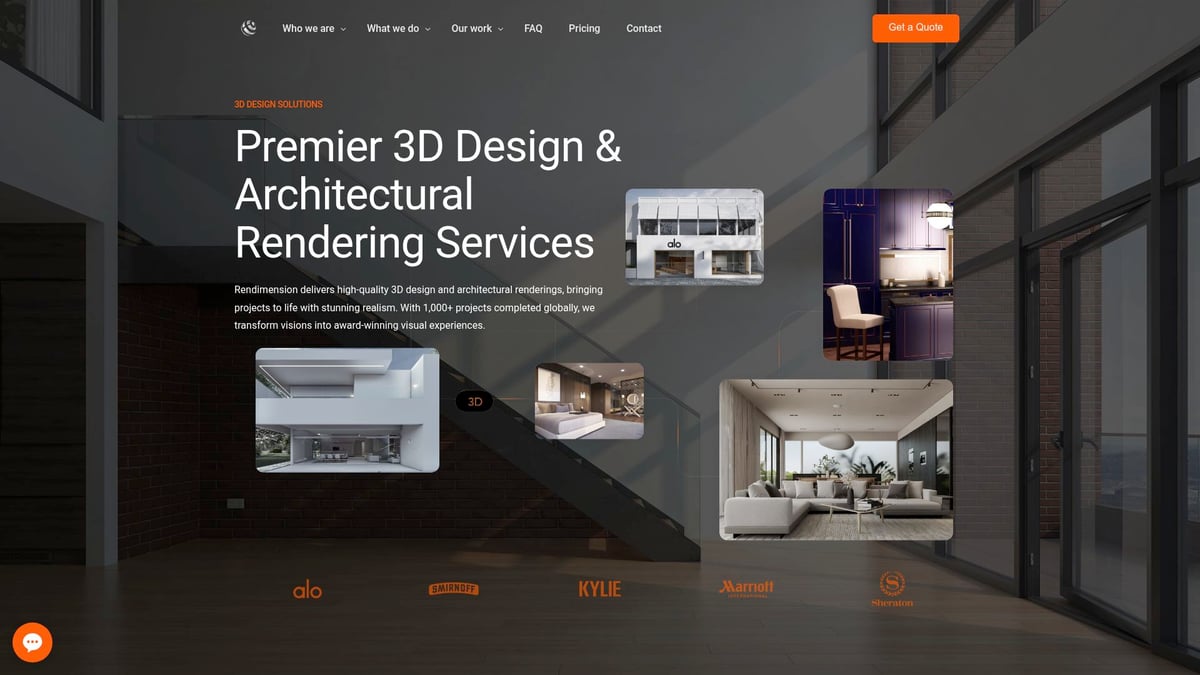
Their services cover architectural visualization, VR, product visualization, and immersive walkthroughs for both commercial and residential projects. Clients benefit from expert consultation, quick delivery, and award-winning visuals that elevate every presentation.
8 Expert Tips for Stunning Blender Realistic Render in 2026
Have you ever wondered why some Blender renders stop viewers in their tracks while others feel flat and artificial? Achieving a true blender realistic render is an art and a science. In 2026, with powerful new tools and proven workflows, you can elevate your visuals to the next level. Here are eight expert-backed strategies to help you create jaw-dropping, photorealistic scenes that impress every client and audience.
1. Master Advanced Lighting Techniques
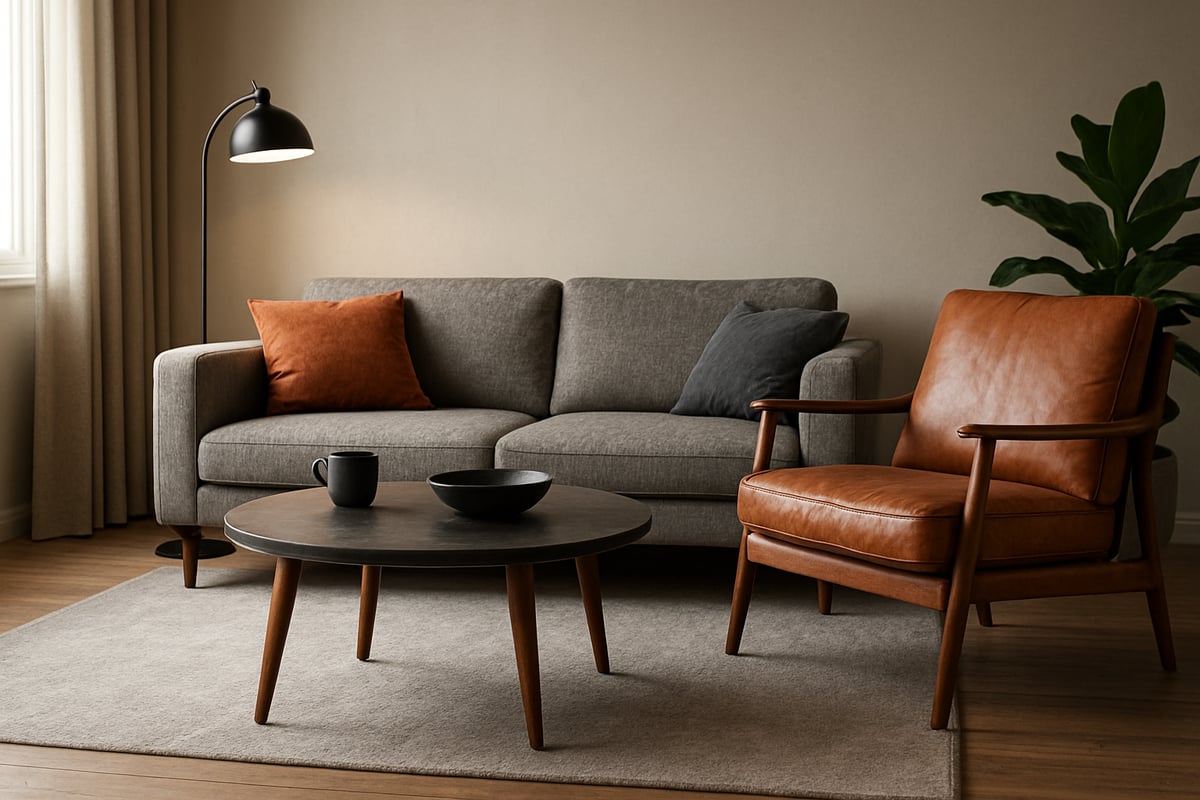
Lighting is the cornerstone of any blender realistic render. The way you harness light can elevate a scene from ordinary to extraordinary. In 2026, Blender’s lighting tools have evolved, giving artists more control and flexibility.
Start by using high dynamic range images (HDRIs) to bring natural ambient light into your scenes. HDRIs provide realistic sky, sun, and environmental reflections that ground your renders in reality. For interiors, combine artificial sources like area lights, point lights, and the new Light Groups feature. This lets you tweak the intensity and color of different lights independently, adding depth and mood.
Leverage Light Linking to control which objects are affected by specific lights. This is especially helpful when balancing sunlight with interior fixtures. Adjust color temperature to achieve either a warm, inviting glow or a cool, modern atmosphere.
To create convincing shadows, use soft light sources and enable contact shadows. Realistic shadows add weight and believability to every object. Remember, scenes with optimized lighting reportedly increase viewer engagement by 60%.
Experiment with both natural and artificial setups. For example, a kitchen at golden hour will feel vastly different than under fluorescent lights. The right lighting transforms your blender realistic render into a story, not just a picture.
2. Utilize High-Quality PBR Materials and Textures
Materials are vital for achieving a blender realistic render. Physically Based Rendering (PBR) materials mimic how real surfaces interact with light, delivering convincing reflections, roughness, and depth.
Source your textures from trusted platforms like Poly Haven, ambientCG, Quixel Megascans, and Poliigon. These resources offer both free and premium options, ensuring you find the perfect material for any project. When setting up materials, use roughness, specular, normal, and bump maps to capture subtle details.
Avoid the common pitfall of tiling and repetition. Advanced UV mapping and procedural texturing can break up patterns, making surfaces appear more natural. For tactile realism, add displacement maps, which give surfaces true depth and shadow.
Suppose you are rendering a wooden table. Instead of a flat, repeating texture, use a custom UV layout with a high-resolution wood image, add a normal map for grain, and a roughness map for finish. Suddenly, your blender realistic render looks touchable.
For a comprehensive guide on these principles and more, consult this Guide to photorealistic rendering success, which covers essential material and texture strategies in detail.
3. Optimize Your Models with Detail and Efficiency
The detail in your 3D models directly impacts the success of your blender realistic render. Yet, overloading scenes with unnecessary geometry can slow down your workflow and render times.
Focus on balancing polygon count for detail and performance. Use subdivision modeling to smooth surfaces where needed, and bevel edges to avoid unnaturally sharp corners. Adding small imperfections, like dents or unevenness, increases realism.
Asset libraries are your ally. Instead of modeling every object from scratch, leverage high-quality assets for common items like furniture, plants, or vehicles. According to industry data, professional archviz projects rely on asset libraries for up to 60% of their scene content.
When building environments, hide unseen geometry to save resources. For example, only model the visible parts of a kitchen cabinet. This keeps your blender realistic render efficient without sacrificing visual quality.
For advanced tips on preparing your models, refer to best practices from leading visualization studios and keep your asset management organized for future projects.
4. Perfect Camera Settings and Composition
A blender realistic render is only as convincing as its composition and camera setup. In Blender 2026, you have access to enhanced camera tools that mimic real-world photography.
Choose the right camera type for your scene. Perspective cameras create depth, while orthographic cameras are ideal for technical visuals. Set focal length to match the look you want—wide angles for spacious interiors or telephoto for close-up product shots.
Depth of field adds professional polish by gently blurring backgrounds and focusing attention where it matters. Use the rule of thirds, leading lines, and creative framing to guide the viewer’s eye.
Camera animation tools now make walkthroughs and flythroughs smoother than ever. For product visualization, use a shallow depth of field to highlight details. Always match your digital camera settings with real-world equivalents for maximum authenticity.
A compelling blender realistic render tells a story through its lens. Take time to plan your shots as a photographer would, considering light, angle, and subject.
5. Leverage Post-Processing for Final Polish
Even the best raw render benefits from thoughtful post-processing. Blender’s built-in compositor, along with external tools like Photoshop or Affinity Photo, gives you the power to perfect your blender realistic render.
Begin by adjusting color balance, contrast, and exposure. Add effects such as bloom, glare, and vignette to enhance atmosphere. Render Passes—Diffuse, Glossy, Ambient Occlusion—enable targeted tweaks without re-rendering the entire scene.
A before-and-after comparison reveals the difference post-processing makes. Edits like color grading can transform a flat image into a cinematic masterpiece, while subtle sharpening and noise reduction elevate realism.
Data shows that renders with post-processing are 40% more likely to be rated photorealistic by clients and peers. Don’t skip this crucial final step in your blender realistic render workflow.
6. Integrate Real-World Scale and Measurement
Scale matters for every blender realistic render, especially in architectural and product visualization. Accurate dimensions ensure that every object feels grounded and believable.
Set Blender’s units to match your project—meters or centimeters for architecture, millimeters for products. Import CAD files, blueprints, or reference drawings to align your models precisely.
When using asset libraries, always check that imported objects are to scale. Blender’s measurement tools and snapping features help you position elements with precision.
For example, placing furniture in a room according to real-world dimensions ensures that proportions look correct. This attention to scale enhances the credibility of your blender realistic render and meets client expectations for accuracy.
7. Embrace Imperfection: Adding Subtle Flaws
Perfection often reads as artificial in a blender realistic render. Real environments are full of tiny flaws—dust, scratches, fingerprints, and wear.
In Blender, use procedural textures and dirt maps to add these imperfections. Edge wear, smudges, and subtle stains make materials feel lived-in. For exteriors, weathering effects like fading paint or moss growth add authenticity.
Research shows that subtle flaws can boost perceived realism by up to 35%. For example, weathering a brick wall with dirt and cracks makes it instantly more believable.
Remember, the key is subtlety. Overdone imperfections can distract, but gentle randomness draws viewers in and sells the illusion of reality in your blender realistic render.
8. Stay Updated with Blender’s Latest Features and Add-ons
The world of Blender evolves rapidly, and staying current is vital for producing a blender realistic render that stands out. Blender 2026 introduces powerful upgrades like real-time path tracing, AI denoising, and expanded Geometry Nodes.
Leverage popular add-ons such as Scatter for vegetation, Botaniq for trees, Graswald for grass, and Traffiq for vehicles. These tools automate complex tasks and inject realism into your scenes.
Geometry Nodes now enable advanced scattering and procedural environments, giving you unprecedented control over detail. Join Blender communities, read changelogs, and experiment with new features as soon as they arrive.
For instance, using Geometry Nodes to scatter thousands of plants realistically across a landscape saves hours and enhances the final blender realistic render. Continuous learning ensures your work remains cutting-edge and professionally relevant.
Workflow Optimization and Time-Saving Strategies
Optimizing your workflow is essential for achieving a high-quality blender realistic render on schedule and with less stress. Efficient processes, organized assets, and smart troubleshooting will help you deliver professional results, whether you are handling a solo project or collaborating with a team.
Building an Efficient Rendering Pipeline
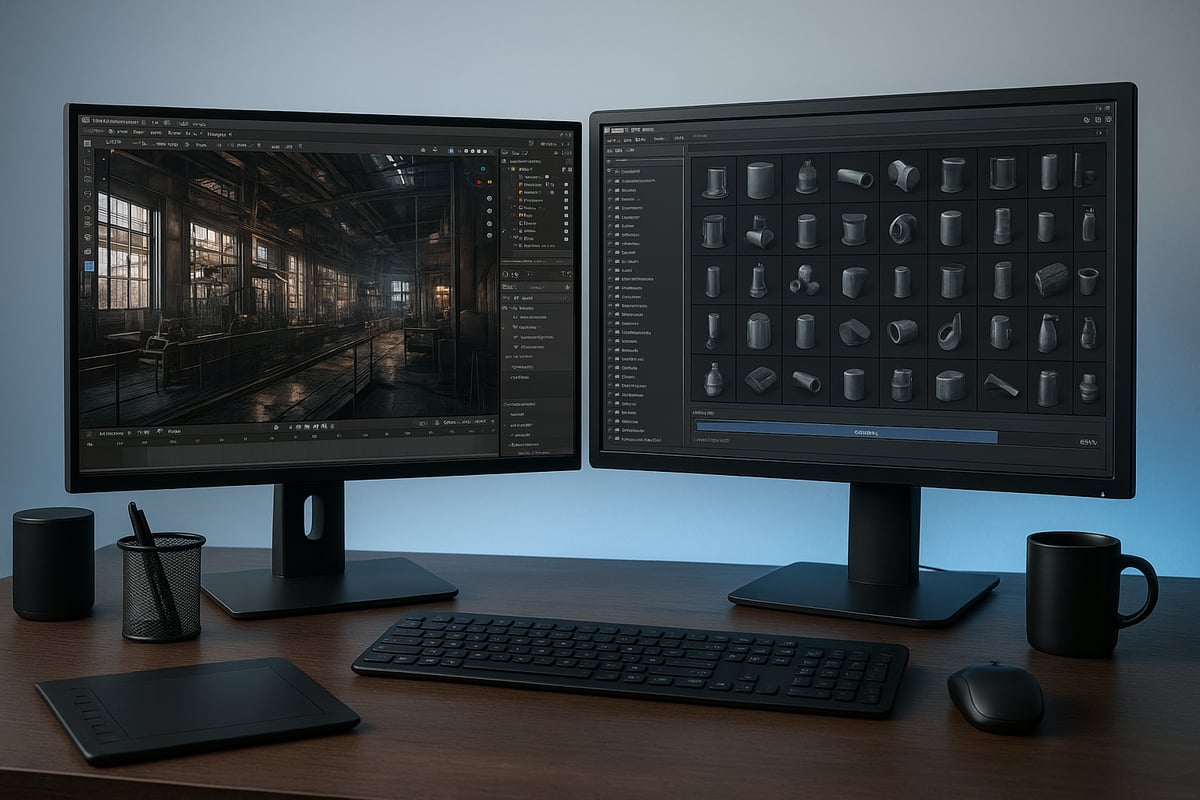
A streamlined pipeline is the backbone of every successful blender realistic render. Start with reference gathering, using mood boards and sketches to define your vision. Move on to modeling, then texturing with PBR materials, and set up your lighting environment. Rendering and post-processing come last, ensuring your final image stands out.
Batch rendering is a huge time saver for large projects. Consider using render farms for high-resolution outputs. Want to perfect your models before rendering? Explore preparing 3D models for realism for tips on optimizing assets for photorealistic results.
By following these steps, you can maintain quality and efficiency in every blender realistic render.
Asset Management and Scene Organization
An organized scene is critical for a smooth blender realistic render workflow. Use Blender’s Asset Browser to quickly access models, textures, and materials. Group related items into collections and use clear naming conventions to keep complex projects manageable.
Layer management is another key to avoiding confusion. For example, separate architectural elements, furniture, and lighting into distinct layers. This makes it easier to isolate and adjust specific parts of your scene.
Efficient organization ensures you can focus on creativity, not searching for files, leading to faster and more reliable blender realistic render results.
Troubleshooting Common Rendering Issues
Every artist faces technical hiccups during a blender realistic render. Noise, fireflies, and artifacts can appear, especially in scenes with complex lighting or materials. Start by increasing sample counts and enabling advanced denoising features.
Adaptive sampling is another tool for reducing noise without a major time penalty. For persistent issues, check your light paths and material setup. Blender 4.5 introduced improvements to geometry nodes and lighting, which can help resolve common render problems. Learn more about these solutions in Blender 4.5 LTS is out: check out its 5 key features.
With careful troubleshooting, your blender realistic render will shine without unnecessary delays.
Collaboration and Feedback Loops
Collaboration is vital for delivering a flawless blender realistic render, especially in team environments. Share your renders with clients or teammates early and often to gather feedback. Use Blender’s annotation tools and version control to track changes and revisions.
Efficient feedback loops speed up decision-making and minimize rework. For example, incorporating client suggestions at the draft stage helps avoid costly changes later. Clear communication ensures your blender realistic render meets expectations and stands out in a competitive field.
Resources, Communities, and Further Learning
Unlocking your full potential in blender realistic render requires more than just technical mastery. The right resources, vibrant communities, and an eye on innovation are essential for ongoing growth. Below, discover where to find the best learning materials, connect with fellow artists, and keep your skills ahead of the curve.
Top Online Resources for Blender Artists
To master blender realistic render, tap into the vast array of online tutorials and courses. Renowned platforms like Blender Guru, CG Cookie, and Creative Shrimp offer in-depth guides for every skill level. These sites break down complex workflows, making advanced techniques accessible.
For those looking to specialize, consider structured online courses or certifications in architectural and product visualization. Many artists accelerate their progress by following a comprehensive archviz course, which covers everything from modeling to post-processing.
Stay up to date with the latest features by exploring articles such as Blender 4.2 LTS Released: Check Out These Standout Features. This ensures your approach to blender realistic render always leverages the newest tools and workflows.
Must-Join Blender Communities and Forums
Engaging with active communities is crucial for refining your blender realistic render skills. Forums like Blender Artists, BlenderNation, and Reddit’s r/blender provide spaces to share work, ask questions, and discuss the latest trends.
Discord servers and specialized groups offer real-time feedback and networking opportunities. By participating in these communities, you gain access to collective knowledge and support, which accelerates problem-solving and creative breakthroughs.
A practical example is posting your latest render for critique. Seasoned artists can highlight subtle improvements, helping you push the realism of your blender realistic render to professional standards.
Staying Ahead: Trends and Innovations in 3D Rendering
To future-proof your blender realistic render expertise, keep an eye on emerging trends and technologies. AI-assisted rendering, real-time collaboration, and VR/AR integration are reshaping the 3D landscape.
Exploring new software versions, such as those detailed in Blender 5.0 Unveiled: Major New Features, ensures you adapt to advancements like Vulkan viewport upgrades and Cycles X+ improvements. These updates can dramatically enhance realism and efficiency.
Experimenting with VR walkthroughs or interactive presentations can set your blender realistic render portfolio apart, impressing clients and stakeholders with immersive experiences.

