Imagine transforming your 3D visualizations with a single click, instantly accessing a universe of ready-to-use assets that accelerate creativity and efficiency. In 2026, vray cosmos stands as the essential gateway for artists, architects, and designers aiming to elevate their projects with curated, high-quality 3D content. This guide provides a clear, actionable roadmap to help you fully leverage vray cosmos, from exploring its evolving asset library and seamless integration to mastering customization and staying ahead of industry trends. Discover how instant asset access and expert strategies can revolutionize your workflow and unlock your creative potential.
What is Vray Cosmos? The Essential 3D Asset Library Explained
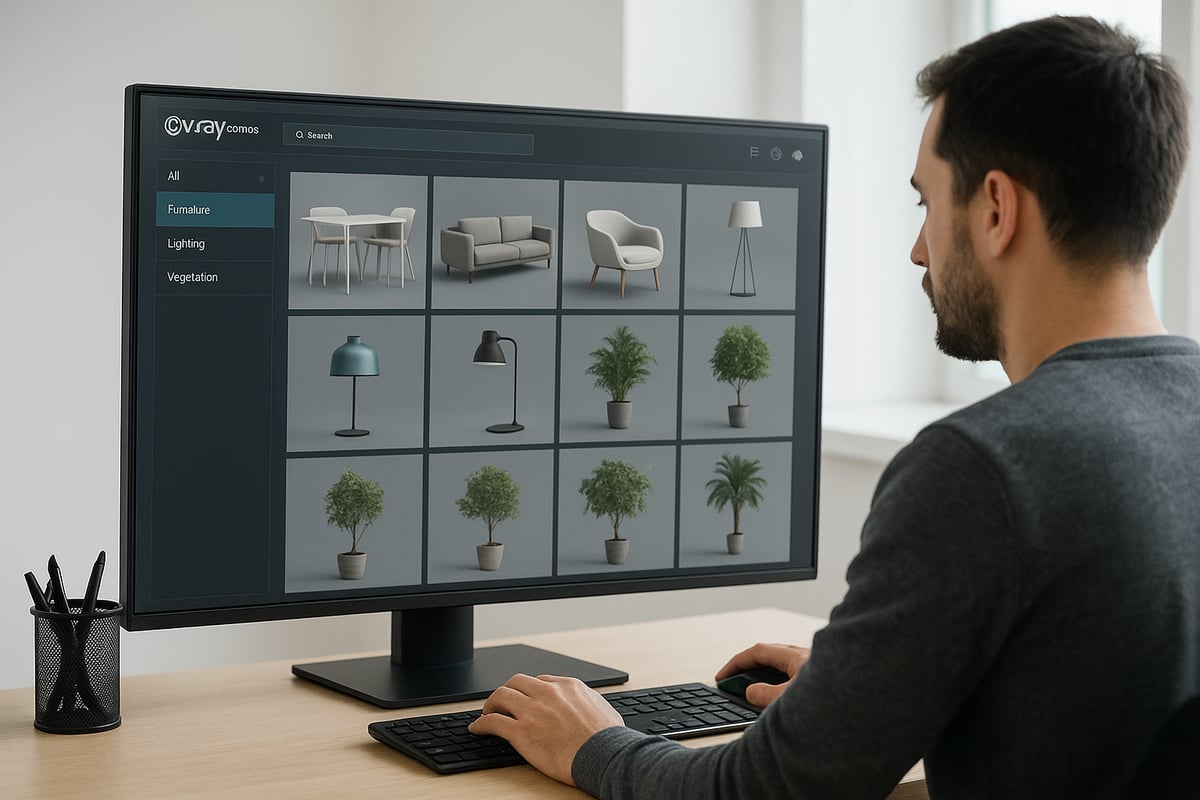
Vray cosmos has rapidly become an essential tool for artists, architects, and designers seeking high-quality 3D assets. It serves as a centralized library, bringing together thousands of expertly curated models and materials to streamline visualization workflows. By offering instant access to a vast selection of ready-to-use assets, vray cosmos empowers users to create stunning, photorealistic scenes efficiently.
The Evolution of Cosmos: From Launch to 2026
Since its introduction, vray cosmos has evolved from a simple asset hub into a cornerstone of the Chaos ecosystem. The platform was launched to address the growing need for accessible, high-quality 3D content that integrates seamlessly with industry-standard visualization tools. Over the years, Cosmos has marked several key milestones, including massive growth in its asset library, with 7,000+ new assets added in 2026 alone.
This expansion has been fueled by strategic partnerships and a dedicated focus on user feedback. Cosmos now supports direct integration with V-Ray, 3ds Max, SketchUp, Rhino, and additional platforms, making it a versatile solution for a wide range of professionals. The library stands out for its quality-driven curation and the ease with which assets can be imported and customized.
A distinguishing feature of vray cosmos is its commitment to both speed and realism. Visualization professionals in architecture, interior design, and product visualization benefit from rapid asset access, enabling faster iterations and higher fidelity in their work. For more details on the recent expansion and its impact on the industry, see Chaos Cosmos adds 30,000 assets.
Core Asset Categories and Types
The vray cosmos library is organized into several core asset categories, each designed to meet the diverse needs of visualization professionals. Users can find everything from furniture, lighting, and vegetation to vehicles, people, and decor accessories. This variety allows for the creation of detailed, realistic scenes across different project types.
Materials are another vital component, with libraries featuring wood, stone, metal, glass, and fabric options. High-dynamic-range images (HDRIs) and environmental assets enable users to achieve natural lighting and atmospheric effects. Each asset in vray cosmos meets strict quality standards, ensuring optimized geometry and textures for efficient rendering.
Some of the most popular assets in 2026 include smart home technologies, sustainable materials, and advanced lighting fixtures. The library’s ongoing expansion ensures that users always have access to the latest trends and innovations in 3D visualization.
Whether you are designing a modern office, a lush garden, or a detailed product mockup, vray cosmos offers the flexibility and breadth needed to bring any creative vision to life.
How to Access and Integrate Cosmos Assets in Your Workflow
Unlocking the full capabilities of vray cosmos begins with a streamlined setup and a clear understanding of its integration process. Whether you are new to 3D asset libraries or a seasoned visualization expert, following best practices for access and workflow integration is essential. This section will guide you through every step, ensuring you can leverage vray cosmos efficiently across your favorite platforms.
Getting Started: Setup and Requirements
Before you can use vray cosmos, confirm that your software and hardware meet the minimum requirements. Most modern systems running up-to-date versions of V-Ray, 3ds Max, SketchUp, or Rhino support vray cosmos natively. Check the official documentation for specific OS, RAM, and graphics card recommendations.
| Platform | Supported Version | Notes |
|---|---|---|
| V-Ray (all hosts) | 2024 and later | Native Cosmos access |
| 3ds Max | 2023 and later | Plug-in required |
| SketchUp | 2022 and later | Plug-in required |
| Rhino | 8 and later | Plug-in required |
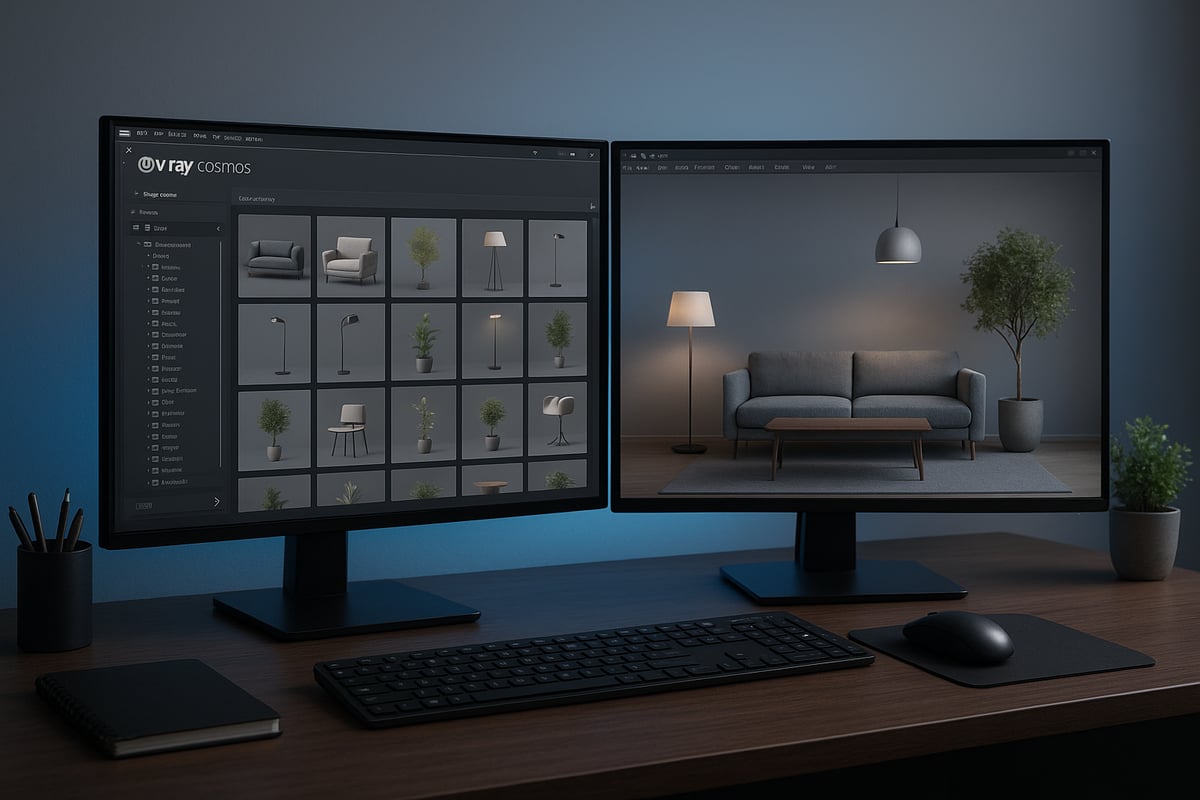
To enable vray cosmos, launch your host application and access the Cosmos Browser from the V-Ray toolbar. The interface allows you to search, filter, and browse thousands of assets. You will need a valid Chaos account and an active V-Ray license for full access. For step-by-step integration instructions tailored to your software, refer to the V-Ray for 3ds Max and SketchUp integration guide.
Importing and Managing Assets
Once vray cosmos is active, importing assets into your project is a breeze. Use the drag-and-drop feature to place models directly into your scene. For precise placement, adjust asset position, rotation, and scale before confirming their location.
To keep your workflow organized, take advantage of asset library management features. Mark favorites for quick access, create custom collections for specific projects, and sync your library automatically to ensure you always have the latest asset updates. Asset metadata, such as polycount and texture size, is displayed for each item to help you optimize scene performance.
Here is a step-by-step example using vray cosmos in a SketchUp workflow:
- Open the Cosmos Browser.
- Search for 'modern chair' and filter by category.
- Drag your selected chair into the scene.
- Adjust scale and orientation as needed.
- Save the asset to your favorites for future projects.
Workflow Integration Best Practices
Maximize the value of vray cosmos by combining its assets with your custom models and materials. Start by importing Cosmos elements, then blend them with unique geometry or proprietary materials to create tailored scenes. Keep an eye on polycount and texture sizes to maintain smooth performance, especially on large projects.
For teams, vray cosmos supports collaborative workflows. Use shared libraries and automatic syncing so all members access the same assets and updates. If you encounter common integration issues, such as missing textures or asset conflicts, consult the troubleshooting section in your host application's documentation.
By following these best practices, you can ensure vray cosmos becomes a seamless, time-saving part of your visualization pipeline. Consistent organization and optimization will help you deliver high-quality, photorealistic results every time.
Customization and Personalization: Making Cosmos Assets Your Own
Unlocking the power of vray cosmos means more than just importing assets. True creativity shines when you tailor these elements to perfectly suit your vision. With robust customization tools, you can transform standard library items into bespoke features that define your project’s unique style.
Editable Parameters and Material Overrides
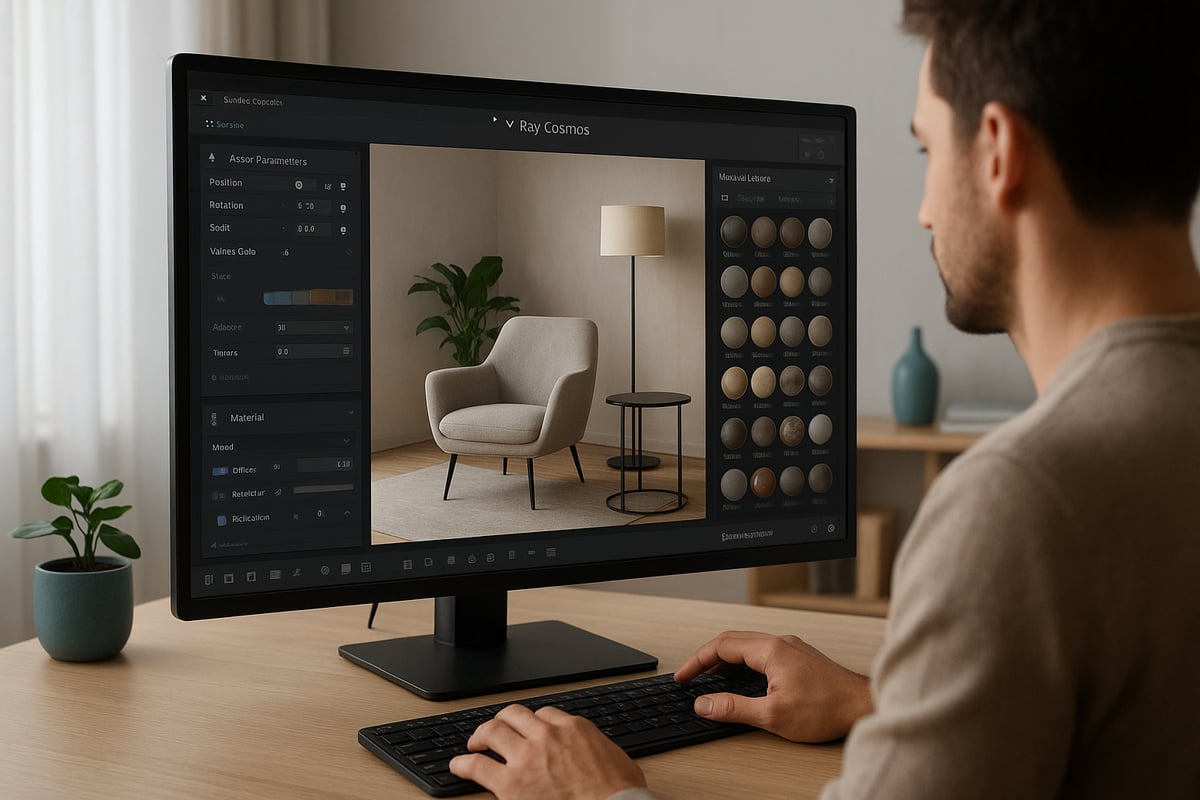
Every asset from vray cosmos is built for flexibility. You can easily adjust scale, rotation, and position to fit your scene’s spatial requirements. This is especially useful when integrating assets into tight spaces or unique layouts.
Material parameters are equally versatile. Change color, glossiness, reflectivity, and more to match your design palette. For example, you might swap a matte wood finish for a high-gloss lacquer or adjust the warmth of a lighting fixture to set the right mood. V-Ray material overrides let you globally update asset appearances, ensuring consistency across large scenes.
Recent advancements make asset customization even simpler. With the addition of AI-powered material creation tools, artists can generate unique surfaces and finishes directly within vray cosmos. This opens up new possibilities for personalization and realism. Discover more about these innovations in the Chaos Cosmos introduces AI Material Generator update, which highlights how quickly you can craft one-of-a-kind looks.
Whether you are refining furniture, lighting, or decorative elements, these tools ensure your assets never feel generic. Customization is just a few clicks away with vray cosmos.
Advanced Asset Editing Techniques
Taking vray cosmos assets further involves editing them directly within your preferred host application, such as 3ds Max, SketchUp, or Rhino. These tools allow you to swap out materials and textures, giving assets a branded or stylized appearance that aligns with your project requirements.
You might combine multiple assets to build custom compositions, such as blending different seating options or layering decorative accessories for a unique vignette. Saving these personalized combinations lets you quickly reuse them in future projects, maximizing efficiency.
For teams working on large projects, organizing customized assets into collections streamlines collaboration. Use versioning and naming conventions to track changes and maintain clarity. In addition, advanced users often script repetitive tasks, such as batch-updating material properties or automating asset placement, to accelerate their workflow.
With vray cosmos, the editing process is both intuitive and powerful, enabling professionals to deliver tailored, high-impact visuals that stand out.
Tips for Consistent Visual Styles
Maintaining a cohesive visual style is critical when using vray cosmos across large or multi-phase projects. Start by selecting assets that complement your existing design palette. Adjust colors and materials to ensure every element feels intentional and unified.
Batch editing is a valuable strategy for updating multiple assets simultaneously. This approach saves time and guarantees consistency, especially when working with extensive libraries. Use asset tagging and metadata to categorize items by style, finish, or project phase for easier retrieval and management.
Regularly review and update your asset collections as your design language evolves. By aligning vray cosmos assets with your brand standards and project goals, you ensure every render is polished and professional. Consistency not only enhances aesthetics but also strengthens your creative identity.
The Expanding Cosmos Library: What’s New in 2026?
The vray cosmos library has reached new heights in 2026, reshaping how professionals access and utilize 3D assets. With an ever-growing selection, the platform continues to set the benchmark for quality, versatility, and innovation in visualization workflows.
Major Updates and New Asset Collections
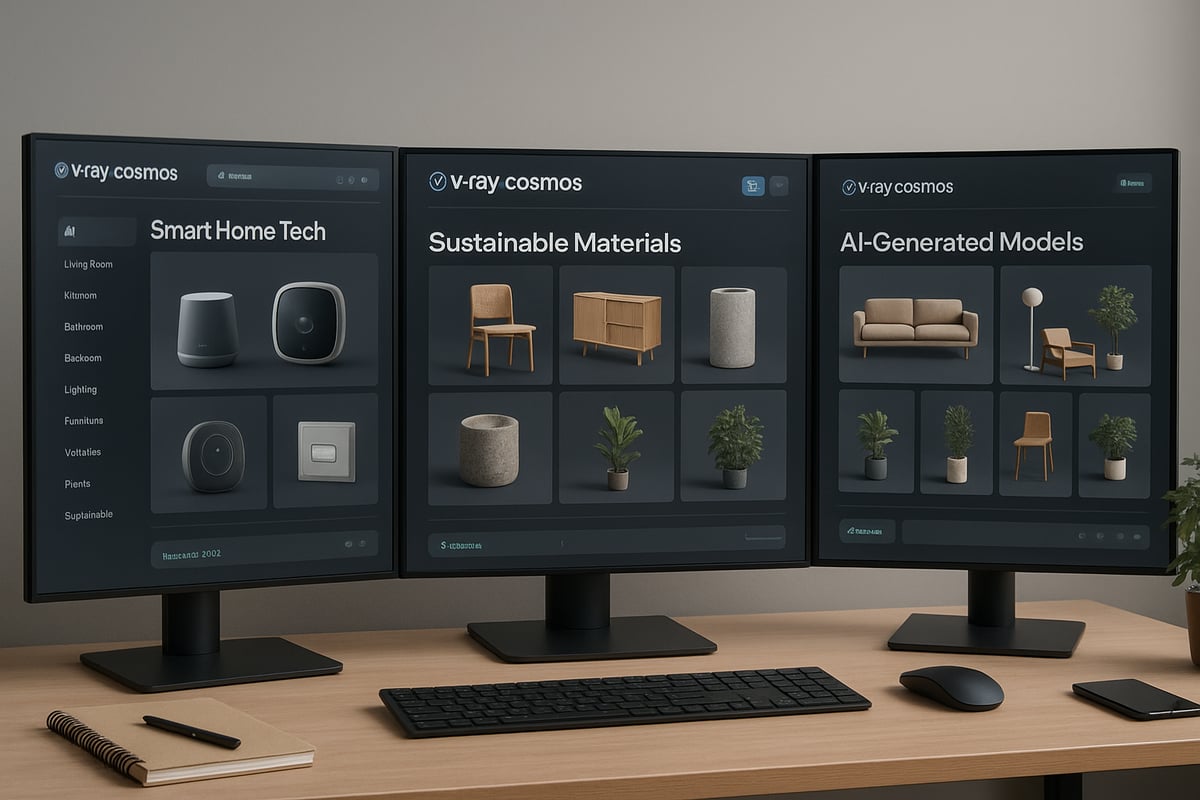
This year, vray cosmos introduces over 7,000 new assets, marking its most significant expansion to date. The library now features advanced categories such as smart home technology, sustainable building materials, and a wave of AI-generated models. These additions reflect the industry’s shift towards intelligent, eco-conscious design and digital innovation.
The materials library has also been enhanced, offering new photorealistic surfaces and full PBR (Physically Based Rendering) compatibility. Users benefit from more realistic woods, stones, metals, and fabrics, enabling higher fidelity in every render.
A major highlight of 2026 is the integration of exclusive content through strategic partnerships. Collaborations with leading asset creators, such as Evermotion and Globe Plants, have added thousands of meticulously crafted models to the platform. For a deeper look at these collaborations and the influx of new assets, see how Chaos Cosmos partners with Evermotion and Globe Plants.
The result is a robust, diverse ecosystem where users can quickly find and deploy assets that align with the latest design trends.
Trends Shaping the Cosmos Library
The vray cosmos community is driving asset evolution through feedback and demand. In 2026, there is a clear preference for eco-friendly and biophilic models, mirroring global sustainability goals. Designers are increasingly seeking assets that support green architecture, from renewable materials to energy-efficient lighting.
AI-powered asset generation is another major trend, enabling the rapid creation and customization of 3D models. This technology allows users to tailor assets to specific project needs, reducing time spent on manual adjustments.
User-driven requests shape the library, as professionals submit feedback and vote on new asset categories. Usage statistics highlight a surge in demand for environment assets, smart technology, and adaptive materials. These insights ensure that vray cosmos remains at the forefront of visualization innovation, continually evolving to meet the needs of architects, designers, and artists.
Real-World Applications: Cosmos in Architectural Visualization, Design, and More
Imagine having a digital toolkit that brings any creative vision to life in seconds. With vray cosmos, professionals across industries turn this dream into reality, harnessing a vast asset library to streamline workflows and boost project quality. Let us explore how vray cosmos is revolutionizing visualization and design in 2026.
Architectural Visualization Case Studies
Architects and visualization artists rely on vray cosmos to accelerate project delivery and enrich visual storytelling. Whether crafting residential interiors, designing commercial spaces, or visualizing urban environments, ready-to-use assets save countless hours.
For instance, a design team working on a mixed-use development can populate entire scenes with curated furniture, vegetation, and lighting from vray cosmos. This approach cuts asset creation time by up to 70 percent, allowing more energy to be spent on innovation and client engagement.
The impact on presentations is notable. Clients experience detailed, lifelike renders early in the design process, improving communication and speeding up approvals. For a step-by-step breakdown of how vray cosmos integrates into professional workflows, refer to this Architectural visualization step-by-step guide.
Interior and Product Design Use Cases
Interior designers embrace vray cosmos for its diverse selection of materials, lighting, and décor elements. With a few clicks, designers can stage spaces with trending furnishings, experiment with layouts, and rapidly iterate on concepts.
Product visualization also benefits from vray cosmos. Designers can showcase prototypes using photorealistic materials and context-appropriate environments, streamlining client feedback and accelerating go-to-market timelines.
Consider a kitchen renovation project. By leveraging vray cosmos assets, designers present before-and-after visuals that highlight material changes, spatial improvements, and lighting upgrades. This clarity drives client confidence and leads to faster project sign-offs.
| Scene Element | Before vray cosmos | After vray cosmos |
|---|---|---|
| Asset Sourcing | Manual, time intensive | Instant, curated library |
| Material Variety | Limited | Extensive, up-to-date |
| Presentation Speed | Slow | Rapid, iterative |
Beyond Architecture: Advertising, VR, and Animation
The influence of vray cosmos extends well beyond architecture. Advertising agencies use the asset library to create compelling visual campaigns, leveraging realistic props, backgrounds, and lighting for polished results.
In the world of virtual reality, vray cosmos powers immersive walkthroughs and interactive experiences. Animators integrate cosmos assets to populate scenes, reducing production bottlenecks and maintaining visual consistency across frames.
Broader creative fields, such as marketing and product demonstration, also tap into the versatility of vray cosmos. The result is a unified creative pipeline, where quality assets are accessible to everyone, regardless of project scale or industry.
Future-Proofing Your Workflow: Trends, Tips, and Best Practices for 2026 and Beyond
Staying ahead in the visualization industry means adapting quickly to new tools and workflows. With vray cosmos, professionals can safeguard their creative process against rapid changes in technology. By understanding future trends and best practices, you ensure your workflow remains efficient and competitive.
Staying Ahead with Continuous Library Updates
The 3D industry evolves at a remarkable pace, and keeping your asset library current is vital. vray cosmos delivers regular updates, introducing thousands of new models and materials each year. This ongoing expansion ensures professionals have immediate access to the latest design trends, such as sustainable materials and smart technology assets.
Subscription models now make it easier than ever to access the full vray cosmos library. With automatic updates, you never miss out on new releases. Staying informed about these updates allows you to incorporate trending assets into your projects, impressing clients with contemporary visuals.
To further leverage these updates, subscribe to newsletters and follow official channels. This way, you always know when new collections or features become available. By remaining proactive, you can future-proof your asset management and maintain a competitive edge in the visualization field.
Workflow Optimization Strategies
Optimizing your workflow with vray cosmos starts with automation. Enable automatic syncing to ensure all your assets are up to date across different teams and devices. This minimizes manual work and reduces the risk of outdated models in your scenes.
Integrating vray cosmos with cloud rendering services and collaborative platforms streamlines teamwork. Teams can work on the same project simultaneously, sharing access to updated assets in real time. For best results, maintain organized libraries by tagging and grouping assets by category, style, or project type.
Scene quality is equally critical. Regularly review your polycount, textures, and render settings to keep scenes optimized. For more on achieving the highest realism, explore photorealistic rendering techniques that complement vray cosmos assets. These strategies help ensure your visuals are both efficient and visually stunning.
Preparing for the Next Generation of 3D Assets
As technology advances, vray cosmos is poised to integrate even more deeply with emerging platforms. AI-driven and procedural asset generation are on the horizon, promising greater customization and faster asset creation. Staying informed about these developments positions your workflow for future success.
Look for opportunities to connect vray cosmos with new tools, such as augmented reality and real-time engines. For example, the recent Chaos Cosmos integrates with Enscape update demonstrates how real-time visualization is becoming more accessible. Embracing such integrations can transform your creative process and expand your project possibilities.
To build a future-ready asset management strategy, invest in training and encourage your team to experiment with new features. Regularly audit your library to retire outdated content and make room for cutting-edge assets. By doing so, you ensure vray cosmos remains a cornerstone of your workflow for years to come.
Additional Resources and Expert Tips for Mastering Vray Cosmos
Unlocking the full power of vray cosmos means tapping into a wealth of expert knowledge, training, and community support. Whether you are just getting started or looking to refine advanced workflows, the right resources make all the difference.
Learning and Support Tools
Getting comfortable with vray cosmos is easier when you leverage the official learning materials provided by Chaos. Start with the comprehensive documentation and step-by-step tutorials, which walk you through everything from asset browsing to advanced integration.
You can explore webinars, user forums, and active discussion groups to connect with peers and experts. For structured learning, consider online courses and certification paths that cover vray cosmos in depth. If you use Rhino for your workflow, the V-Ray for Rhino rendering guide offers targeted advice on integrating Cosmos assets efficiently.
Support channels and community Q&A help resolve technical issues quickly, keeping your productivity high. Bookmark these resources to accelerate your journey.
Expert Tips for Power Users
To master vray cosmos, go beyond the basics with advanced techniques. Use precise search filters and keyword tagging to organize assets in large-scale projects. Leveraging metadata can help you quickly locate the right 3D models or materials when deadlines are tight.
Create custom collections for different project types, such as residential interiors or product visualizations. For rapid prototyping, save your favorite assets and batch-import them into new scenes. Experiment with drag-and-drop workflows to speed up scene assembly.
Take advantage of version control for assets, ensuring your team always works with the latest updates. Regularly review your asset library to maintain top performance.
Staying Connected with the Cosmos Community
Engaging with the vray cosmos community opens up new avenues for growth and collaboration. Share your feedback on asset quality and suggest new features to help shape future updates. Participating in beta programs gives you early access to upcoming tools and collections.
Join webinars, user groups, and forums to exchange best practices with other visualization professionals. Networking within the vray cosmos ecosystem can lead to new partnerships and creative opportunities.
Stay informed about the latest trends and contribute your expertise. Active participation ensures you are always at the forefront of innovation in 3D asset management.
