Are you curious about how vray for sketchup cost will change in 2026? As the industry evolves, understanding these pricing shifts is vital for architects, designers, and visualization professionals planning their next investments.
This guide provides a detailed breakdown of vray for sketchup cost, licensing options, and value considerations. You will explore new pricing structures, the main factors influencing cost, the debate between subscription and perpetual licenses, educational discounts, and practical budgeting tips.
Stay ahead with actionable insights that help you make informed decisions and maximize your rendering software investment.
Understanding V-Ray for SketchUp: Overview & Key Features
V-Ray for SketchUp is a cornerstone tool for professionals seeking high-quality 3D rendering within SketchUp. To understand vray for sketchup cost, it is essential to examine what the software offers, how it has evolved, and why its features drive value in 2026.
What is V-Ray for SketchUp?
V-Ray for SketchUp began as a plugin to bring advanced rendering to SketchUp’s intuitive modeling environment. Over time, it has become tightly integrated, allowing users to create photorealistic images without leaving SketchUp.
This rendering engine is used by architects, interior designers, product designers, and visualization professionals. Its primary use cases include architectural visualization and product mockups, where high-quality visuals are crucial for client presentations.
Globally, V-Ray for SketchUp has seen widespread adoption, with hundreds of thousands of users leveraging its capabilities. For example, architectural firms use it to turn concept models into images that help secure project approvals.
Core Features Impacting Value
The value proposition behind vray for sketchup cost rests on its robust feature set. Key capabilities include photorealistic rendering, real-time interactive previews, extensive material libraries, and asset management tools.
V-Ray supports both GPU and CPU rendering, giving users flexibility based on their hardware. These features translate into significant time savings and higher-quality client presentations.
For a detailed breakdown of these features, see the V-Ray for SketchUp Key Features page, which highlights how these tools drive efficiency and results.
V-Ray for SketchUp in 2026: What’s New?
In 2026, users can expect vray for sketchup cost to reflect ongoing innovation. Anticipated updates include AI-powered automation, smarter material suggestions, and more intuitive interfaces.
Cloud rendering capabilities will continue to expand, allowing teams to collaborate remotely and render complex scenes faster. Integration with SketchUp 2026 is expected to be seamless, with improved compatibility and workflow enhancements.
These advancements are predicted to deliver even faster rendering speeds and greater efficiency for design teams tackling demanding visualization projects.
Why Cost Matters for Design Professionals
Understanding vray for sketchup cost is vital for architects and designers facing tight budgets. Investment in advanced rendering tools directly affects productivity, project turnaround, and client satisfaction.
Return on investment comes from higher-quality visuals, which can increase project approval rates and strengthen marketing efforts. For example, firms using V-Ray often report improved win rates for new business, thanks to standout presentations.
Evaluating cost against productivity gains ensures professionals make informed decisions that support both creative and financial goals.
V-Ray for SketchUp Pricing Structure in 2026
Understanding the vray for sketchup cost structure in 2026 is crucial for architects, designers, and visualization professionals planning their software investments. The landscape is evolving, with multiple licensing models, add-on expenses, and regional variations shaping your total outlay.
Subscription vs. Perpetual Licensing Models
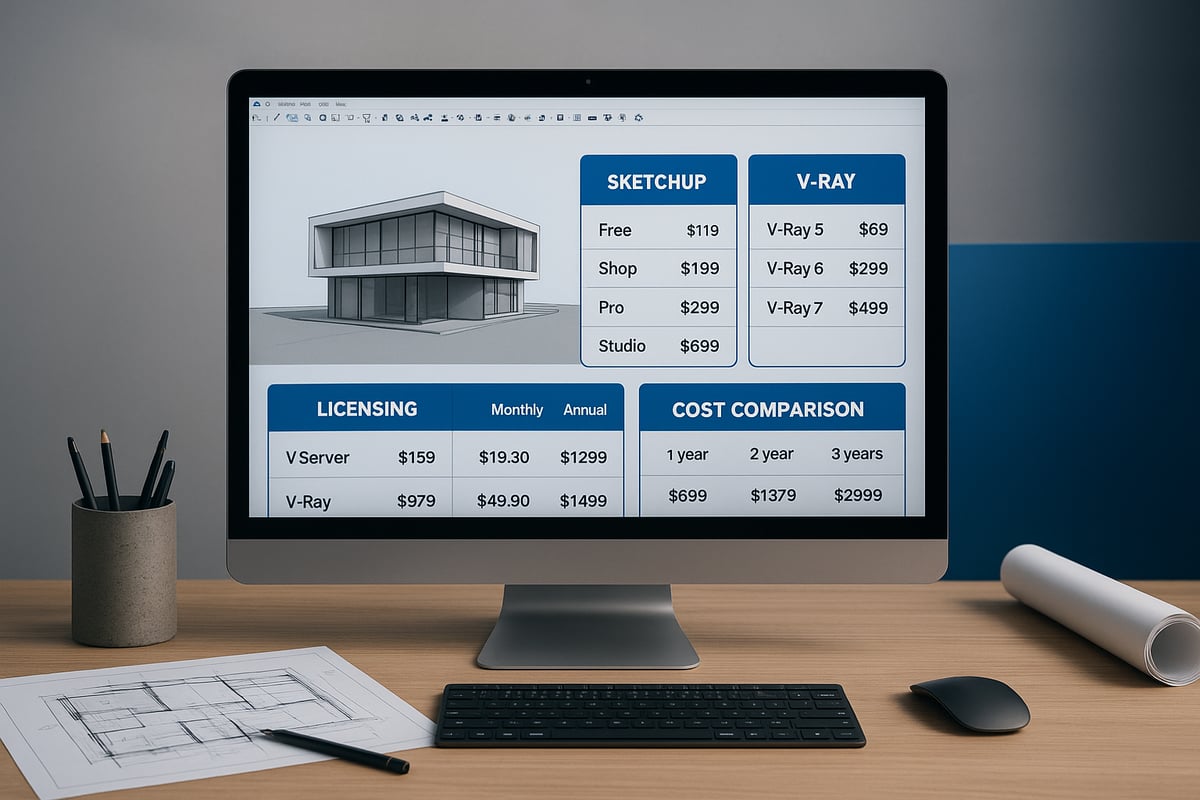
V-Ray for SketchUp has traditionally offered both subscription and perpetual licensing models. In 2026, the majority of users continue to favor subscriptions, but perpetual licenses remain an option for some firms.
Let us compare the two models:
| Model | Upfront Cost | Ongoing Cost | Flexibility | Updates Included | Best For |
|---|---|---|---|---|---|
| Subscription | Low | Monthly/Annual | High | Yes | Freelancers, small teams |
| Perpetual | High | Occasional Upgrades | Lower | Limited | Large firms, institutions |
Subscription licenses provide access to the latest features and updates for a recurring fee. This model offers flexibility, ideal for freelancers or teams with fluctuating project needs.
Perpetual licenses require a larger upfront investment but may result in savings over several years. However, users must pay for major upgrades, and support is often limited after the initial purchase.
Industry statistics suggest over 70% of new V-Ray users select the subscription model, valuing its lower entry cost and consistent updates. The choice between these models has a significant impact on your overall vray for sketchup cost, especially when planning for long-term growth or team expansion.
Anticipated Price Points for 2026
When budgeting for vray for sketchup cost in 2026, understanding price trends is essential. Annual subscription rates are projected to range from $400 to $600 per user, with monthly options around $40 to $55. Perpetual licenses, if still available, are expected to cost between $1,200 and $1,400, not including future upgrades.
These figures reflect gradual increases from 2024-2025, when V-Ray 7 for SketchUp launched with annual fees near $350 and perpetual licenses at $1,100. Factors driving 2026 prices include inflation, expanded AI-powered features, and more robust cloud integration. For reference, the V-Ray 7 for SketchUp Release Details offer a baseline for recent pricing shifts.
Firms should anticipate incremental increases and review renewal terms regularly to manage the evolving vray for sketchup cost.
Additional Costs: Plug-ins, Upgrades, and Support
Beyond core licensing, the vray for sketchup cost includes plug-ins, upgrades, and support. Official plug-ins for advanced materials, lighting, or asset management typically range from $50 to $200 each.
Major upgrades, such as moving from one version to the next, may incur fees between $200 and $350 for perpetual license holders. Subscription users often receive upgrades at no additional charge.
Technical support and maintenance plans can add $100 to $250 annually, depending on the level of service required. Most design studios plan for an upgrade cycle of every 18 to 24 months, ensuring access to the latest tools and support as part of their ongoing vray for sketchup cost.
Educational and Non-Profit Discounts
V-Ray for SketchUp supports students, educators, and non-profit organizations with substantial discounts. Academic licenses are often priced at 70-80% below commercial rates, bringing the vray for sketchup cost to as low as $90 per year for qualified individuals.
Non-profits and institutions may apply for similar reductions, usually by presenting proof of status during the purchase process. These discounts greatly enhance accessibility for schools and research organizations, allowing them to leverage professional rendering tools without straining budgets.
For academic institutions, volume licensing can further reduce the vray for sketchup cost, making it feasible to equip entire classes or labs.
Regional Pricing Variations
The vray for sketchup cost is not uniform worldwide. Pricing varies based on country, currency fluctuations, and local taxes.
For example:
- United States: $500/year (excluding sales tax)
- European Union: €480/year (VAT included)
- Asia-Pacific: $420–$480/year, with some countries offering lower introductory rates
Local economic conditions and tax policies can cause notable differences. Firms operating globally should compare regional pricing and consider currency stability when planning their vray for sketchup cost. This ensures accurate budgeting and avoids unexpected expenses tied to market fluctuations.
Factors Influencing V-Ray for SketchUp Cost in 2026
Understanding the factors that affect vray for sketchup cost in 2026 is essential for architects, designers, and visualization professionals planning their software budgets. Multiple variables, from licensing tiers to hardware and cloud usage, directly impact total investment. Below, we break down the most significant influences shaping your costs in the coming year.
Software Version and Feature Tier
The vray for sketchup cost can fluctuate significantly based on the chosen software edition. Standard versions typically offer core rendering tools, while premium or enterprise tiers unlock advanced features such as enhanced asset libraries, batch rendering, and AI-driven effects.
For instance, higher tiers may provide exclusive access to collaborative tools or faster cloud rendering options. This differentiation means that firms requiring specialized features for complex projects may face higher costs, while solo practitioners might find the standard edition sufficient for everyday visualization needs.
Selecting the right tier ensures you pay only for what you truly need.
User Type: Individual, Team, or Enterprise
Licensing structure is another critical factor in vray for sketchup cost calculations. Freelancers and solo designers often opt for single-user licenses, which are priced lower and offer flexibility. In contrast, small studios or large enterprises may require team or site licenses, often benefiting from volume discounts.
Consider this cost breakdown for a 10-person architecture firm:
| License Type | Annual Cost Per User | Total Annual Cost |
|---|---|---|
| Individual | $500 | $5,000 |
| Team (10 users) | $400 | $4,000 |
Volume licensing not only reduces per-user cost but may also include centralized management and priority support, optimizing value for larger teams.
Hardware Requirements and Associated Costs
Optimal performance with V-Ray depends on robust hardware, which directly impacts vray for sketchup cost over time. Essential investments include high-performance GPUs, fast CPUs, and ample RAM. For those aiming for quicker render times and handling complex scenes, hardware upgrades may be necessary.
A typical setup might require a workstation with a recent NVIDIA RTX GPU, 32GB RAM, and a multi-core processor. For a detailed look at processor options and their impact on rendering expenses, see this Best processor for 3D rendering guide.
Factoring in hardware costs ensures your software investment delivers maximum productivity and efficiency.
Cloud Rendering and Remote Collaboration
The rise of cloud rendering and remote teamwork solutions also affects vray for sketchup cost. Many providers offer pay-as-you-go or subscription-based cloud rendering packages, allowing users to offload intensive tasks without overhauling local hardware.
Remote collaboration add-ons, which enable team members to work together seamlessly from different locations, may involve additional subscription fees. Choosing between bundled cloud services or flexible pay-per-use models can help align costs with project demands and workflow patterns.
Evaluating these add-ons ensures you only invest in solutions that match your business needs.
Frequency of Updates and Maintenance
Finally, the frequency of software updates and the need for ongoing maintenance influence vray for sketchup cost. Some licenses include annual or biannual update plans, while others charge separately for major upgrades.
Maintenance fees often cover technical support, bug fixes, and access to the latest features. Comparing the cost of regular updates against occasional major upgrades helps you determine the most cost-effective approach for your organization.
Planning for these recurring expenses is crucial to avoid unexpected budget overruns and maintain peak performance.
Comparing V-Ray for SketchUp with Competing Rendering Solutions
Choosing the right rendering solution is critical for design professionals. As vray for sketchup cost remains a primary consideration, understanding how it stacks up against leading competitors is essential. Below, we break down the landscape of rendering tools in 2026, focusing on features, pricing, and value.
Popular Alternatives in 2026
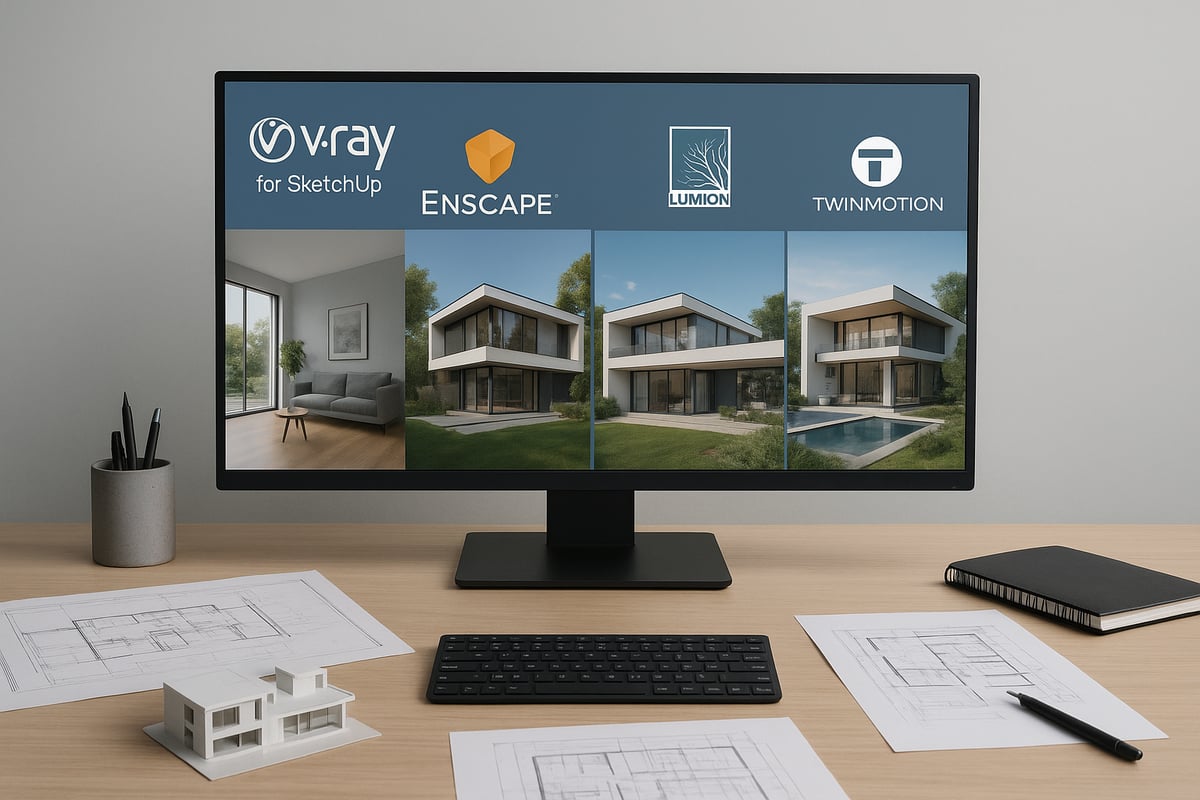
In 2026, the main competitors to V-Ray for SketchUp include Enscape, Lumion, and Twinmotion. Each offers unique features tailored to different workflows, but all aim to deliver high-quality renders for architecture, design, and visualization.
- Enscape is known for its real-time rendering and seamless integration with SketchUp.
- Lumion stands out for its rapid scene creation and cinematic effects.
- Twinmotion is valued for its intuitive interface and real-time project updates.
A growing number of professionals use these tools globally. To better understand the broader rendering landscape, you can explore this SketchUp 3D rendering overview.
Cost Comparison Breakdown
When evaluating vray for sketchup cost alongside competitors, it is important to compare both pricing models and value. Most solutions have shifted to subscription-based pricing, with some still offering perpetual licenses.
| Solution | Annual Subscription | Perpetual License | Notable Inclusions |
|---|---|---|---|
| V-Ray for SketchUp | $400–$600 | $800–$1200 | Advanced photorealism, cloud rendering |
| Enscape | $350–$500 | Not offered | Real-time rendering, VR support |
| Lumion | $750–$1500 | $1700–$3000 | Large asset library, video tools |
| Twinmotion | $450–$600 | Not offered | Real-time, easy learning curve |
These figures are projections based on recent trends and may vary by region and feature tier.
Value for Money: Performance vs. Price
When considering vray for sketchup cost, performance and rendering quality are top priorities. V-Ray is often chosen for its photorealistic output and support for complex lighting scenarios. Enscape and Twinmotion prioritize speed and ease of use, while Lumion excels in visual storytelling with its cinematic effects.
User feedback in 2026 highlights that V-Ray delivers higher realism, especially for client presentations and marketing. Firms that switched from other platforms reported faster project approvals and improved client satisfaction due to superior visuals.
When to Choose V-Ray for SketchUp
V-Ray is the preferred choice for projects where visual accuracy and detail are paramount. If your focus is high-end architectural visualization, product design, or marketing imagery, vray for sketchup cost is justified by the level of control and realism you achieve.
For real-time walkthroughs or rapid design iterations, alternatives like Enscape or Twinmotion may be more suitable. However, V-Ray’s advanced feature set and robust integration make it the go-to for professionals aiming for the highest quality results.
Budgeting for V-Ray for SketchUp: Tips & Best Practices
Budgeting effectively for vray for sketchup cost ensures your rendering investment aligns with your workflow and business growth. With evolving licensing models and feature sets, a strategic approach can maximize both value and efficiency.
Assessing Your Rendering Needs
Begin by evaluating your core project requirements to match the right vray for sketchup cost to your workflow. Consider the scale and complexity of your models, the frequency of rendering tasks, and the level of photorealism needed for client presentations.
Make a checklist of essential features, such as real-time previews, advanced material libraries, and GPU acceleration. Review your industry’s typical deliverables to determine whether you need advanced animation or high-volume rendering.
For a deeper understanding of which features deliver the most value, explore 3D photorealistic rendering essentials. This will help you align your software tier with your expected outcomes, ensuring your investment supports both quality and efficiency.
Calculating Total Cost of Ownership
Understanding the full vray for sketchup cost means looking beyond the initial price tag. Calculate expenses over a multi-year period, including software licenses, necessary hardware upgrades, and initial training.
Break down your investment as follows:
- Software subscription or perpetual license fees
- Hardware upgrades (GPU/CPU)
- Training and onboarding costs
- Maintenance, updates, and support
For example, a three-year projection for a small studio might include annual subscription renewals, a one-time GPU upgrade, and periodic training sessions. This approach provides a clear picture of both short-term and long-term financial commitments.
Maximizing Value with Bundles and Promotions
To optimize your vray for sketchup cost, watch for bundled software deals and seasonal promotions. Many vendors offer discounts for multi-year subscriptions, package deals with related tools, or promotional pricing during industry events.
Consider these strategies:
- Purchase during annual sales or product launch periods
- Seek out bundles that include asset libraries or cloud credits
- Negotiate volume discounts for teams or firms
Compare offers from authorized resellers to ensure you receive both the best price and official support. Regularly reviewing available deals can lead to significant savings, especially for growing businesses.
Strategies for Small Businesses and Freelancers
Independent professionals can manage vray for sketchup cost by leveraging flexible licensing options and targeted discounts. Take advantage of trial versions to test features before committing, and look for educational or startup pricing if eligible.
Key tactics include:
- Using monthly plans to avoid upfront costs
- Applying for educational or non-profit discounts
- Collaborating with peers to share resources
Freelancers may also benefit from lightweight hardware setups and cloud rendering credits, which reduce initial investment while maintaining flexibility for project-based work.
Planning for Future Upgrades and Scalability
Anticipate how your vray for sketchup cost may change as your team and project scope grow. Plan for additional licenses, advanced feature tiers, and potential hardware upgrades.
Stay informed about industry trends and future software enhancements by reading resources like Future of 3D rendering trends. This proactive approach helps you budget for upcoming changes, whether scaling from a solo practice to a team or adopting new rendering technologies.
By planning ahead, you can ensure your investment remains aligned with your evolving business goals and technology standards.
How to Purchase and Set Up V-Ray for SketchUp in 2026: Step-by-Step Guide
Setting up V-Ray for SketchUp in 2026 is a straightforward process if you follow the right steps. This guide walks you through evaluating your system, selecting the best license, making a secure purchase, installing the software, and accessing top training resources. Understanding each phase ensures you maximize value and control your vray for sketchup cost from the outset.
Step 1: Evaluate System Requirements and Compatibility
Before investing in V-Ray, always confirm your hardware and software meet the latest requirements. For 2026, this means checking your operating system, RAM, processor, and especially your GPU compatibility with both SketchUp and V-Ray.
Recommended specs typically include:
- A modern multi-core CPU (Intel i7 or newer, or AMD equivalent)
- 32GB or more of RAM for large models
- A dedicated NVIDIA or AMD GPU with at least 8GB VRAM
- SSD storage for faster project load times
Matching or exceeding these specs reduces vray for sketchup cost over time by preventing performance bottlenecks and hardware upgrades soon after purchase. For example, using a recommended GPU can cut rendering times in half, directly impacting project delivery and profitability.
Step 2: Choose the Right Licensing Option
Selecting the right license has a direct impact on your vray for sketchup cost. Decide between a subscription or a perpetual license based on your project pipeline and budget flexibility.
Consider these factors:
- Subscription licenses offer lower upfront costs, flexibility, and regular updates.
- Perpetual licenses provide long-term access with a single payment but may require paid upgrades for major new features.
- For teams, look for floating or network licenses that allow multiple users.
A freelance designer might prefer a monthly subscription to keep vray for sketchup cost predictable, while a firm with steady demand could benefit from a multi-year or perpetual license for long-term savings.
Step 3: Purchase from Authorized Vendors
Always buy V-Ray for SketchUp from official distributors or verified online marketplaces. This ensures you receive legitimate software, access to updates, and reliable customer support, all of which affect your total vray for sketchup cost.
Tips for a secure purchase:
- Visit the Chaos Group’s website to find authorized resellers in your region.
- Compare vendor support policies and regional pricing.
- Request a formal quote for team or educational licenses.
Purchasing from unauthorized sources can result in higher vray for sketchup cost due to potential license issues, lack of updates, or even having to repurchase the software if problems arise.
Step 4: Download, Install, and Activate V-Ray
Once your purchase is complete, follow the official steps to install and activate your license. Begin by downloading the latest installer from the vendor, then run the setup and follow on-screen prompts.
For detailed instructions, refer to the V-Ray for SketchUp Installation Guide. This resource ensures you avoid common pitfalls, such as version mismatches or activation errors, which can add to your vray for sketchup cost through lost time or support fees.
If you encounter issues, check compatibility with your SketchUp version and operating system, or consult troubleshooting documentation for platform-specific solutions.
Step 5: Access Support and Training Resources
After installation, invest in learning resources to maximize your vray for sketchup cost value. Start with official tutorials, user manuals, and community forums.
Recommended resources include:
- Video walkthroughs on the Chaos Group’s website
- User communities for sharing tips and troubleshooting
- Online courses for advanced rendering techniques
Proactive training reduces vray for sketchup cost by minimizing errors, streamlining workflows, and helping you leverage all the features your license offers. For teams, consider group training sessions to ensure everyone is up to speed.
