Expert Guide to Render Interior Design in 2026
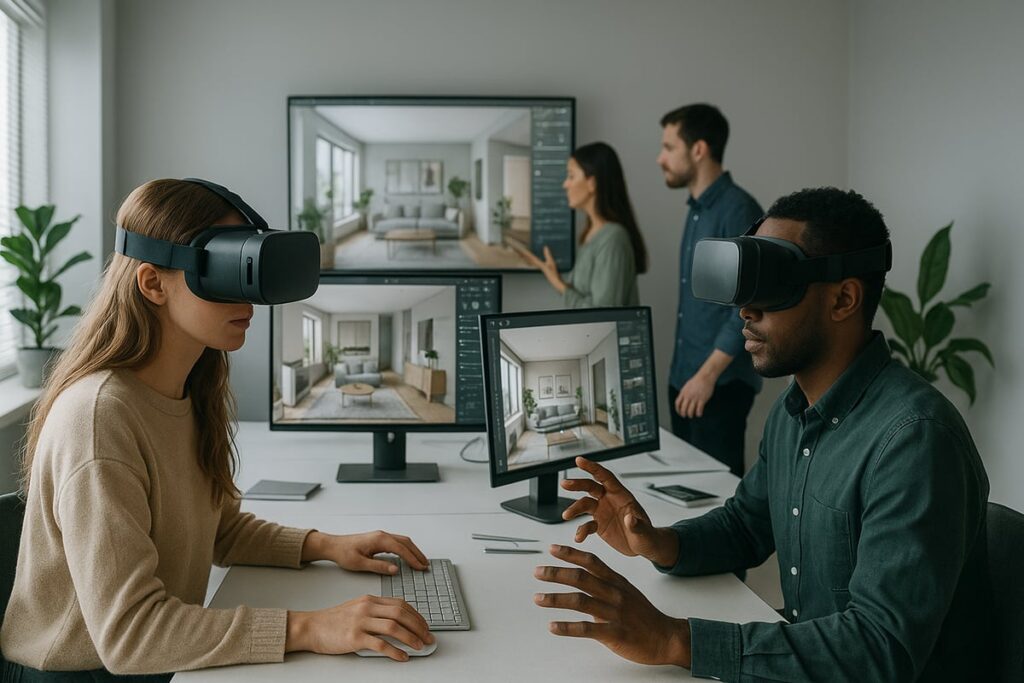
Imagine being able to render interior design concepts that not only look photorealistic but truly captivate and inspire. The evolution of digital rendering is accelerating as we approach 2026, making it essential for designers, architects, and enthusiasts to stay ahead. This expert guide will walk you through the latest strategies, tools, and trends to help you render interior design at the highest level. Discover how emerging technologies, innovative workflows, and future-focused best practices can elevate your creative impact and give you a competitive edge. Ready to transform your approach? Dive in for actionable insights and industry-leading advice.
The Evolution of Interior Design Rendering: 2026 Trends and Innovations
The world of render interior design has undergone a dramatic transformation over the past decade. By 2026, technological leaps have made visualizing interiors more immersive, efficient, and accessible than ever before. Designers now have the power to turn ideas into photorealistic experiences that captivate clients and streamline decision-making.
One of the most significant advancements in render interior design is real-time rendering. Tools like Enscape and Veras allow designers to see immediate feedback as they adjust materials, lighting, and layouts. This enables faster iterations and ensures that client presentations are visually compelling from the earliest project stages.
AI-powered ideation is another game changer. Artificial intelligence now automates complex tasks such as material generation, lighting optimization, and scene composition. For example, Veras uses AI to help designers generate multiple concepts in seconds, accelerating the creative process and reducing manual effort.
Immersive technologies are reshaping how professionals render interior design. Virtual reality and augmented reality experiences give clients the ability to walk through spaces before they are built, fostering deeper engagement and more informed decisions. The integration of VR/AR tools with rendering software creates new possibilities for storytelling and spatial understanding.
Collaboration has also evolved with the rise of cloud-based rendering workflows. Teams can now work together in real time, sharing updates and feedback from anywhere in the world. Cloud solutions like Chaos Cloud provide the scalability needed for large projects and tight deadlines, while maintaining the high-quality standards expected in render interior design.
A key trend for 2026 is the seamless integration of rendering platforms with BIM, CAD, and DCC tools. This connectivity ensures that every aspect of a project, from modeling to visualization, stays synchronized and error-free. For instance, using Enscape or V-Ray alongside Revit or Rhino streamlines the entire workflow and reduces costly mistakes.
The demand for photorealistic imagery has soared across industries. Recent data shows that 80% of real estate listings now feature 3D renders, highlighting the impact of high-quality visualization on marketing and sales. The render interior design process has become essential for developers, architects, and interior designers seeking to stand out in a competitive market.
AI continues to drive efficiency by automating tedious aspects of render interior design. Automated material assignment, lighting presets, and scene optimization save valuable time and allow professionals to focus on creativity. These advancements not only improve productivity but also raise the standard of visual communication.
Sustainability is shaping the future of render interior design as well. Eco-friendly algorithms and energy-efficient rendering practices are being adopted to reduce environmental impact. Designers can now choose software options that minimize power consumption without sacrificing quality, aligning with broader industry goals for sustainability.
The evolution of render interior design empowers professionals to iterate faster, collaborate globally, and deliver more immersive experiences. To explore how these innovations are shaping the industry’s future, see the Future of 3D Rendering.
Looking ahead, those who master these trends and tools will be best positioned to exceed client expectations and create unforgettable spaces in 2026 and beyond.
Essential Tools and Software for Interior Rendering in 2026
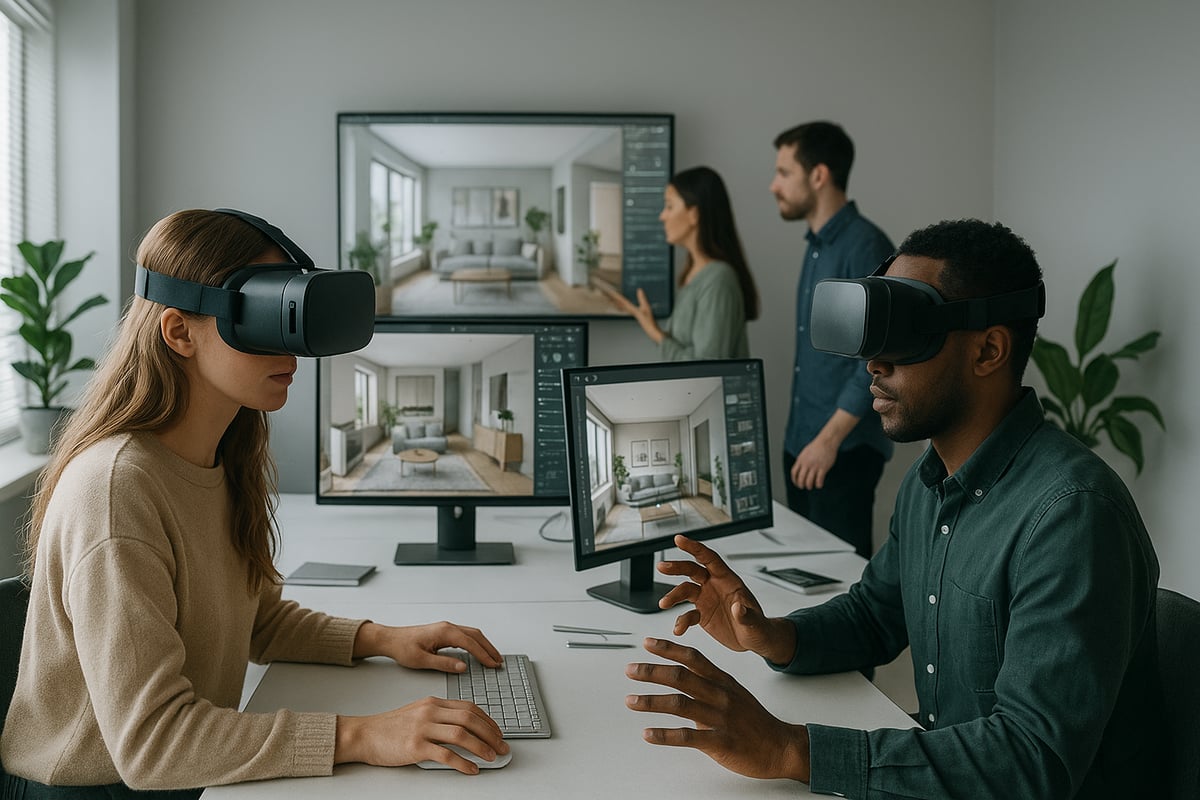
Choosing the right tools is crucial to render interior design projects that stand out in 2026. The landscape is evolving rapidly, with a blend of real-time engines, AI-driven automation, and seamless integrations now defining industry standards. As technology pushes creative boundaries, understanding these platforms gives professionals a strategic edge. For a deeper look at how these innovations have shaped the industry, see How 3D Rendering Transforms Architecture.
Real-Time Rendering Engines
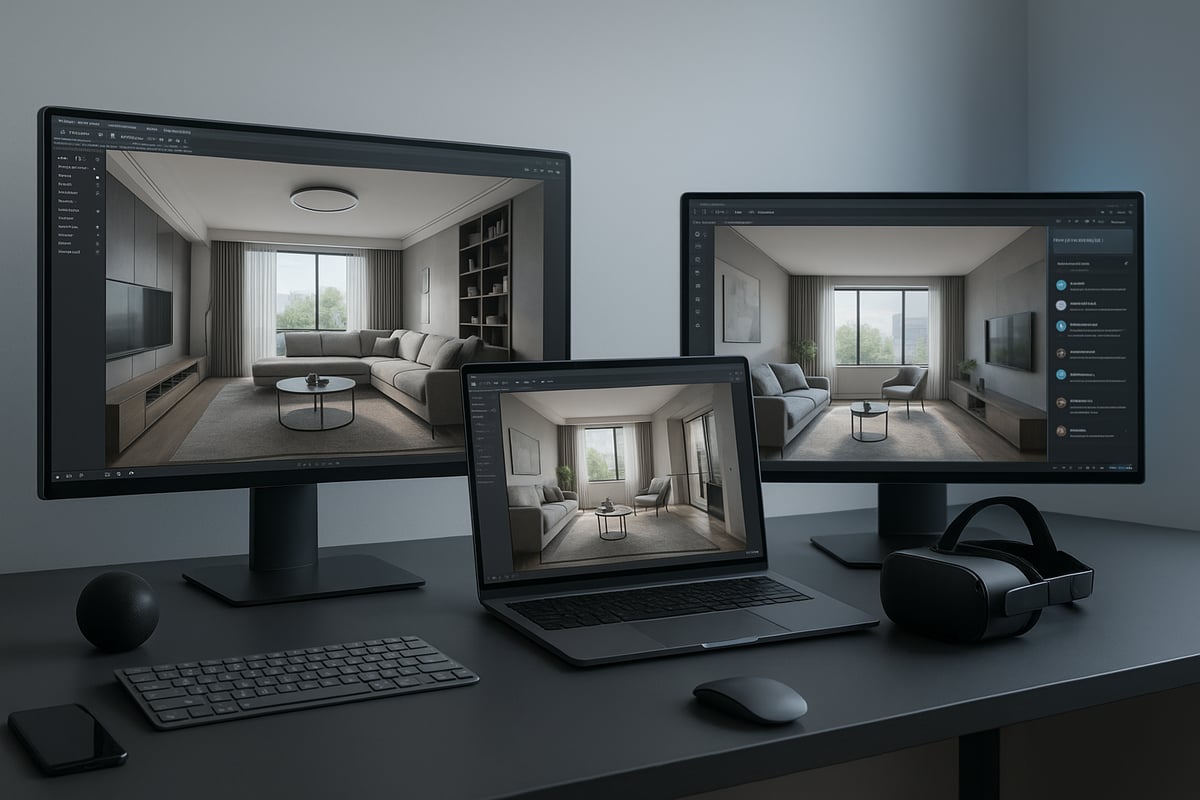
Real-time rendering engines have become the backbone for those who render interior design with speed and flexibility. These platforms allow designers to visualize changes instantly, making client presentations more interactive and efficient. Leading solutions include:
- Enscape: Integrates directly with modeling tools, providing immediate visual feedback and streamlined workflows.
- V-Ray: Renowned for its photorealism and flexibility, V-Ray supports a wide range of materials and lighting scenarios.
- Corona Renderer: Praised for its ease of use and high-quality results, Corona empowers both beginners and experts to render interior design projects confidently.
- Veras: AI-driven engine specializing in rapid ideation and creative exploration.
- Chaos Cloud: Enables distributed, cloud-based rendering for scalability and speed.
A 2026 case study showed a design team using Enscape for live client walkthroughs, reducing revision cycles by 30 percent. Adoption rates of real-time engines now outpace traditional offline rendering, as professionals seek faster ways to render interior design and meet tight deadlines.
| Engine | Key Feature | Integration |
|---|---|---|
| Enscape | Instant feedback | Revit, Rhino |
| V-Ray | Photorealism, control | 3ds Max, SketchUp |
| Corona Renderer | Simplicity, quality | 3ds Max |
| Veras | AI ideation, speed | Multiple |
| Chaos Cloud | Cloud distribution | V-Ray, Corona |
AI and Automation in Rendering Workflows
AI and automation are transforming how professionals render interior design, streamlining tedious tasks and unlocking new creative directions. AI-powered material and lighting generators automatically suggest optimal settings, saving hours of manual adjustments.
Key features include:
- Automated scene optimization for error correction and efficiency.
- Generative design tools that enable rapid exploration of multiple concepts.
- AI-driven material libraries that adapt textures to lighting conditions.
For example, Veras allows designers to generate dozens of design variations in seconds, significantly speeding up the conceptual phase. According to recent data, studios leveraging AI workflows report up to 40 percent time savings on render interior design projects. This efficiency translates directly into greater creativity and faster client approvals.
AI is not only automating repetitive tasks but also enhancing the overall quality of renders by minimizing errors and optimizing every scene element. As a result, teams can focus more on design intent and less on technical bottlenecks.
Software Integration and Collaboration Tools
Seamless software integration is now essential for teams looking to render interior design at scale. Platforms that connect CAD, BIM, and rendering tools eliminate friction and reduce costly errors. Designers can now move models from Revit or Rhino directly into engines like V-Ray or Enscape, ensuring end-to-end workflow continuity.
Cloud collaboration platforms enable real-time team reviews and instant client feedback, regardless of location. VR and AR presentation tools further enhance the experience, letting clients virtually walk through spaces before construction begins.
A 2026 industry report found that 70 percent of firms have adopted fully integrated workflows, resulting in fewer mistakes and faster project approvals. These tools also support immersive walkthroughs and panoramic presentations, making it easier than ever to render interior design projects that impress and persuade.
Optimizing software integration not only improves communication but also ensures that every stakeholder is on the same page, driving projects forward efficiently and creatively.
Step-by-Step Workflow: How to Render Interior Design Projects in 2026
Rendering interior design projects in 2026 requires a streamlined, tech-enabled workflow. This approach blends creativity with the latest digital tools, ensuring both efficiency and stunning results. Whether you are new to the field or refining your process, following these five steps will help you master how to render interior design with confidence and clarity.
Step 1: Conceptualization and 3D Modeling
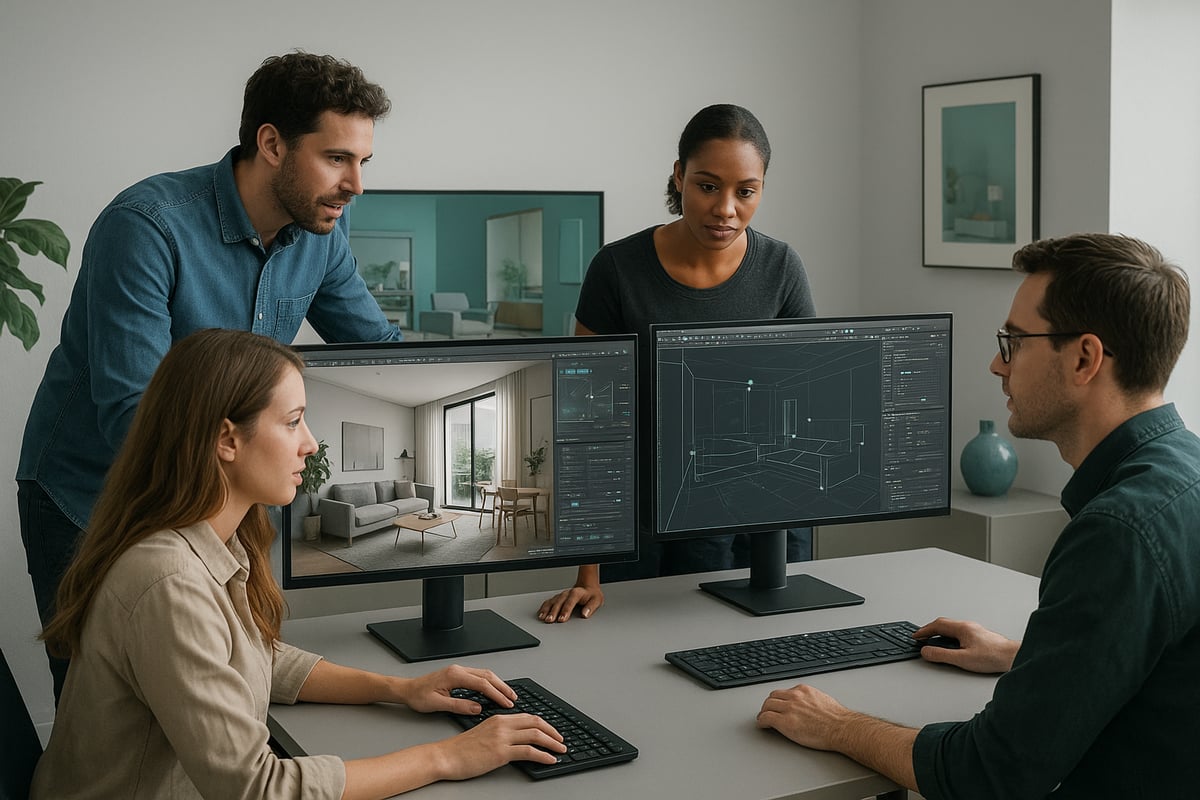
Every successful render interior design project starts with a strong concept. Begin by gathering inspiration, sketching ideas, and building mood boards to define the atmosphere and style. Next, select 3D modeling software that integrates smoothly with rendering engines, such as SketchUp, Revit, or 3ds Max. These platforms are essential for creating accurate spatial layouts and detailed geometry.
Leverage AI-assisted modeling tools to speed up the design process, allowing for rapid iteration and layout adjustments. Organize your models using layers, groups, and components, which streamlines the workflow when you render interior design scenes later. Importing assets from resources like 3D Warehouse or BIM libraries can save valuable time.
Before moving forward, carefully check your model for missing faces, scale errors, or overlapping geometry. These issues can impact the final quality when you render interior design projects. For those new to the field, learning the basics from guides like What is 3D Rendering? can provide a solid foundation.
Step 2: Material Selection and Application
The next step to render interior design with photorealism is selecting and applying materials. Use advanced material libraries, many of which now feature AI-generated textures for a vast array of finishes. Adjust key properties such as diffuse, reflection, refraction, bump, displacement, glossiness, and transparency to achieve lifelike results.
Physically Based Rendering (PBR) materials are the standard for realism in 2026, offering accurate light interactions. Scanned materials, created from real-world surfaces, further enhance authenticity when you render interior design environments. Customizing materials for unique surfaces like walls, fabrics, and metals can set your work apart.
Automated material assignment tools dramatically improve efficiency. Design studios report significant time savings, as AI can suggest or apply the best materials for your scene. Consistent, thoughtful material application is crucial for delivering professional results when you render interior design visuals.
Step 3: Advanced Lighting Techniques
Lighting is a powerful tool to set mood and highlight key features in any render interior design workflow. Combine natural light sources, like sun and sky, with artificial fixtures and emissive materials for dynamic, balanced scenes. Real-time lighting previews make it easy to adjust settings and view results instantly.
AI-driven lighting tools can analyze your scene and recommend optimal setups to match the desired atmosphere, whether it is bright and airy or warm and intimate. Tweak intensity, color temperature, and shadow softness to fine-tune the effect.
Scenario-based lighting, such as day versus night or accent versus ambient, provides flexibility for client presentations. Studies show that well-executed lighting strongly influences client decisions and satisfaction when you render interior design concepts.
Step 4: Camera Setup and Scene Composition
Thoughtful camera placement is essential to render interior design spaces that tell a compelling story. Position cameras to showcase spatial relationships and flow, using multiple angles for comprehensive presentations. Set key parameters like focal length, field of view, aperture, depth of field, exposure, and white balance for professional-grade visuals.
Apply composition techniques such as the rule of thirds, leading lines, and framing to guide the viewer’s eye. Walkthrough animations and panoramic views provide clients with immersive experiences and a true sense of scale.
Interior designers in 2026 favor camera settings that balance wide perspectives with intimate close-ups. This approach ensures every render interior design project communicates both the big picture and the fine details.
Step 5: Rendering and Post-Production
With your scene ready, it is time to render interior design images at the highest quality. Select render settings based on project needs, including resolution, sampling rates, denoising, and global illumination. Cloud-based rendering platforms enable fast, scalable processing, which is especially valuable for large or complex scenes.
Export render elements like lighting, reflections, and materials as separate layers for precise post-production editing. Use software such as Photoshop for color grading, touch-ups, and compositing, or specialized tools for advanced effects. Integrating VR or AR outputs lets clients interact with your render interior design scenes in real time.
Example: Many studios now rely on render farms for large projects, reporting average rendering times cut by half and notable cost savings. The final step in the process is a thorough review, ensuring that the render interior design output meets both technical standards and client expectations.
Best Practices for Photorealistic and Immersive Interior Renders
Achieving photorealistic and immersive results when you render interior design is more critical than ever in 2026. Clients and stakeholders now expect visuals that not only look real but also evoke emotion and tell a compelling story. The most successful renders capture a room’s atmosphere, function, and mood at a glance.
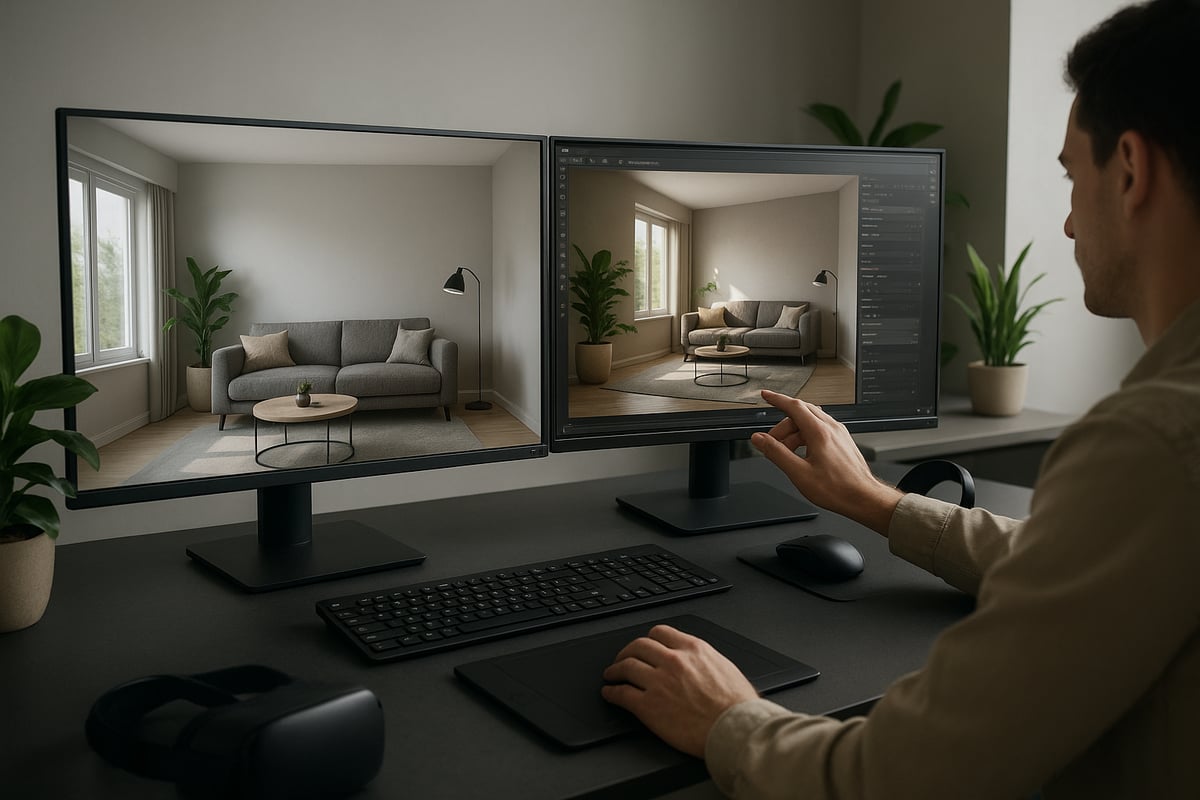
To truly render interior design at a professional level, focus first on storytelling. Every render should communicate the intended use of the space, the target mood, and the emotional response you want viewers to feel. Consider how lighting, color, and composition all contribute to a narrative, whether it is a serene bedroom retreat or a vibrant commercial lobby.
Attention to detail is what separates average renders from award-winning ones. Use high-resolution textures, accurate lighting models, and lifelike materials to enhance realism. Today’s workflows often leverage AI-powered tools for material generation and lighting optimization, allowing you to achieve greater detail with less manual effort. For a deeper dive into how AI is transforming this process, see AI-Powered Interior Design in Architecture.
Contextual elements are essential when you render interior design for maximum engagement. Adding people, plants, and decor not only gives a sense of scale but also creates a lived-in feel. Research shows 90% of clients prefer renders with contextual furniture and accessories, as it helps them visualize the final outcome more clearly. Award-winning renders frequently feature subtle personal touches, such as a casually draped throw or a cup of coffee on a table, making the scene relatable.
Authenticity comes from embracing the imperfections of real life. Integrate realistic reflections, refractions, and minor surface flaws to avoid sterile or over-polished results. Following current trends, such as those outlined in 5 Architectural Visualization Trends to Watch in 2026, can help ensure your renders feel both modern and believable.
Optimizing for performance is also vital. Strive for a balance between scene complexity and render speed. Use instanced geometry, efficient texture mapping, and smart lighting setups to keep file sizes manageable without sacrificing quality. This approach ensures your render interior design workflow remains efficient, especially when working on large-scale or collaborative projects.
Here’s a table summarizing best practices and client preferences:
| Best Practice | Client Preference (%) |
|---|---|
| Contextual Elements | 90 |
| Realistic Lighting | 85 |
| Authentic Textures | 80 |
| Subtle Imperfections | 75 |
Common pitfalls to avoid when you render interior design:
- Overly polished images lacking personality
- Sparse or generic scenes with no context
- Unrealistic lighting or exaggerated shadows
- Ignoring scale or proportion
- Using low-quality textures
To balance artistic vision with technical accuracy:
- Start with a clear narrative and mood board.
- Use reference photography for lighting and material cues.
- Regularly preview scenes in real-time to catch issues early.
- Solicit feedback from colleagues or clients before finalizing renders.
By following these best practices, you will consistently deliver interior visuals that are both photorealistic and emotionally engaging. This approach not only impresses clients but also sets a new standard every time you render interior design.
Future-Proofing Your Rendering Skills: What to Expect Beyond 2026
Staying ahead in render interior design means looking beyond current tools and techniques. The landscape is rapidly shifting, with new technologies and evolving client expectations shaping the future of the industry. To remain competitive, designers must anticipate what is coming and adapt their skills accordingly.
Emerging Technologies Shaping the Future
The next wave of advancements in render interior design will be driven by artificial intelligence, real-time ray tracing, and metaverse integrations. AI design assistants are already automating tedious tasks, suggesting creative options, and optimizing materials or lighting. Real-time ray tracing offers unprecedented realism, allowing designers to preview every detail as they work. Metaverse platforms are opening new avenues for immersive client experiences, where users can explore and customize virtual interiors interactively.
Staying informed about these innovations is essential. Many firms are investing in research and development to harness these tools for better project outcomes. As these technologies mature, they will become standard in render interior design workflows.
Evolving Client Expectations and Industry Trends
Clients now expect more than static images. They want interactive, immersive, and customizable experiences when reviewing design proposals. Virtual reality walkthroughs, augmented reality overlays, and live design sessions are becoming the norm. This shift is fueled by the desire for deeper emotional engagement and more informed decision-making.
Trends in aesthetics also influence how professionals render interior design projects. Keeping up with cutting-edge styles, such as those outlined in the Top Interior Design Trends for 2026, will help designers align their visualizations with client tastes and market demands.
Skills to Develop for a Future-Ready Career
To thrive in this changing environment, designers need to expand their skill sets:
- Cross-platform proficiency: Master multiple software solutions and rendering engines to ensure flexibility.
- VR/AR presentation skills: Build expertise in creating and presenting immersive experiences.
- AI collaboration: Learn to work alongside AI tools that support ideation, error checking, and workflow automation.
- Continuous learning: Regularly update knowledge of trends, tools, and best practices.
The ability to render interior design with these advanced capabilities will set professionals apart in a crowded market.
Continuous Learning and Staying Competitive
Industry leaders recommend ongoing education and hands-on experimentation with new tools. Attending webinars, participating in online communities, and following resources that spotlight future trends are invaluable. Reviewing articles such as 10 Interior Design Trends 2026 can provide insight into upcoming influences that will shape visualization strategies.
Firms that adopt VR walkthroughs for pre-construction sales, for instance, report increased client engagement and faster decision-making. According to recent studies, the architectural visualization market is projected to grow significantly after 2026, driven by demand for high-quality, interactive render interior design solutions.
| Future Technology | Skill Requirement | Competitive Advantage |
|---|---|---|
| AI Design Assistants | AI workflow integration | Faster ideation, reduced errors |
| Real-Time Ray Tracing | Rendering engine mastery | Hyper-realistic, instant previews |
| Metaverse Integration | VR/AR development | Immersive, interactive client demos |
By proactively adapting to these trends and investing in skill development, designers can ensure their ability to render interior design remains relevant and in demand well beyond 2026.
Article written using RankPill.