In 2026, the ability to deliver breathtaking digital experiences is defined by the power of a cutting-edge graphic render. As industries from gaming and architecture to marketing demand ever more photorealistic visuals, the importance of mastering advanced rendering techniques has never been clearer.
Recent breakthroughs in rendering technology are revolutionizing how professionals and enthusiasts design, visualize, and engage audiences. The right graphic render can transform a concept into an immersive reality, opening doors to new creative and business opportunities.
This guide is your definitive resource for mastering graphic render skills in 2026. We will cover core rendering concepts, modern workflows, essential tools, optimization strategies, and emerging trends.
Prepare to unlock the knowledge and strategies needed to excel in the next generation of visual content creation.
Understanding Graphic Rendering: Core Concepts in 2026
The world of graphic render technology is evolving rapidly. In 2026, understanding the foundation behind every graphic render is essential for anyone aiming to produce high-quality visuals. Whether you are designing immersive games, architectural walkthroughs, or marketing campaigns, mastering these core concepts will set you apart.
Defining the Landscape: Graphics Engine, Rendering Engine, and Renderer
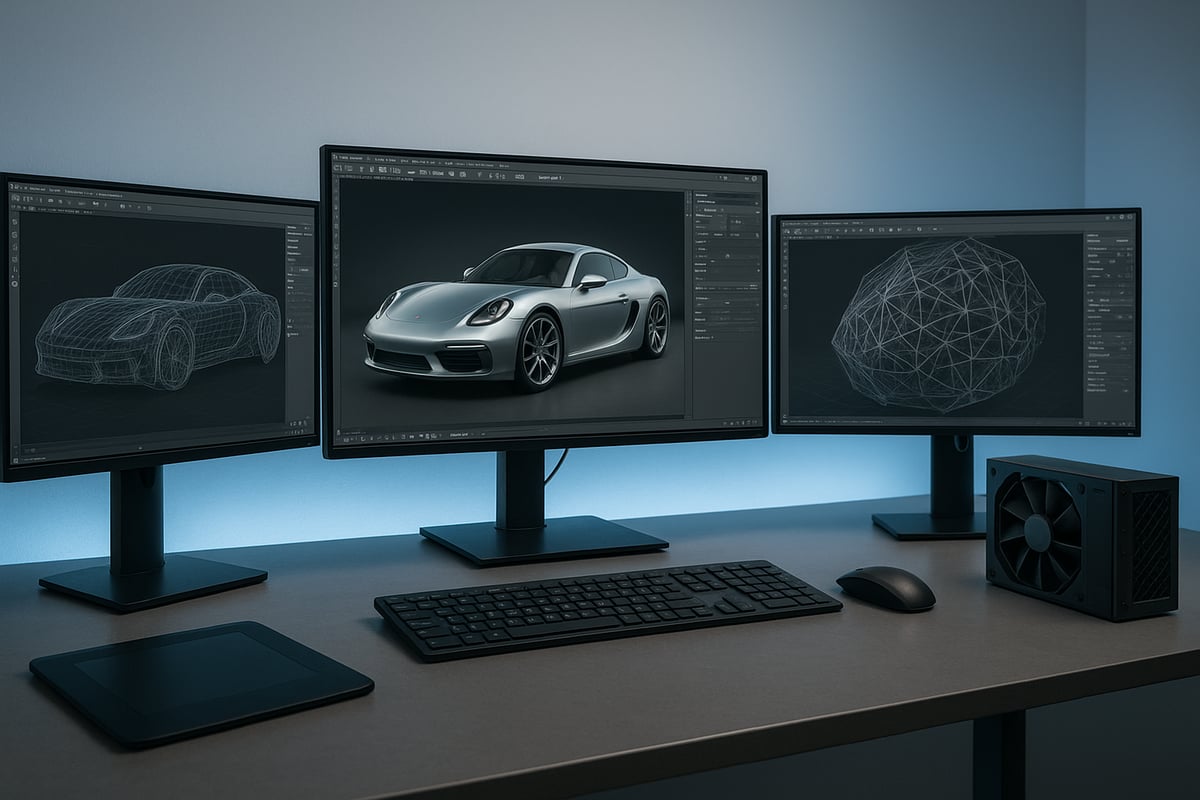
To truly grasp the graphic render process, it is crucial to distinguish between the graphics engine, rendering engine, and renderer. The graphics engine serves as the backbone, managing resources, scene data, and overall visual logic. For example, Unreal Engine’s RenderCore and Godot’s 2D/3D renderer both orchestrate how assets are processed and displayed.
The rendering engine is a specialized component responsible for translating scene data into final images. It handles lighting, shading, and effects, adapting to both real-time and offline workflows. The renderer, often modular, executes specific tasks such as rendering UI, 3D models, or providing debugging views. In modern pipelines, these elements interact fluidly, whether in a standalone tool or integrated suite.
Open-source projects show a variety of implementation strategies. Some blur the boundaries between these components, favoring flexible, modular architectures. This flexibility enables rapid updates and supports evolving industry needs. As terminology evolves, professionals must stay updated on current definitions and practices. For foundational insights into how these pieces fit together in a graphic render workflow, see What is 3D Rendering Explained.
Types of Computer Graphics: Raster vs. Vector
The two main types of computer graphics in any graphic render are raster and vector. Raster graphics consist of tiny pixels arranged in a grid, much like pointillist paintings. Each pixel carries color data, making rasters ideal for detailed images and photorealistic scenes. However, scaling rasters can lead to visible pixelation.
Vector graphics use mathematical equations to define shapes, lines, and curves. This allows vectors to scale infinitely without quality loss, making them perfect for logos, icons, and illustrations. In practice, modern workflows often combine both approaches. For instance, a logo might use vectors for crisp lines, then convert to a raster format for integration into a 3D scene.
| Feature | Raster Graphics | Vector Graphics |
|---|---|---|
| Data Structure | Pixels (bitmap) | Mathematical formulas |
| Scalability | Limited, pixelation | Infinite, no loss |
| Common Uses | Photos, textures | Logos, UI, diagrams |
Although most output is 2D, today's graphic render pipelines often leverage 3D processes, even for 2D content. Competitor tools frequently blend raster and vector workflows, optimizing for both quality and flexibility.
3D Graphics Fundamentals: From Vertex to Mesh
At the heart of every 3D graphic render lies the transformation from simple data points to complex, lifelike objects. Vertices are the basic units, defining points in 3D space. When vertices are connected, they form faces, and a collection of faces becomes a mesh. Meshes serve as the skeleton for 3D models.
Textures and materials are applied to meshes to simulate real-world surfaces. The scene is constructed in a virtual viewport, where objects are positioned with a camera to set perspective. Lighting, shading, and filters enhance realism, making scenes more immersive.
A typical 3D object in a graphic render might be structured as:
# Example structure of a mesh in a rendering pipeline
class Mesh:
    def __init__(self, vertices, faces, materials):
        self.vertices = vertices
        self.faces = faces
        self.materials = materials
Modern standards aim for smooth animation at 60 frames per second, ensuring fluid motion and high visual fidelity. Shading and lighting choices can dramatically impact the final result, making mastery of these fundamentals vital for a standout graphic render.
The Modern Rendering Workflow: Step-by-Step Process
Mastering the modern graphic render workflow unlocks the door to exceptional visual quality and efficiency. Each phase in this process shapes how raw data transforms into compelling, lifelike images. Understanding these steps is essential for anyone aiming to produce high-caliber visuals in 2026.
Step 1: Vertex Processing and Transformation
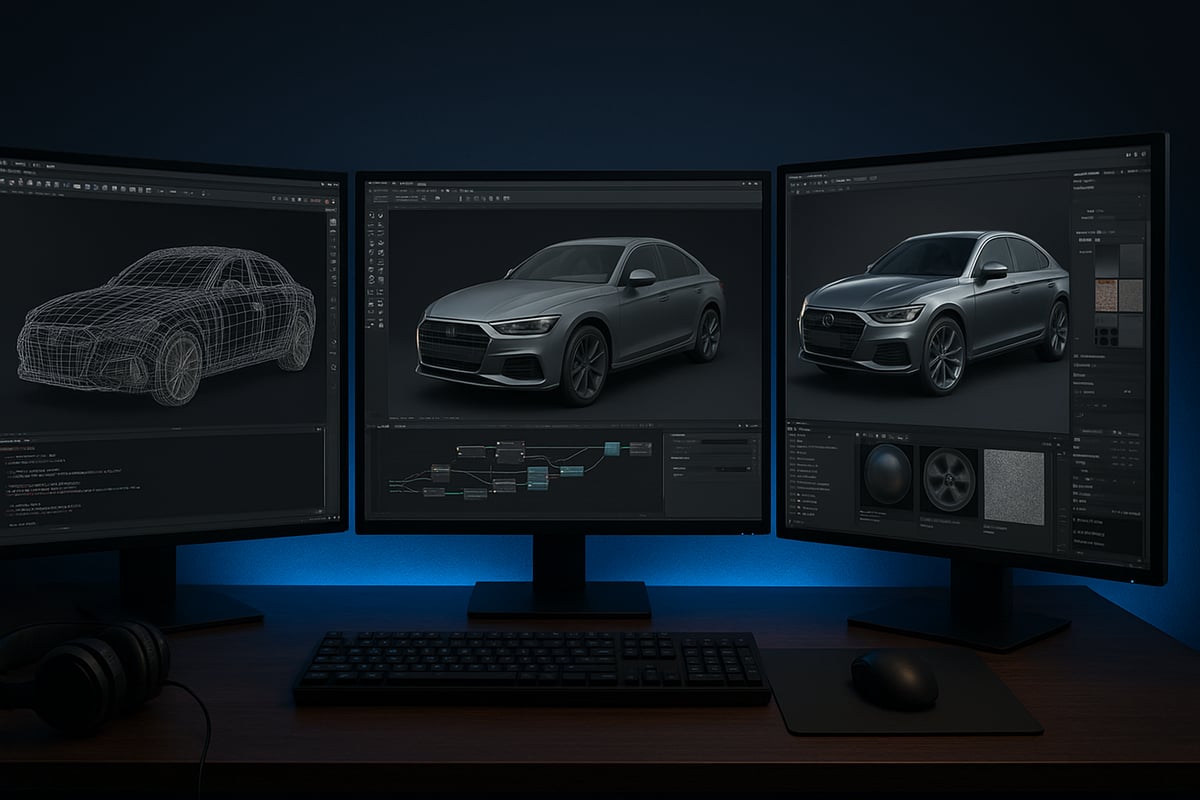
The workflow begins with vertex processing, where the system interprets the coordinates of each point in a 3D model. These vertices are then transformed from their local object space into world and camera space, using transformation matrices. This operation ensures every object appears in the correct position and orientation within the scene.
A graphic render relies on precise vertex placement for visual realism. For example, a tree in a virtual environment must stand in the right location, or the illusion fails. Modern engines use powerful GPUs to process thousands or millions of vertices per frame, maintaining accuracy even in complex scenes.
Accurate transformations are vital for animation, camera movement, and dynamic environments. This foundational step sets the stage for all subsequent phases in the graphic render pipeline. To explore how these workflows are implemented in practice, see 3D Visualization and Rendering Services.
Step 2: Tessellation and Geometry Shaders
Tessellation subdivides surfaces into smaller polygons, adding detail and smoothness to models without bloating their base geometry. Geometry shaders then operate on these new shapes, enabling dynamic creation of complex forms like foliage, terrain, or particle effects.
This stage in the graphic render process is crucial for lifelike visuals. Advanced tessellation techniques, as seen in leading engines, allow artists to represent fine surface textures such as wrinkles or grooves. Geometry shaders can generate additional elements, such as shadows or reflection effects, directly on the GPU, improving both quality and performance.
Tessellation and geometry shaders let creators strike a balance between visual fidelity and computational efficiency. These tools are integral to achieving next-level realism in today’s 3D content.
Step 3: Rasterization—Bridging 3D to 2D
Rasterization translates 3D models into 2D images by mapping vertices to screen pixels. The rasterizer determines which pixels a polygon covers, filling them with the correct color and depth values. This step marks the transition from mathematical models to visible graphics.
For any graphic render, maintaining accurate depth and perspective is essential to avoid visual artifacts. Challenges include handling overlapping objects, anti-aliasing to reduce jagged edges, and preserving fine details as 3D data becomes 2D output.
Modern hardware accelerates rasterization, supporting high resolutions and frame rates. This enables seamless experiences in games, simulations, and design applications, meeting the demand for crisp, responsive visuals.
Step 4: Pixel Processing and Shading
Once rasterization is complete, pixel processing begins. Pixel shaders calculate the color, brightness, and effects for each pixel, using information like lighting, surface normals, and material properties. Textures, normal maps, and advanced lighting models such as PBR (physically based rendering) are applied at this stage.
In a graphic render, this phase brings scenes to life. Techniques like real-time ray tracing and neural shading simulate reflections, shadows, and subtle light interactions, adding depth and realism. Innovations in pixel processing, including AI-driven enhancements, continue to push the boundaries of what can be rendered in real time.
Artists can experiment with different shaders and effects, customizing the look and feel of their projects while maintaining performance.
Step 5: Output Merger and Frame Buffer
The final phase of the graphic render workflow is the output merger. Here, all processed pixel data is combined in the frame buffer to produce the complete image. Double buffering is used to ensure smooth animations—while one frame is displayed, the next is rendered in the background.
Depth and stencil buffers manage the layering of objects, preventing visual errors such as z-fighting. The result is a clean, artifact-free image ready for display or export.
Standard targets like “60 frames per second” ensure that rendered visuals appear smooth and responsive. Efficient output merging is critical for real-time applications, where both speed and quality are non-negotiable.
Essential Tools, Software, and Hardware for Graphic Rendering in 2026
Staying ahead in the world of graphic render requires a deep understanding of the latest tools, software, and hardware. In 2026, professionals and enthusiasts need to choose their technology stack wisely to unlock the full potential of their creative projects. Let us explore the essential resources shaping the graphic render landscape.
Leading Rendering Engines and Software
Choosing the right rendering engine is crucial for any graphic render workflow. In 2026, several platforms stand out for their performance, flexibility, and ecosystem support.
- Unreal Engine: Known for real-time photorealism, vast plugin support, and robust community resources.
- Unity: Popular for interactive media, AR/VR, and mobile graphics, offering scalable solutions.
- Blender: Leading the open-source space with advanced features for modeling, animation, and rendering.
- Proprietary Solutions: Major studios often tailor engines for specific needs, optimizing for unique pipelines and visuals.
| Engine | Strengths | Common Uses |
|---|---|---|
| Unreal Engine | Photorealism, plugins | Games, architecture, film |
| Unity | Cross-platform, real-time | AR/VR, mobile, simulation |
| Blender | Flexibility, open-source | Animation, visualization |
| Custom Engines | Customization, integration | Studio pipelines, R&D |
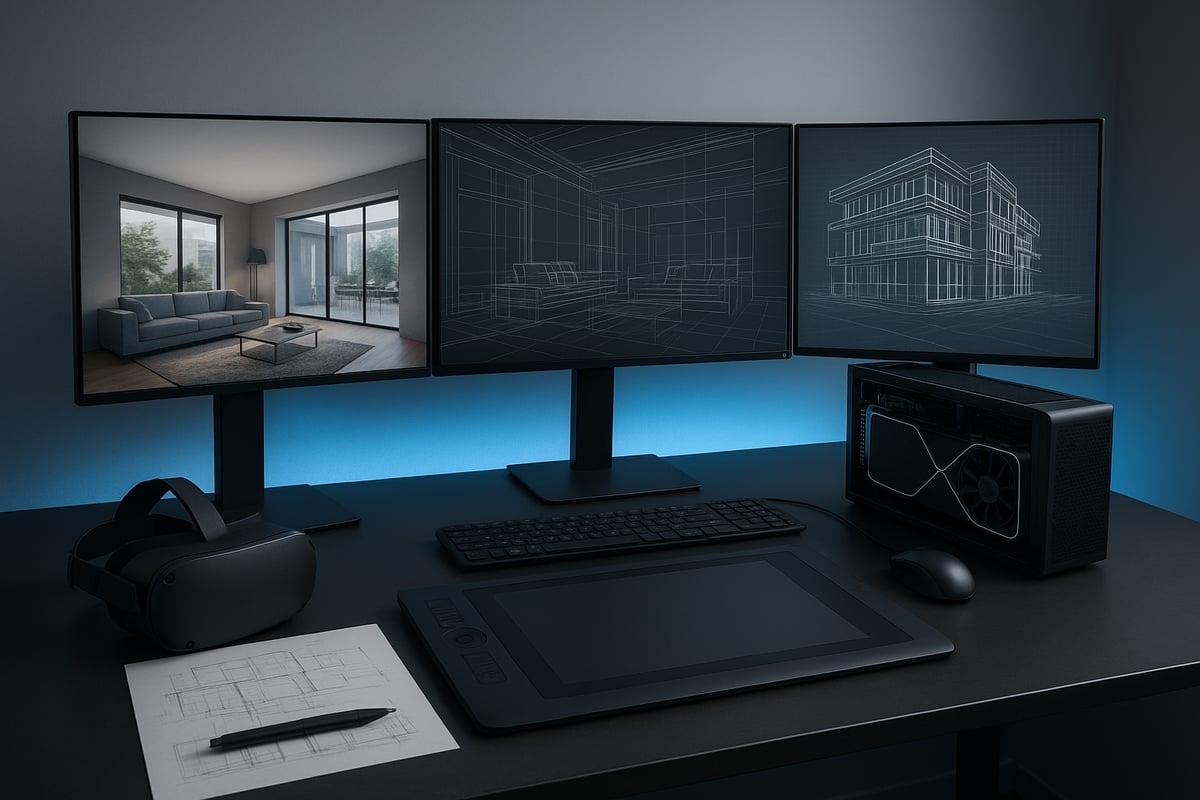
The choice depends on your graphic render goals. For instance, architects may prefer engines with strong visualization and VR support, while game developers focus on real-time performance and asset integration.
Hardware Innovations: GPUs and Beyond
Modern hardware is the backbone of any graphic render workflow. Graphics processing units (GPUs) have evolved rapidly, now offering thousands of cores for parallel computation.
Discrete GPUs, like those from NVIDIA and AMD, are preferred for demanding tasks due to their power and dedicated memory. Integrated GPUs, found in laptops and compact systems, offer portability but less raw performance.
Recent years have brought hardware-accelerated ray tracing, AI-powered denoising, and neural shading. For example, NVIDIA’s Neural Shading Technology leverages AI to enhance image quality and speed in real-time applications. These advancements allow for more realistic lighting, smoother edges, and faster rendering times.
When building a graphic render workstation, professionals look for high VRAM, fast memory bandwidth, and support for the latest APIs. Keeping hardware updated is essential to meet the increasing complexity of modern scenes.
Supporting Tools: Asset Creation and Management
A successful graphic render pipeline relies on more than just rendering engines and hardware. Asset creation tools are vital for texturing, material authoring, and efficient asset management.
- Substance 3D Painter: Industry standard for texturing and material workflows.
- Quixel Mixer: Streamlines creation of PBR materials and surface details.
- 3D Modeling Software: Maya, 3ds Max, Cinema 4D, and Blender enable complex modeling and animation.
- Asset Management Platforms: Facilitate version control, cataloging, and collaborative editing for large teams.
Efficient pipelines integrate these tools, automating repetitive tasks and ensuring consistency across projects. Asset instancing and smart libraries allow graphic render teams to reuse models and materials, saving time and maintaining quality.
Workflow Automation and Collaboration Platforms
Modern graphic render projects often involve distributed teams and complex feedback cycles. Workflow automation and collaboration platforms are key to maintaining productivity.
- Cloud Rendering Services: Offload heavy rendering tasks, enabling scalability and remote access.
- Version Control Systems: Tools like Git and Perforce track changes and prevent data loss.
- Collaborative Platforms: Solutions like Frame.io and Autodesk ShotGrid streamline review, annotation, and iteration.
Automating repetitive steps, such as batch rendering or asset syncing, shortens turnaround times and reduces errors. Effective collaboration ensures every graphic render meets both creative and technical standards, even across global teams.
The right combination of engines, hardware, asset tools, and workflow platforms empowers creators to produce world-class graphic render results in 2026.
Optimization Strategies: Achieving Performance and Quality
Optimizing a graphic render requires a careful balance of visual quality and system performance. As visuals become more complex in 2026, the demand for both stunning graphics and smooth interactivity rises. Mastering optimization is essential for artists and developers aiming to push the limits of modern rendering workflows.
Balancing Realism and Speed
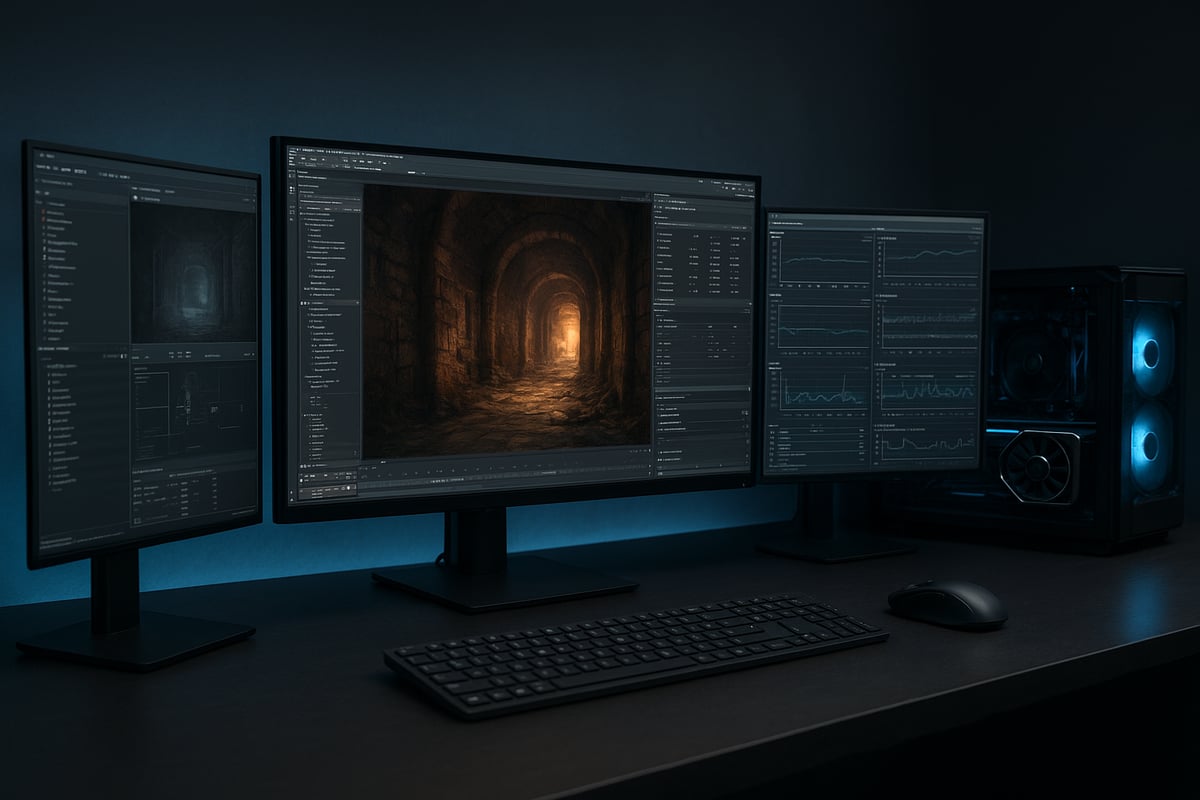
Balancing realism with speed is at the heart of every successful graphic render project. High fidelity visuals captivate audiences, but without careful optimization, even the most beautiful scenes can suffer from lag or stutter.
Professionals often use level of detail (LOD) techniques to dynamically adjust the complexity of models based on their distance from the camera. This ensures that only the most relevant objects consume rendering resources. Dynamic resolution scaling further enhances performance by adjusting the output resolution in real time, maintaining smooth frame rates without sacrificing too much visual quality.
Adaptive quality settings empower users to tailor the graphic render experience to their hardware capabilities. By toggling features like shadows or reflections, users can find the right compromise for their needs. The result is a workflow that consistently delivers visually impressive and responsive scenes.
Efficient Resource Management
Efficient resource management is fundamental to a high-performing graphic render. Textures, models, and materials can quickly consume memory if not optimized. Techniques like texture compression reduce file sizes while preserving detail, allowing for faster load times and lower memory usage.
Asset instancing is another critical strategy, enabling the reuse of identical objects without duplicating memory. Memory optimization also involves careful batching and culling. Batching groups similar objects for simultaneous processing, while culling eliminates objects outside the camera’s view, reducing unnecessary computations.
Modern GPUs equipped with AI-powered enhancements, such as Intel’s Xe3 and XeSS 3 Enhancements, are reshaping how resource management is approached. These advancements allow for smarter, more efficient graphic render pipelines, leveraging parallel processing and intelligent upscaling to maximize both quality and speed.
| Optimization Technique | Benefit |
|---|---|
| Texture Compression | Lower memory usage, faster load times |
| Asset Instancing | Memory efficiency, less duplication |
| Batching & Culling | Reduces unnecessary computations |
Advanced Lighting and Shading Techniques
Lighting and shading are pivotal for achieving realism in any graphic render. Global illumination simulates how light bounces between surfaces, adding depth and atmosphere to scenes. Ambient occlusion enhances realism by darkening crevices and corners, providing subtle shadowing that grounds objects.
Physically based rendering (PBR) has become the industry standard, using real-world material properties to drive how light interacts with surfaces. PBR ensures consistency under different lighting conditions, making scenes look natural and believable.
Choosing between real-time and baked lighting is another key decision. Real-time lighting enables dynamic changes but is more resource-intensive. Baked lighting precomputes illumination, improving performance for static scenes. The right combination of these techniques allows artists to produce a graphic render that is both visually rich and optimized for smooth playback.
Troubleshooting and Debugging Renders
Even the most carefully planned graphic render can encounter issues. Common problems include artifacts, z-fighting, and aliasing, each of which can detract from visual quality. Identifying and resolving these problems quickly is vital for maintaining production timelines.
Diagnostic tools and specialized render passes help isolate the root causes of rendering issues. For example, depth and normal passes can reveal problems with object placement or lighting. Developers often use code like:
if (gl_FragCoord.z > depthBufferValue) discard;
to manage depth sorting and prevent z-fighting. Aliasing, which causes jagged edges, is typically addressed with anti-aliasing filters or supersampling techniques.
Real-world workflows benefit from systematic troubleshooting. Open-source projects often document their debugging steps, providing valuable insights for professionals refining their own graphic render pipelines. Mastery of these techniques ensures that finished visuals meet both creative and technical standards.
Industry Applications: From Architecture to Entertainment
The impact of graphic render technology spans a wide spectrum of industries, shaping how professionals visualize, communicate, and innovate. From architectural blueprints to immersive VR training, the applications of advanced rendering continue to expand, driving new standards for visual excellence and engagement.
Architectural Visualization and Real Estate
In architecture and real estate, graphic render technology has become essential for turning blueprints into compelling visual stories. Pre-construction visualization allows architects and clients to explore buildings before they are built, improving communication and decision-making.
- 3D walkthroughs help clients experience spaces interactively.
- Photorealistic renders support marketing and project approvals.
- High-quality visuals can boost sales and win contracts.
According to recent industry data, projects using advanced rendering see up to 30% faster approvals. For a deeper look at this transformation, see How 3D Rendering Transforms Architecture. The power of graphic render tools makes complex ideas accessible and persuasive.
Gaming and Interactive Media
The gaming industry relies on graphic render advancements to deliver visually rich, immersive worlds. Real-time rendering engines enable developers to create dynamic environments, realistic lighting, and lifelike characters.
- Particle systems and post-processing effects heighten player engagement.
- Smooth frame rates ensure a seamless experience.
- Modern engines support cinematic visuals on a range of devices.
Game studios push the boundaries of what is possible with every new release. The demand for high performance and realism keeps graphic render technology at the forefront of interactive media innovation.
Product Design and Marketing
Graphic render solutions revolutionize product design and marketing by enabling rapid prototyping and visually stunning presentations. Designers can showcase products in various environments without costly physical prototypes.
- 3D visualizations enhance advertising and e-commerce.
- Interactive models allow customers to explore features in detail.
- Fast iterations reduce time to market.
Companies launching new products rely on graphic render tools to capture attention and drive engagement. This approach results in more informed buying decisions and stronger brand connections.
Virtual Reality and Immersive Experiences
Virtual reality presents unique challenges for graphic render workflows, requiring high frame rates and low latency to ensure user comfort. Stereoscopic rendering delivers depth and realism, essential for training, education, and entertainment applications.
- VR is increasingly used in simulations and remote collaboration.
- Immersive walkthroughs enhance learning and retention.
- Realistic visuals improve the sense of presence.
As demand for VR grows, graphic render techniques continue to evolve, supporting ever more complex and interactive experiences across industries.
The Future of Graphic Rendering: Trends to Watch in 2026 and Beyond
The world of graphic render is evolving at a remarkable pace. As we step into 2026, new technologies and workflows are redefining what is possible for visual content creators. Let us explore the trends shaping the future of this dynamic field.
Real-Time Ray Tracing and AI-Driven Rendering
Real-time ray tracing has become a cornerstone of the graphic render landscape, delivering cinematic reflections and lifelike lighting. In 2026, AI-powered techniques like neural super sampling are boosting efficiency. For example, Arm’s Neural Super Sampling reduces GPU workloads by rendering at lower resolutions and upscaling with AI. These advancements allow artists to achieve higher realism without sacrificing speed or interactivity, making detailed scenes feasible for real-time applications.
Cloud-Based and Distributed Rendering
Cloud-based graphic render solutions are now essential for large and distributed teams. By leveraging remote servers, studios can scale resources instantly and collaborate across continents. Distributed rendering pipelines allow multiple artists to work on the same project simultaneously, speeding up production and enabling seamless feedback. As cloud security and bandwidth improve, expect even more creative workflows to migrate online, transforming how visual content is produced and delivered.
Procedural Generation and Automation
Procedural tools are revolutionizing the graphic render process by automating the creation of complex assets and environments. These tools use algorithms to generate textures, models, and even entire worlds, freeing artists from repetitive manual work. Automation streamlines tasks like scene assembly and asset variation, letting professionals focus on creative decisions. As procedural generation becomes more intuitive, it will empower both studios and solo creators to deliver richer visuals with less effort.
Expanded Applications: Metaverse, AR, and Digital Twins
The graphic render field is expanding beyond traditional screens into the metaverse, augmented reality, and digital twin technologies. Industries such as architecture, manufacturing, and education rely on immersive 3D environments for simulation and training. These applications demand real-time, photorealistic visuals and seamless interactivity. As a result, professionals must adapt their skills and workflows to stay competitive in this broader landscape, where the boundaries between digital and physical continue to blur.
Evolving Standards and Open-Source Innovations
Open-source engines and new file formats are democratizing graphic render technology. Community-driven projects foster rapid innovation and interoperability between tools. The future promises more flexible standards that support cross-platform workflows, making it easier for artists to adopt the latest techniques. For a deeper look at emerging trends and innovations, see The Future of 3D Rendering. As open-source adoption grows, expect collaborative development to drive the next wave of breakthroughs.
Skills and Roles for the Next Generation of Render Artists
To thrive in the evolving graphic render landscape, artists must develop new skills. Shader programming, pipeline automation, and real-time optimization are now essential. The demand for specialists who can bridge creative and technical roles is rising. Continuous learning and adaptability will set successful professionals apart, ensuring they can leverage the latest tools and trends for stunning results.

One thought on “Graphic Render Guide: Mastering Visuals in 2026”