The world of sketch up renders is advancing rapidly, transforming the way architects, designers, and visualization professionals bring their ideas to life. In 2026, the demand for high-quality visualization is higher than ever, making mastery of rendering techniques essential for anyone in the field.
This guide provides expert insights, actionable strategies, and the latest industry trends to help you stay ahead. Discover foundational rendering concepts, must-have tools and plugins, workflow optimization tips, advanced techniques, and future trends tailored for 2026.
Ready to create stunning, photorealistic results and wow your clients? Dive into this comprehensive guide and take your projects to the next level.
Understanding SketchUp Rendering Fundamentals
The world of sketch up renders is built on a foundation of both artistic vision and technical precision. To create compelling visuals, it is vital to understand the basics of how rendering works within SketchUp, the core concepts involved, the variety of outputs available, and the essential role rendering plays in design communication.
What is SketchUp Rendering?
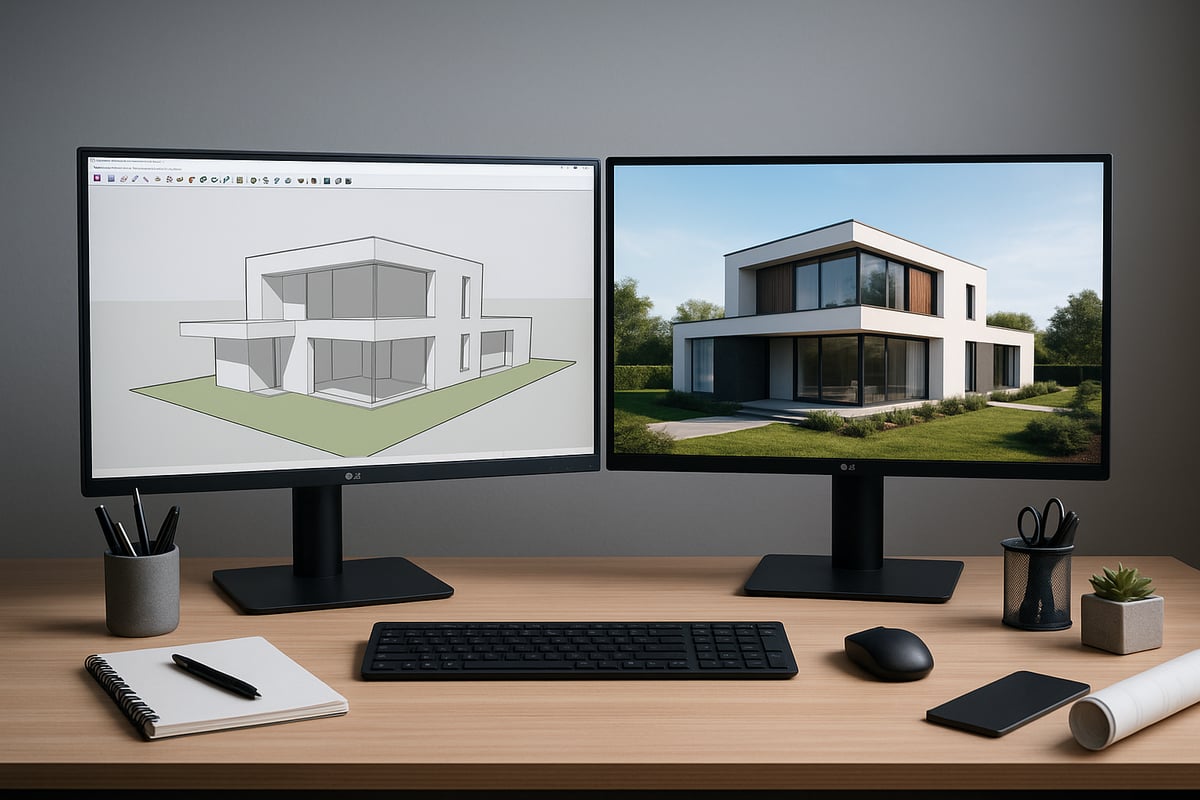
Sketch up renders refer to the process of generating visually rich images from 3D models created in SketchUp. Rendering transforms geometric shapes and surfaces into images that mimic real-world lighting, materials, and textures. SketchUp offers native rendering capabilities, but many professionals rely on third-party engines for advanced features and photorealism. The distinction lies in complexity and output quality. Rendering is crucial for architectural, interior, and product visualization, enabling designers to communicate ideas effectively. Common output formats include JPG, PNG, and TIFF, each suited to different presentation needs. For a deeper understanding of rendering fundamentals, explore What is 3D Rendering for foundational knowledge.
Key Rendering Concepts and Terminology
To master sketch up renders, it is important to grasp essential terms used in the field. Materials define the look and feel of surfaces, while textures add detail and realism. Lighting, whether natural or artificial, shapes the mood and depth of a scene. Ray tracing simulates how light interacts with objects, and global illumination calculates how light bounces throughout the environment. Resolution and aspect ratio determine image clarity and fit. Rendering workflows can be real-time, offering instant feedback, or offline, prioritizing quality over speed. For example, altering lighting setups can dramatically change the ambiance and realism of a render, showcasing the impact of these core concepts.
Types of SketchUp Render Outputs
Sketch up renders can produce a variety of output types, each serving different purposes. Static images are ideal for presentations and portfolios, while animations bring designs to life with movement and storytelling. Panoramas offer immersive 360-degree views, and VR-ready files enable interactive walkthroughs. In professional workflows, static renders are often used for initial client reviews, while animations help convey spatial relationships and design intent. For instance, choosing an animation over a static render can be more effective when presenting complex projects or guiding clients through a proposed space, ensuring greater engagement and understanding.
The Role of Rendering in Design Communication
Rendering is a powerful tool for design communication, making sketch up renders invaluable in client presentations and decision-making. High-quality renders bridge the gap between technical drawings and a client's imagination, allowing stakeholders to visualize the end result. According to an industry survey, 85 percent of architects report higher client satisfaction when using photorealistic renders. A compelling example is when a project gained approval after a client viewed a lifelike render, highlighting the persuasive impact of visual storytelling in design. This capability not only enhances understanding but also accelerates project buy-in and success.
Essential SketchUp Rendering Tools and Plugins for 2026
Selecting the right tools for sketch up renders in 2026 is vital for producing professional results. The landscape is evolving, with new capabilities built into SketchUp and a growing ecosystem of third-party plugins. Understanding your options will help you achieve the quality and efficiency demanded by today’s visualization workflows.
Native SketchUp Rendering Capabilities
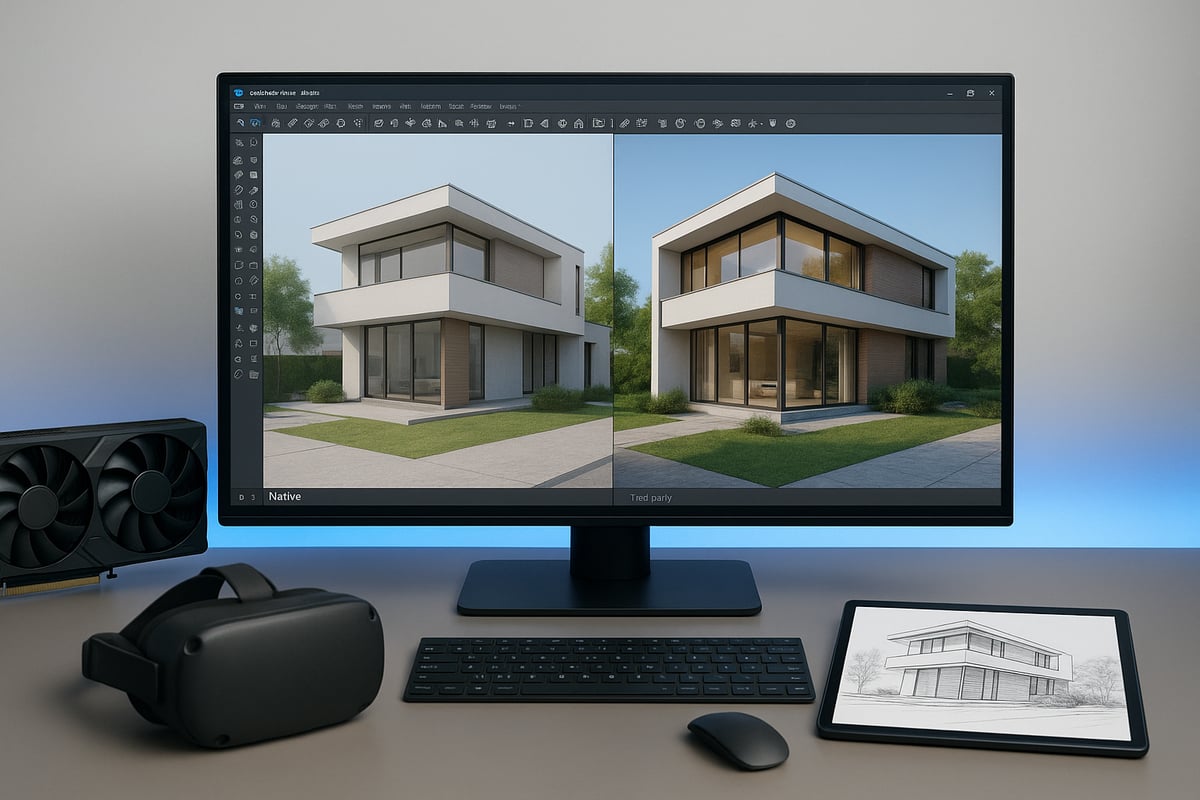
SketchUp 2026 introduces improved built-in rendering features, making it easier to create basic sketch up renders directly within the software. Users can now access updated material handling, simple lighting controls, and faster export options for static images. However, native tools remain limited for those seeking photorealistic quality.
For example, a side-by-side comparison of native output versus a third-party engine reveals the difference in realism, lighting accuracy, and material detail. Native rendering is ideal for quick drafts or conceptual presentations, but most professionals rely on advanced plugins for final deliverables.
Top Third-Party Rendering Plugins
For high-end sketch up renders, third-party plugins are essential. Leading options in 2026 include V-Ray, Enscape, Lumion, Twinmotion, and Thea Render. Each offers unique strengths: V-Ray delivers unmatched realism and a vast material library, Enscape is favored for real-time walkthroughs, while Lumion and Twinmotion excel in rapid scene building and animation.
Selecting the right plugin depends on your workflow and project needs. For a comprehensive comparison of current plugins and their features, explore the Top Rendering Plugins for SketchUp. Understanding these choices ensures your renders stand out in a competitive market.
Criteria for Choosing the Right Rendering Tool
When deciding which tool to use for sketch up renders, consider compatibility with your hardware and SketchUp version. Ease of use and the available learning resources are crucial, especially for teams with varying experience levels. Licensing, cost, and support options also play significant roles.
For instance, a small studio may opt for Enscape due to its intuitive interface and lower upfront investment, while larger firms might invest in V-Ray for its advanced controls. Evaluating these criteria leads to more efficient and satisfying rendering experiences.
Integration with Other Design Software
Modern workflows often require moving models between platforms. Sketch up renders gain flexibility when integrated with software like Revit, Rhino, or Blender. Linking SketchUp with these tools streamlines collaboration and expands rendering possibilities.
A typical example is exporting a SketchUp model to Blender for advanced animation or to Revit for BIM coordination. This interoperability reduces duplicated work and opens up new creative avenues, ultimately boosting project efficiency.
Hardware and Performance Considerations
The quality and speed of sketch up renders are directly tied to your hardware. For 2026, a dedicated GPU with at least 8GB VRAM, 32GB RAM, and a recent multi-core CPU are recommended for smooth performance. GPU rendering is generally faster for complex scenes, while CPU rendering may offer more stability for certain tasks.
Performance benchmarks show that plugins like V-Ray and Lumion benefit significantly from high-end GPUs, reducing render times and enabling real-time previews. Investing in robust hardware ensures you can handle demanding projects and deliver on tight deadlines.
Step-by-Step Guide: Creating Stunning SketchUp Renders
Mastering sketch up renders requires a methodical approach, from initial model preparation to final post-processing. This step-by-step guide breaks down each phase to help you achieve professional results with clarity and consistency.
Preparing Your SketchUp Model
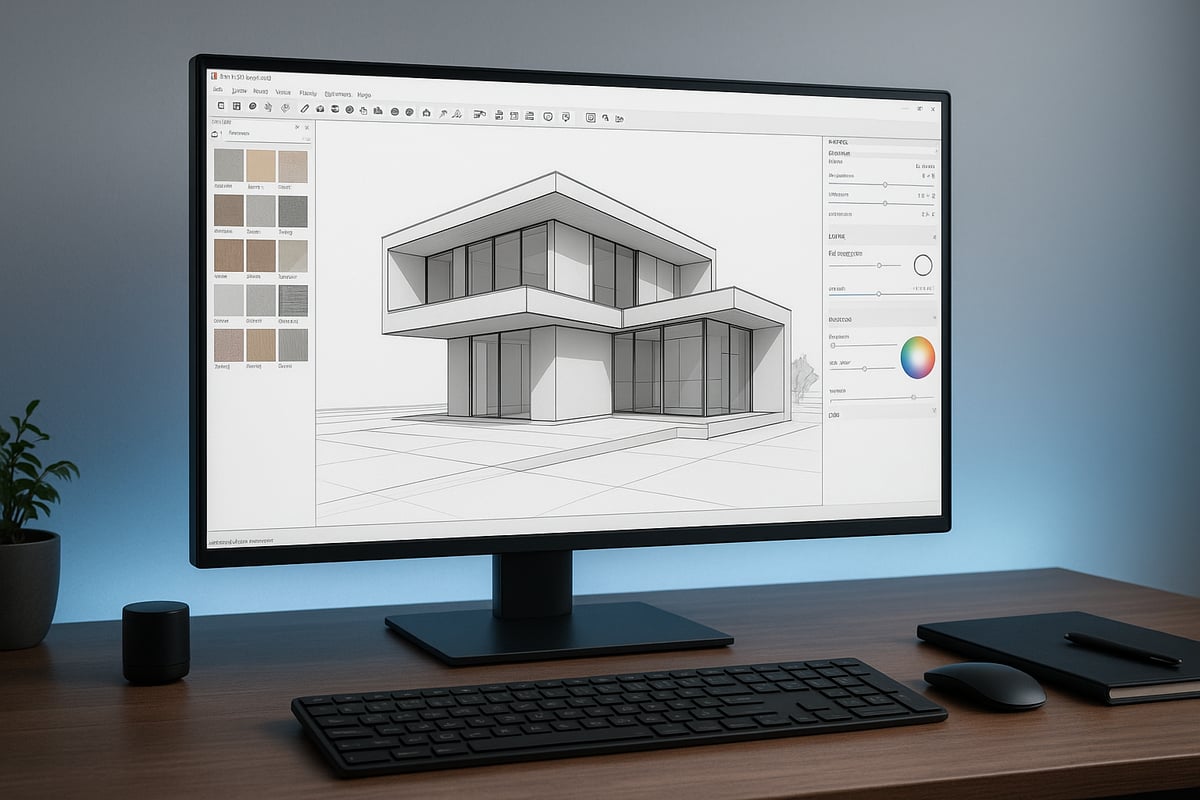
The foundation of exceptional sketch up renders is a well-prepared model. Start by cleaning up your geometry, removing redundant edges, and ensuring all faces are properly oriented. Organize your model with clear layers and groups, which streamline workflow and reduce errors.
Optimize model complexity by purging unused components and minimizing polygon counts. This not only speeds up rendering but also prevents software crashes. For example, replace intricate furniture with simplified proxies until final render stages. Keeping your model lean ensures that sketch up renders process efficiently and maintain high visual fidelity.
Applying Materials and Textures
Applying the right materials is essential for realistic sketch up renders. Source high-resolution textures from reputable libraries, or create your own for unique surface finishes. Assign materials logically, ensuring each object reflects its real-world counterpart.
Adjust properties like reflectivity, roughness, and transparency for added depth. Utilize PBR (Physically Based Rendering) materials to achieve accurate light interaction. For complex surfaces, add bump or normal maps to enhance realism. Investing time in this stage ensures your sketch up renders capture lifelike details and stand out in presentations.
Setting Up Lighting for Realism
Lighting transforms basic models into compelling sketch up renders. Begin by choosing between natural sunlight and artificial lighting, or combine both for balanced scenes. Use HDRI environments for immersive, context-rich illumination.
Balance intensity and color temperature to avoid flat or overly harsh results. Test different lighting setups—day, dusk, or night—to find the best mood for your project. Effective lighting not only highlights architectural features but also sets the emotional tone of your sketch up renders, making them more persuasive for clients.
Camera Angles and Composition
Strategic camera placement elevates sketch up renders from technical visuals to artistic statements. Frame your shots using the rule of thirds, guiding the viewer’s eye to focal points. Adjust focal length and perspective to avoid distortion, especially in interior scenes.
Experiment with eye-level, bird’s-eye, or dramatic low-angle views to showcase different aspects of your design. Consistent composition across all sketch up renders ensures a cohesive narrative and enhances your portfolio’s professional appeal.
Rendering Settings and Optimization
Fine-tuning rendering settings is crucial for efficient, high-quality sketch up renders. Choose the optimal resolution and aspect ratio based on your output needs—higher for print, lower for web. Adjust sampling rates and enable denoising to balance speed and clarity.
Compare native SketchUp settings with third-party plugins for best results. For the latest features and performance tips, consult the SketchUp 2026 Release Notes. Use test renders to find the ideal compromise between render time and image quality, ensuring that your sketch up renders meet both client expectations and project deadlines.
| Setting | Fast Preview | Final Render |
|---|---|---|
| Resolution | 1280×720 | 3840×2160 |
| Sampling | Low | High |
| Denoising | Off | On |
Post-Processing Techniques
Polishing your sketch up renders in post-processing software like Photoshop or Lightroom can elevate them to a professional standard. Adjust brightness, contrast, and color balance for visual impact. Sharpen details and correct minor imperfections.
Add entourage—people, plants, or vehicles—to convey scale and context. Subtle effects like lens blur or vignetting can further enhance realism. A well-executed post-processing workflow ensures that your sketch up renders leave a lasting impression in competitions or client pitches.
Troubleshooting Common Rendering Issues
Even experts encounter challenges with sketch up renders. Common issues include noise, artifacts, or material glitches. To resolve these, increase sampling, adjust lighting, or refine material settings.
Check for incorrect face orientation or overlapping geometry, which often cause shadow or light leaks. If you spot persistent noise, try denoising filters or tweak your render engine’s settings. A systematic troubleshooting approach helps you deliver flawless sketch up renders, every time.
Advanced Rendering Techniques and Expert Insights
Mastering advanced techniques is essential for professionals aiming to produce standout sketch up renders in 2026. This section explores the latest strategies and expert advice to elevate your workflow and deliver exceptional results.
Photorealism: Achieving Lifelike Results
Photorealism remains the gold standard for sketch up renders, setting apart professional work from basic visualizations. Achieving this level of realism requires a harmonious blend of accurate materials, refined lighting, and contextual details.
To create photorealistic results, focus on high-quality textures, calibrated reflections, and subtle imperfections. Use real-world lighting data and environmental context for depth.
For example, compare a basic render with flat materials to a photorealistic version featuring nuanced shadows, realistic glass, and landscape elements. The difference in client impact is immediate and substantial.
Animation and Walkthroughs
Animation capabilities in sketch up renders allow designers to immerse clients in their projects through dynamic storytelling. Animated flythroughs, camera paths, and sequenced scenes can illustrate design intent far better than static images.
For client presentations and marketing, walkthroughs provide spatial understanding and emotional engagement. Tools like Enscape and Lumion streamline the process, making animation accessible even for smaller studios.
To learn more about creating compelling walkthroughs, check out 3D Walkthrough Video Creation, which offers actionable steps for producing professional animations directly from your SketchUp models.
Virtual Reality and Immersive Experiences
Virtual reality is transforming how sketch up renders are experienced by clients and stakeholders. Exporting scenes to VR platforms bridges the gap between digital design and real-world perception.
For immersive walkthroughs, ensure your models are optimized for performance and realism. Use VR-ready plugins and compatible hardware to deliver smooth, interactive experiences.
A practical example is presenting an office design in VR, allowing clients to walk through the space, assess finishes, and provide instant feedback. This approach enhances decision-making and project buy-in.
Custom Material and Lighting Libraries
Efficiency in sketch up renders relies on having curated libraries of materials and lighting setups. Building custom asset libraries streamlines your workflow and ensures consistency across projects.
Organize your libraries by material type, finish, and lighting scenario. Regularly update assets to reflect current design trends and client preferences.
For instance, a boutique hotel project benefits from a tailored material library featuring region-specific finishes, custom fabrics, and unique lighting presets, resulting in faster, more cohesive renders.
Leveraging AI and Automation in Rendering
AI-driven tools are revolutionizing sketch up renders by automating repetitive tasks and enhancing quality. Features like AI denoising, smart material assignment, and scene optimization reduce manual effort and speed up the rendering process.
Modern plugins utilize machine learning to suggest best-fit assets or optimize lighting based on project context. This technology allows designers to focus on creativity rather than technical troubleshooting.
A real-world example is using AI to assign materials to large models, cutting hours off production time while maintaining high visual standards.
Expert Tips from Industry Leaders
Industry leaders emphasize key practices for producing remarkable sketch up renders. Their insights can be summarized as follows:
| Tip | Expert Advice |
|---|---|
| Render at higher resolution | "Always render at higher resolution and downscale for crispness." |
| Prioritize lighting setup | "Invest time in perfecting your light sources first." |
| Organize and label assets | "Consistent naming speeds up the workflow." |
| Use reference imagery | "Compare your work to real photos for accuracy." |
| Iterate and refine | "Multiple passes yield better results." |
Applying these expert tips helps ensure every sketch up renders project achieves professional, photorealistic outcomes.
Workflow Optimization and Collaboration in 2026
Efficient workflows and seamless collaboration are essential for professionals working with sketch up renders in 2026. As projects grow in complexity, teams are adopting new tools and strategies to deliver high-quality visualizations on tight schedules. This section explores how to streamline rendering processes, enhance teamwork, manage revisions, and protect intellectual property in the evolving digital landscape.
Streamlining the Rendering Process
The demand for fast, efficient sketch up renders has led firms to embrace batch rendering, render farms, and cloud-based solutions. By automating repetitive tasks and leveraging distributed computing, teams can process multiple views or scenes simultaneously, dramatically reducing turnaround times.
Cloud rendering platforms, in particular, allow users to offload intensive calculations to powerful remote servers. This approach not only accelerates delivery but also enables real-time collaboration and access from anywhere. Many studios now rely on cloud workflows to meet tight deadlines and scale resources dynamically. For more insights into how these technologies are shaping the industry, see the Future of 3D Rendering.
Collaborative Tools and Real-Time Feedback
Collaboration is at the core of successful sketch up renders projects. Integrating SketchUp with platforms like Trimble Connect or BIM 360 enables teams to share models, comment, and review changes in real time. These cloud-based tools support version tracking, instant notifications, and synchronized updates, ensuring everyone stays aligned.
Remote teams benefit from live model reviews, where stakeholders can explore designs together, mark up issues, and approve changes on the spot. This accelerates decision-making and minimizes miscommunication, leading to smoother project delivery.
Managing Revisions and Client Feedback
Managing revisions efficiently is crucial for delivering precise sketch up renders. Version control systems help track changes and maintain a clear project history. Markup tools enable clients to highlight specific areas for adjustment directly within the render or model, streamlining the feedback loop.
A structured feedback process, with clear communication channels, ensures that client requests are implemented accurately and without delay. By using collaborative platforms, teams can quickly turn around modifications and present updated visuals, keeping projects on track and clients satisfied.
Security and Intellectual Property Considerations
With the growing reliance on digital workflows for sketch up renders, security and IP protection have become top concerns. Firms safeguard their proprietary assets through encryption, secure cloud storage, and controlled access permissions. Recent industry reports show that 60 percent of companies list intellectual property protection as a primary issue.
Common strategies include watermarking renders before delivery, restricting download permissions, and regularly auditing access logs. These measures help prevent unauthorized use and ensure that valuable design work remains protected throughout the project lifecycle.
Future Trends in SketchUp Rendering for 2026 and Beyond
The landscape of sketch up renders is evolving rapidly, with new technologies and workflows shaping how architects and designers visualize their ideas. As we look ahead to 2026, several key trends are set to redefine the industry. From real-time rendering to sustainable visualization, staying informed will help you leverage the full power of sketch up renders for your projects.
Real-Time Rendering and Cloud Integration
Real-time rendering is becoming a standard expectation for sketch up renders, enabling users to see instant changes as they adjust materials, lighting, or camera angles. Cloud integration is another game-changer, allowing teams to collaborate seamlessly and access powerful rendering hardware from anywhere. According to the Architectural Visualization Software Market Report, the adoption of cloud-based rendering solutions has grown significantly, with firms increasingly using live client presentations powered by real-time cloud rendering. This shift reduces hardware barriers and speeds up decision-making.
For professionals, these advancements mean greater flexibility and the ability to deliver impressive results, even on tight deadlines. As a result, real-time workflows are quickly becoming essential for those who want to stay competitive with sketch up renders.
AI-Driven Rendering Enhancements
Artificial intelligence is revolutionizing sketch up renders by making complex processes faster and smarter. Predictive rendering tools now analyze scene data to suggest optimal lighting setups or automatically assign materials. This not only improves efficiency but also helps achieve more consistent results across projects.
New research, such as the work on GaussianFluent: Advanced Rendering Techniques, is pushing the boundaries of what’s possible, with AI offering smarter asset suggestions and scene optimizations. In 2026, expect AI-powered plugins to become standard, making sketch up renders more accessible and highly customizable.
Automated denoising and upscaling are also reducing post-processing times, enabling artists to focus on creative decisions rather than technical fixes. These enhancements ensure that sketch up renders continue to impress clients and stakeholders with minimal effort.
Sustainability and Eco-Friendly Visualization
Sustainability is taking center stage in the world of sketch up renders, as studios and freelancers prioritize eco-friendly workflows. Energy-efficient rendering solutions are becoming more common, with optimized hardware and software reducing power consumption during long rendering sessions.
Many teams are now choosing green computing options for their rendering farms, helping to lower their overall carbon footprint. For instance, cloud providers often use renewable energy sources to power their data centers, making it easier to align rendering activities with broader sustainability goals.
By adopting these practices, professionals can create stunning sketch up renders while supporting environmental responsibility. Expect eco-friendly visualization to become a standard expectation in 2026 and beyond.
Expanding Role of VR and AR
Virtual reality and augmented reality are expanding the possibilities of sketch up renders, offering immersive ways to experience and present designs. Clients can now walk through virtual spaces or view AR overlays directly on construction sites, making it easier to understand spatial relationships and design intent.
The demand for these immersive experiences is rapidly increasing, especially for large-scale developments and marketing presentations. VR and AR empower clients and stakeholders to make more informed decisions, reducing misunderstandings and revision cycles.
As technology becomes more accessible, integrating VR and AR into sketch up renders will be crucial for staying ahead of client expectations. This trend highlights the growing importance of interactive and experiential visualization in the design process.
Choosing Professional Rendering Services: When to Hire Experts
Selecting the right partner for sketch up renders can elevate your project quality while saving time and resources. Outsourcing offers access to cutting-edge technology and specialized expertise that may not be available in-house. For many firms, this approach ensures faster turnaround, particularly for complex or high-volume projects.
Consider the following benefits of outsourcing:
- Immediate access to advanced rendering tools and talent
- Reduced project timelines compared to internal teams
- Consistent, high-quality output for demanding clients
For more on the transformative impact of professional visualization, see How 3D Rendering Transforms Architecture. Deciding when to outsource often hinges on tight deadlines, limited internal capacity, or the need for photorealistic quality.
Advantages of Outsourcing Rendering Projects
When considering sketch up renders, outsourcing can be a strategic advantage. Compare the typical timelines:
| Project Type | In-House Average | Outsourced Average |
|---|---|---|
| Residential Exterior | 10 days | 5 days |
| Interior Visualization | 7 days | 3 days |
| Animation | 20 days | 12 days |
By leveraging external expertise, firms gain scalability for large projects without overburdening internal resources. Outsourcing also minimizes the learning curve associated with new rendering plugins or workflows. This efficiency lets design teams focus on core creative tasks while specialists handle visualization.
What to Look for in a Rendering Service Provider
Choosing a provider for sketch up renders requires a careful evaluation of several factors:
- Portfolio showcasing photorealistic quality and diverse styles
- Transparent communication and clear revision policies
- Technology stack compatibility with your workflow
- Proven track record with similar project types
It is wise to request a sample render or review client testimonials. Ensure providers offer support throughout the project, and confirm they use licensed software. A strong partner will streamline approvals and enhance your client presentations.
Rendimension: Premier 3D Rendering Solutions
Rendimension delivers top-tier sketch up renders for architects, developers, and marketing agencies. Their services encompass 3D design, architectural visualization, and immersive VR experiences. What sets Rendimension apart is their commitment to photorealistic quality, global project experience, and a truly collaborative workflow.
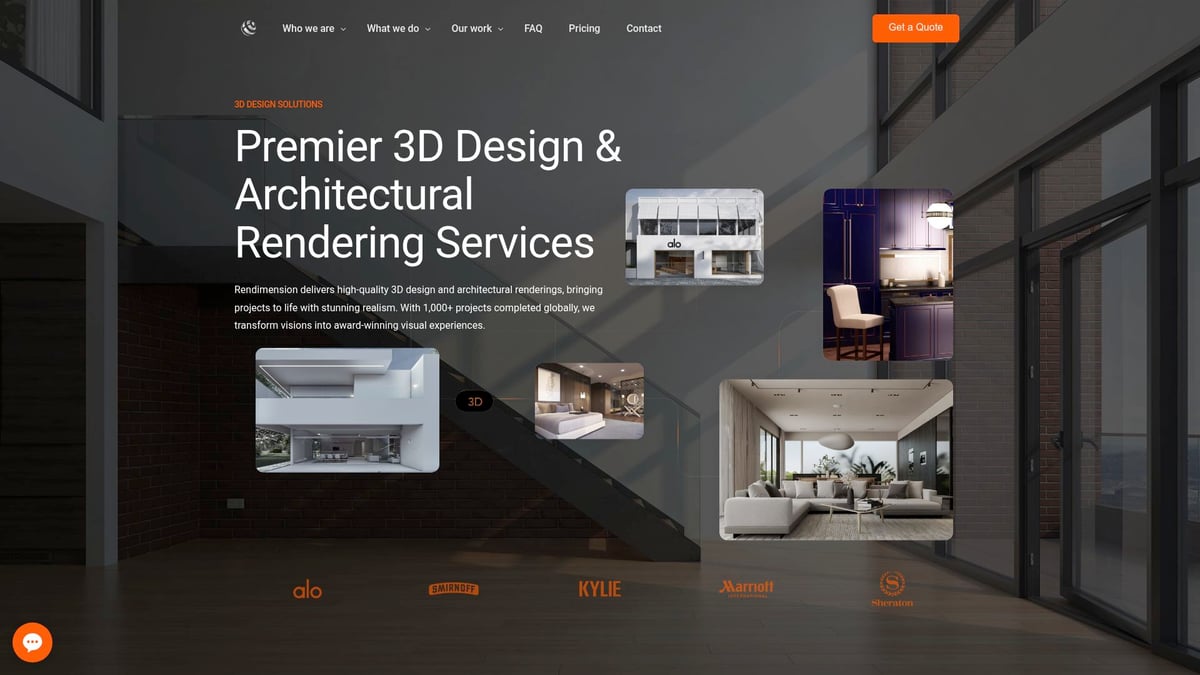
Clients benefit from unlimited revisions, ensuring every visual meets specific requirements. The team’s expertise in producing award-winning visualizations makes them a trusted choice for high-stakes presentations and marketing campaigns. For those seeking standout results, Rendimension offers a seamless process from concept to final render.
